How soy_aria_cruz Made This Nano Banana Hair Color Grid AI and How to Recreate It
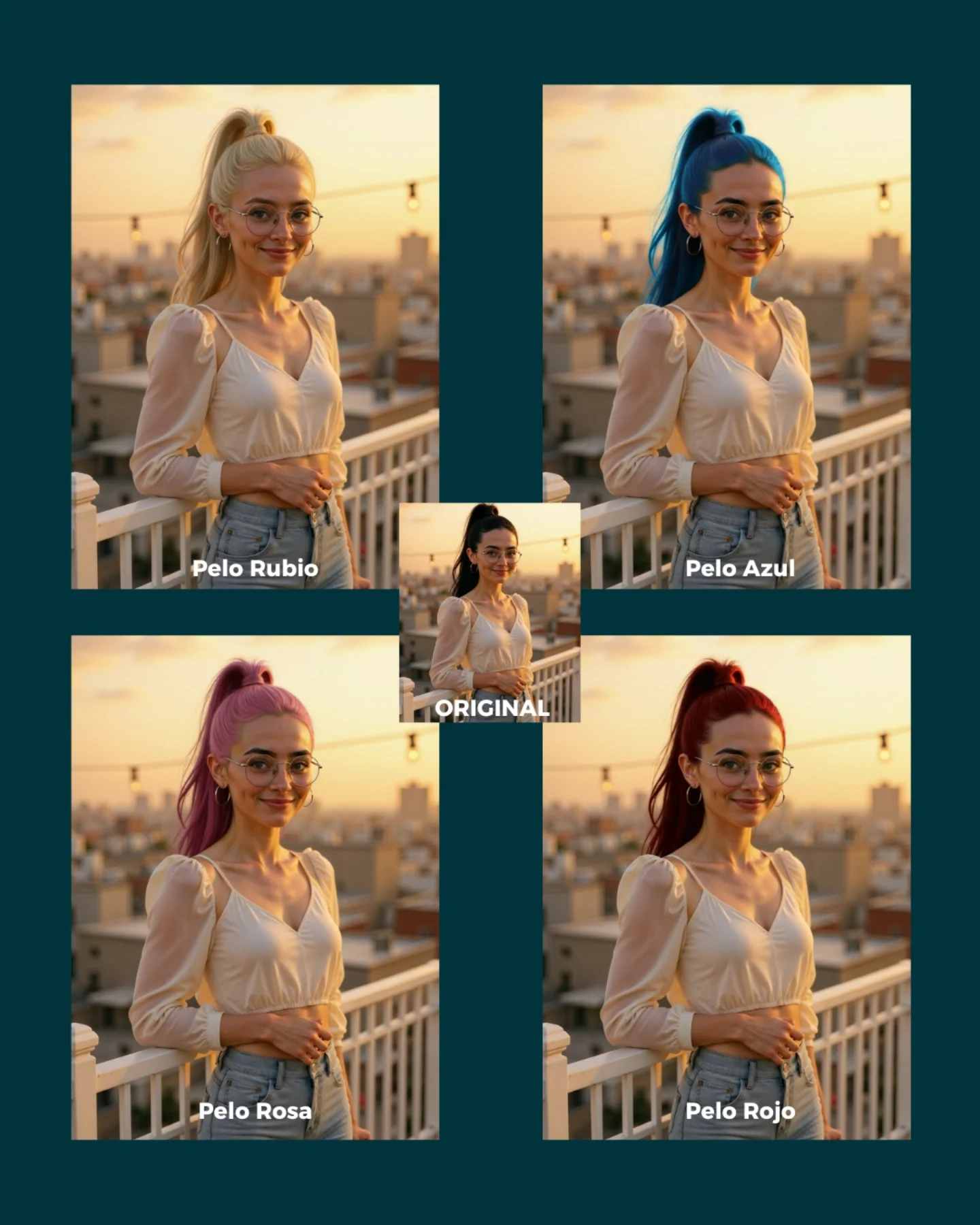
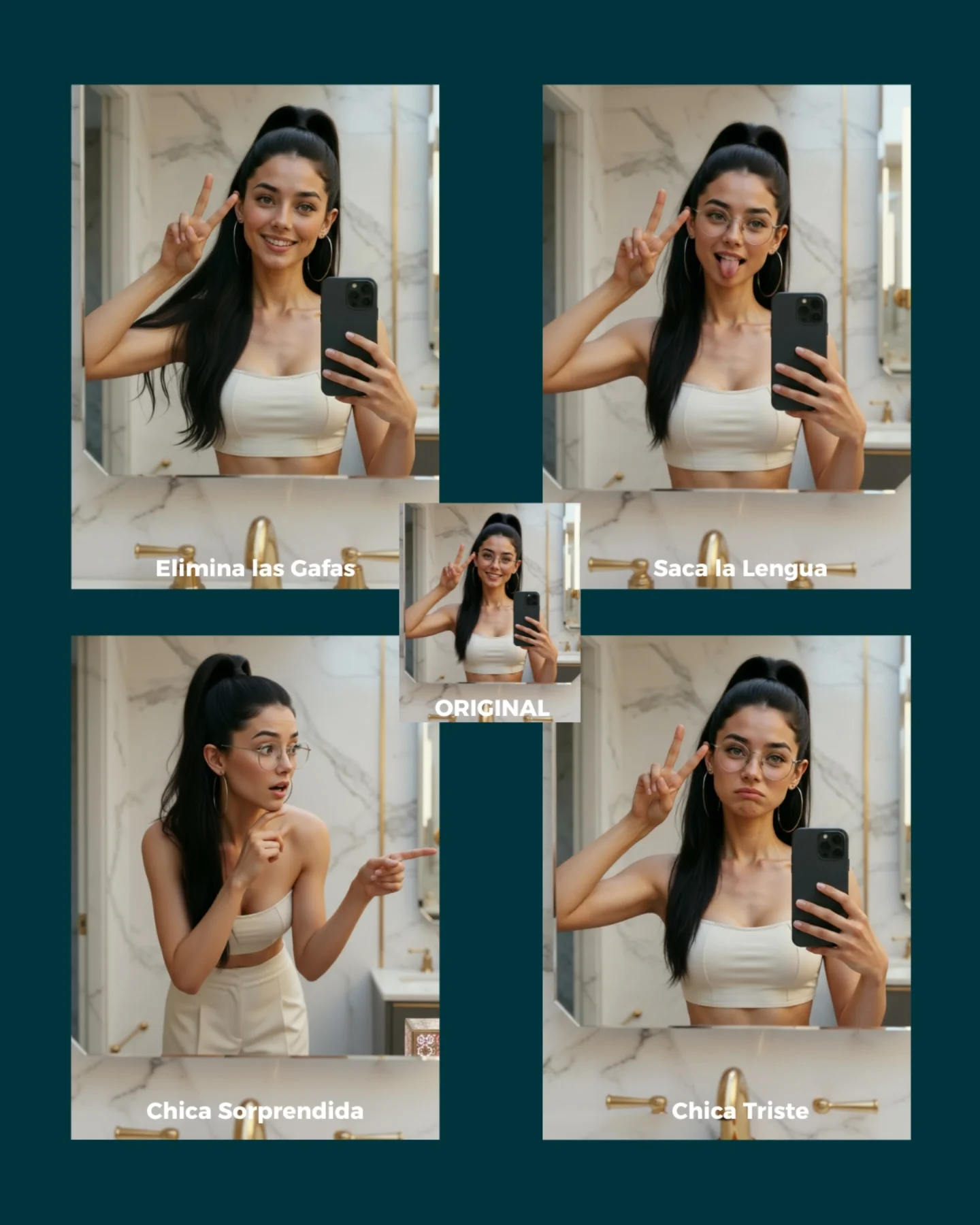
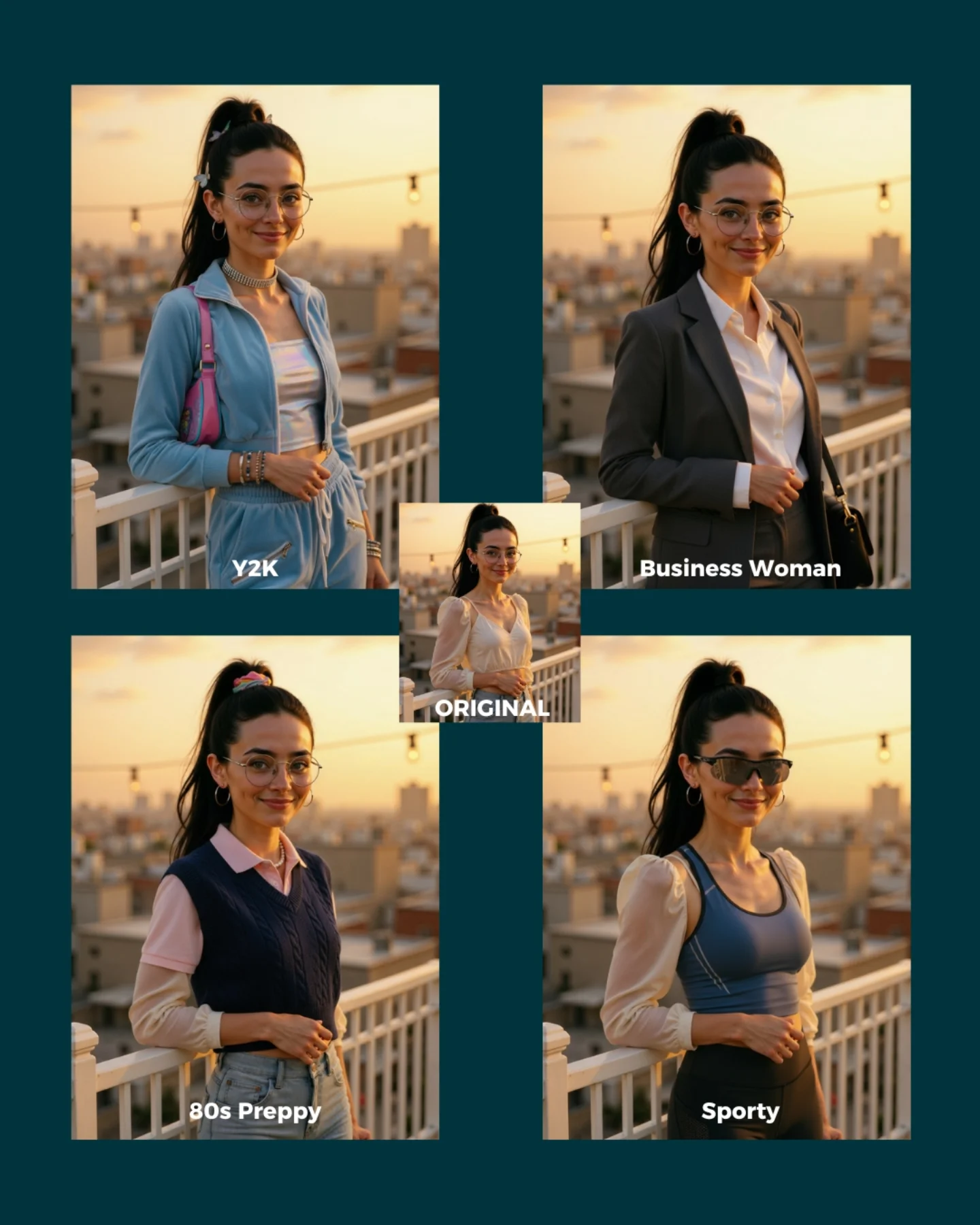
This image works because it gives the audience a controlled experiment, not just an output. Instead of posting one attractive portrait and asking people to trust the tool, the creator shows four clear hair-color remixes plus the original reference in the middle. That layout immediately answers the biggest question small creators have about image editing tools: can I change one detail without losing the person, the pose, and the overall vibe?
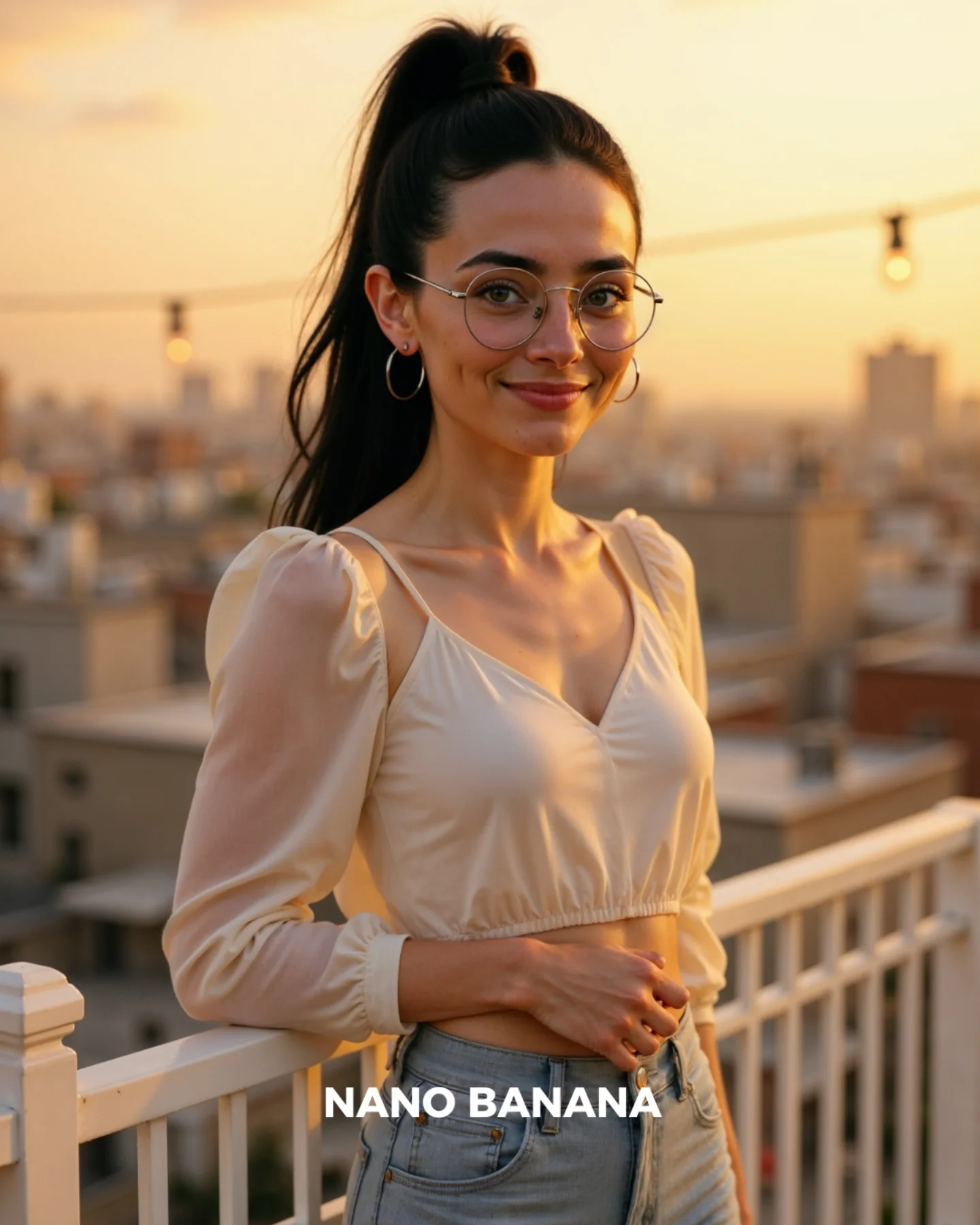
The answer here is visual and instant. The rooftop background, the white railing, the cream blouse, the jeans, the glasses, and the body position all stay nearly fixed while the hair color changes from blonde to blue, pink, and red. That makes the post feel useful rather than flashy. It teaches people what kind of edit the tool is good at, and it does so in a format that is easy to save, share, and imitate.
Signal Table
| Signal | Evidence (from this image) | Mechanism | Replication Action |
|---|
| Controlled comparison | Four variants plus one small original card in the center | The audience can evaluate consistency by scanning differences instead of guessing from one output | Use side-by-side or grid layouts whenever your claim is about preserving identity |
| Single-variable edit | Hair color changes while pose, wardrobe, and setting remain stable | One-variable demos make the product promise more credible and easier to understand | Write prompts that lock face, pose, outfit, and background before changing only one attribute |
| Readable labels | Each panel is tagged with a simple Spanish hair-color label | Labels reduce friction and help the viewer compare versions quickly on mobile | Add short visible labels to every variation panel instead of explaining everything in the caption |
| Warm aspirational setting | Golden-hour rooftop portrait with city blur and clean styling | A familiar influencer aesthetic makes the tutorial feel desirable, not technical | Demo edits inside socially native scenes people already want to post |
Where this format fits best
This kind of image is ideal for AI edit tutorials, app demos, creator education carousels, and lead magnets built around “comment for the prompt” mechanics. It also transfers well to beauty testing, wardrobe swaps, eyewear changes, and makeup variations because those categories all benefit from same-subject consistency. It is not ideal for narrative storytelling, complex compositing, or product photography where the scene itself should change dramatically.
Three transfer recipes are especially strong here. Keep the fixed portrait, rooftop light, and comparison layout; change only the wardrobe for a style-swap tutorial: {same portrait setup} {new outfit} {same background} {comparison grid}. Keep the identity anchors, composition, and labels; change only makeup intensity for a beauty post: {same woman} {makeup variation} {same pose} {readable label}. Keep the same environment and framing; change accessories like glasses, earrings, or bags for a shopping concept: {same scene} {accessory swap} {same wardrobe base} {consistency showcase}.
Aesthetic read: what makes the collage feel clean
The design succeeds because the collage is visually simple even though it contains five images. The dark teal outer background creates a strong stage for the warm rooftop portraits. The cream blouse and pale jeans keep the body silhouette consistent, which makes the hair-color shifts more noticeable. The golden-hour light is another smart choice. It warms the skin and keeps all versions flattering, so even unusual edits like blue or pink hair still feel attractive rather than synthetic.
The center “ORIGINAL” card is small but strategically important. It reframes the whole post from “look at these portraits” to “look at what the model changed and what it preserved.” That tiny layout decision turns an aesthetic image into an educational asset.
Prompt technique breakdown
| Prompt chunk | What it controls | Swap ideas (EN, 2-3 options) |
|---|
| same woman across all panels | Identity consistency and facial stability | same exact face across variants; preserve original facial structure; identical subject across edits |
| golden-hour rooftop portrait with white railing | Scene mood and background continuity | sunset balcony portrait; rooftop skyline at dusk; terrace portrait with city bokeh |
| cream blouse, jeans, glasses, high ponytail | Anchor styling that should not drift | white satin top and jeans; blazer and glasses; knit top with hoop earrings |
| change only hair color | Main edit variable and tutorial clarity | change only lipstick color; change only jacket color; change only background sign color |
| comparison collage with labeled panels and original center card | Educational layout and mobile readability | 2x2 grid with captions; before-after triptych; carousel slide with numbered variants |
Execution playbook for creators
Start by locking three things first: facial identity, camera framing, and background continuity. Then follow a one-change rule. Run one should produce the original clean portrait with all anchor traits intact. Run two changes only the hair color to blonde. Run three keeps the exact same prompt and swaps the hair color to blue. Run four tests a more aggressive color like pink or red while checking whether the skin tone, glasses, and blouse stay untouched.
If a generation starts drifting, do not add more style words first. Add corrective constraints around the fixed elements: same woman, same rooftop, same blouse, same pose, same glasses. That is the deeper lesson behind this post. Strong comparison content is not built by generating many random versions. It is built by controlling what must stay stable so the one thing you change becomes obvious and useful.