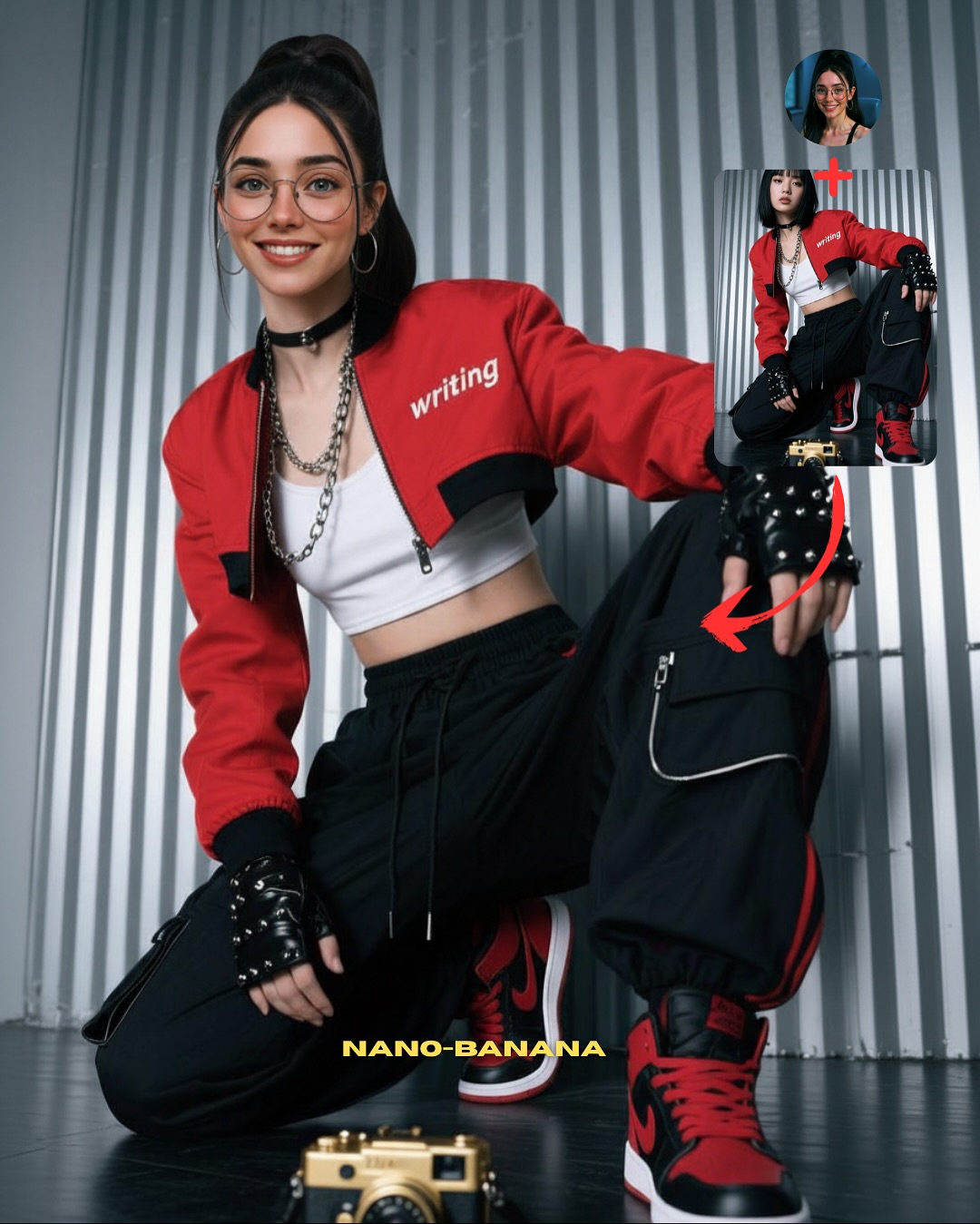
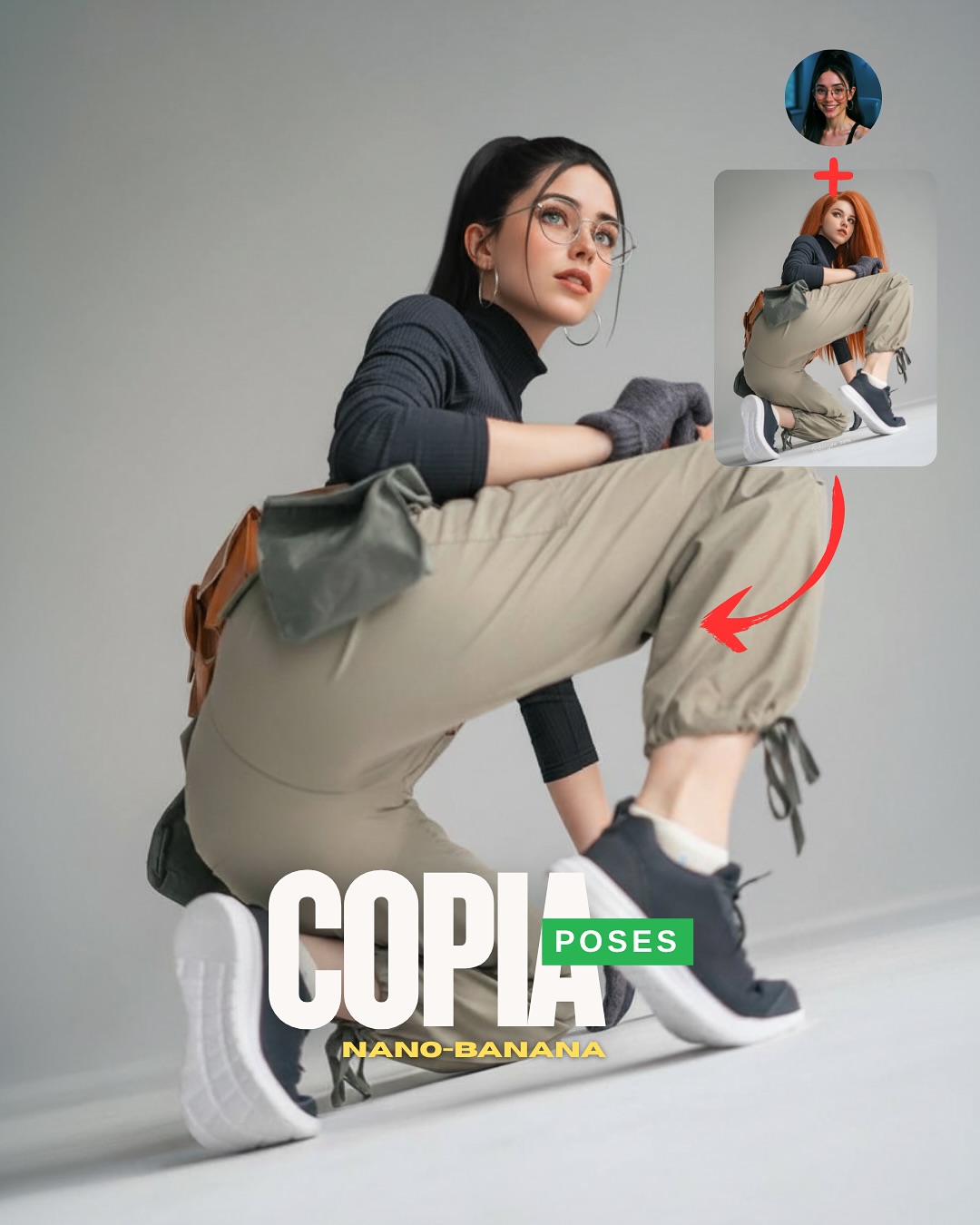
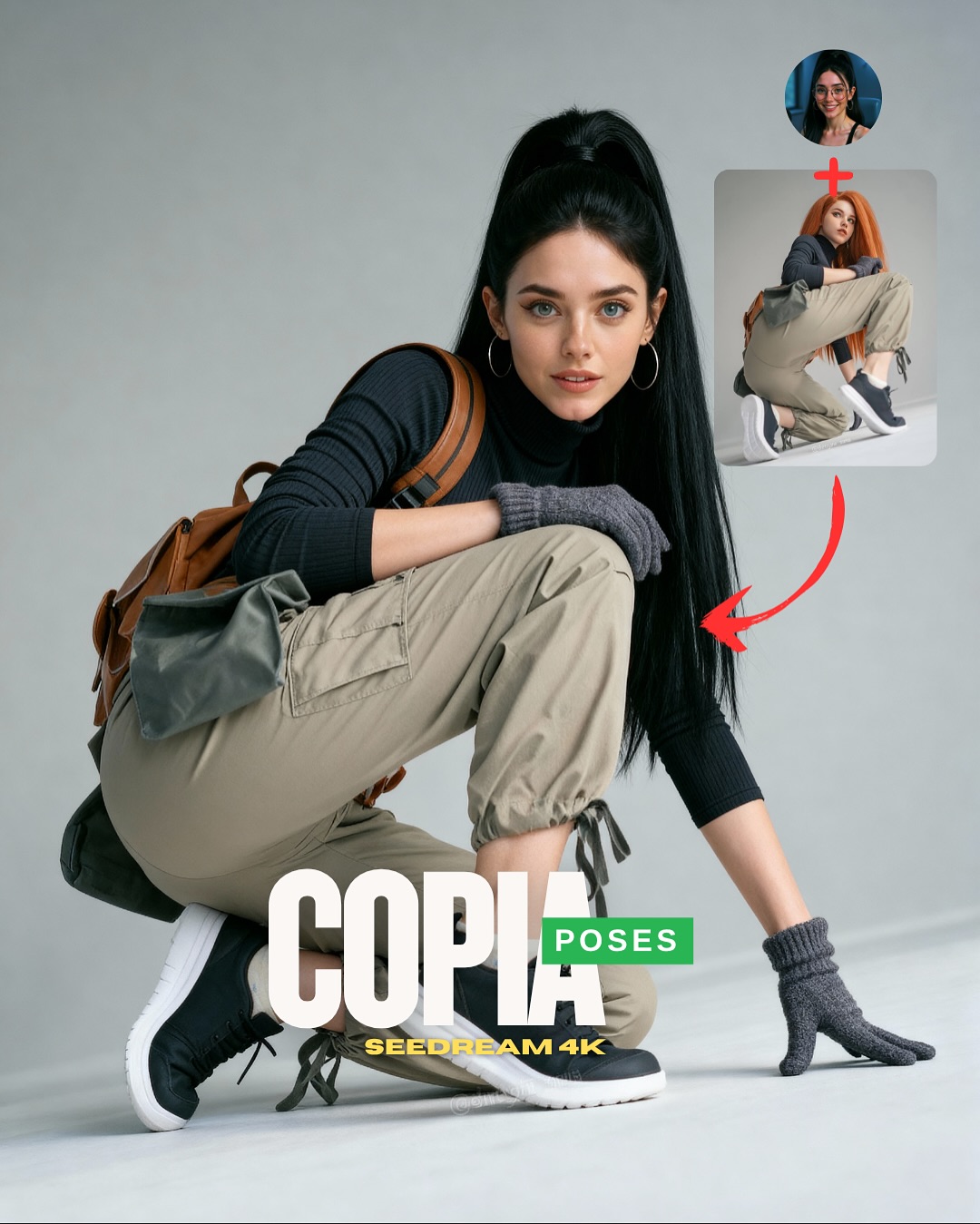
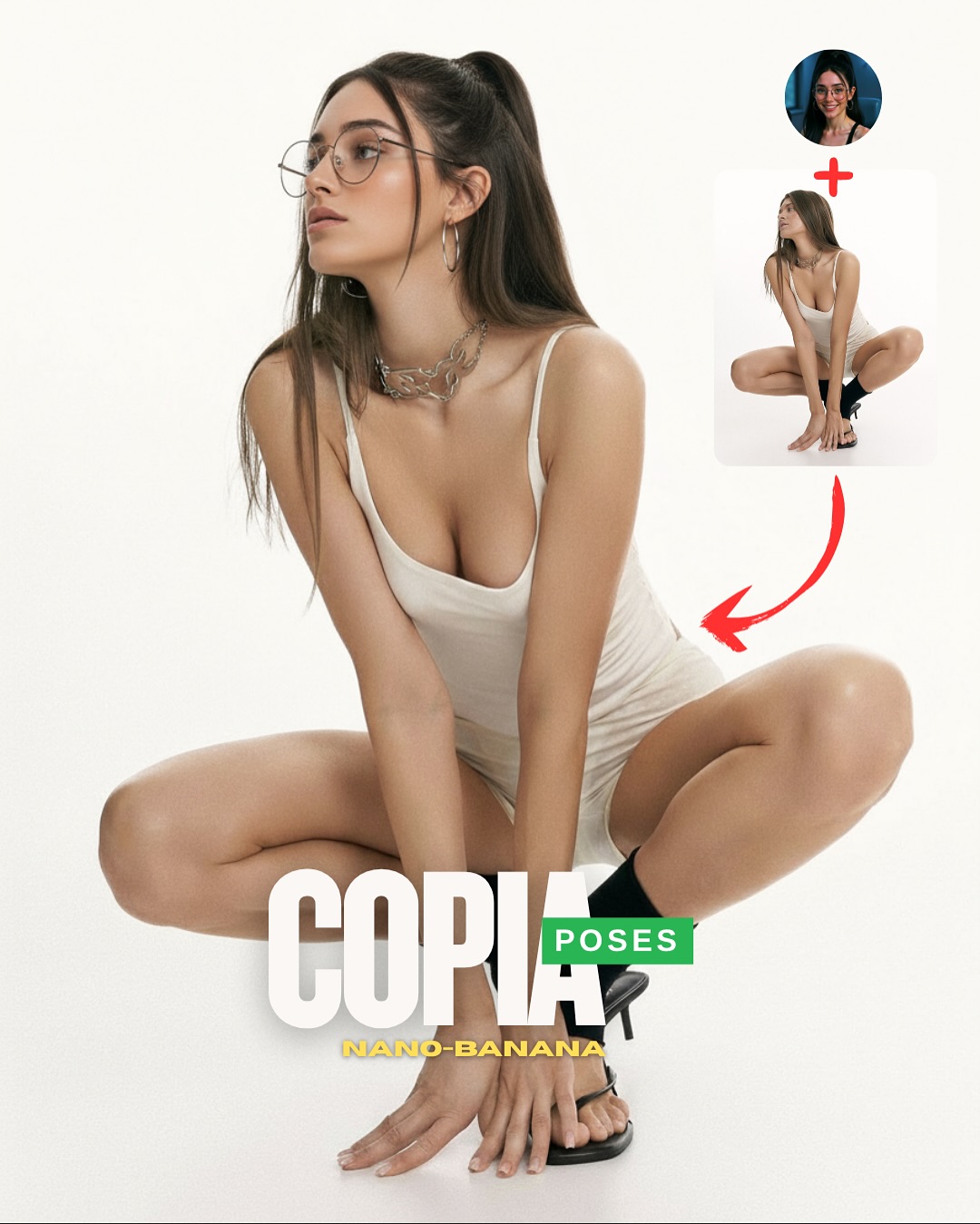
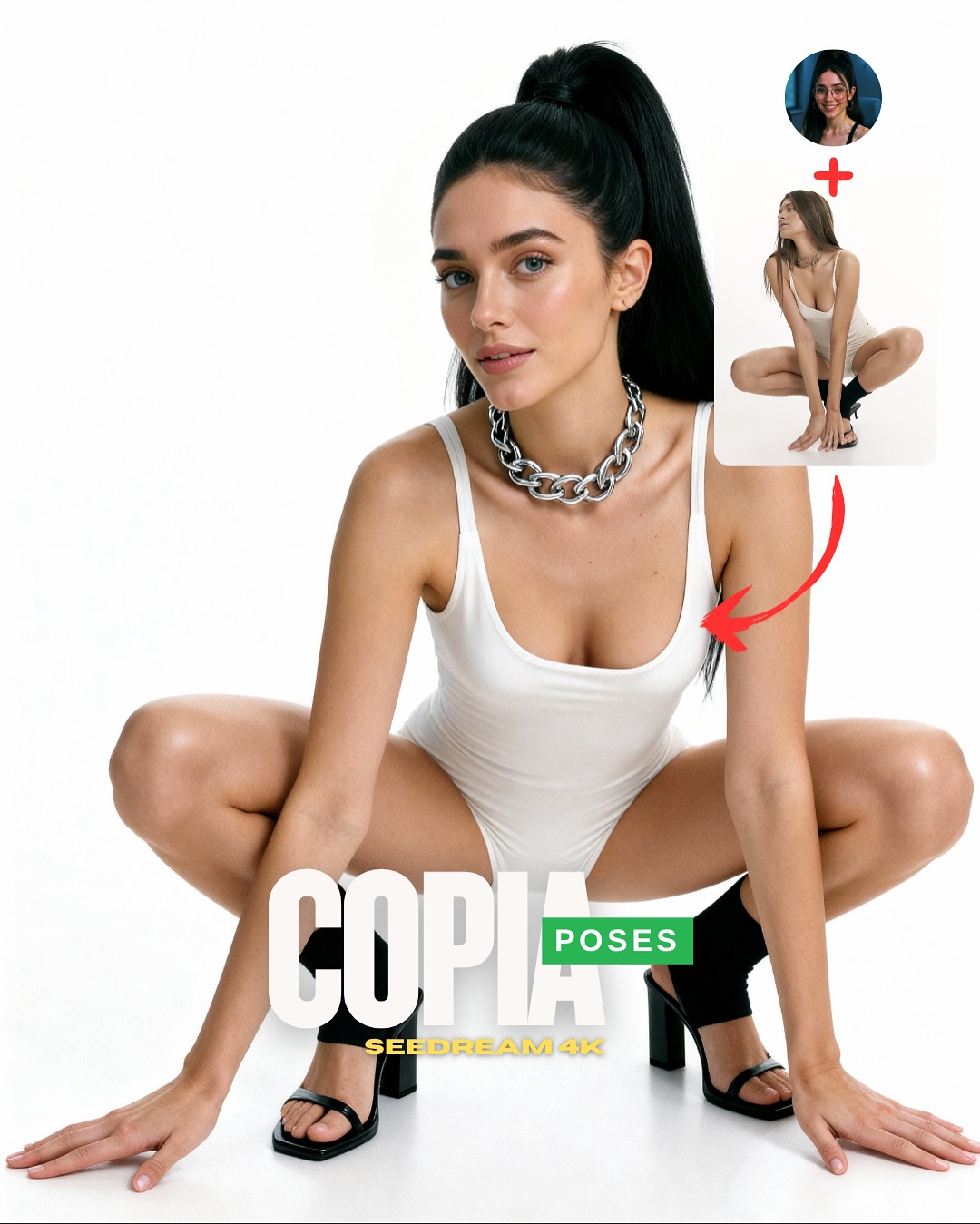
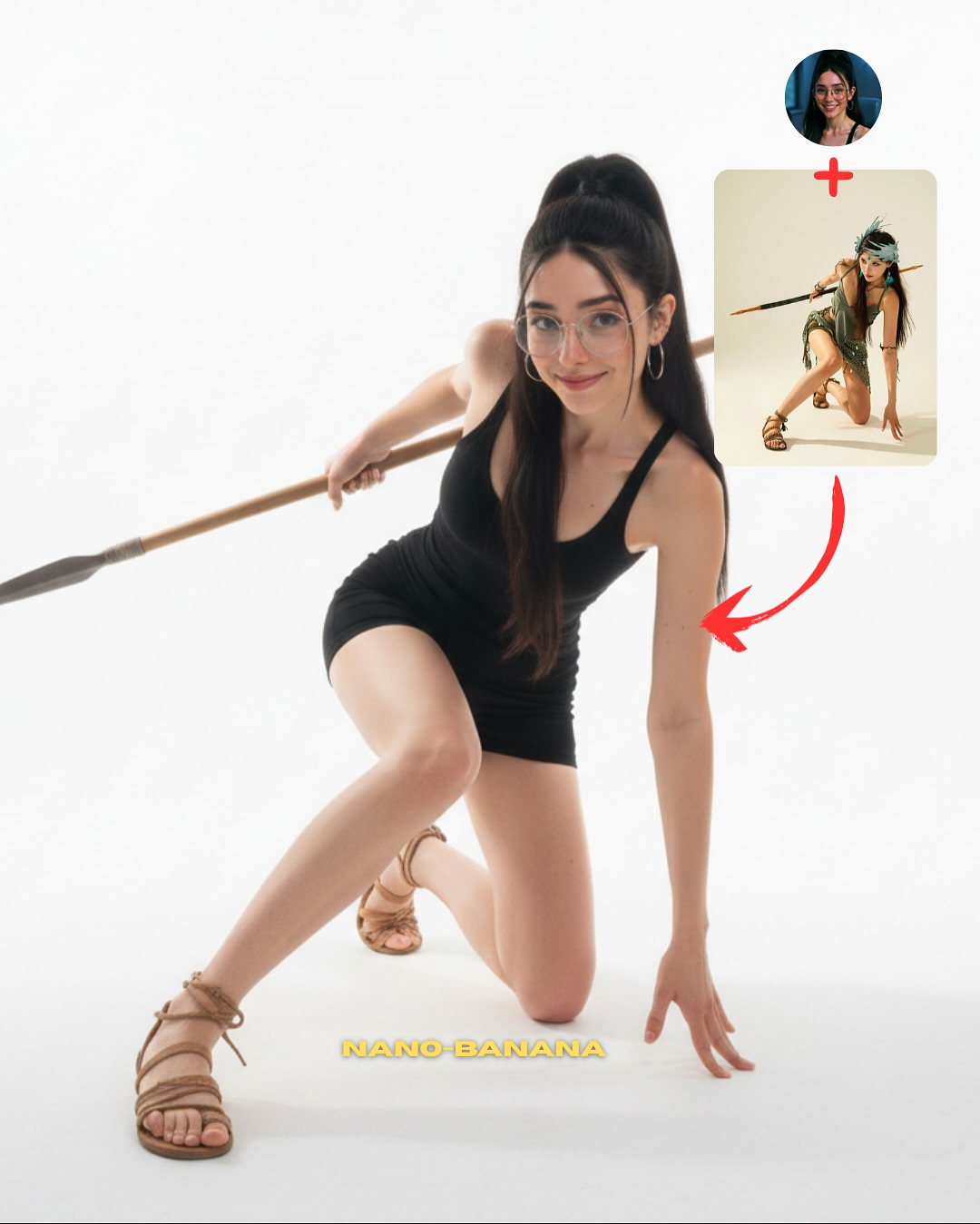
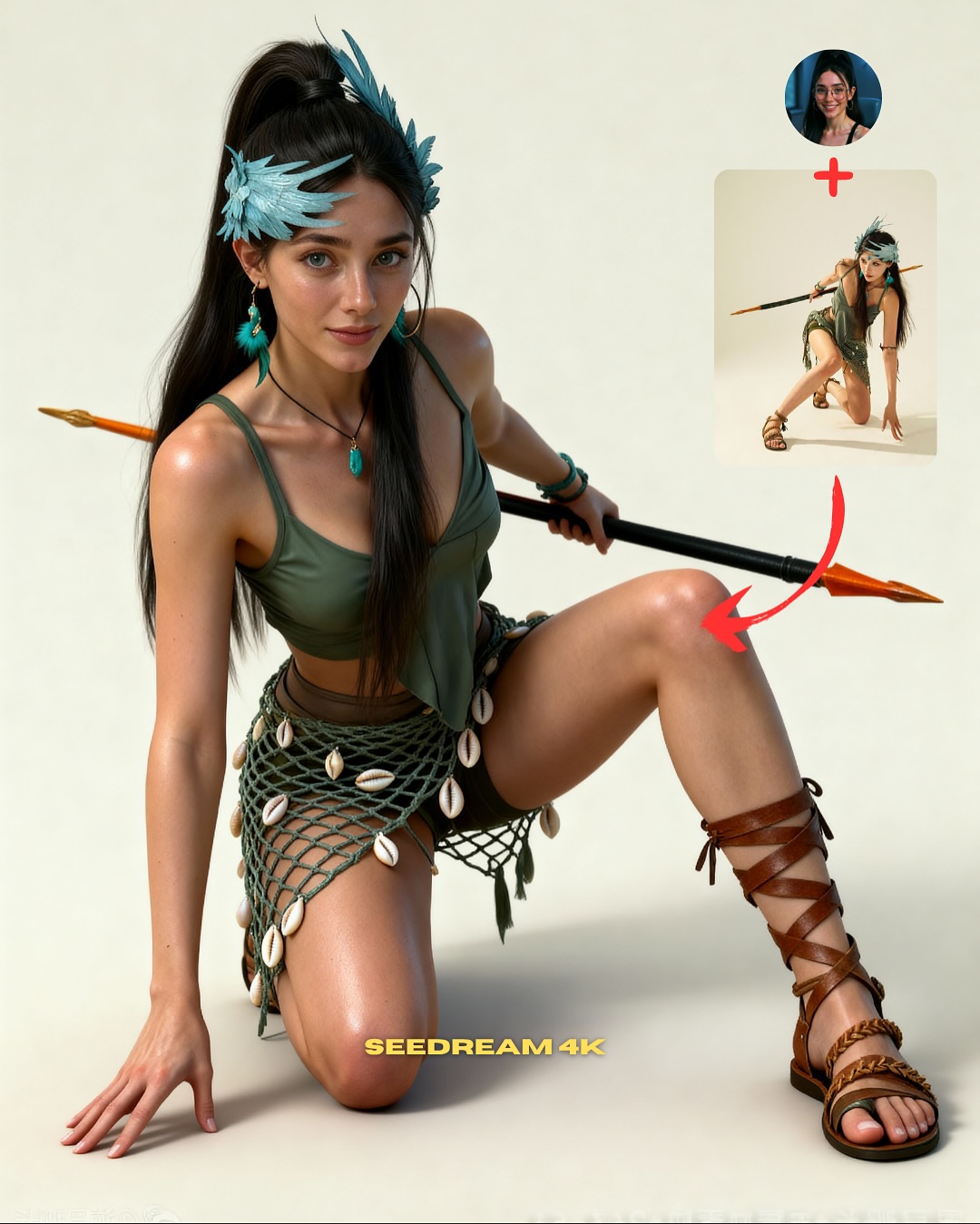
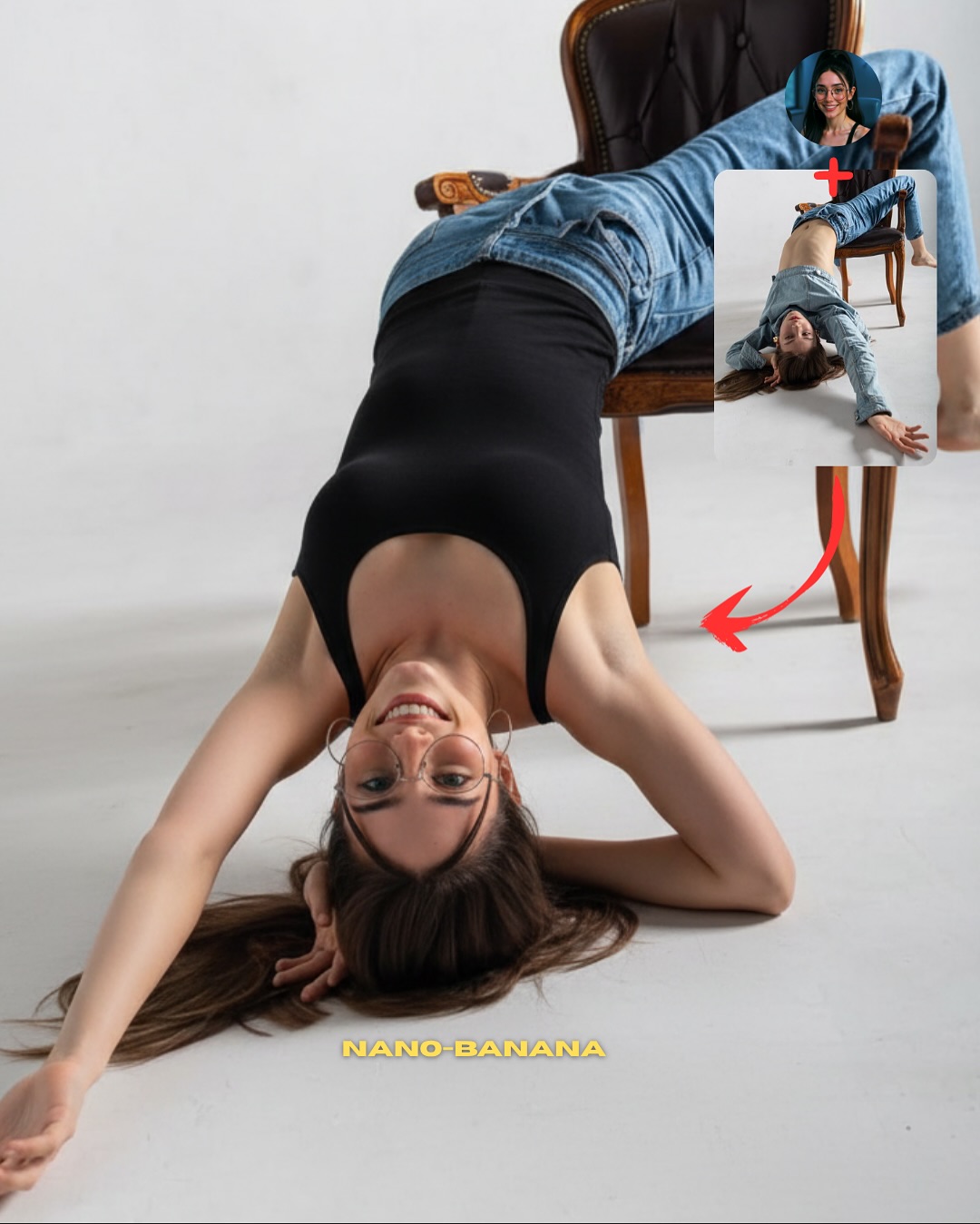
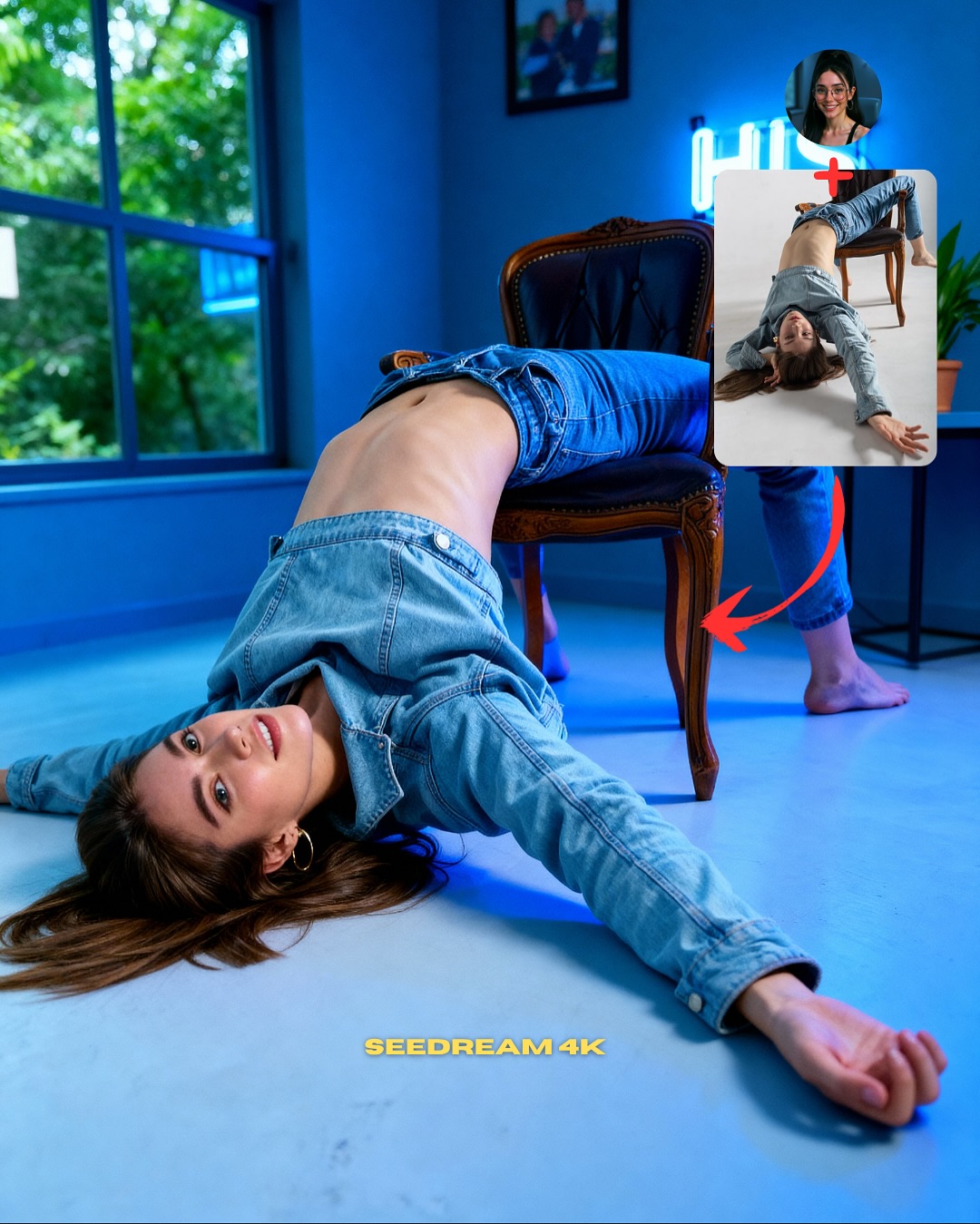
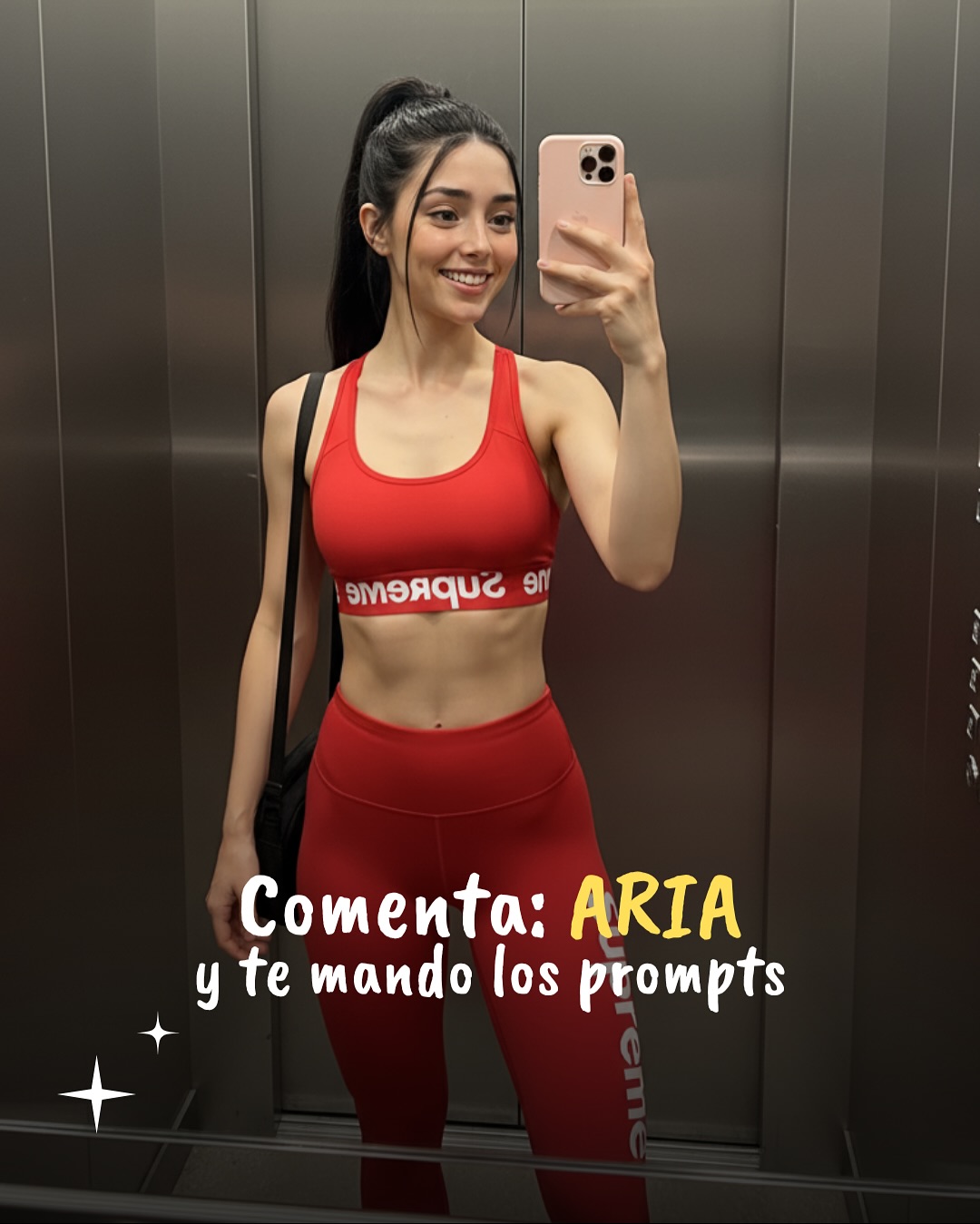
Use this prompt when you want a clean pose-transfer tutorial cover that feels modern, fashionable, and easy to understand at a glance. The image works because the body position is strong, the styling is memorable, and the inset-plus-arrow layout immediately explains that the final result came from a source pose. It is a practical format for teaching identity lock, pose control, and creator-style cover design in one frame.
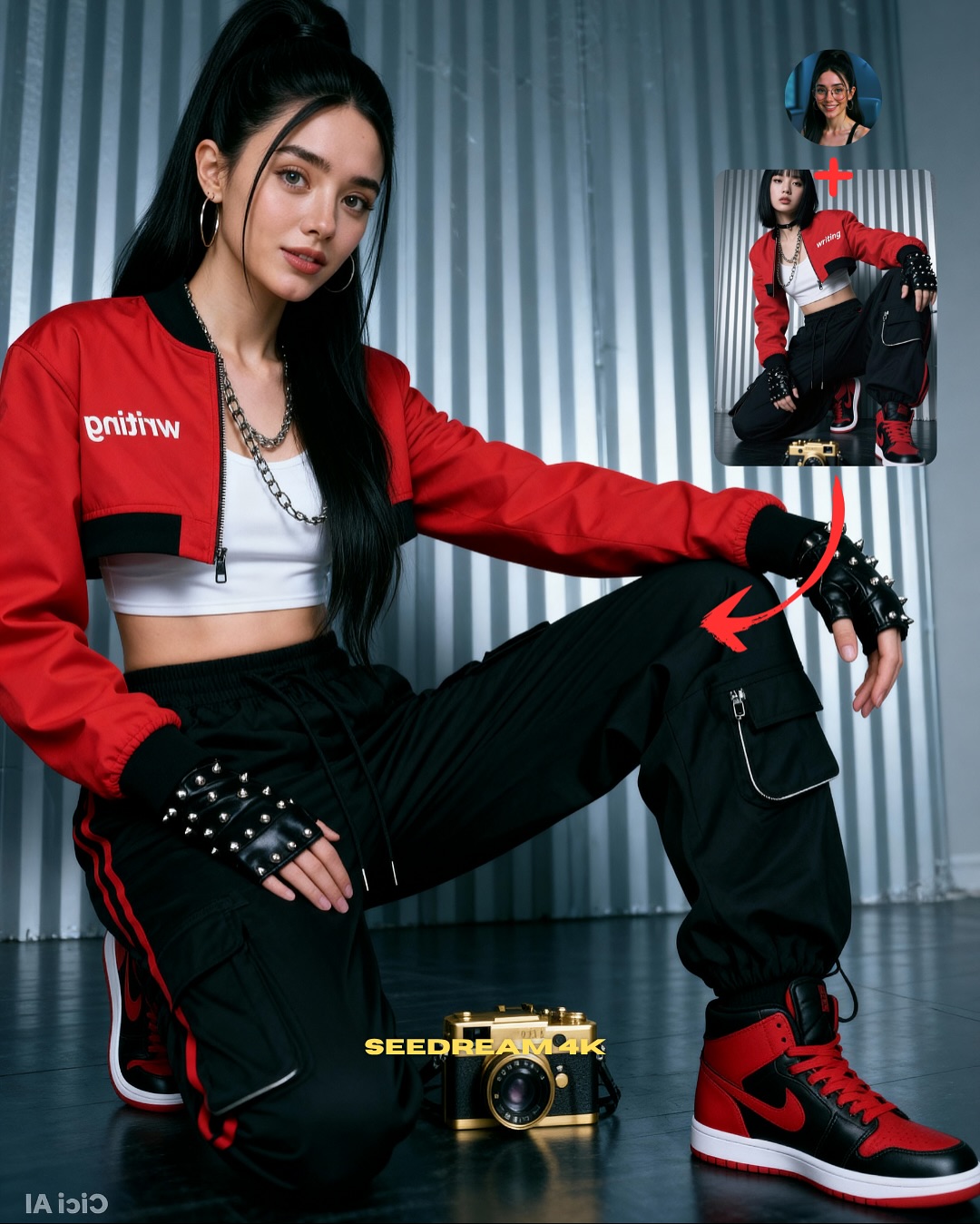
The strongest part of this composition is the contrast between the simple gray ribbed background and the detailed streetwear outfit. A red cropped jacket, white crop top, black cargo pants, and red-black sneakers create an instant visual hierarchy, while the kneeling pose gives the viewer a readable silhouette. That combination makes the transfer feel intentional rather than random, which is important when you want the output to look like a creator demo instead of a generic fashion render.
How to Create a Red Jacket Pose Transfer Tutorial AI Image
| Element |
Role In The Image |
| Streetwear styling |
Adds attitude, contrast, and enough detail to make the final image feel editorial and current. |
| Kneeling pose |
Creates a strong body shape that is easy to transfer and easy for viewers to recognize as a pose-driven result. |
| Inset source image |
Explains the tutorial logic immediately and makes the cover understandable without extra text. |
| Curved red arrow |
Visually connects the source pose to the final realistic output, reinforcing the transformation idea. |
| Minimal gray wall |
Keeps the frame clean so the pose, outfit, and overlays stay readable in thumbnail size. |
Best Use Cases
This kind of prompt is especially useful for creator education, AI-influencer tutorials, post covers, reels thumbnails, and comparison content that teaches control instead of raw generation. It also works well when you want the final image to look like a social media asset rather than a cinematic scene. Because the outfit and background are controlled, the viewer focuses on identity consistency and pose transfer, which is exactly the teaching goal.
Key Visual Anchors To Preserve
| Anchor |
Why It Matters |
| Round glasses and hoop earrings |
Help maintain facial identity and make the character recognizable across the profile icon and final result. |
| High ponytail |
Adds motion and silhouette clarity, especially in a fashion-forward tutorial image. |
| Red cropped jacket |
Acts as the main color signal and gives the frame a strong focal point. |
| Black cargo pants |
Provide shape, structure, and believable styling detail that supports a grounded pose. |
| Red-black sneakers |
Complete the urban styling and make the lower body feel finished rather than generic. |
Prompt Writing Tips
When adapting this setup, describe the pose in practical physical terms instead of vague words like “cool” or “stylish.” Mention where the weight sits, how the knees are arranged, and how the arms interact with the floor. Also define the background as minimal and textured rather than empty. This keeps the image realistic while avoiding unwanted clutter. If you want the cover to read clearly on social media, keep the overlay elements few and intentional: a profile icon, a source pose inset, and one arrow are enough.
Common Mistakes To Avoid
| Mistake |
What Happens |
| Overcomplicated background |
The tutorial message becomes harder to read and the subject loses prominence. |
| Weak body silhouette |
The “pose transfer” idea feels unconvincing because the source and result do not look structurally linked. |
| Generic clothing |
The image loses personality and starts to feel like an ordinary stock render. |
| Too many overlays |
The frame looks cluttered and stops feeling like a clean creator cover. |
| No identity anchors |
The profile inset and the main result may look like different people. |
Final Takeaway
This prompt is effective because it combines a readable pose, a strong outfit, and simple tutorial graphics into one realistic creator-facing image. If your goal is to explain pose transfer while keeping the output stylish and believable, this structure is a reliable format. It teaches control, preserves identity, and still looks polished enough to function as a thumbnail, cover, or promotional post.