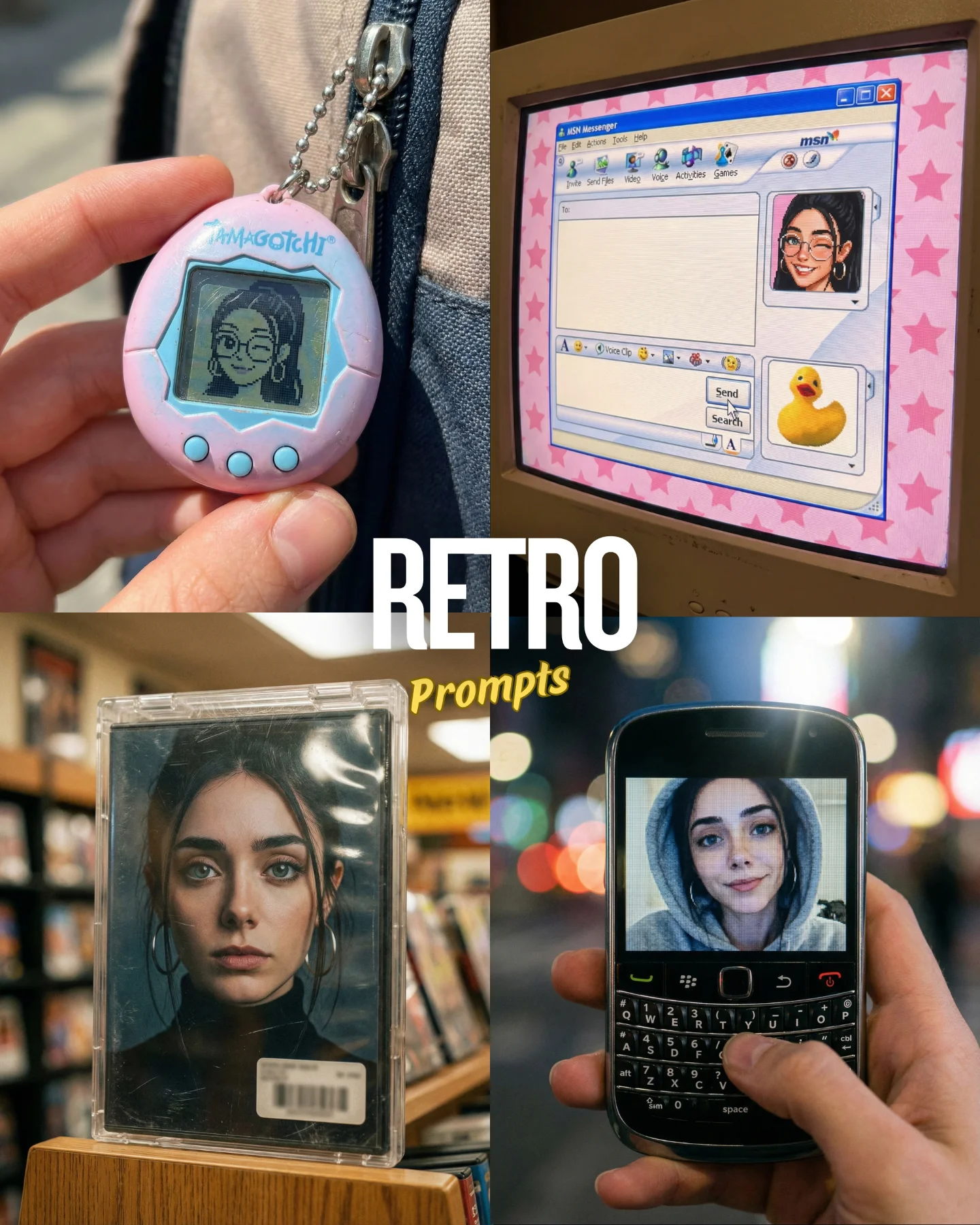
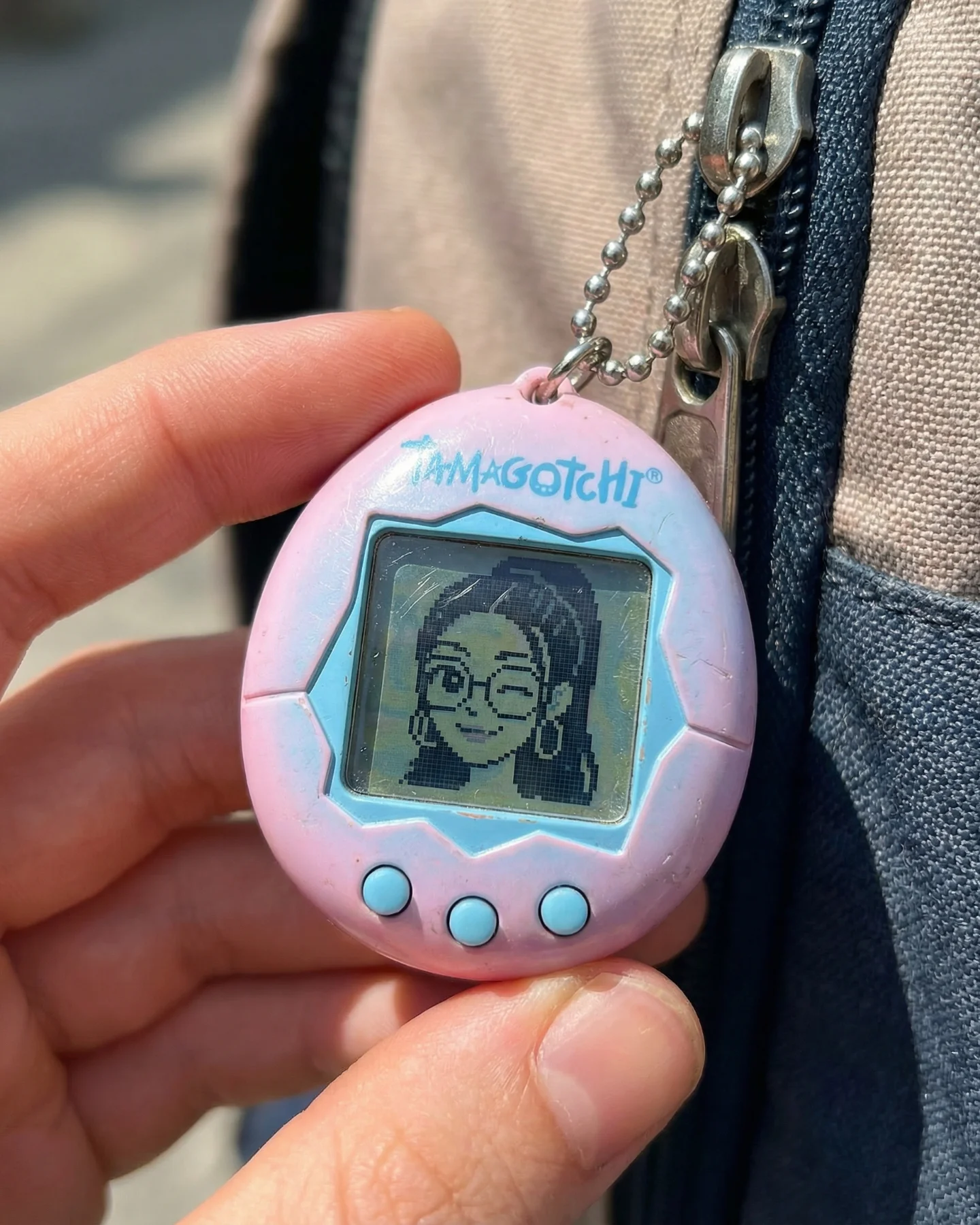

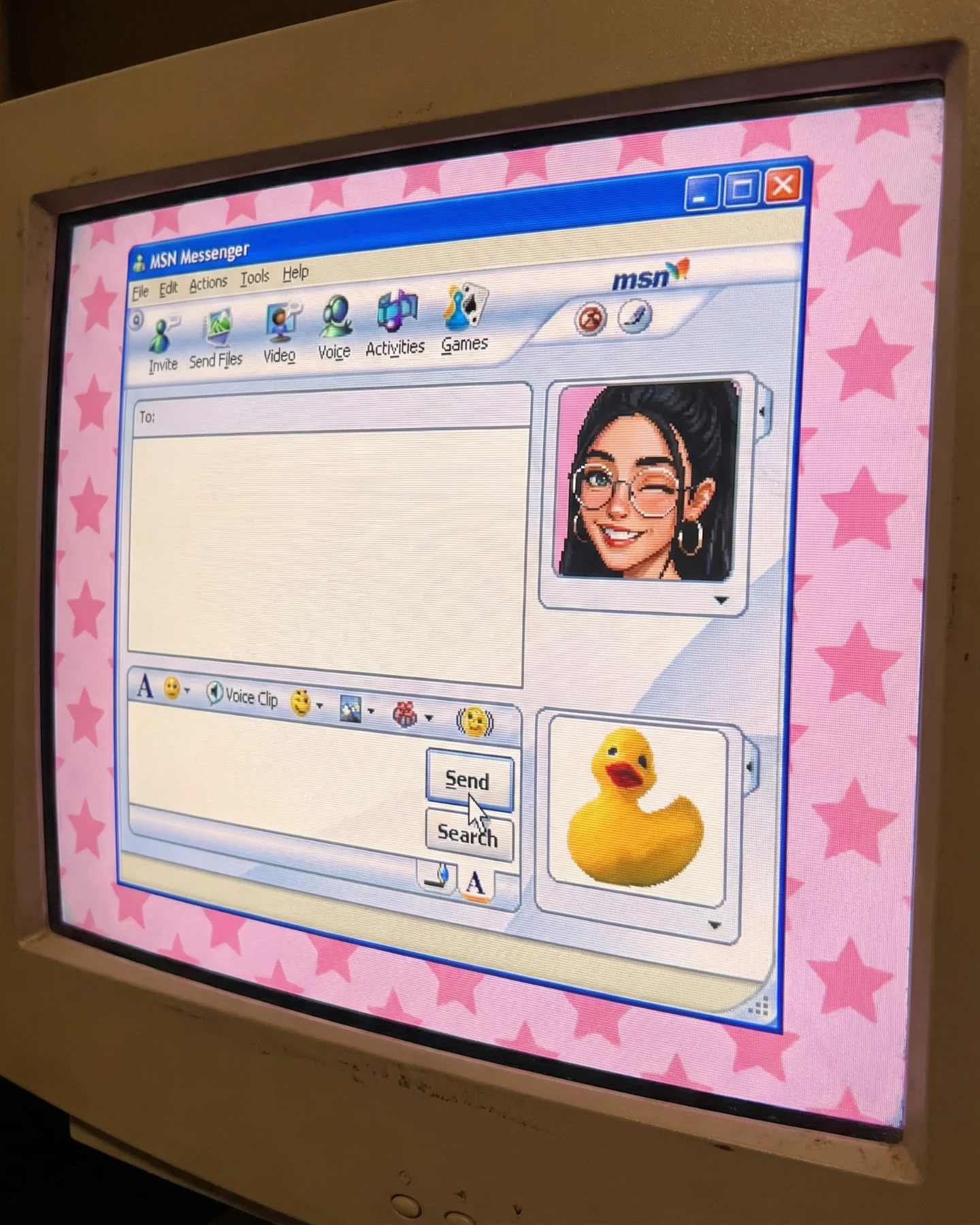


Retro Prompts 🕹️ 💡Idea from: @ai_vitaminc_ Te suena algo de esto?? 👀 Ahora lo llaman "Retro" El tiempo vuela pero los recuerdos se quedan... 🥹 Comenta "ARIA" y te paso los prompts 💌
Retro Prompts 🕹️ 💡Idea from: @ai_vitaminc_ Te suena algo de esto?? 👀 Ahora lo llaman "Retro" El tiempo vuela pero los recuerdos se quedan... 🥹 Comenta "ARIA" y te paso los prompts 💌
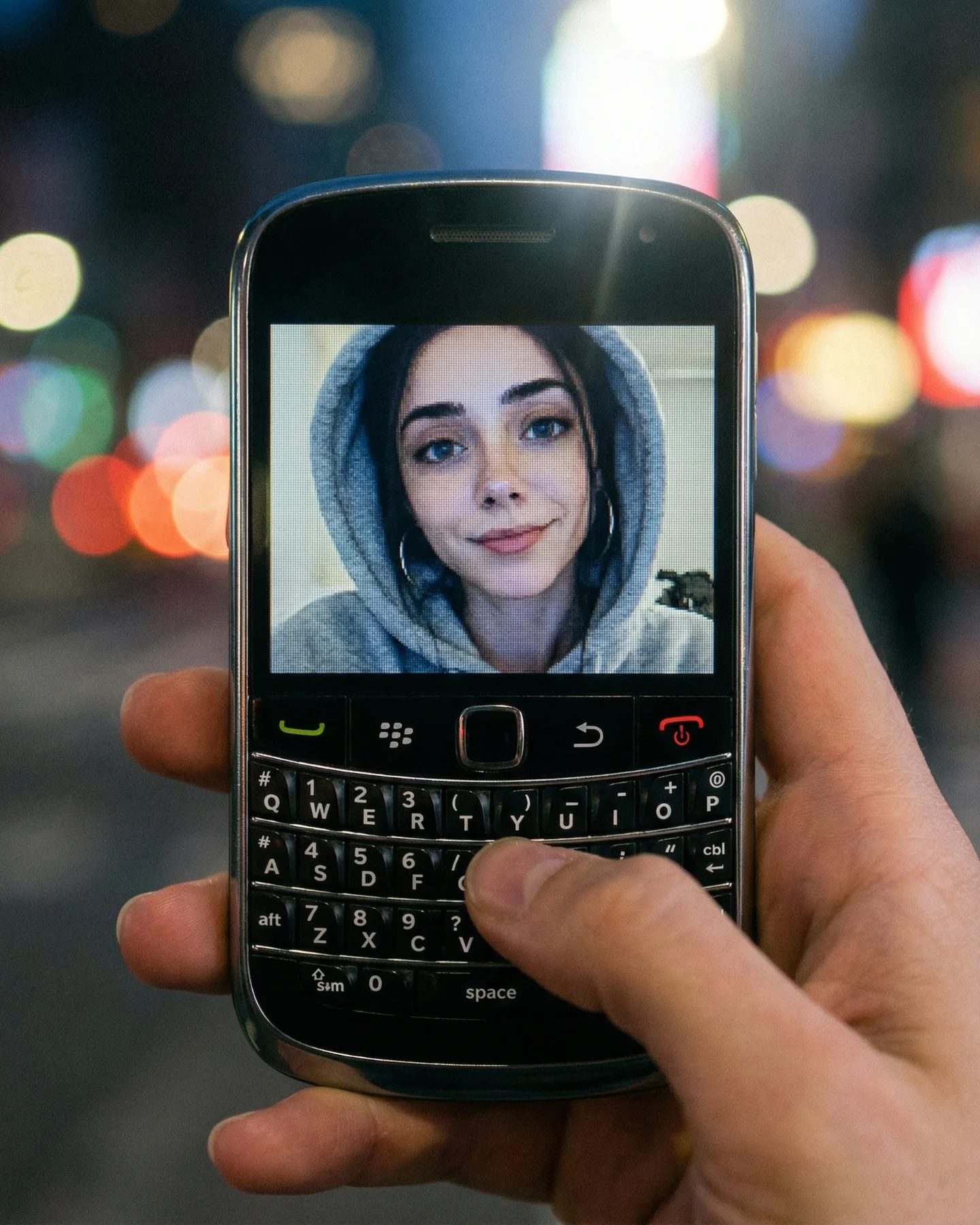
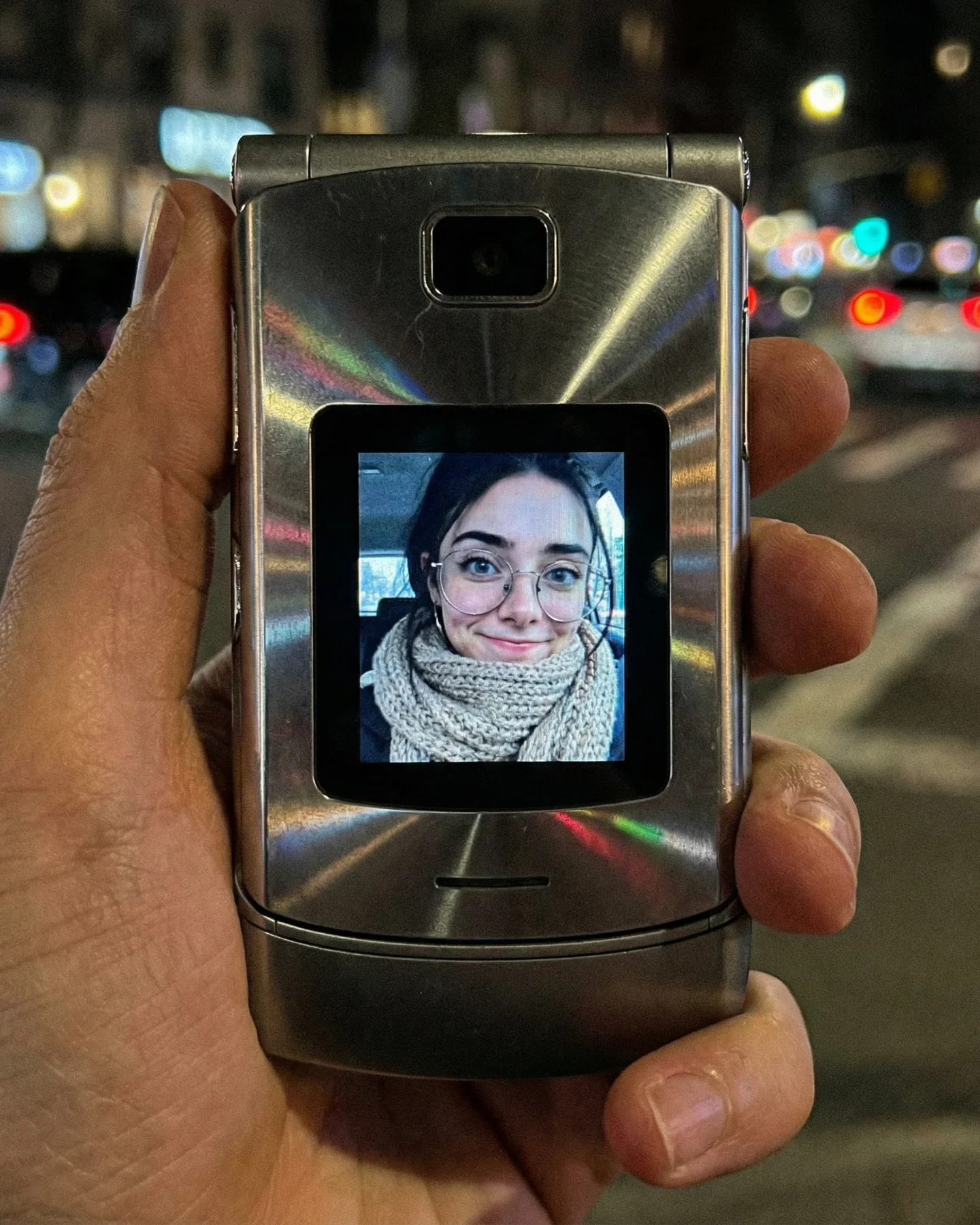
This image works because it brings back a whole communication era through one device shape. The physical keyboard, the small screen, the call buttons, and the chrome trim immediately place the viewer in a different moment of digital culture. Unlike generic “retro tech” styling, this is not a vague memory. It is a very specific kind of pocket intimacy: typing with thumbs, profile pictures, and messaging on a device that felt tactile in a way modern phones do not.
The night-city bokeh is a smart addition because it prevents the phone from feeling like a museum object. It makes the image feel present-tense even while the device points backward in time. That contrast is what gives the frame emotional energy. The object is old, but the feeling is still current.
The portrait on the screen matters just as much as the hardware. It turns the phone from a product into a relationship object. It suggests calling, texting, waiting, checking in, or carrying a familiar face in your pocket. For creators, that is a useful nostalgia principle: the strongest retro images often combine old hardware with human memory, not old hardware alone.
| Signal | Evidence (from this image) | Mechanism | Replication Action |
|---|---|---|---|
| Era-specific tech silhouette | Blackberry-style keyboard phone with call buttons | The shape alone activates late-2000s memory | Choose a device whose form factor is immediately tied to a time period |
| Human connection on screen | Portrait of a hooded woman on the display | The device becomes emotional, not just collectible | Put a recognizable face or profile photo on the screen instead of a blank UI |
| Present-day backdrop | Night city bokeh behind the phone | The image feels alive rather than archival | Pair nostalgic hardware with a current real-world environment |
This approach works well for Y2K and late-2000s nostalgia series, memory-object close-ups, urban night prompt packs, and retro communication themes. It also transfers to flip phones, old MP3 players, tiny digital cameras, and first-generation handheld consoles.
It is less effective for broad room-set nostalgia if the goal is emotional precision. The power here comes from one object plus one implied relationship.
{specific old device} {handheld night scene} {screen or display detail} {soft city bokeh}{retro mobile hardware} {human memory cue} {close-up realism} {present-day background}{old communication device} {hand-held personal angle} {blurred ambient light} {memory-driven mood}The image is strong because it balances hard and soft textures. The keyboard is tactile, gridded, and precise; the background lights are blurred and dreamy. That contrast mirrors the emotional tension of nostalgia itself: concrete object, soft memory. The black casing and chrome trim also help the phone feel period-correct without extra styling tricks. Nothing is overexplained. The device does the work.
| Prompt chunk | What it controls | Swap ideas (EN, 2-3 options) |
|---|---|---|
| Blackberry-style phone with physical keyboard | Time period and tactile identity | silver flip phone; translucent MP3 player; early slide phone |
| portrait visible on the screen | Emotional hook and human context | contact card screen; tiny low-res selfie; profile icon with status |
| night city bokeh background | Atmosphere and modern contrast | bus-stop glow; bedroom fairy-light blur; train-window night reflections |
| thumb over keyboard in close-up | Personal interaction and realism | index finger on button; phone half-pulled from pocket; two-hand texting grip |
Lock these three things first: the era-specific device silhouette, the human detail on the screen, and the shallow-focus night background. Those are the memory anchors. Once they are stable, change only one variable per iteration.