0:00 / 0:00
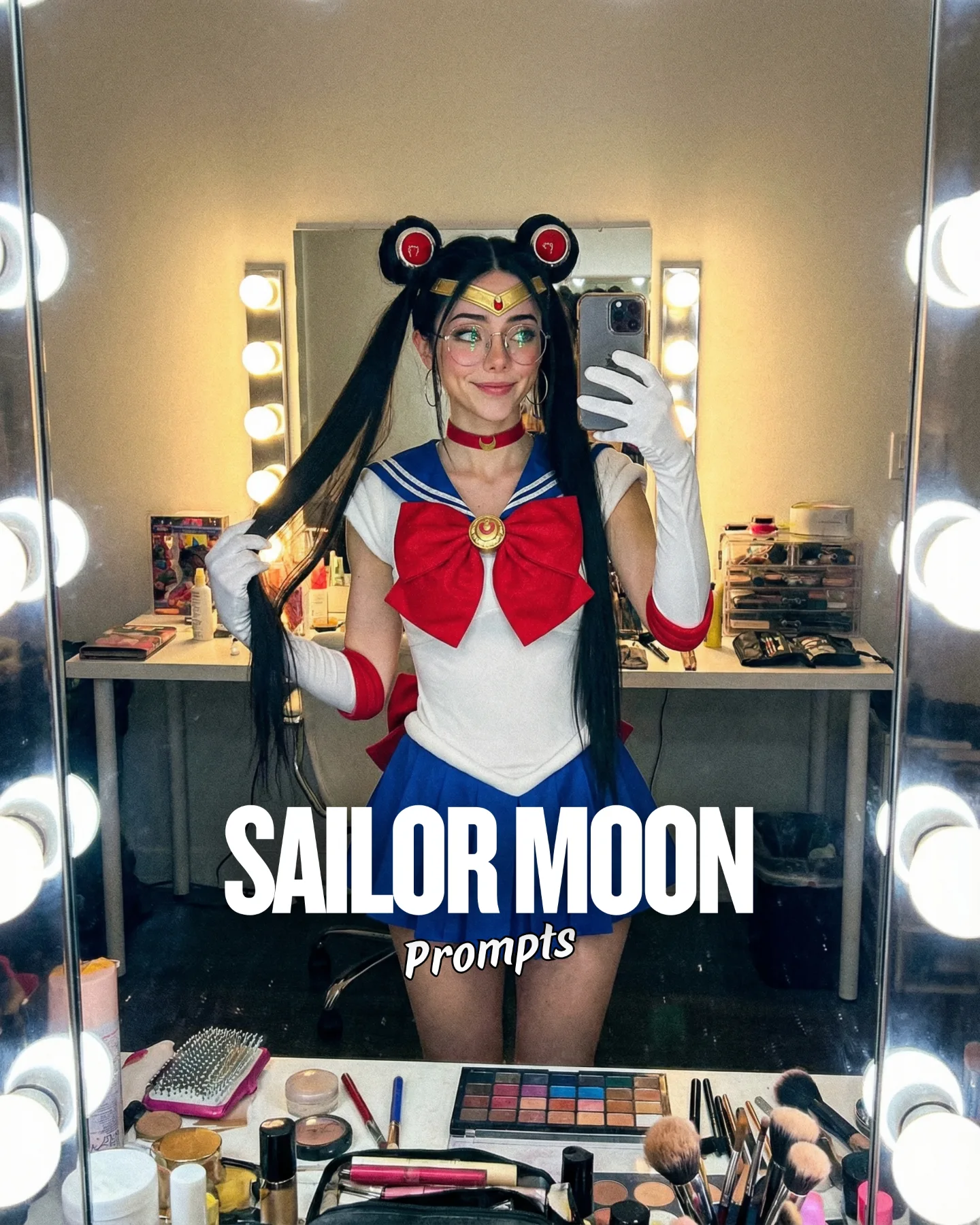
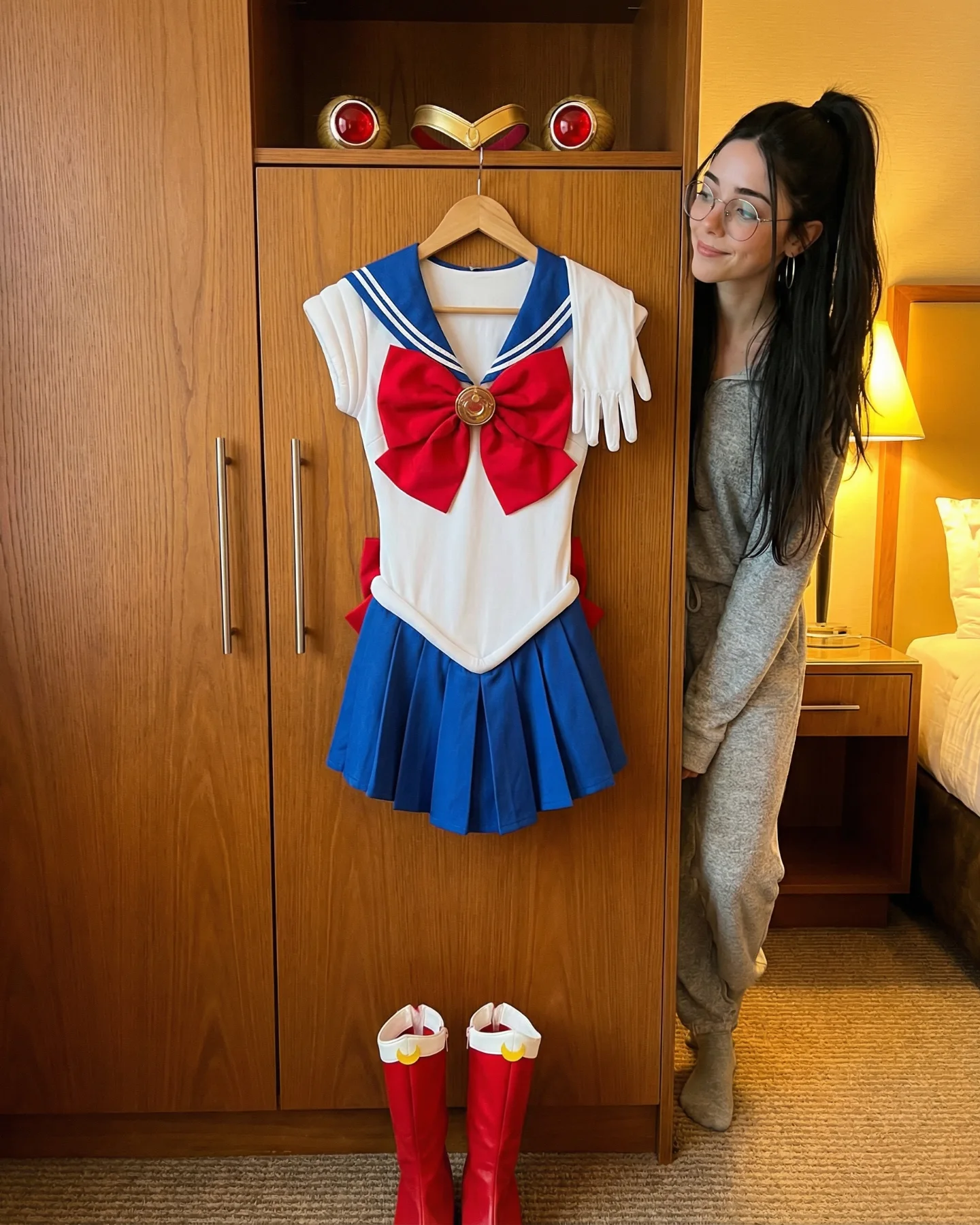
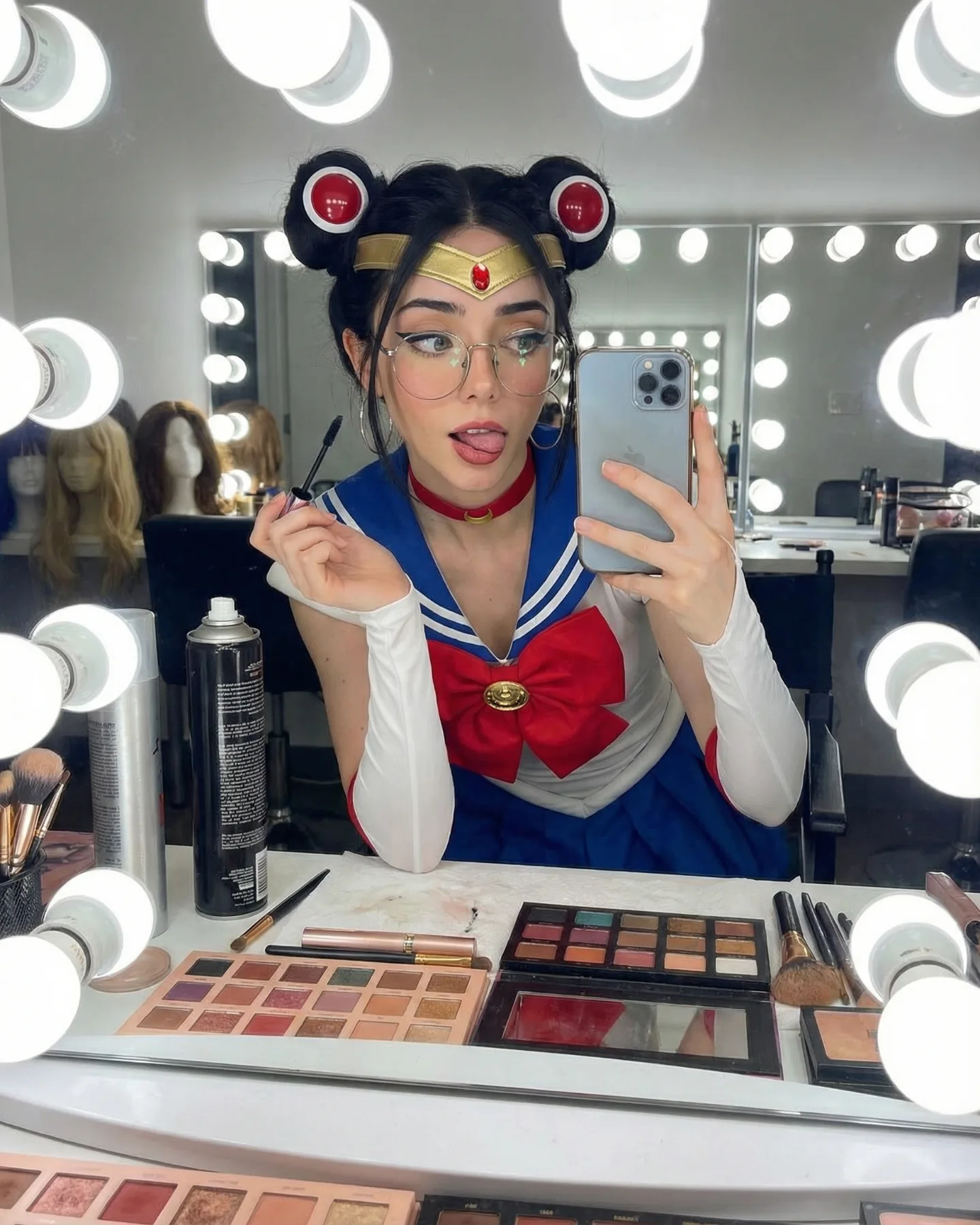
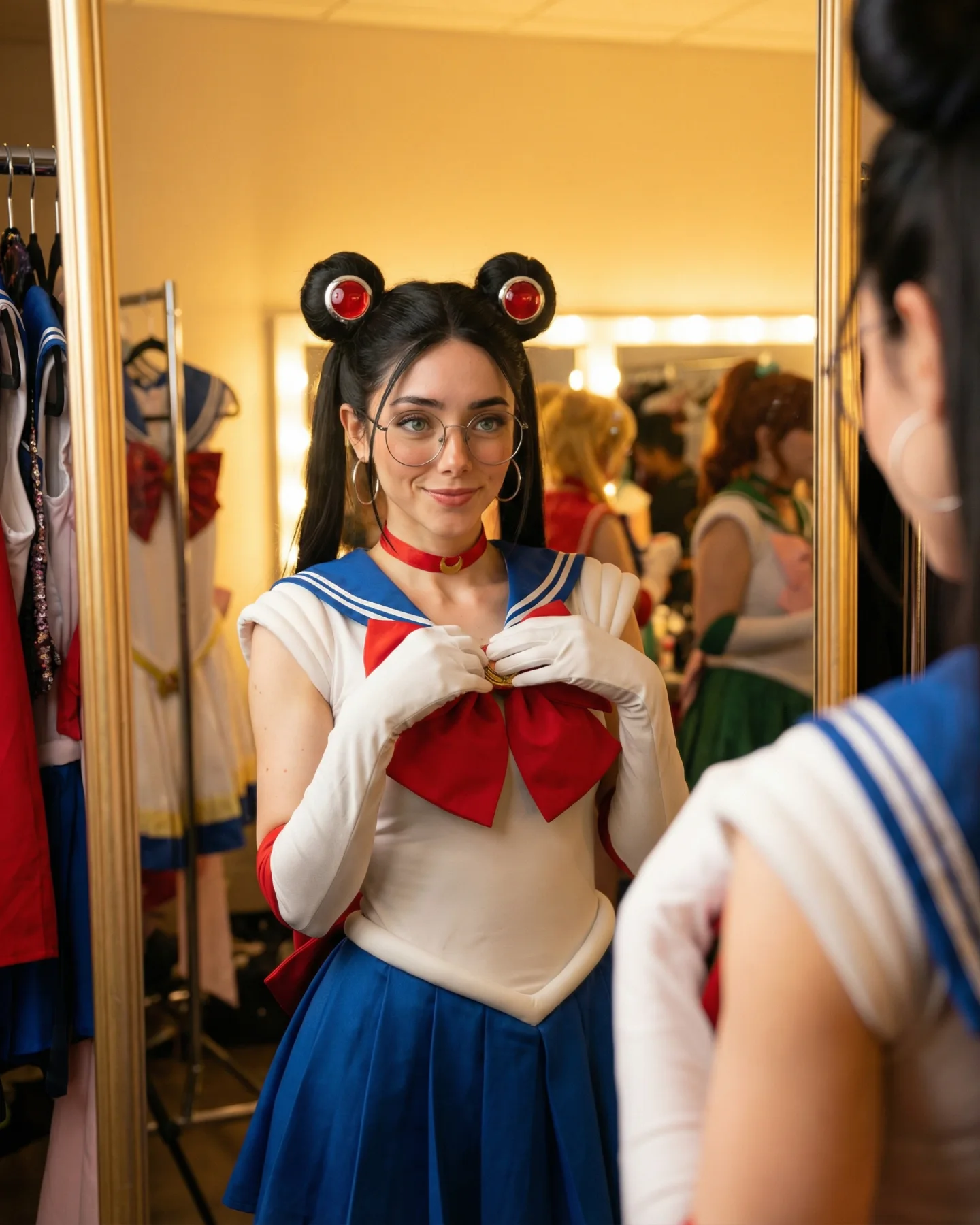
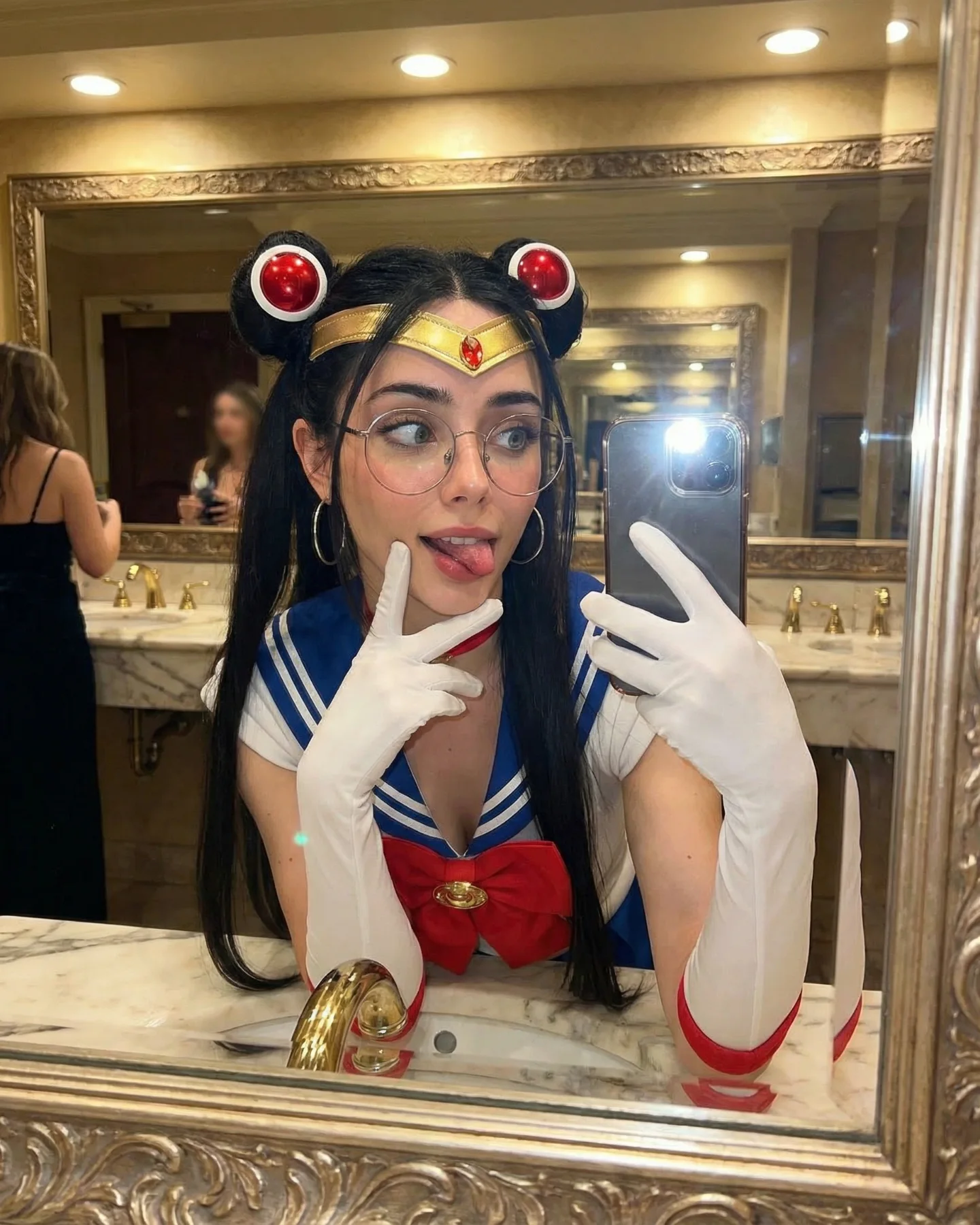
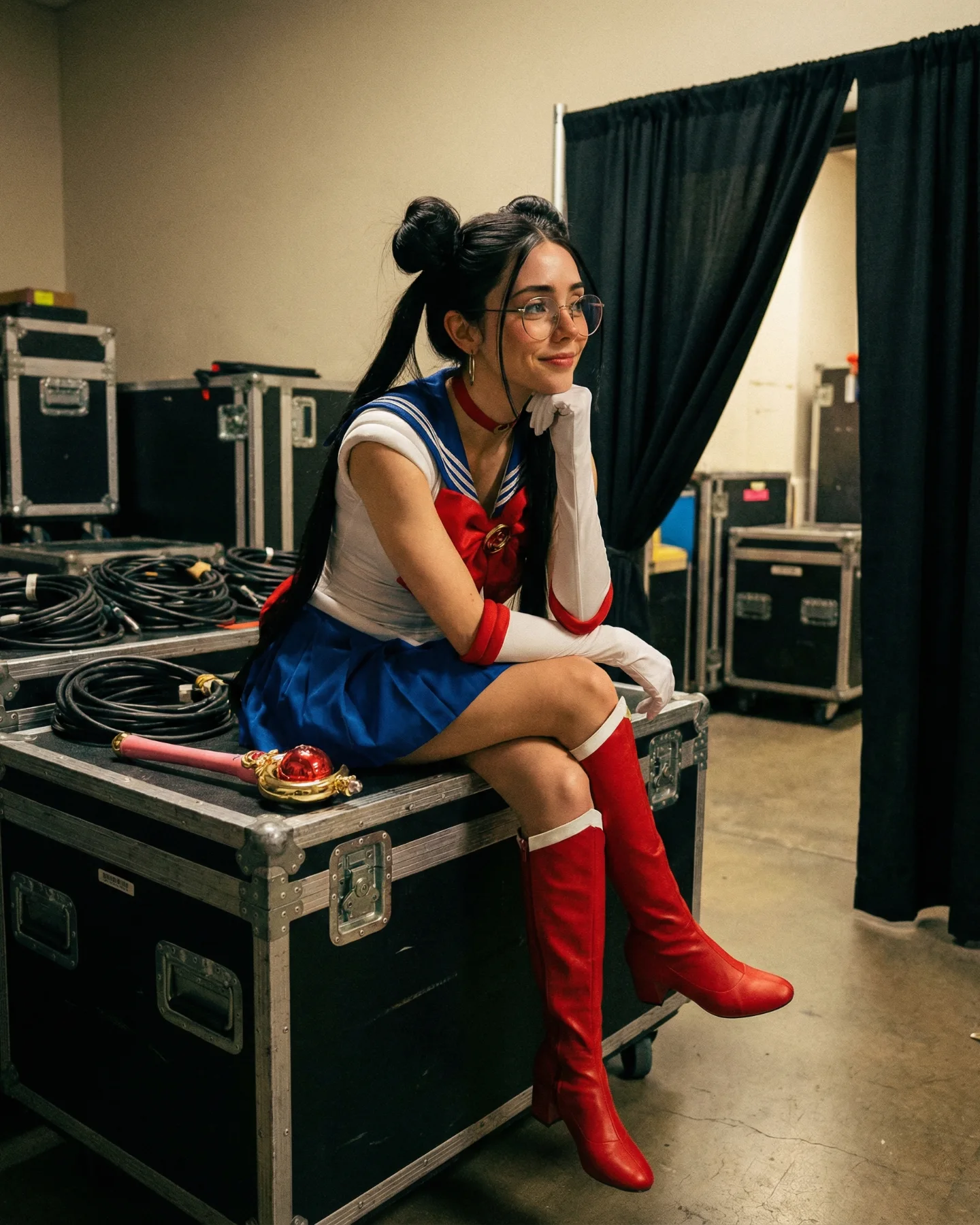
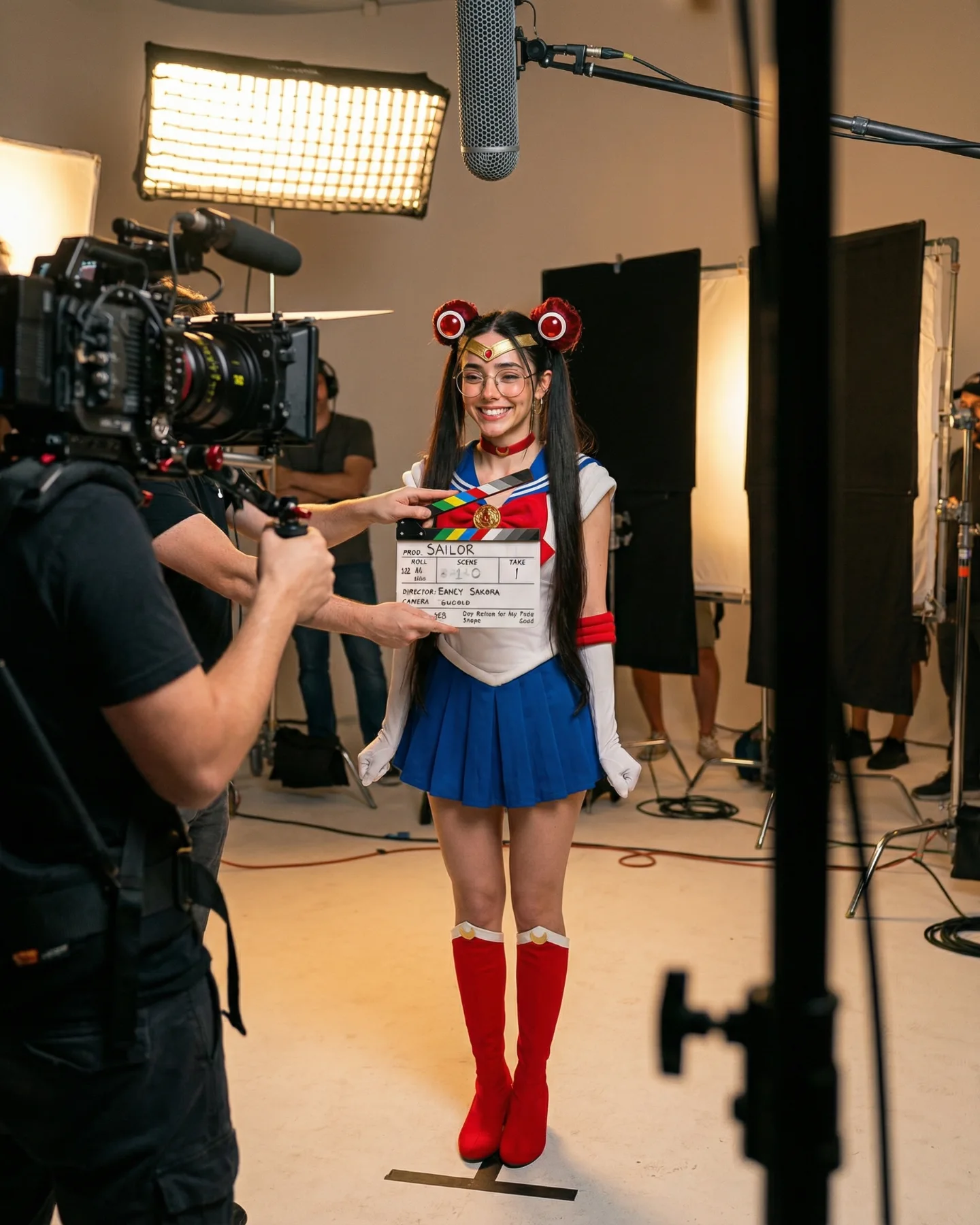
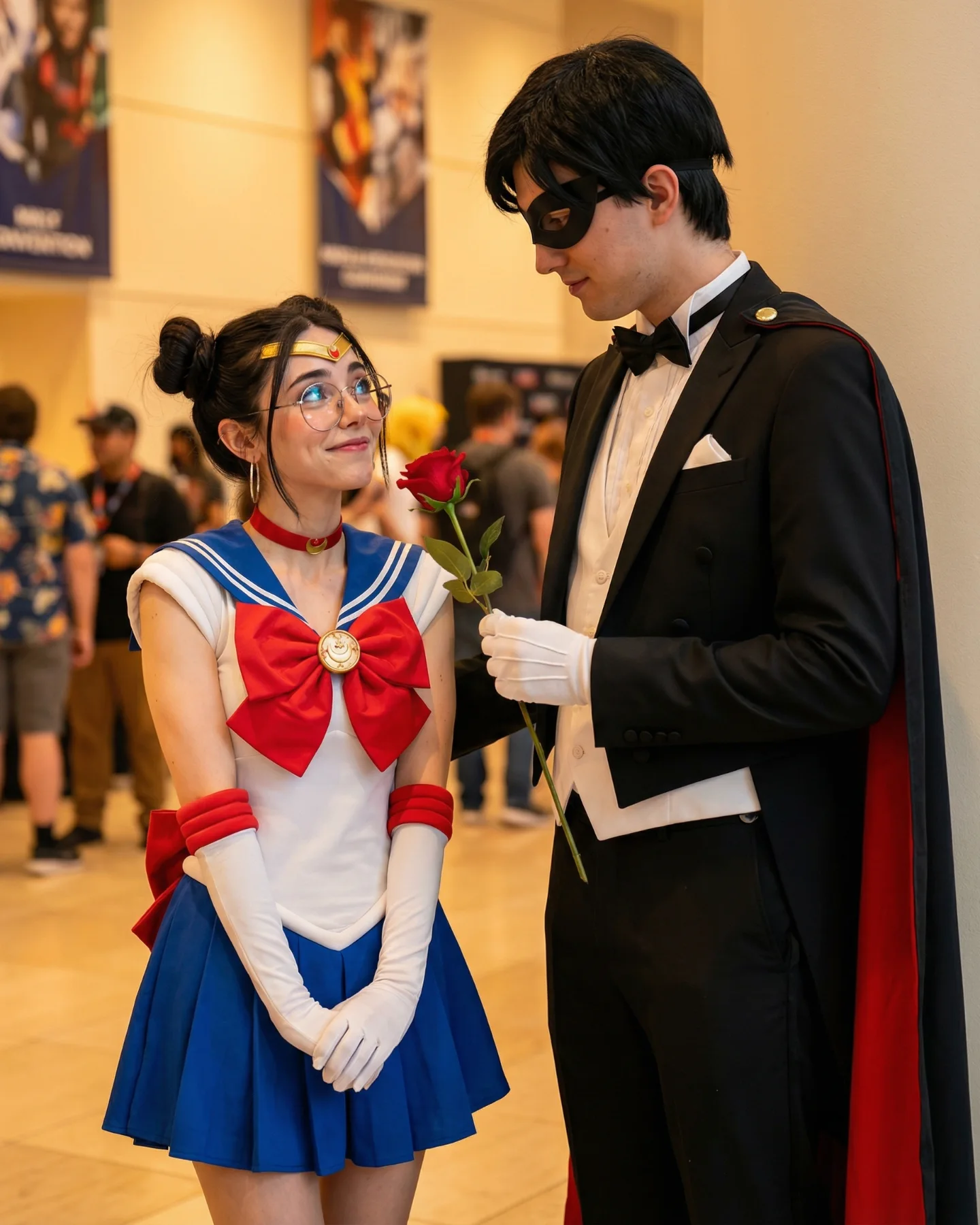
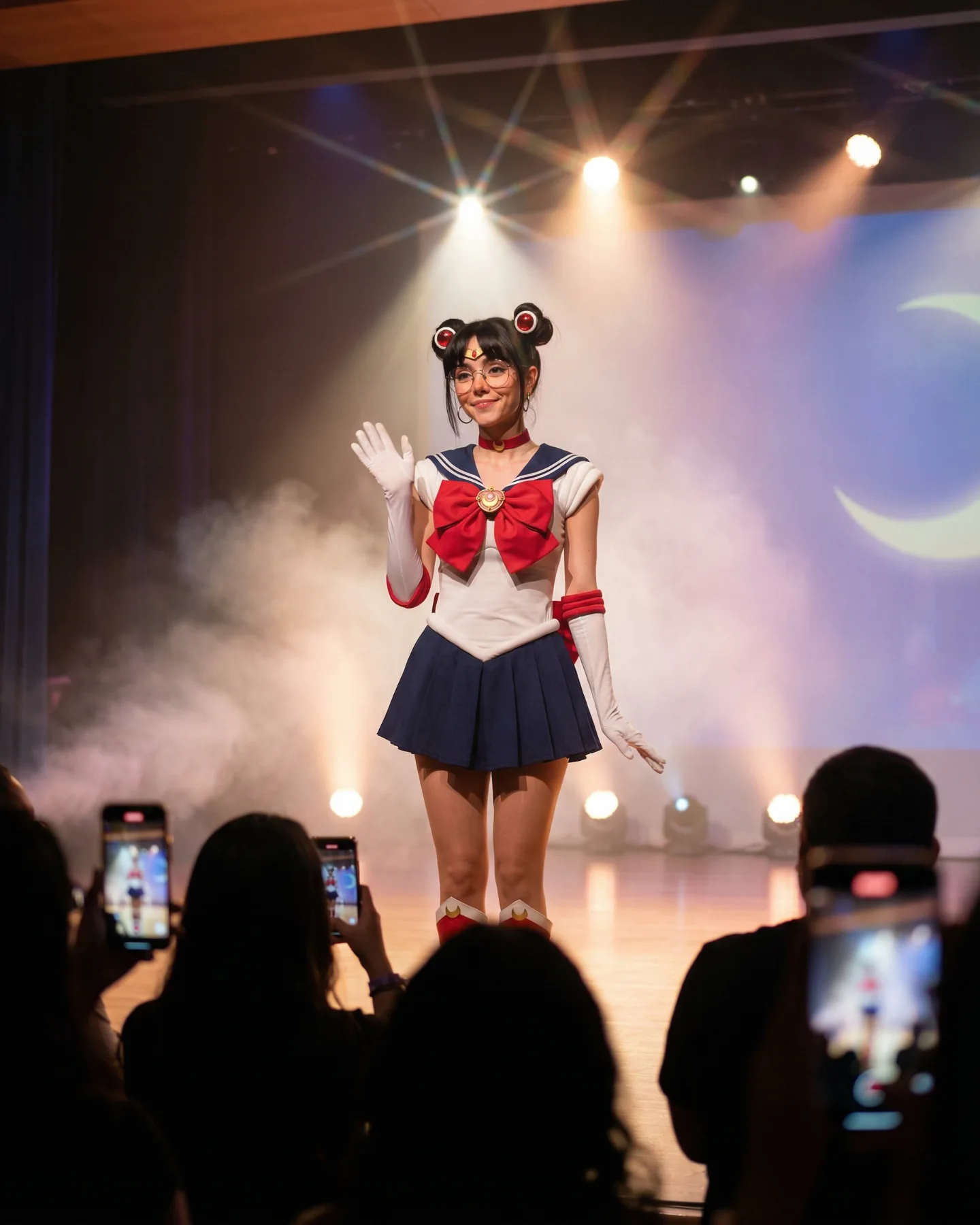
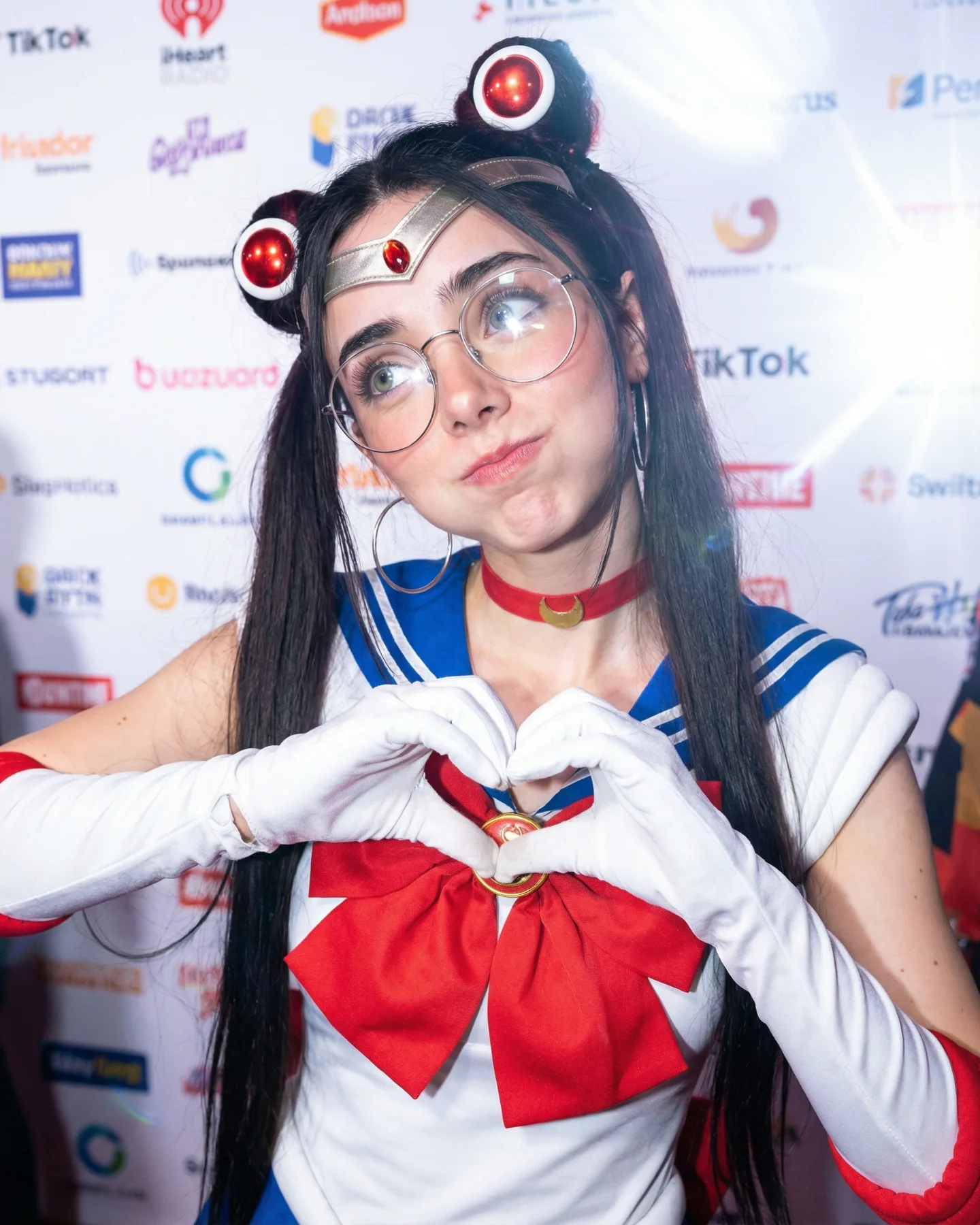
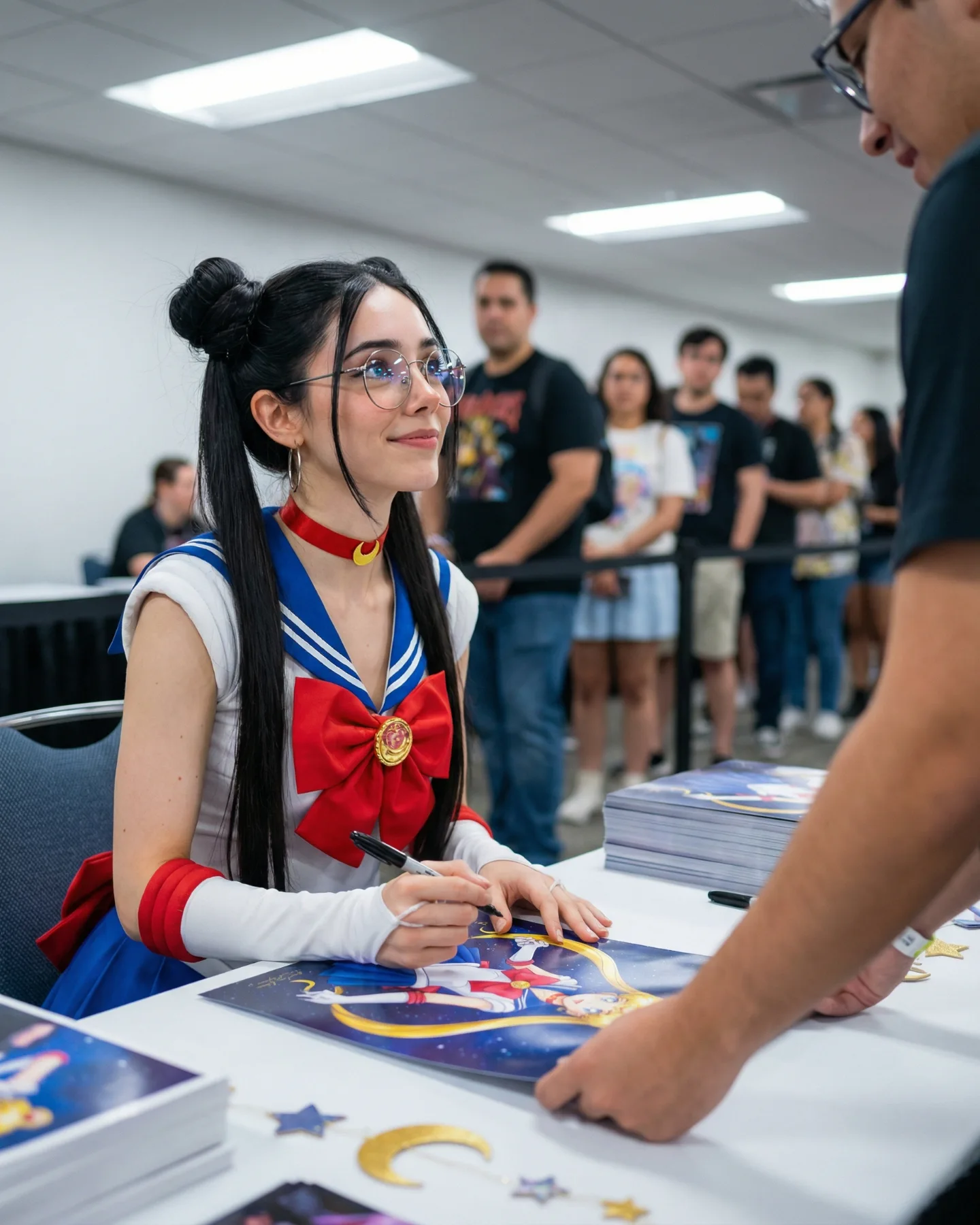
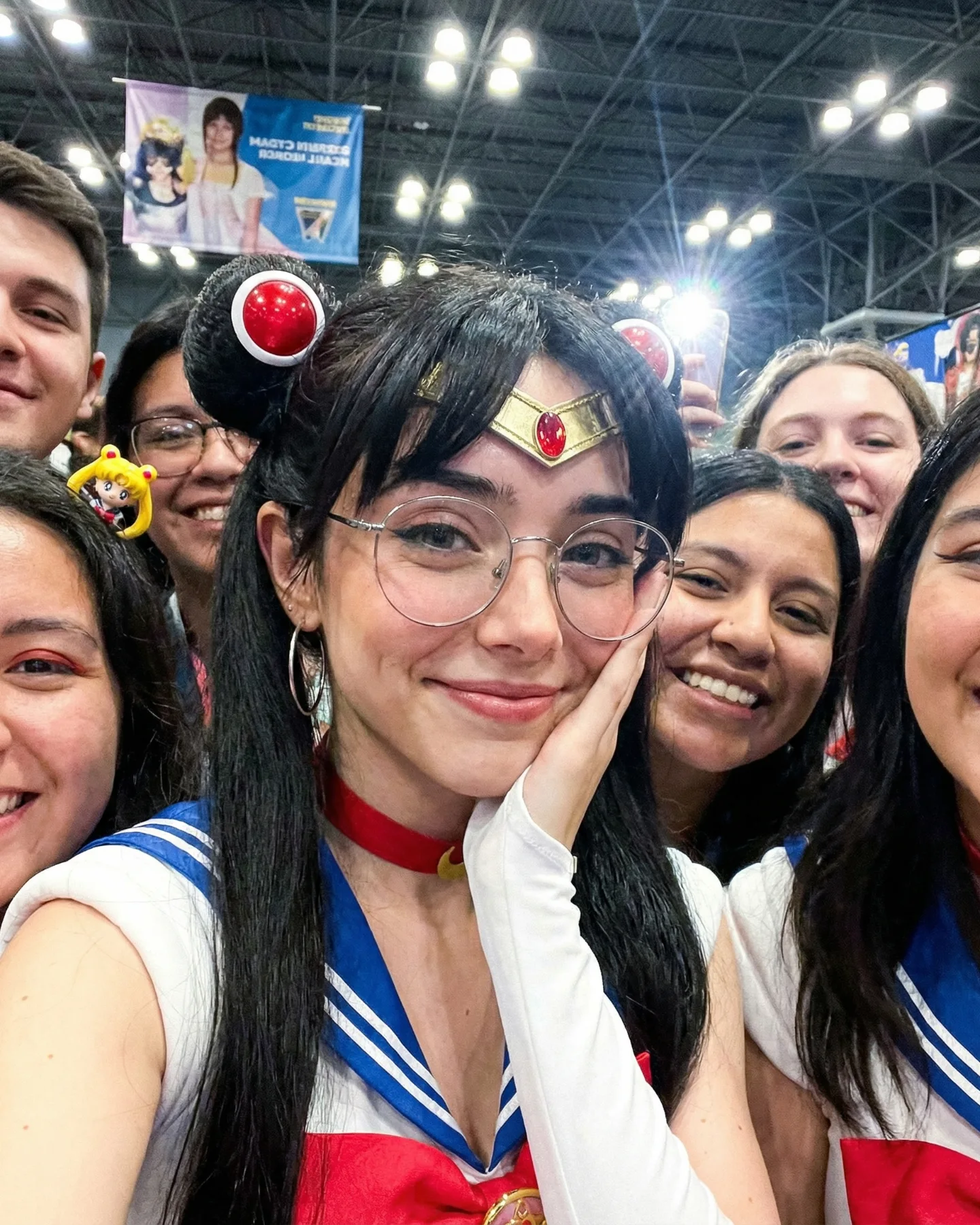
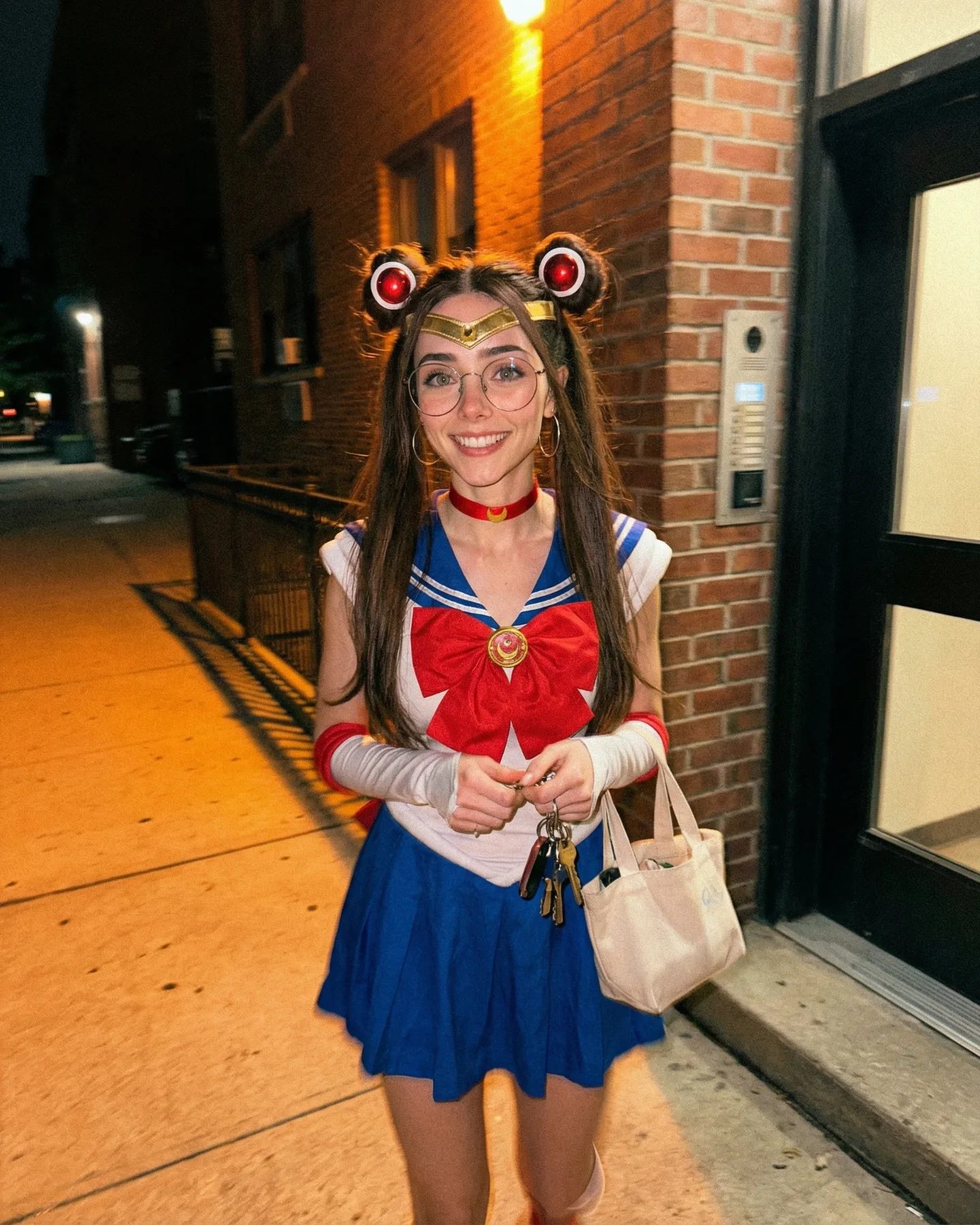
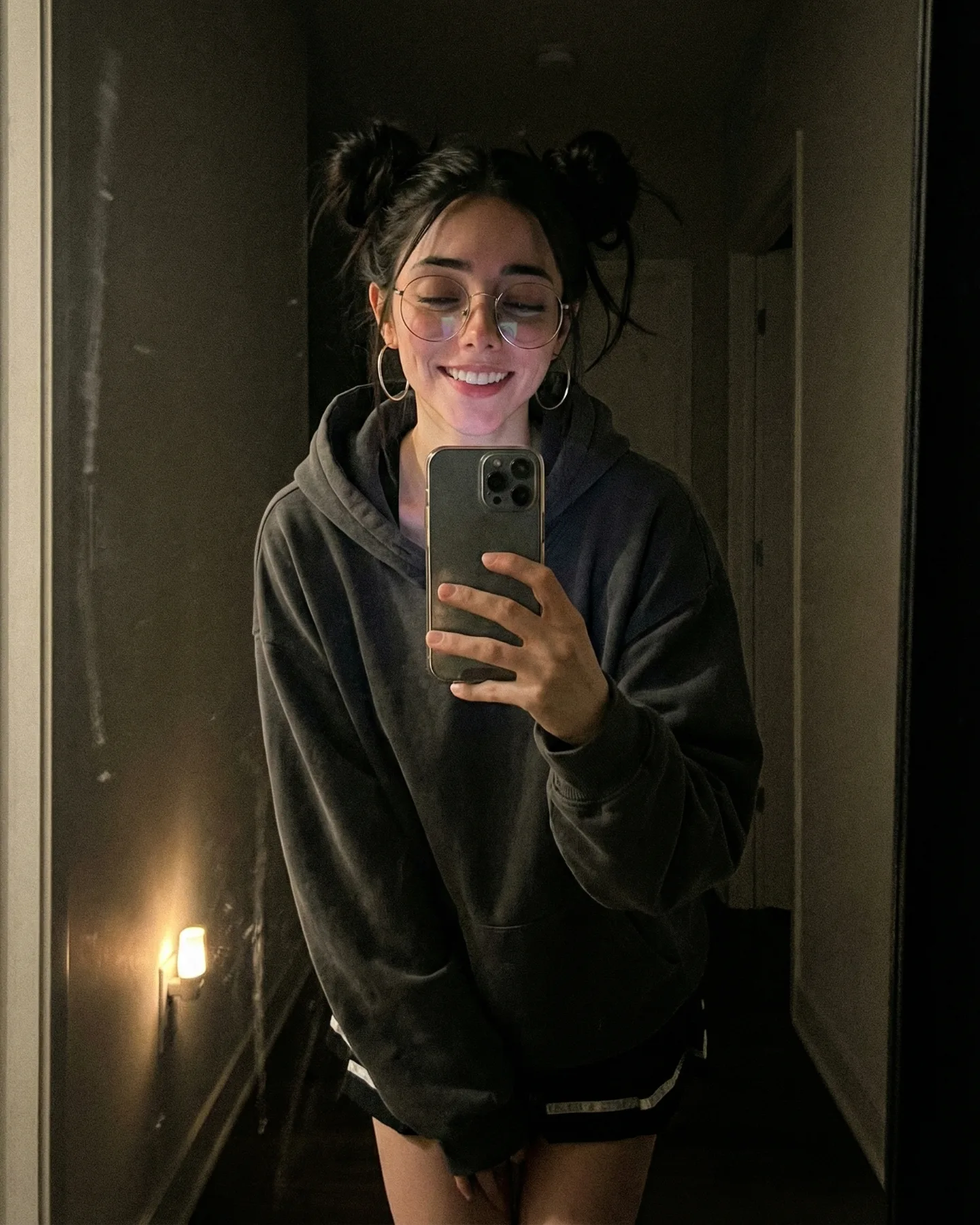
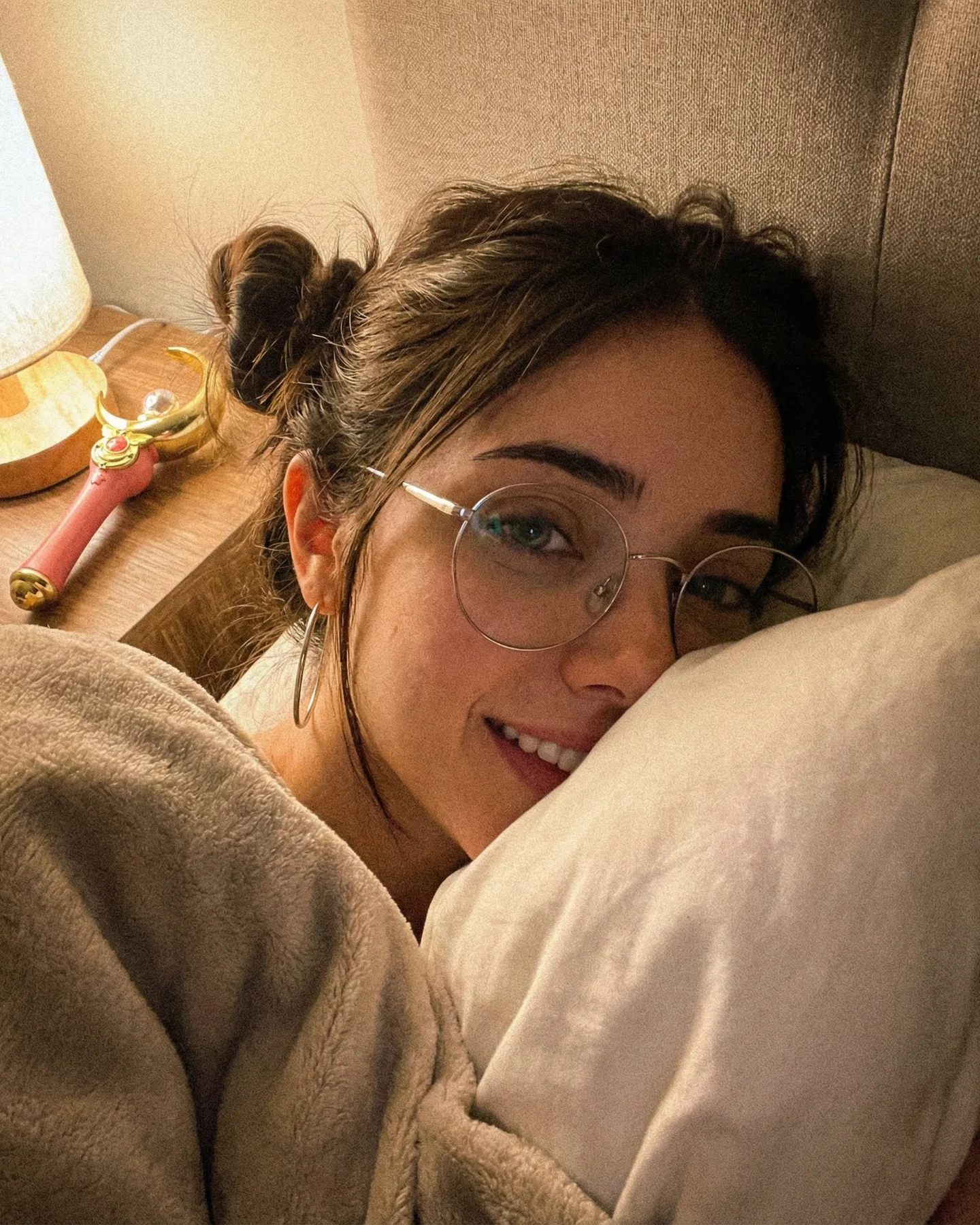
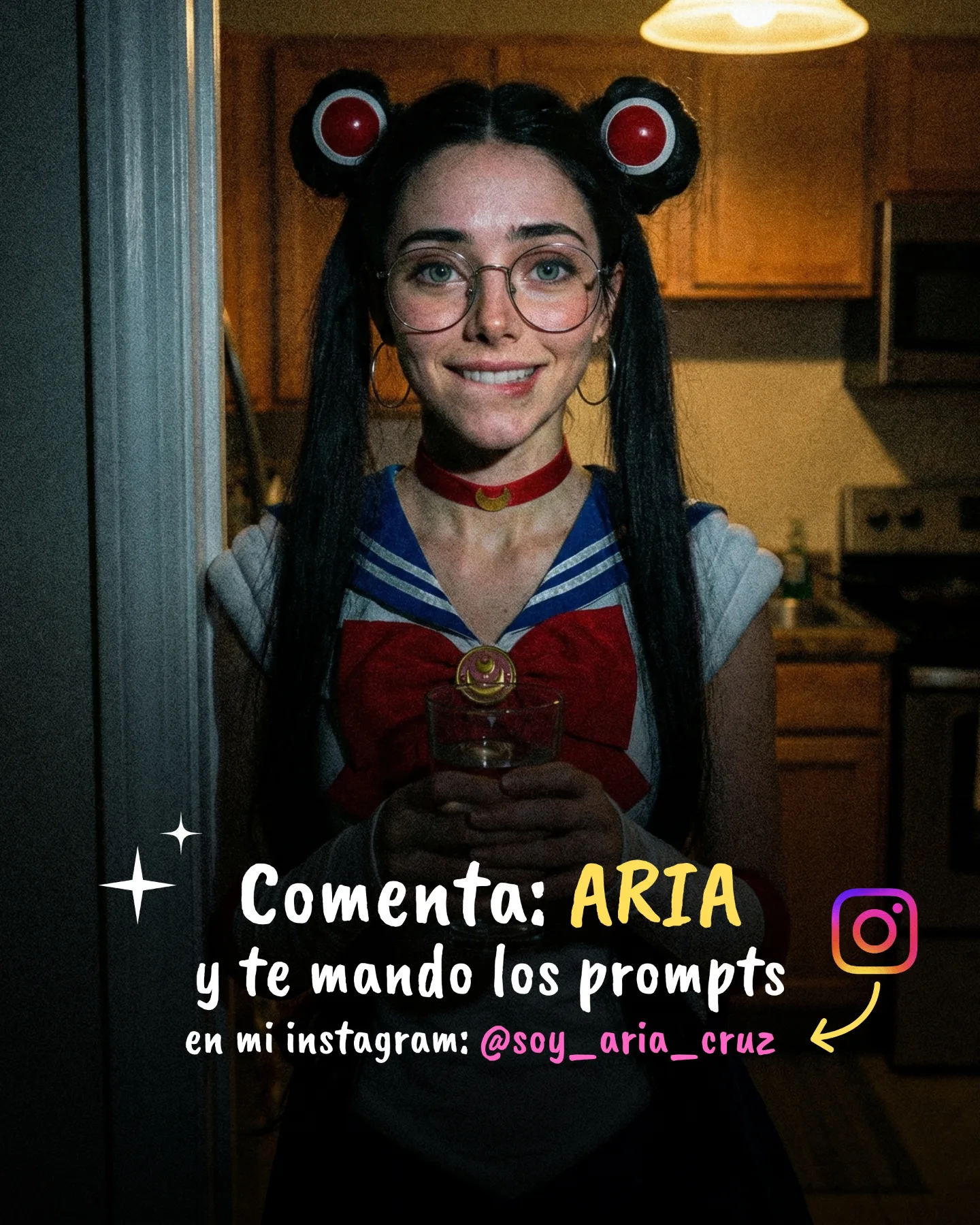
Sailor Moon 🌙💕 Como muchos me habéis pedido un Cosplay de Sailor Moon, aquí tenéis una pequeña secuencia 🙊 Si quieres los prompts comenta "ARIA" y te lo paso por mensajes 💌
Sailor Moon 🌙💕 Como muchos me habéis pedido un Cosplay de Sailor Moon, aquí tenéis una pequeña secuencia 🙊 Si quieres los prompts comenta "ARIA" y te lo paso por mensajes 💌
This case study analyzes a high-fidelity AI-generated video featuring a "Cinematic Sailor Moon" editorial portrait. Created by @soy_aria_cruz, the video leverages a hyper-realistic aesthetic combined with iconic 90s anime nostalgia. The visual style is characterized by moody studio lighting, volumetric blue smoke, and a "living portrait" motion style. By blending the "glasses girl" trope with high-end cosplay, the creator successfully triggered a massive engagement loop, specifically using a "comment for prompt" call-to-action (CTA) that drove over 350 comments on a single short clip.
The video features a young woman with long, dark hair styled in the iconic "odango" buns of Sailor Moon, complete with red circular ornaments and a gold tiara featuring a central red gem. She wears round, thin-framed glasses that add a modern "geek-chic" layer to the classic character. The wardrobe is a faithful recreation of the Sailor Senshi uniform, visible from the shoulders up.
The scene is set in a dark, professional studio environment. Behind the subject, thick blue and white smoke drifts slowly, creating depth and a sense of mystery. The lighting is a classic three-point setup: a soft key light illuminates her face from the front-right, while a cool blue rim light separates her from the dark background. The color palette is dominated by deep blues, gold, and skin tones, giving it a "prestige TV" or high-fashion editorial feel rather than a standard UGC (User Generated Content) look.
| Time Range | Visual Content | Shot Language | Lighting & Tone | Viewer Intent |
|---|---|---|---|---|
| 00:00 - 00:02 | Subject looks slightly off-camera with a soft smile; smoke drifts in background. | Medium Close-Up (MCU), 50mm feel, shallow depth of field. | Warm key light on face, cool blue volumetric background. | The Hook: Instant recognition of the Sailor Moon IP with a high-quality twist. |
| 00:02 - 00:04 | Subject blinks slowly and maintains a gentle, confident expression. | Static camera, subtle micro-expressions. | Consistent cinematic grade; high contrast. | Reinforce Persona: Establishing the "AI-Human" hybrid aesthetic that fascinates viewers. |
| 00:04 - 00:05 | Slight head tilt; loop transition begins. | Static, seamless loop potential. | Deep shadows in the background to hide the loop cut. | Retention: Encourages a second watch to catch the details of the outfit. |
This video taps into Sailor Moon, a global IP with a massive, dedicated fanbase. By reimagining a cartoon character as a hyper-realistic, "real-world" person, the creator triggers a "What if she were real?" curiosity. The addition of glasses is a specific stylistic choice that appeals to the "nerd-aesthetic" subculture, making the character feel more relatable and modern.
The caption explicitly asks users to comment a specific word ("ARIA") to receive the prompts. This is a masterclass in platform signaling. Each comment tells the Instagram algorithm that the content is highly engaging, pushing it to the Explore page. It also moves the relationship from "passive viewer" to "active lead" in the creator's DMs.
From a platform perspective, the high save-to-view ratio is likely the driving force. Creators and AI enthusiasts save this video as a reference for "how good AI can look." The visual fidelity (lack of typical AI "hallucinations" or flickering) signals high-quality content, which platforms like Instagram prioritize for their "Aesthetic" and "Tech" niches.
Choose a character with high nostalgia value (e.g., Sailor Moon, Dragon Ball, Winx Club). Decide on a "twist"—in this case, "Modern Editorial with Glasses."
Use a prompt that emphasizes lighting and texture. Example: "Cinematic portrait of a woman as Sailor Moon, wearing round glasses, gold tiara, red gems, dark studio background with blue smoke, 8k resolution, photorealistic skin texture."
Use an "Image-to-Image" or "Character Reference" (--cref in Midjourney) to ensure the face and outfit stay consistent across different tests. This is the hardest part of AI video.
Upload your base image. Use a motion prompt like: "Subtle blinking, gentle smile, hair moving slightly in the wind, smoke drifting in the background." Keep the motion strength low (3-4/10) to avoid distortion.
Run the final video through CapCut or Premiere. Increase the contrast and add a "Cool/Blue" tint to the shadows to match the "Cinematic" look of the original.
Add a text overlay or a caption that promises value. "How I made this Sailor Moon AI" or "Comment 'MOON' for the prompt."
Use a trending "Atmospheric" or "Synthwave" track. The music should feel "magical" but "mature" to match the visual tone.
Post as a Reel. Use a high-quality cover frame where the subject's eyes are looking directly at the camera to maximize the click-through rate.
Use Midjourney for the base image and Kling AI or Luma for the motion.
"Volumetric lighting," "Photorealistic skin," and "Cinematic smoke."
You need to use a Character Reference (--cref) or a LoRA in Stable Diffusion to lock the facial features.
Keep the motion very subtle; high-intensity motion usually causes "melting" artifacts.
Instagram favors this "Aesthetic/Editorial" look, while TikTok prefers "Behind the Scenes" tutorials.