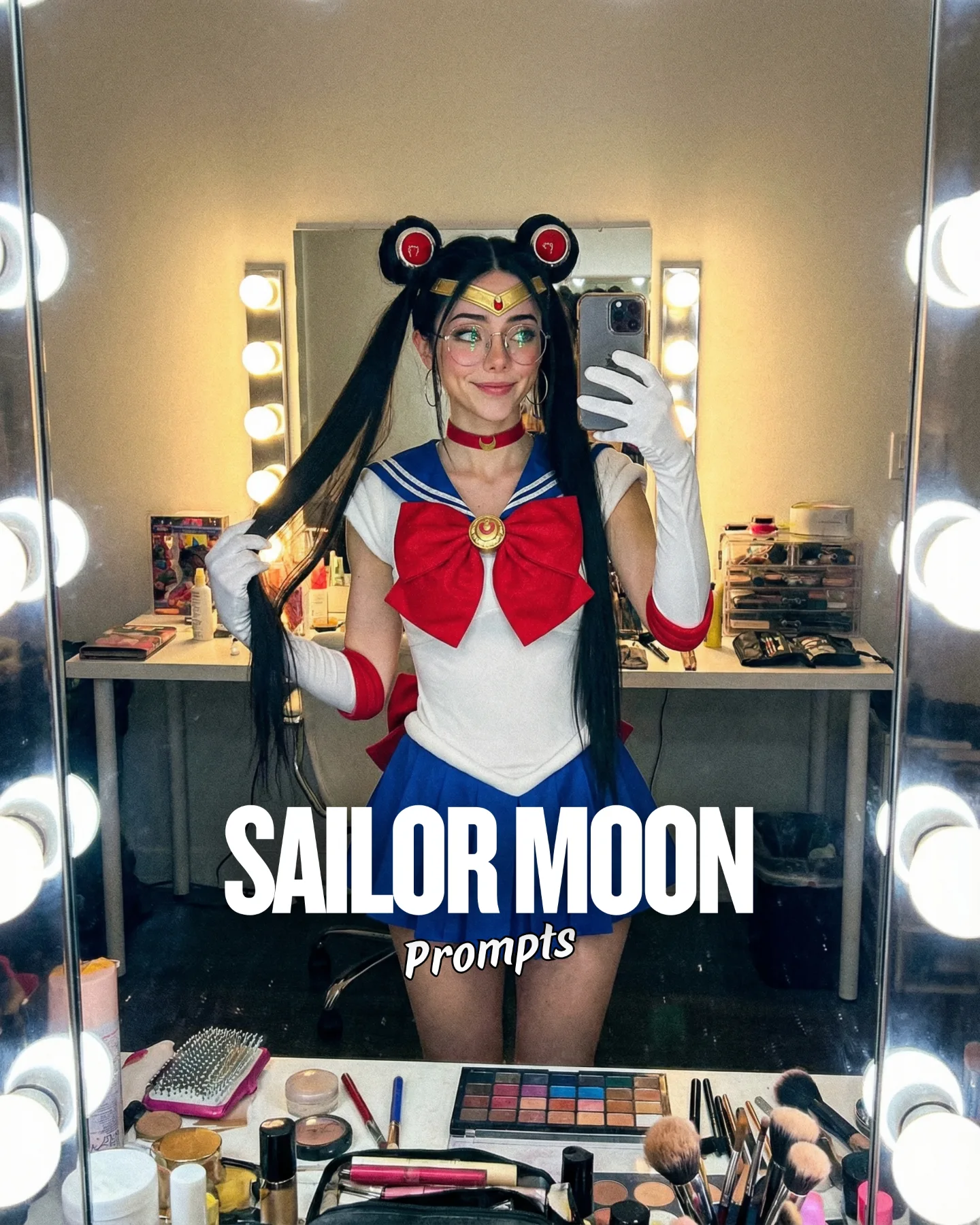
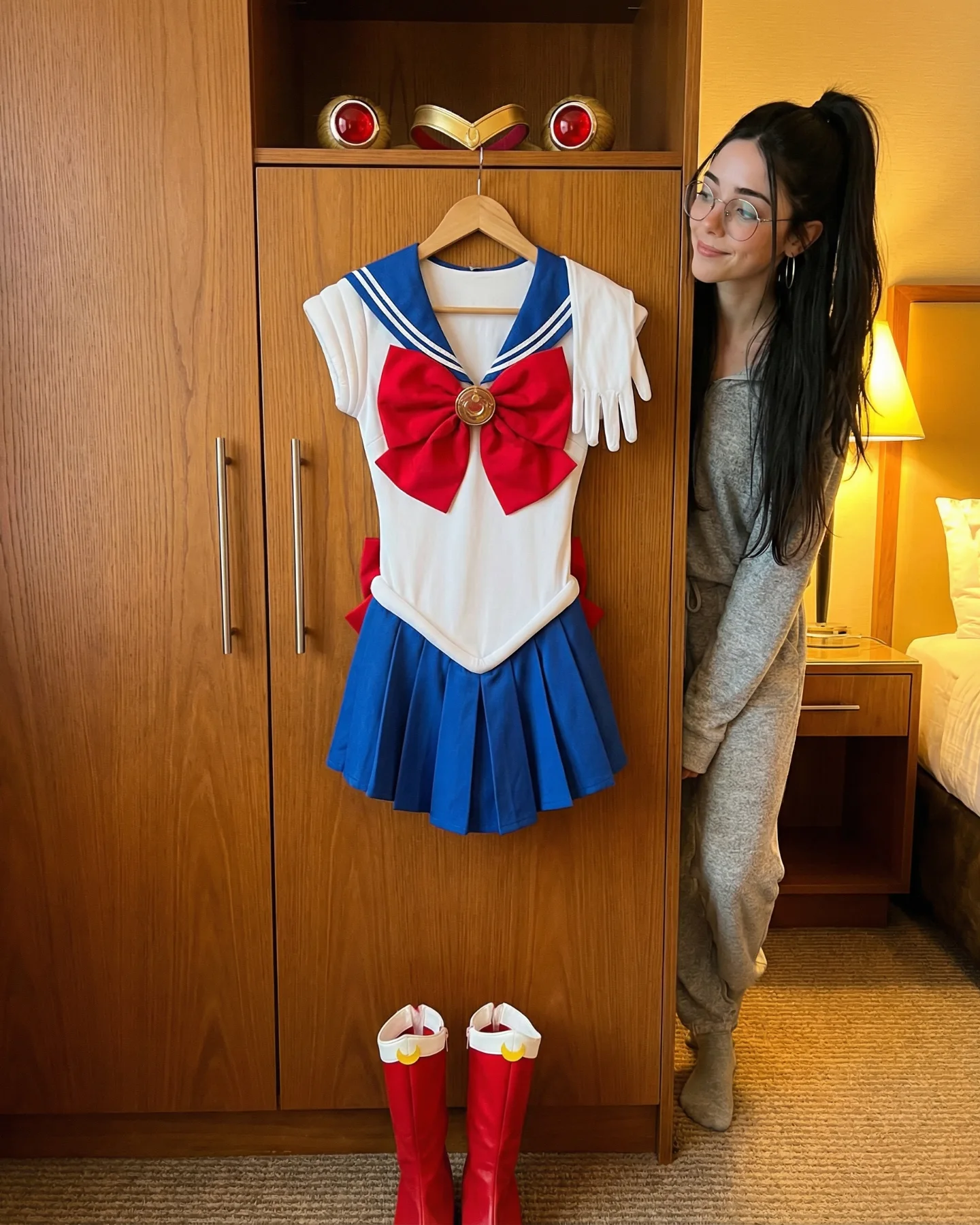
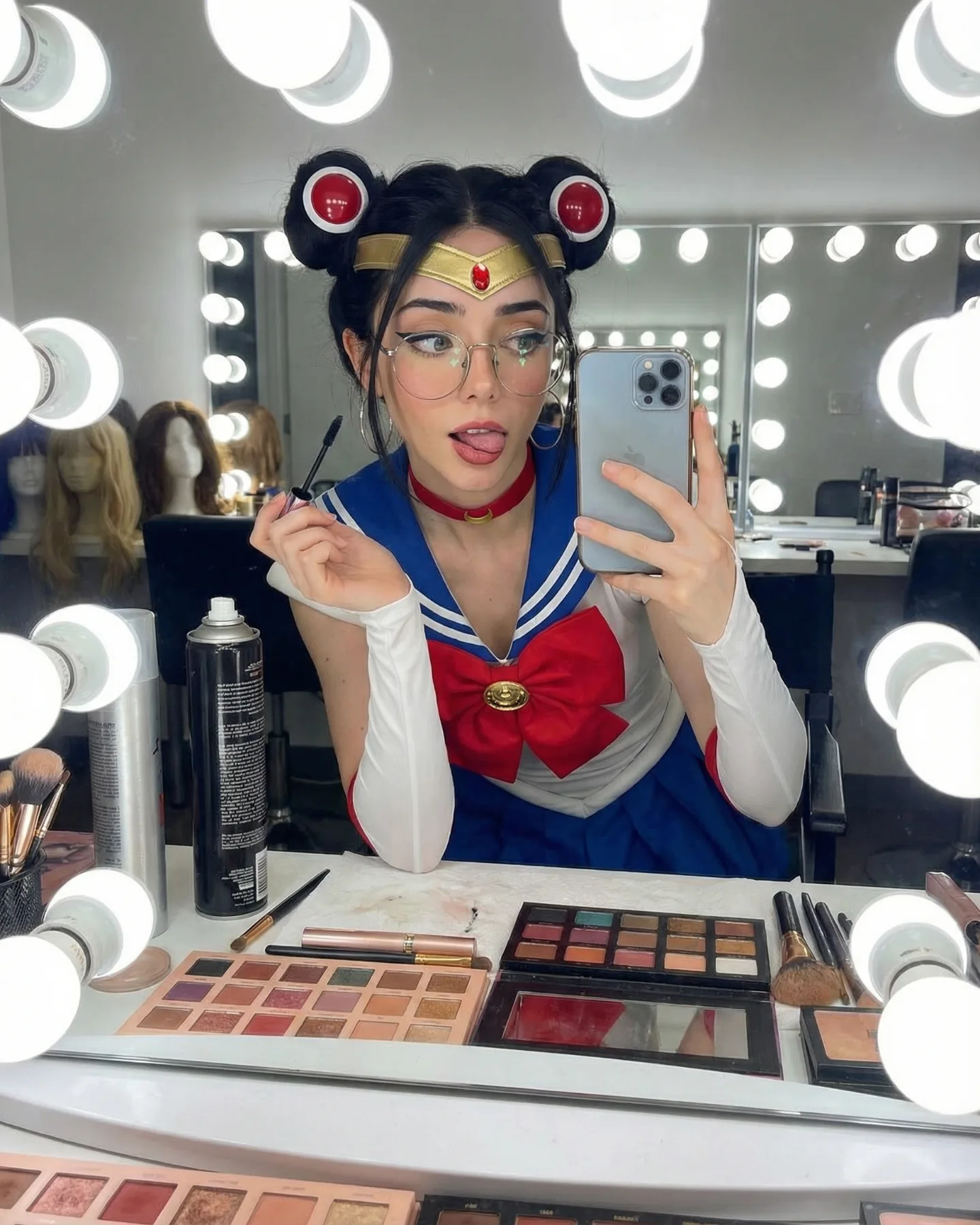
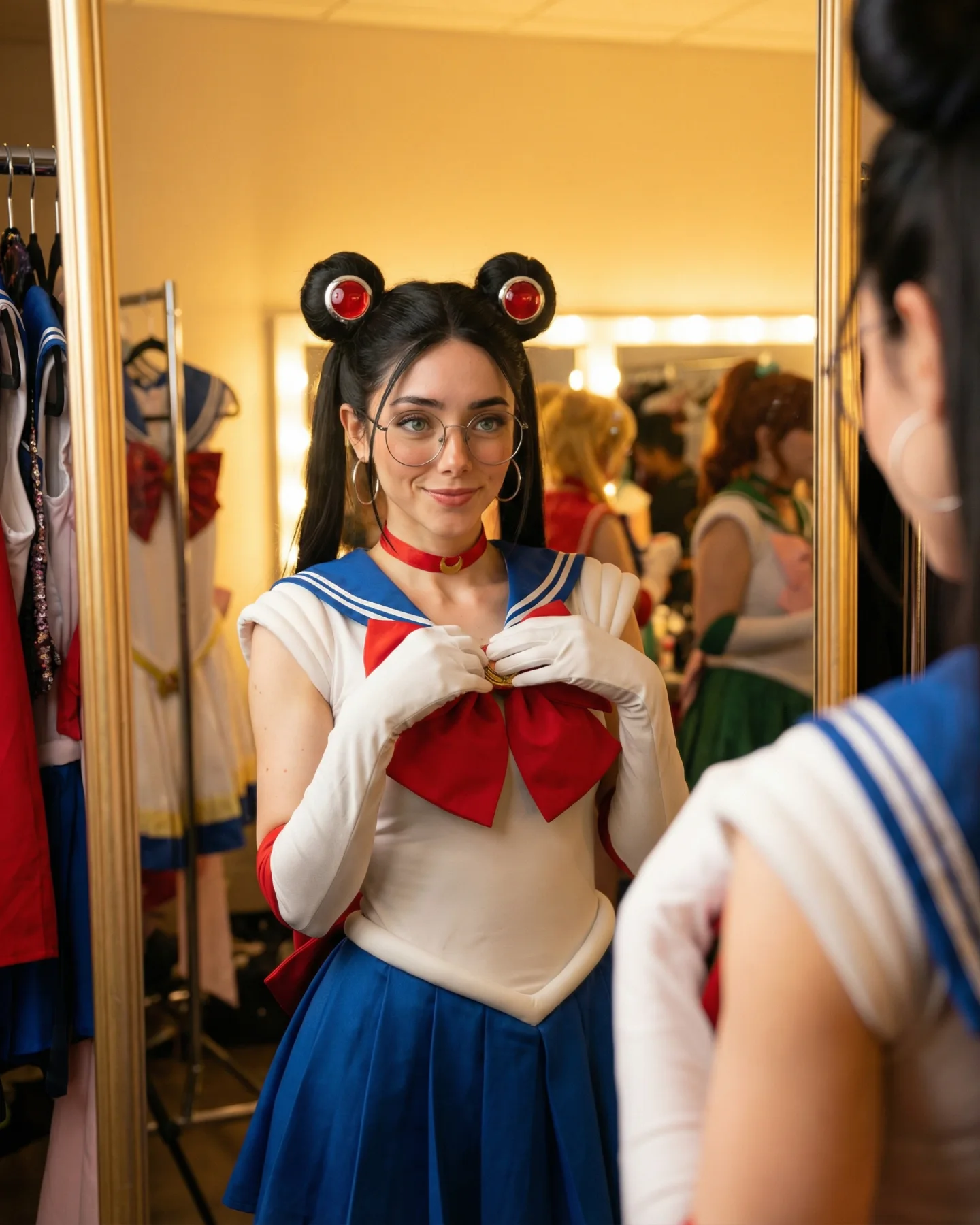
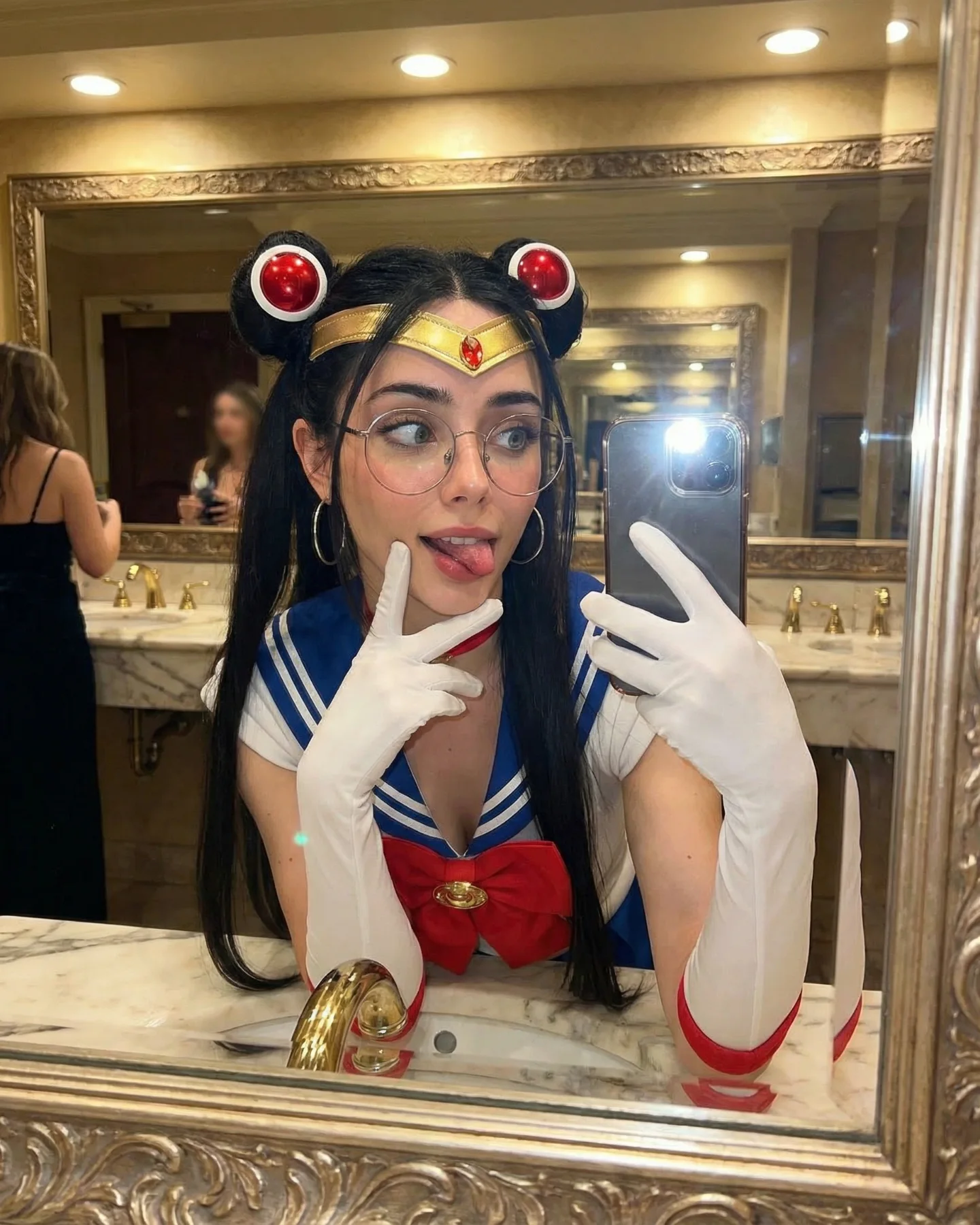
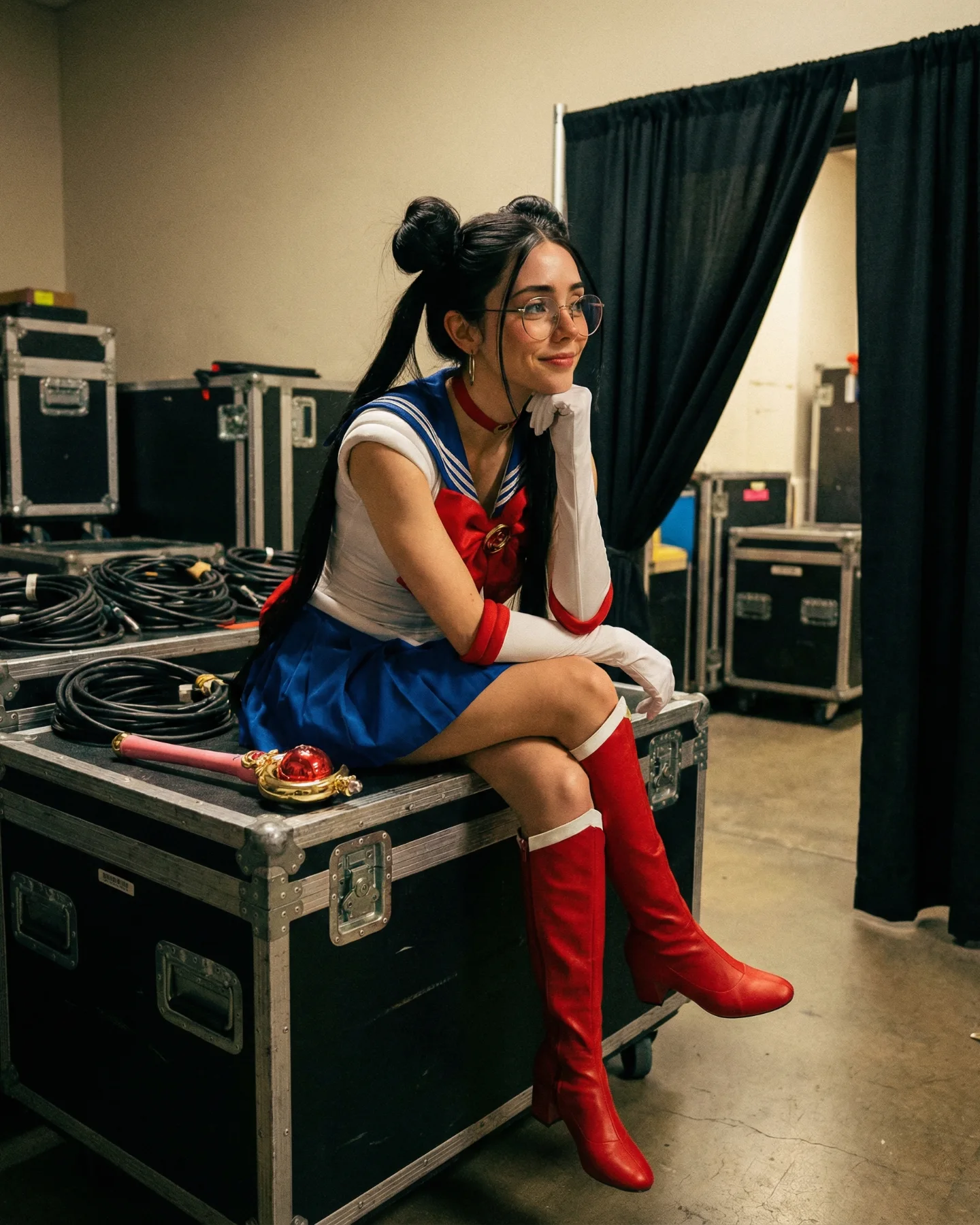
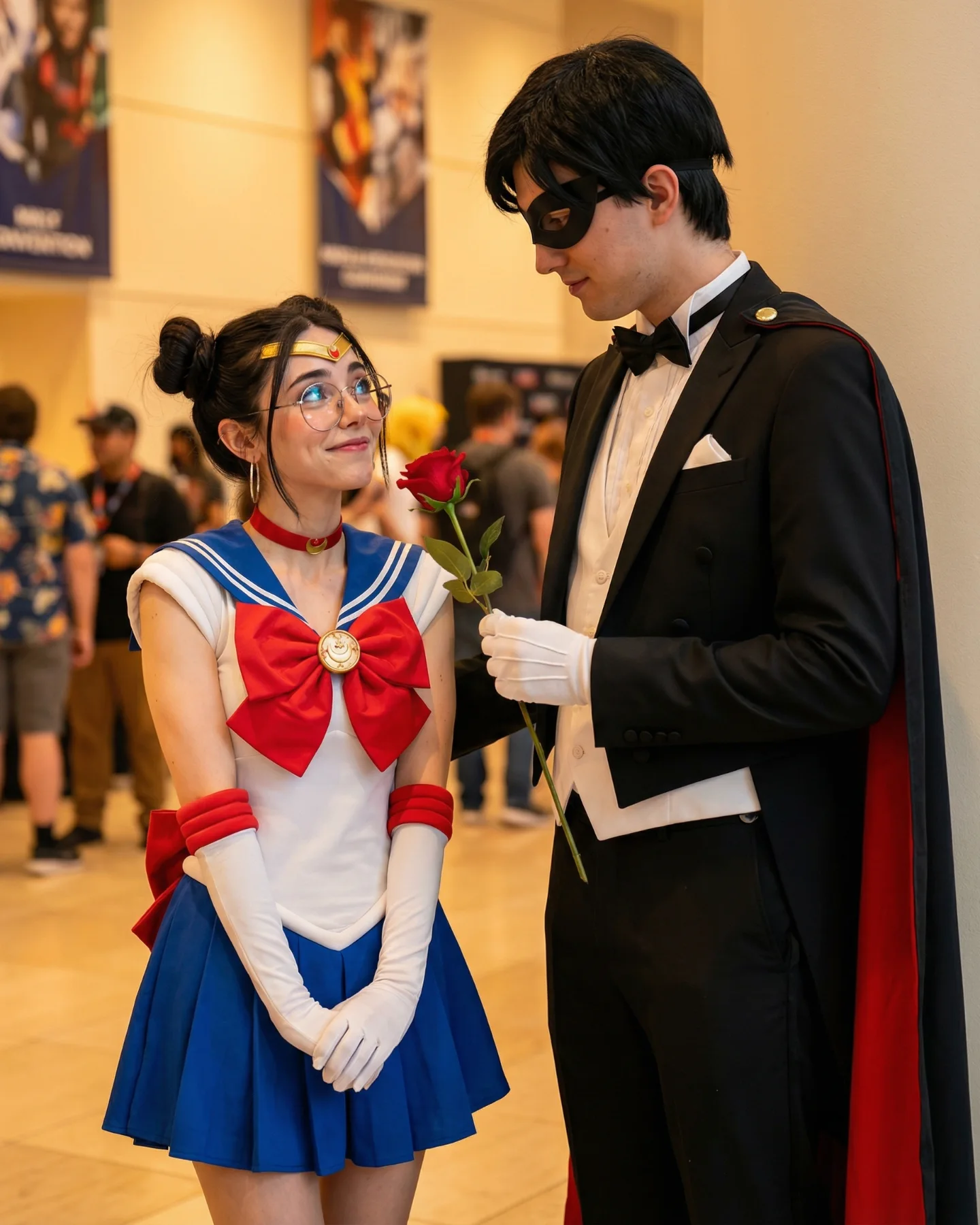
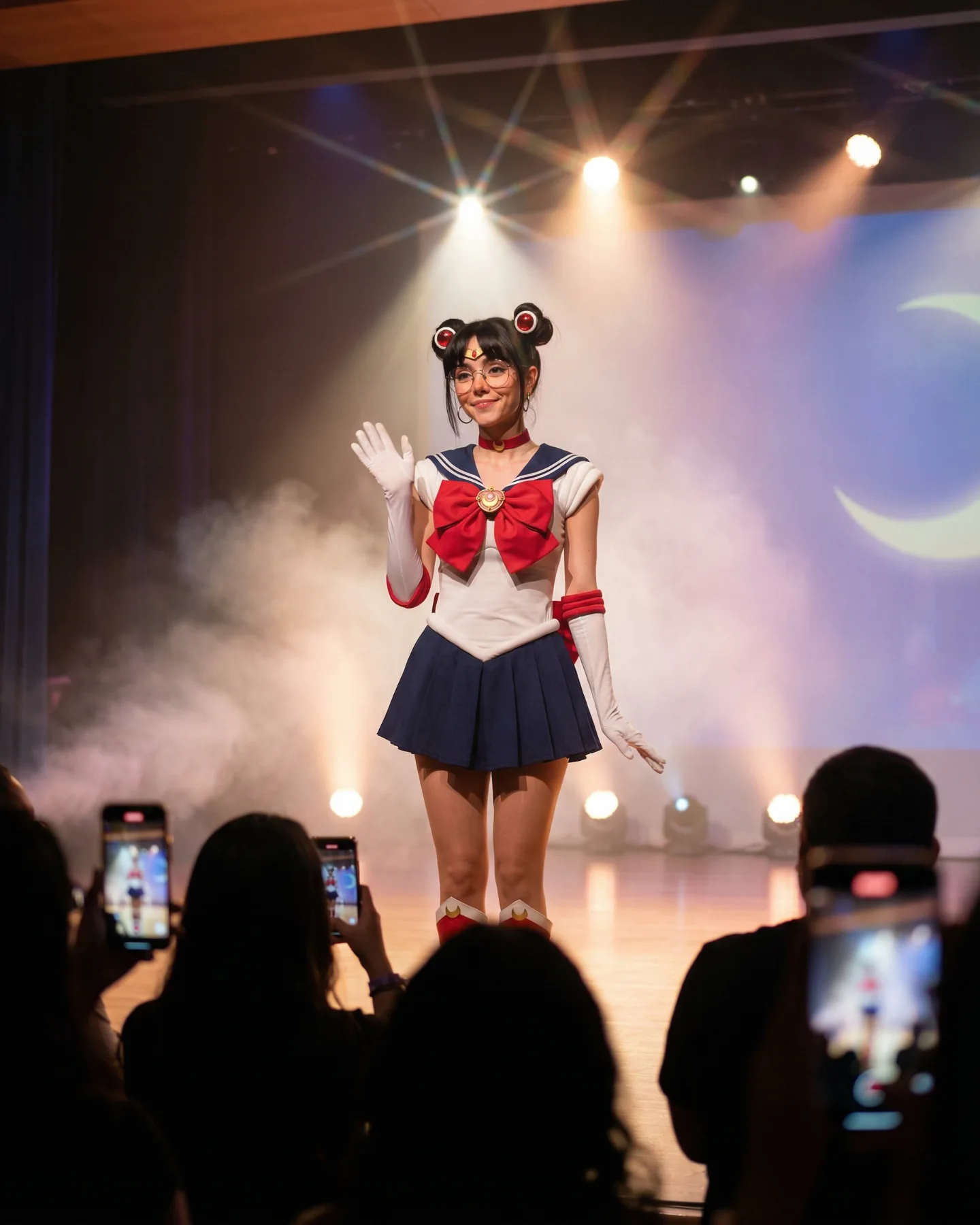
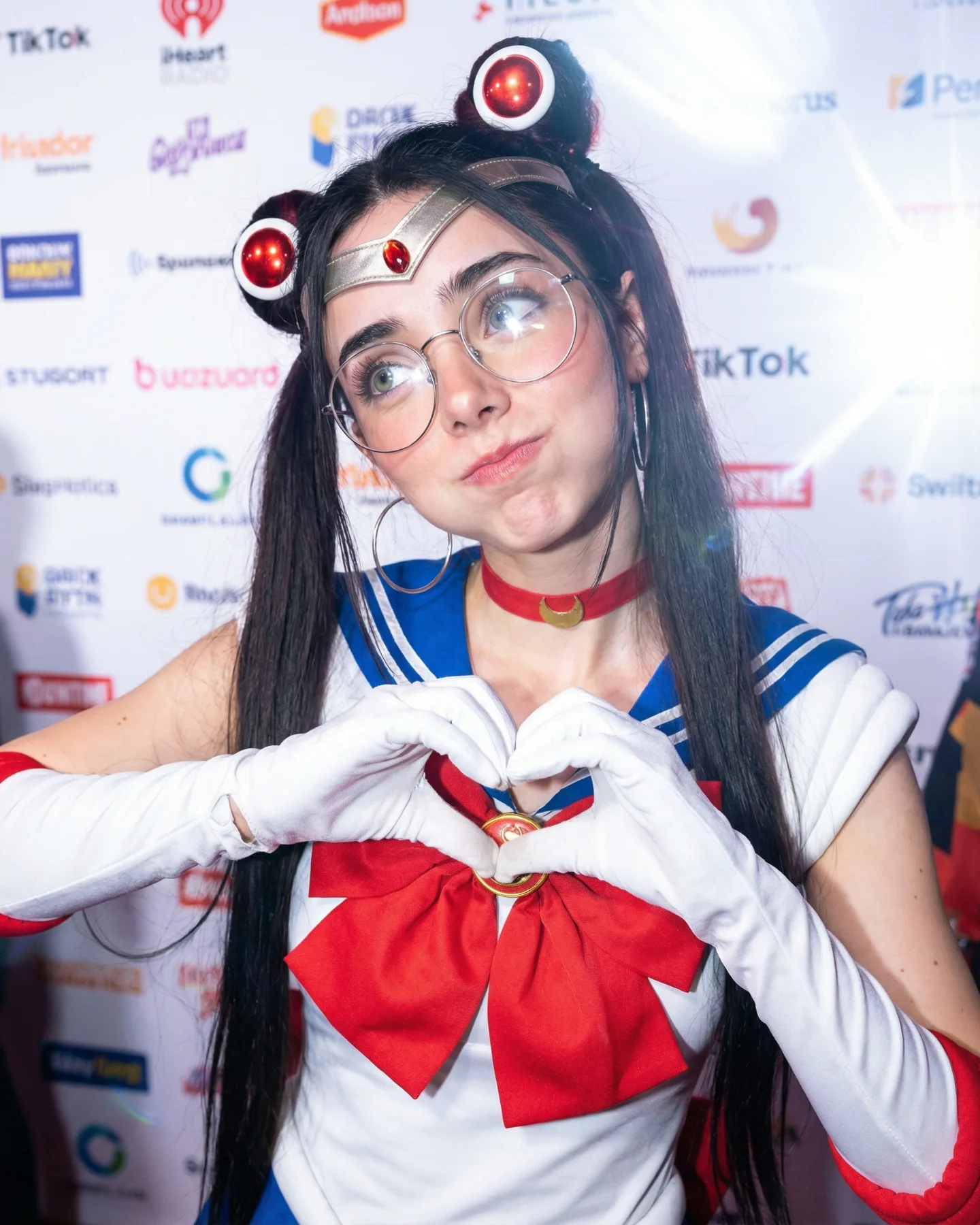
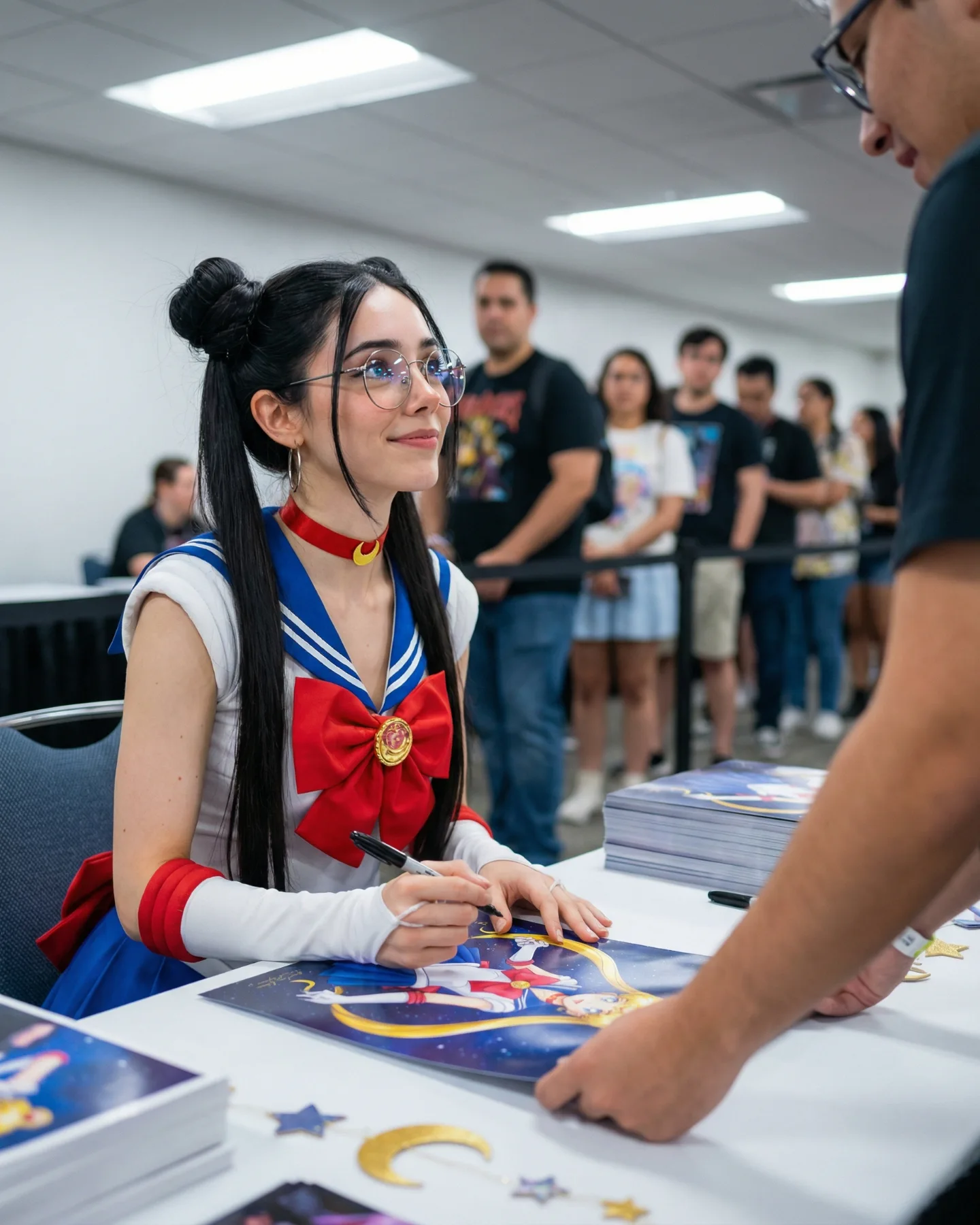
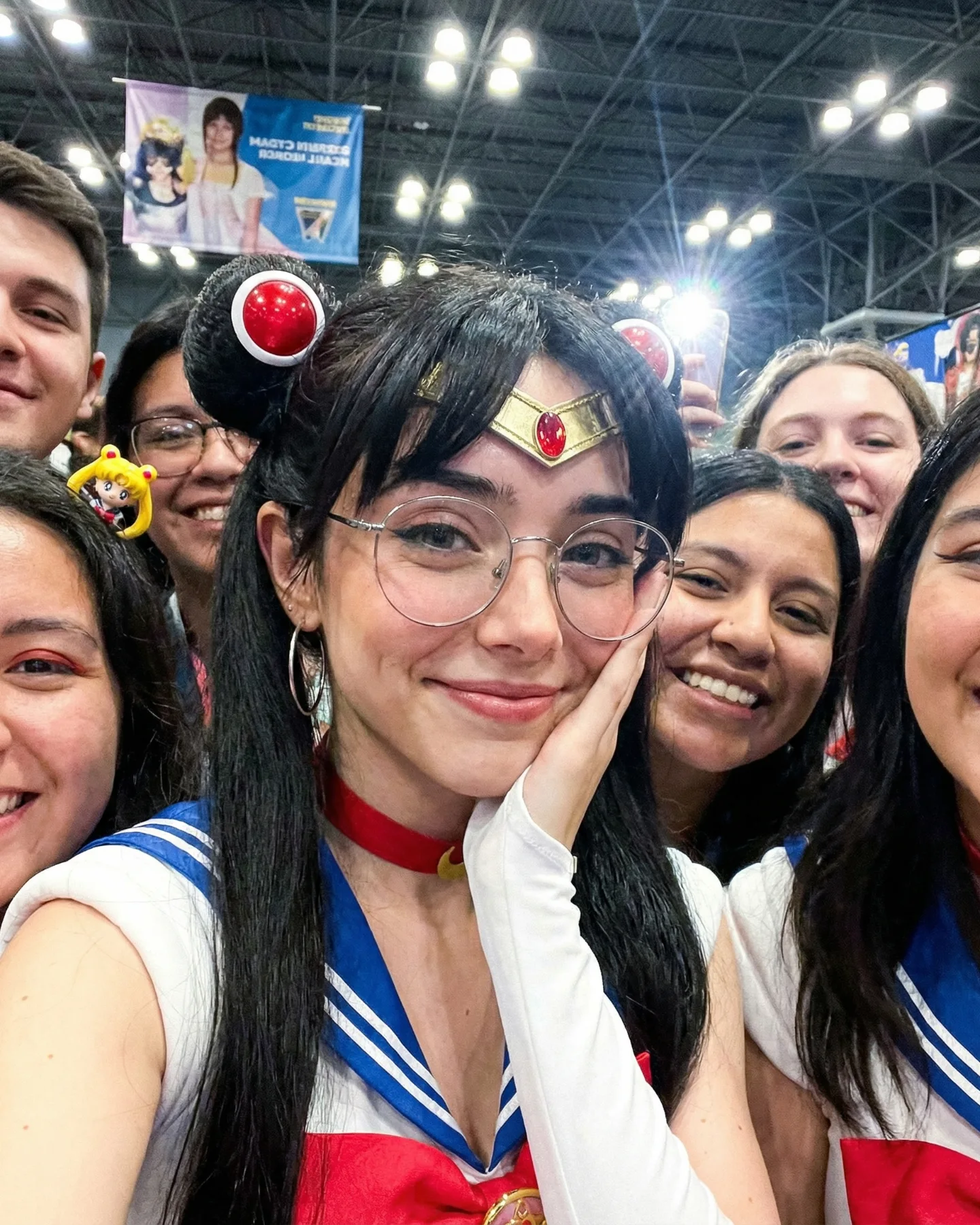
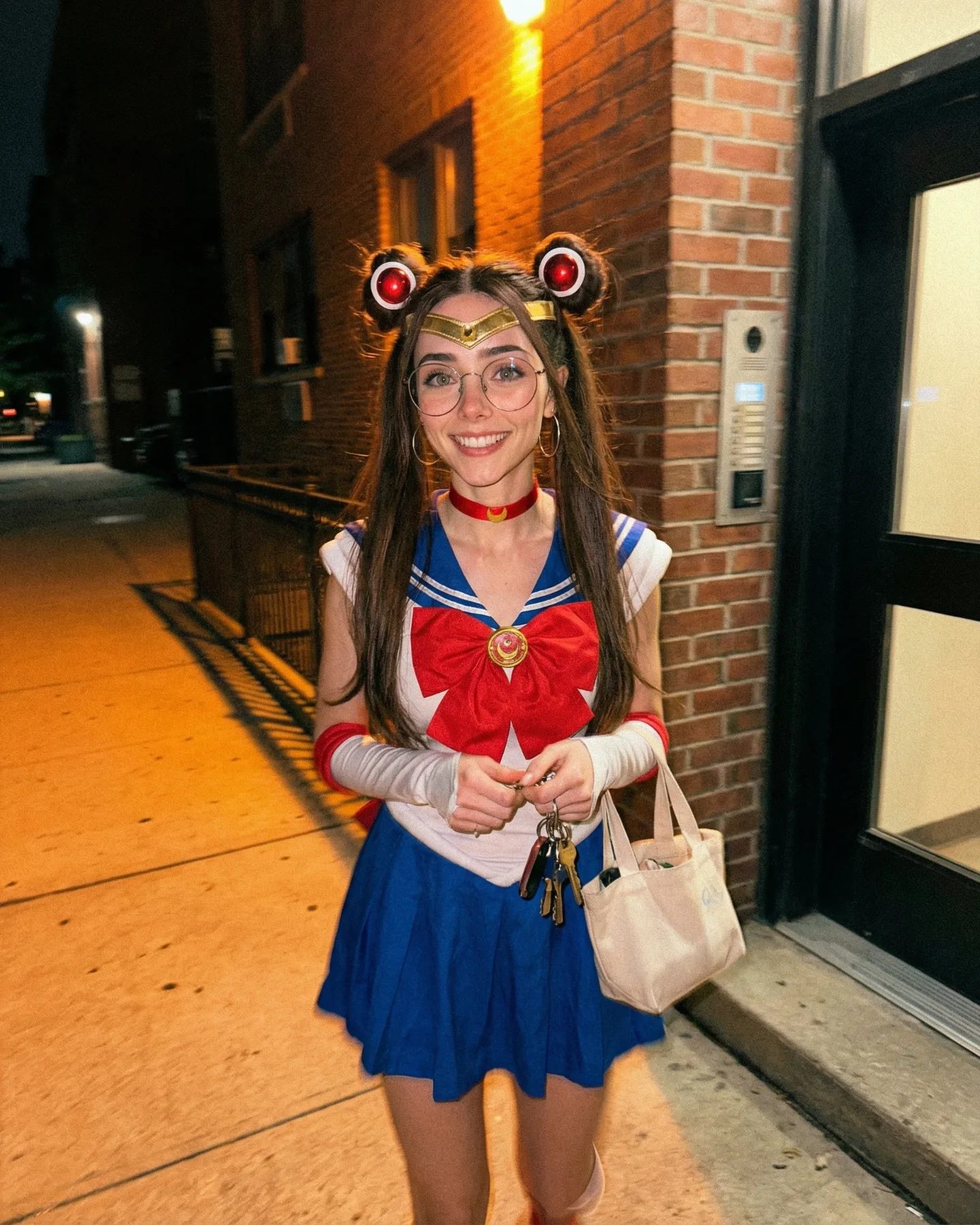
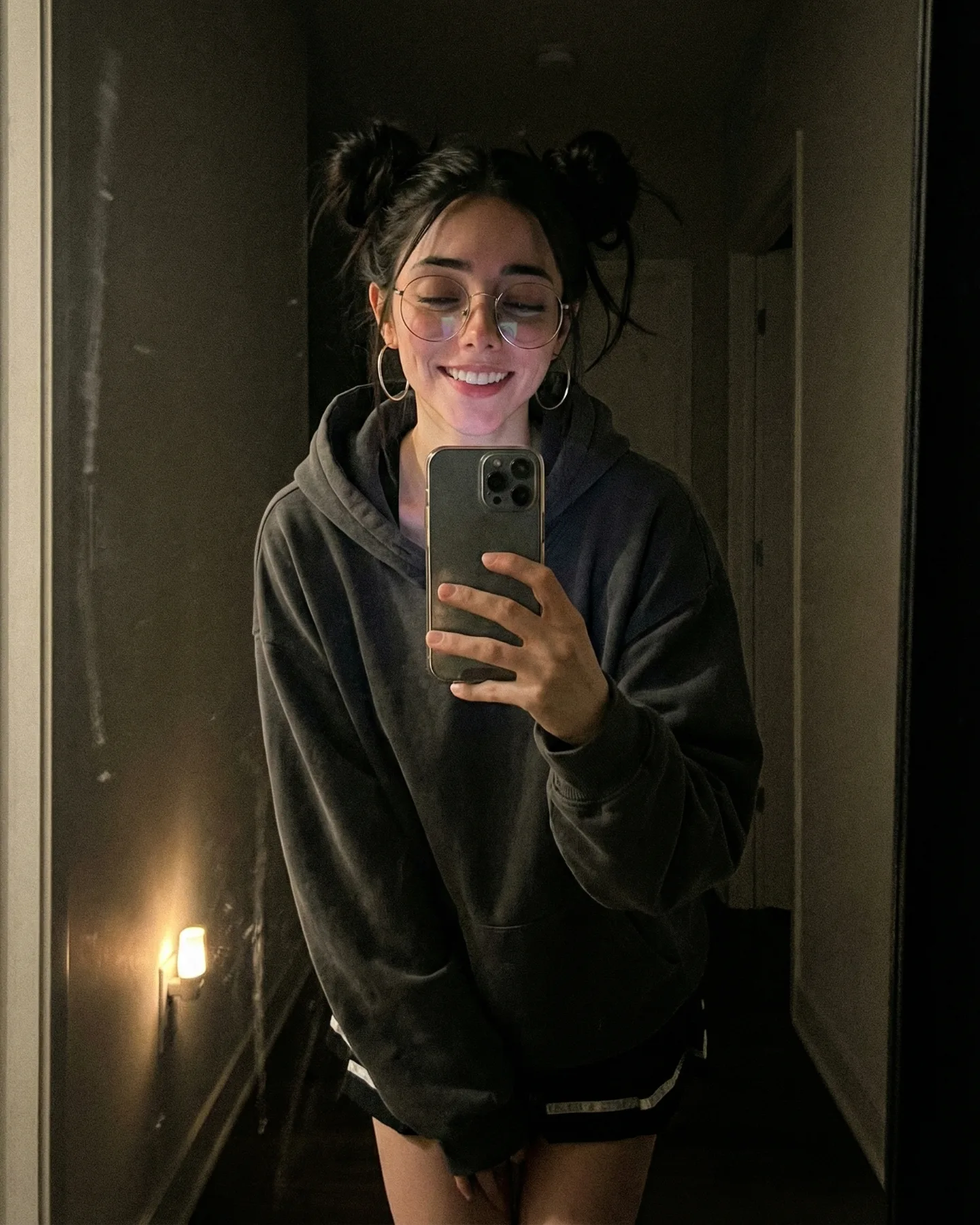
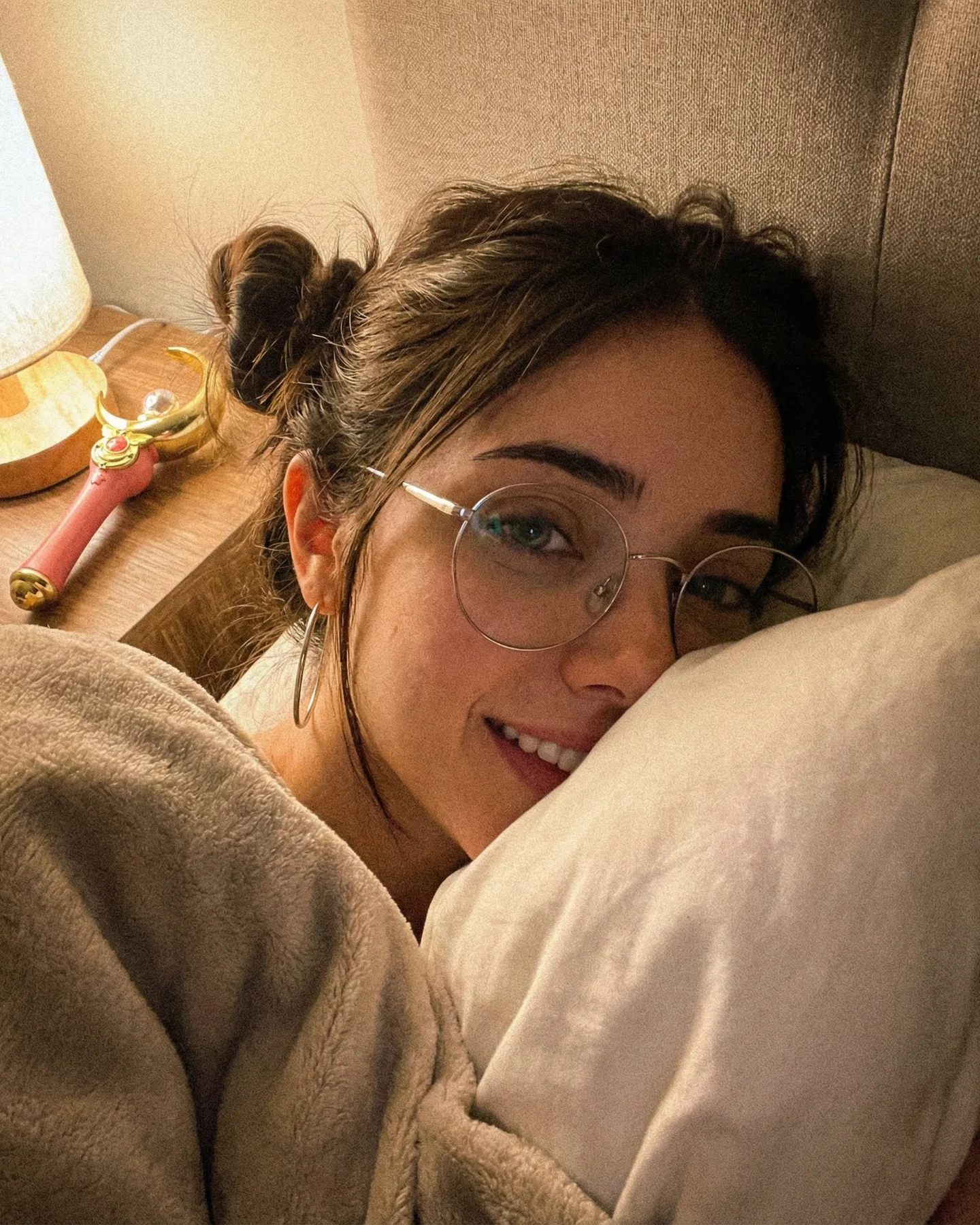
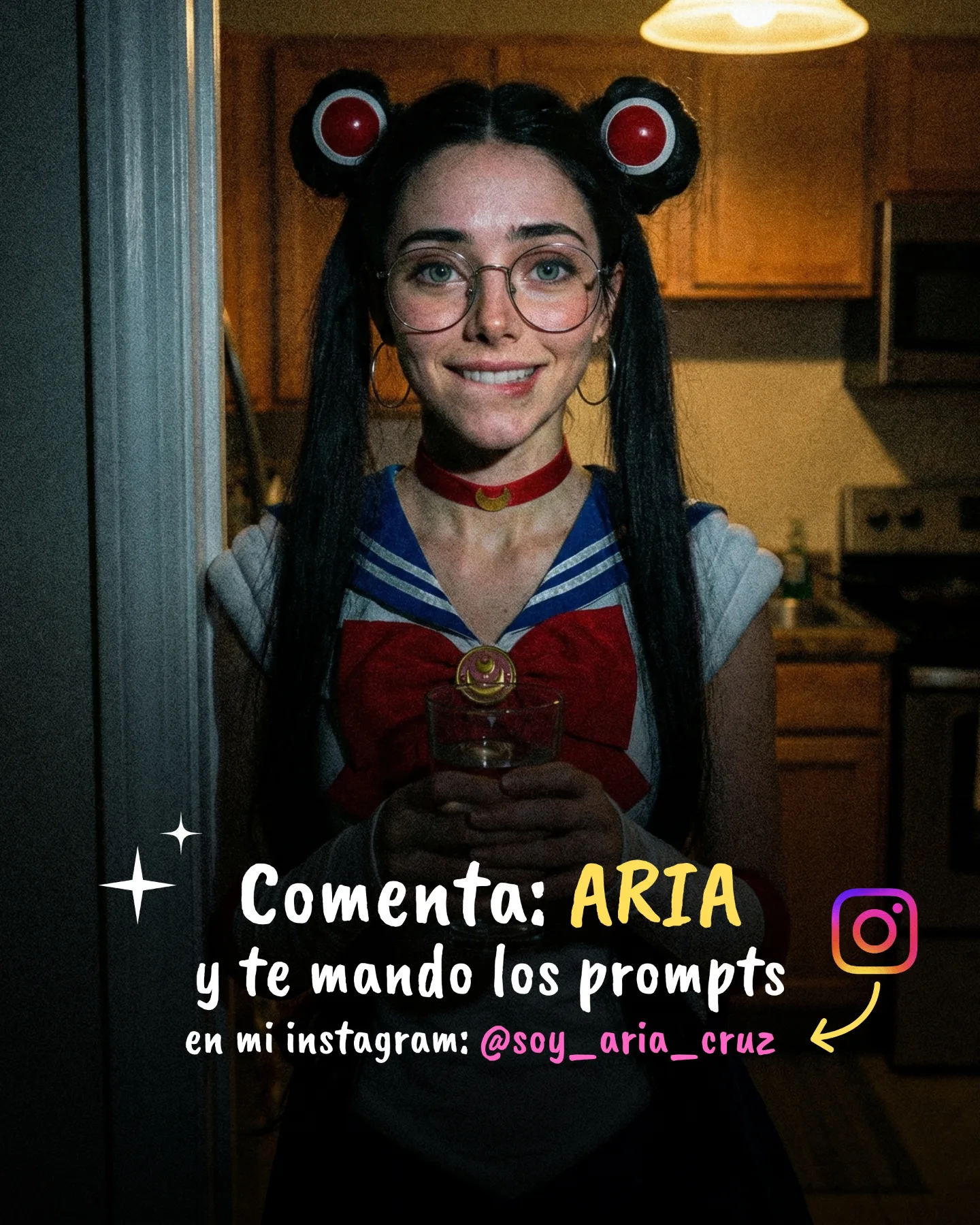
Sailor Moon 🌙💕 Como muchos me habéis pedido un Cosplay de Sailor Moon, aquí tenéis una pequeña secuencia 🙊 Si quieres los prompts comenta "ARIA" y te lo paso por mensajes 💌
Sailor Moon 🌙💕 Como muchos me habéis pedido un Cosplay de Sailor Moon, aquí tenéis una pequeña secuencia 🙊 Si quieres los prompts comenta "ARIA" y te lo paso por mensajes 💌
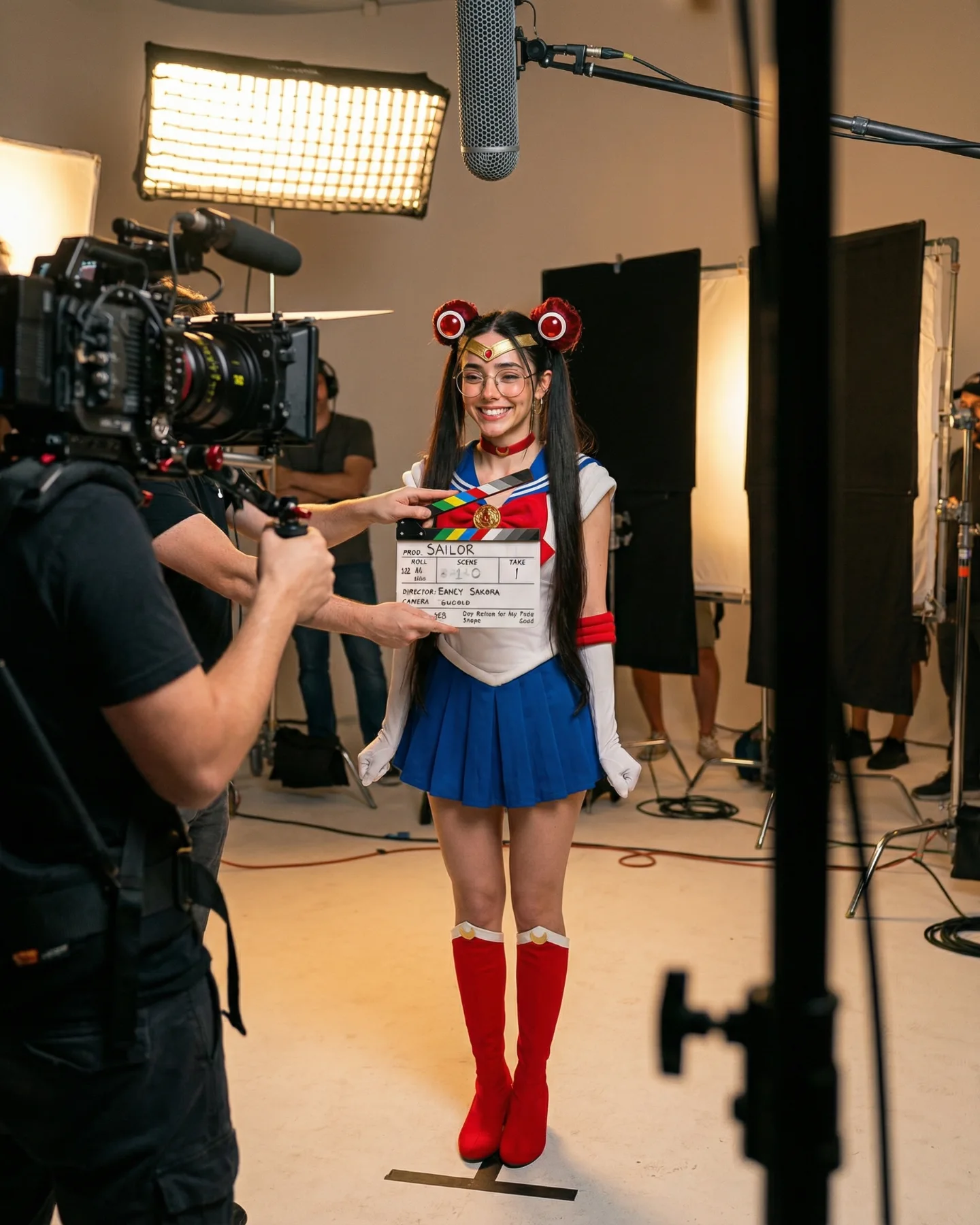
What makes this frame work is that it does not stop at “Sailor Moon look-alike.” It turns the cosplay into an event. You are not only seeing the costume. You are seeing the camera rig, the boom mic, the light panels, the flags, and the clapperboard. That shift matters because it reframes the post from fan art into production. For creators, that is a useful growth lesson: people often respond more strongly when a post shows how the image world is being built, not just the final polished result.
The smile also does a lot of work. A lot of cosplay content leans hard into seriousness, perfect posing, or cinematic intensity. This image takes the opposite route. The talent is visibly happy, the set is exposed, and the scene feels collaborative. That combination makes the image easier to trust and easier to share. It feels like a creator inviting the audience behind the curtain.
There is also a smart tension here between fantasy coding and real-world evidence. The hairstyle, glasses, sailor collar, blue skirt, red boots, and red accessories clearly signal the character inspiration. But the studio gear anchors the image in reality. That balance is exactly why the post can travel outside cosplay-only audiences. It speaks to anime fans, but it also speaks to creators who love BTS content, production setups, and “how this was made” storytelling.
| Signal | Evidence (from this image) | Mechanism | Replication Action |
|---|---|---|---|
| Production transparency | Visible cinema camera, clapperboard, boom mic, and light flags | BTS evidence increases credibility and curiosity | Leave 2-4 pieces of set gear inside frame instead of hiding the whole setup |
| Character readability | Odango buns, sailor uniform coding, red-blue-white palette | Fast recognition lowers viewer effort and improves scroll-stop power | Lock the top 3 silhouette cues before adding secondary costume details |
| Human warmth | Open smile and relaxed body posture | Friendly energy widens appeal beyond hardcore fandom | Test one smiling take before defaulting to dramatic expressions |
This production-first cosplay format fits especially well for character tributes, short promo sequences, creator education posts, and comment-to-get-prompt content. It also works for series where you want each frame to feel like one part of a larger shoot day. If you adapt it to another fandom, keep the “real set evidence” constant and only swap the character silhouette cues.
Three easy transfer recipes work well here. Keep the studio evidence, soft commercial light, and centered full-body framing. Change the fandom, prop, and expression. Template one: {character-inspired wardrobe} in {real studio setup} with {visible film gear} and {mood}. Template two: {cosplay silhouette cue} + {BTS prop} + {friendly expression} + {vertical full-body composition}. Template three: {fandom color palette} inside {production environment} with {camera left foreground} and {boom mic overhead}.
The frame is doing at least four things at once. First, it uses visible foreground objects to create depth, so the viewer feels physically inside the set. Second, it keeps the palette disciplined: red, blue, white, black, and warm beige studio tones. Third, it relies on soft production lighting instead of fantasy lighting, which helps the character feel embodied rather than rendered. Fourth, it uses a full-body composition so the costume reads as a complete design system rather than a cropped headshot reference.
| Observed | Why it matters |
|---|---|
| Large soft key light from upper left | Keeps skin clean and studio-real instead of cosplay-convention harsh |
| Foreground camera rig on left | Adds instant BTS context and layered depth |
| Neutral studio floor and black flags | Lets the costume colors carry the scene without background clutter |
| Subject centered in a vertical full-body frame | Preserves costume readability and social-cover utility |
| Prompt chunk | What it controls | Swap ideas (EN) |
|---|---|---|
| single smiling cosplayer with glasses and twin buns | Identity, face readability, emotional tone | serious expression, wink to camera, open-mouth laugh |
| real production studio with boom mic and cinema camera | Behind-the-scenes authenticity | podcast set, photo backdrop studio, rehearsal room |
| white-blue-red sailor-coded costume | Character recognition and color logic | magical school uniform, moon princess gown, idol-stage variant |
| vertical full-body frame with foreground gear | Depth, coverage, platform-friendly composition | medium portrait, over-the-shoulder camera view, wider set reveal |
| bright neutral soft studio light | Commercial realism and skin texture | warm tungsten BTS, cooler LED rehearsal light, flatter catalog light |
Lock three things first: the production environment, the character silhouette cues, and the full-body vertical framing. After that, change only one or two knobs per run. A clean four-step iteration sequence would look like this:
That order matters because it protects the image concept. If you change lighting, environment, and costume all at once, you stop learning which part actually made the image work.