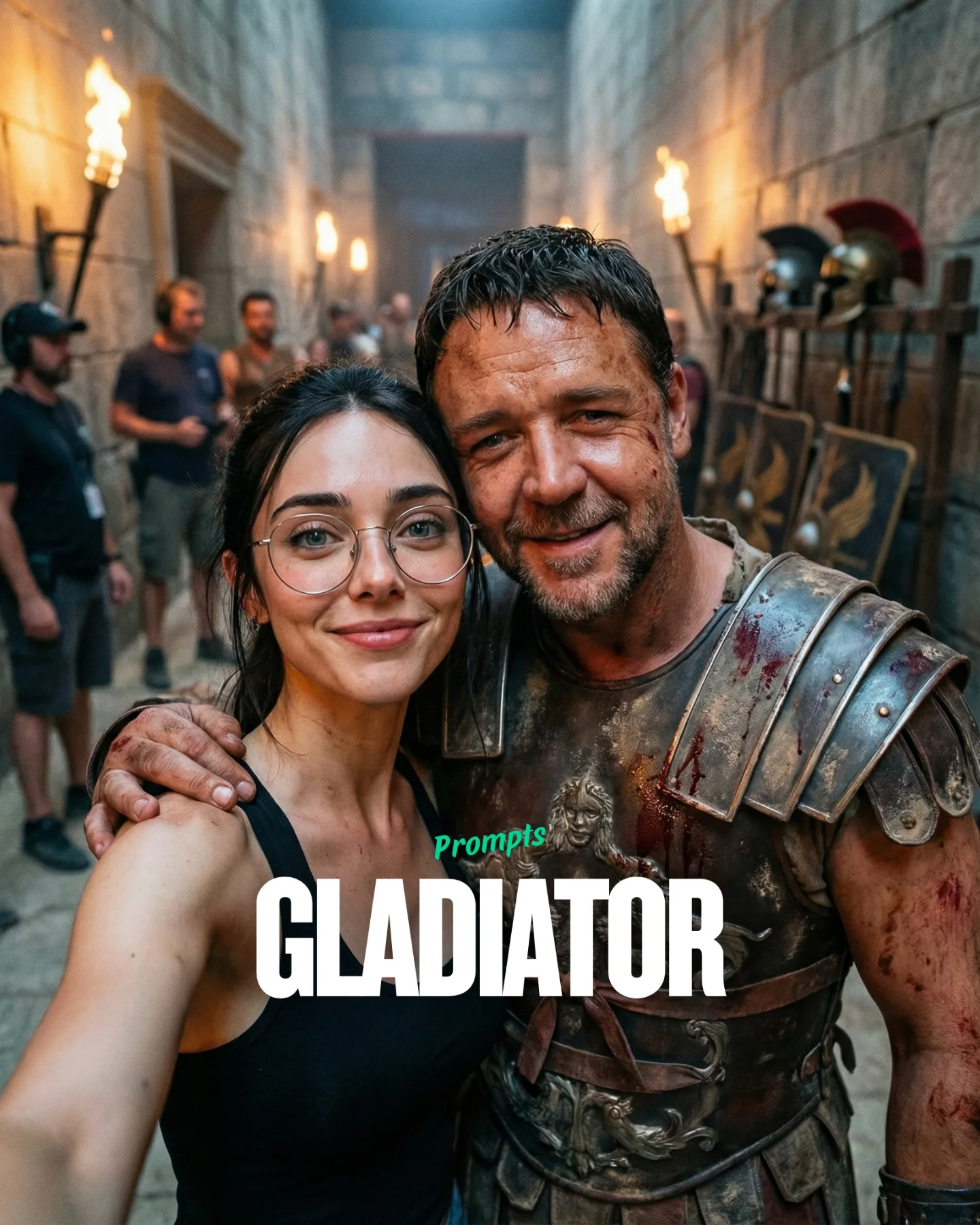
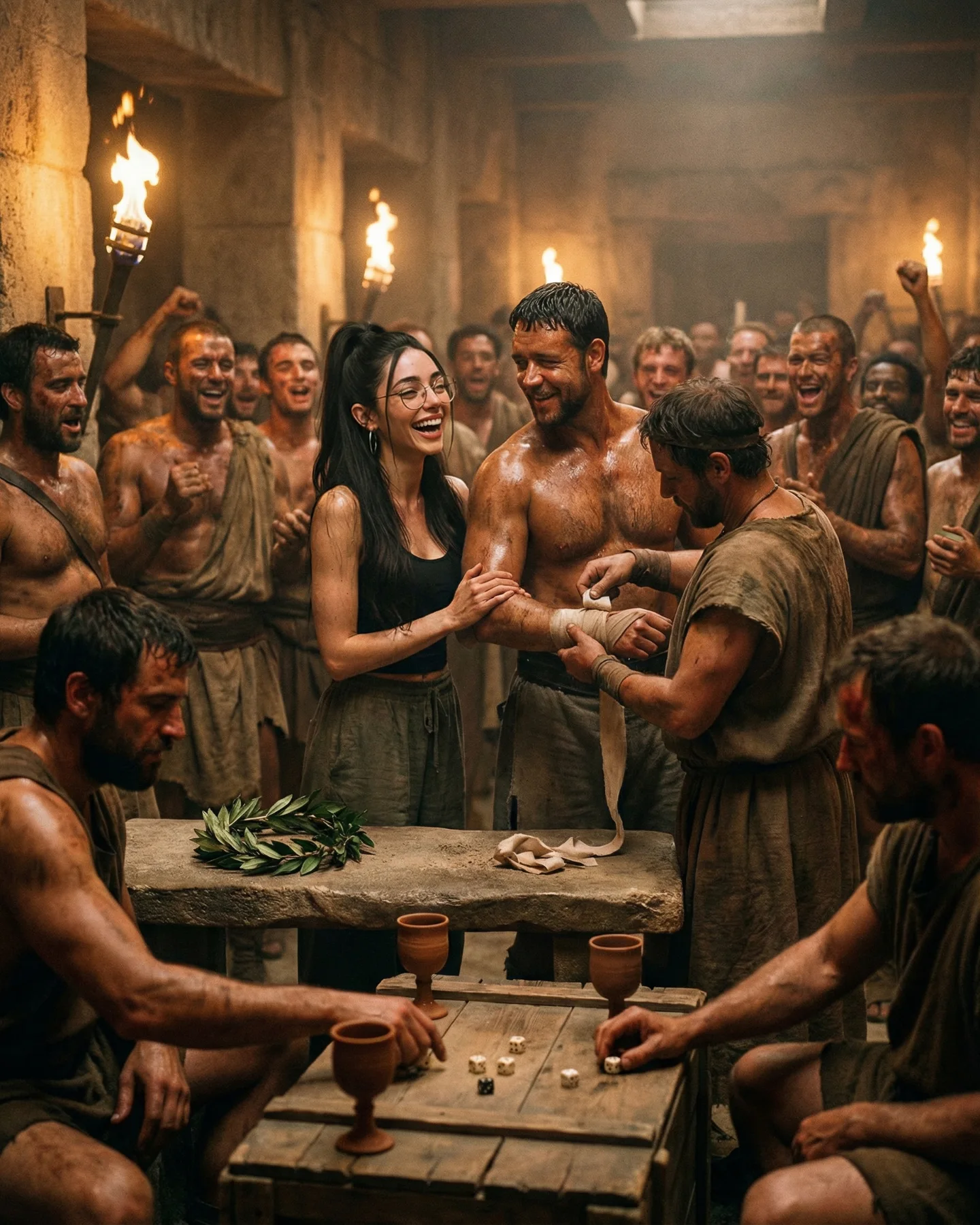
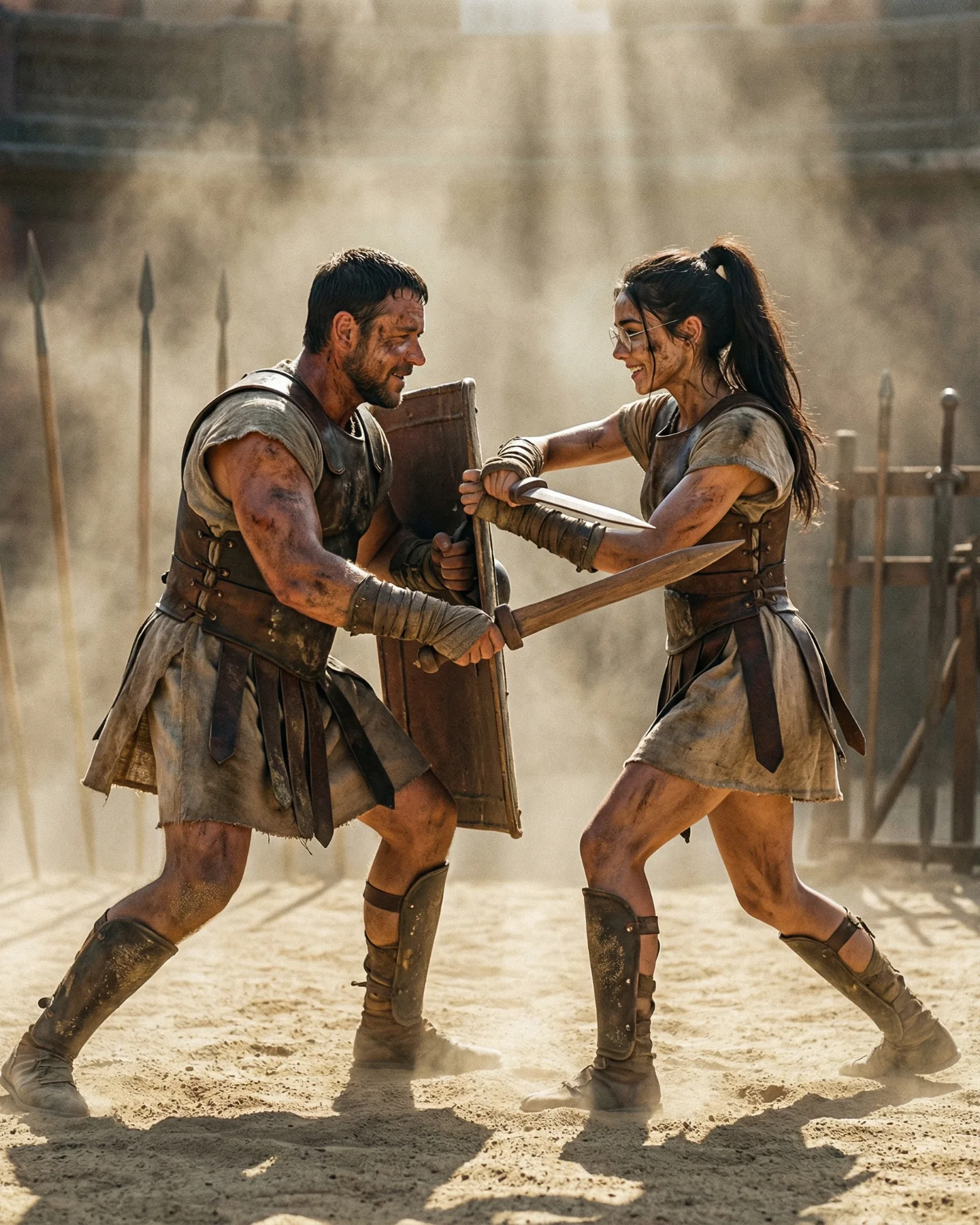
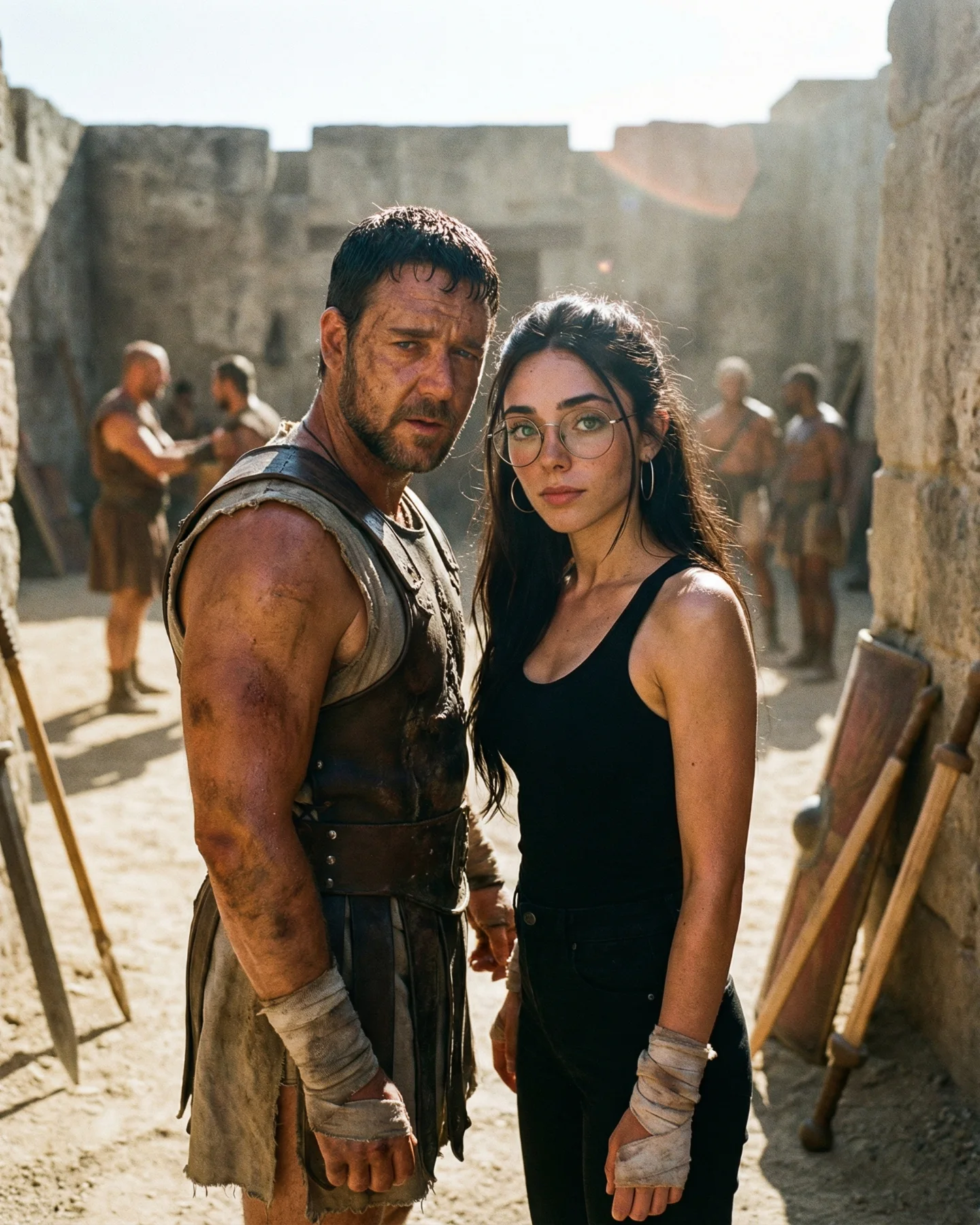
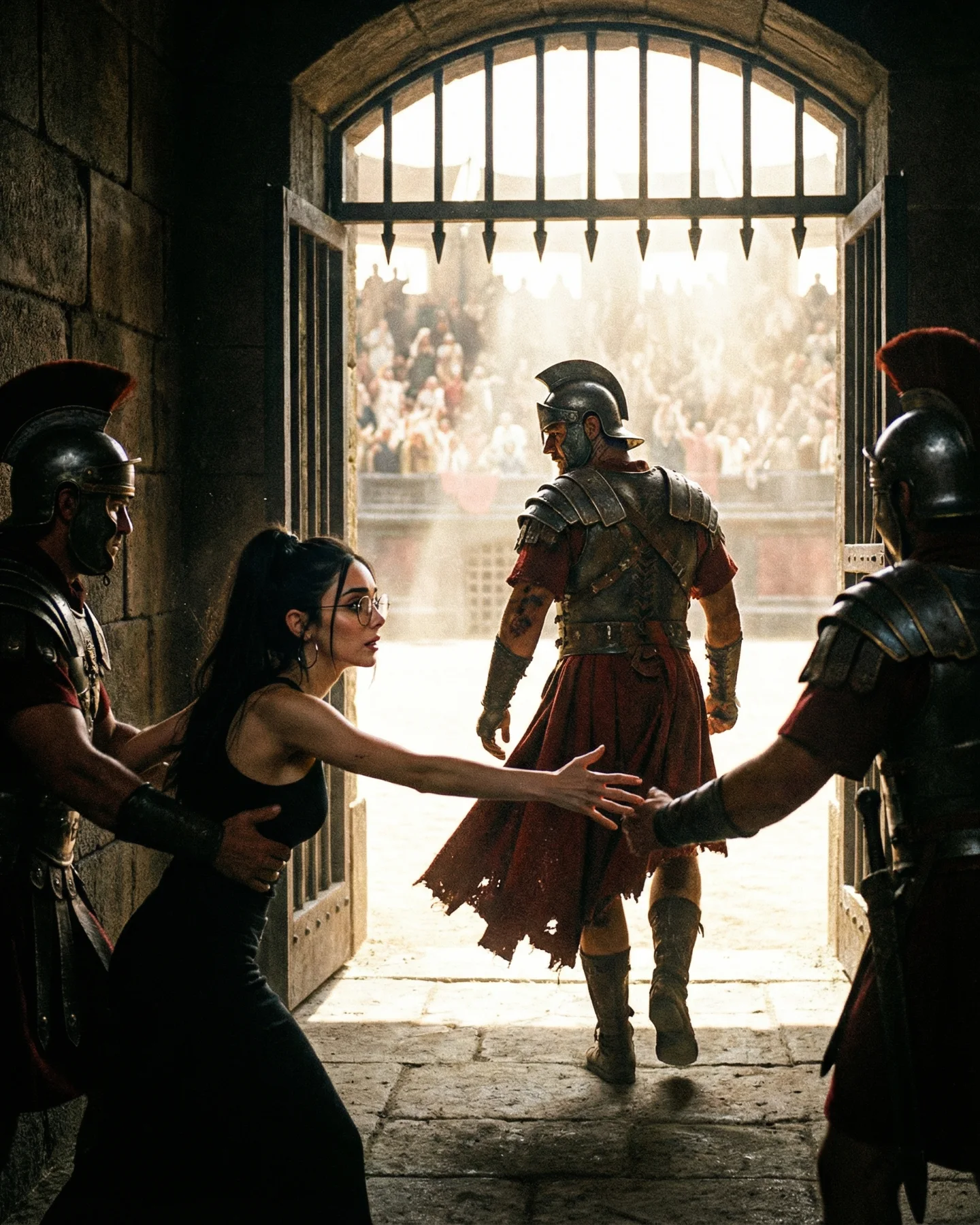
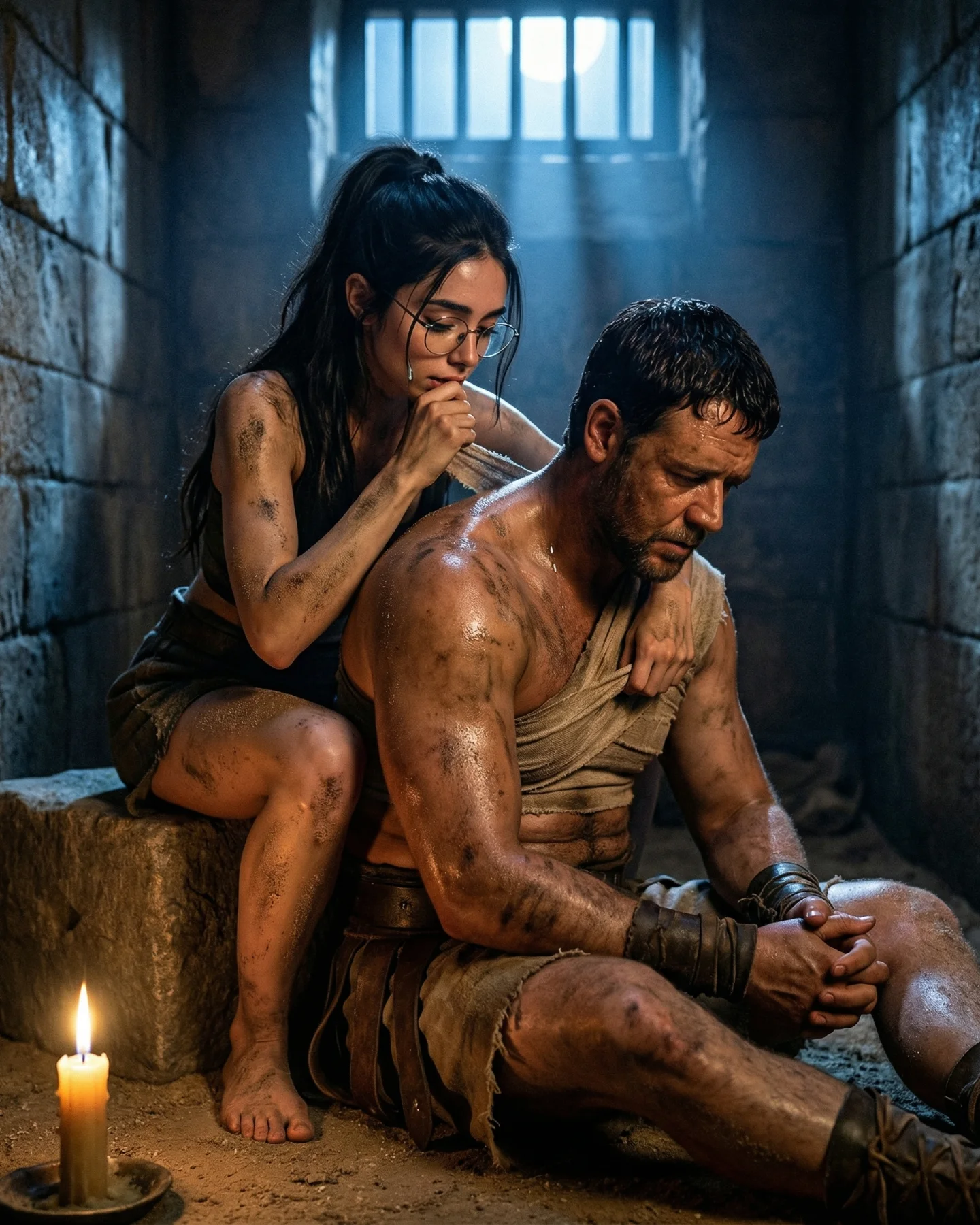
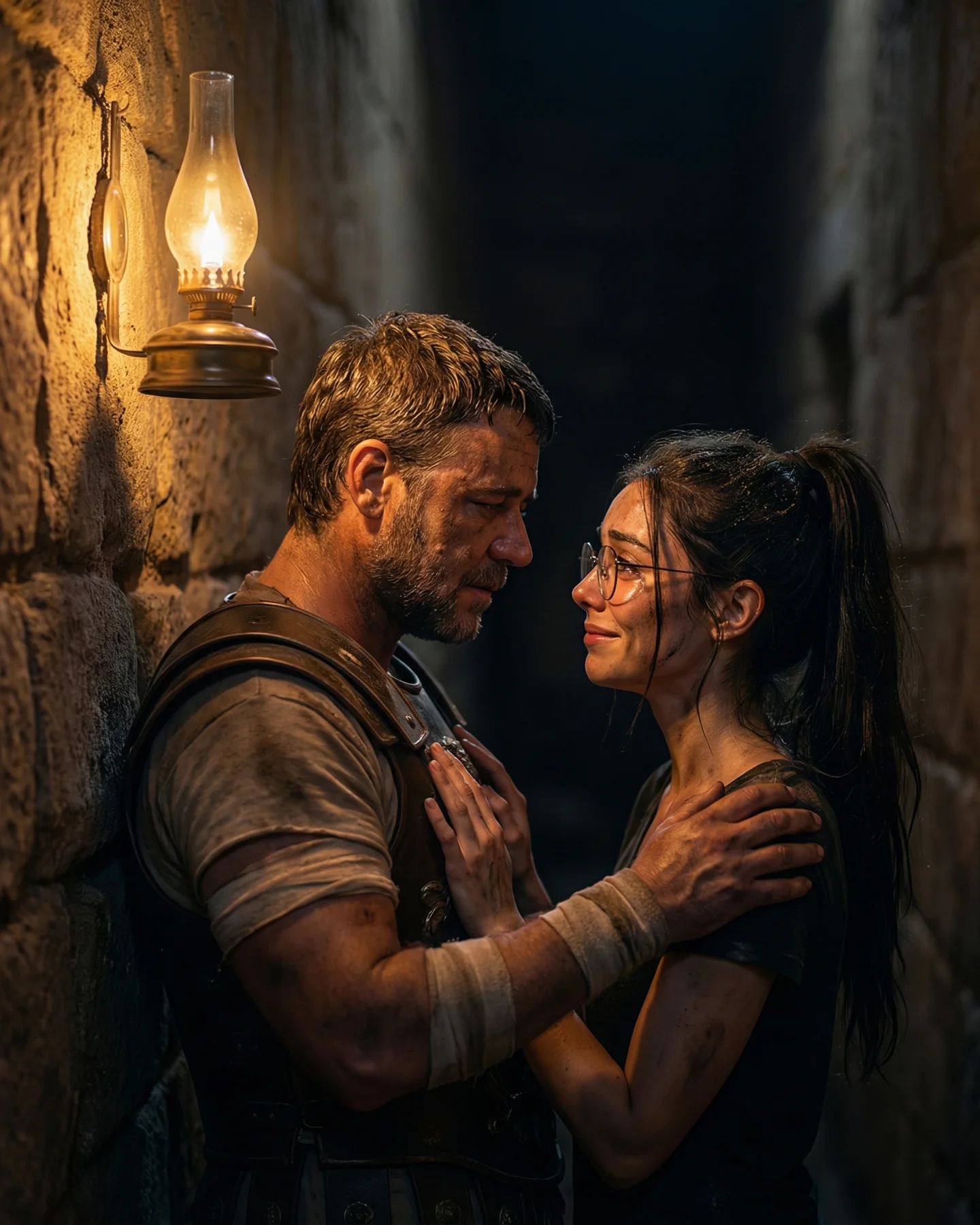
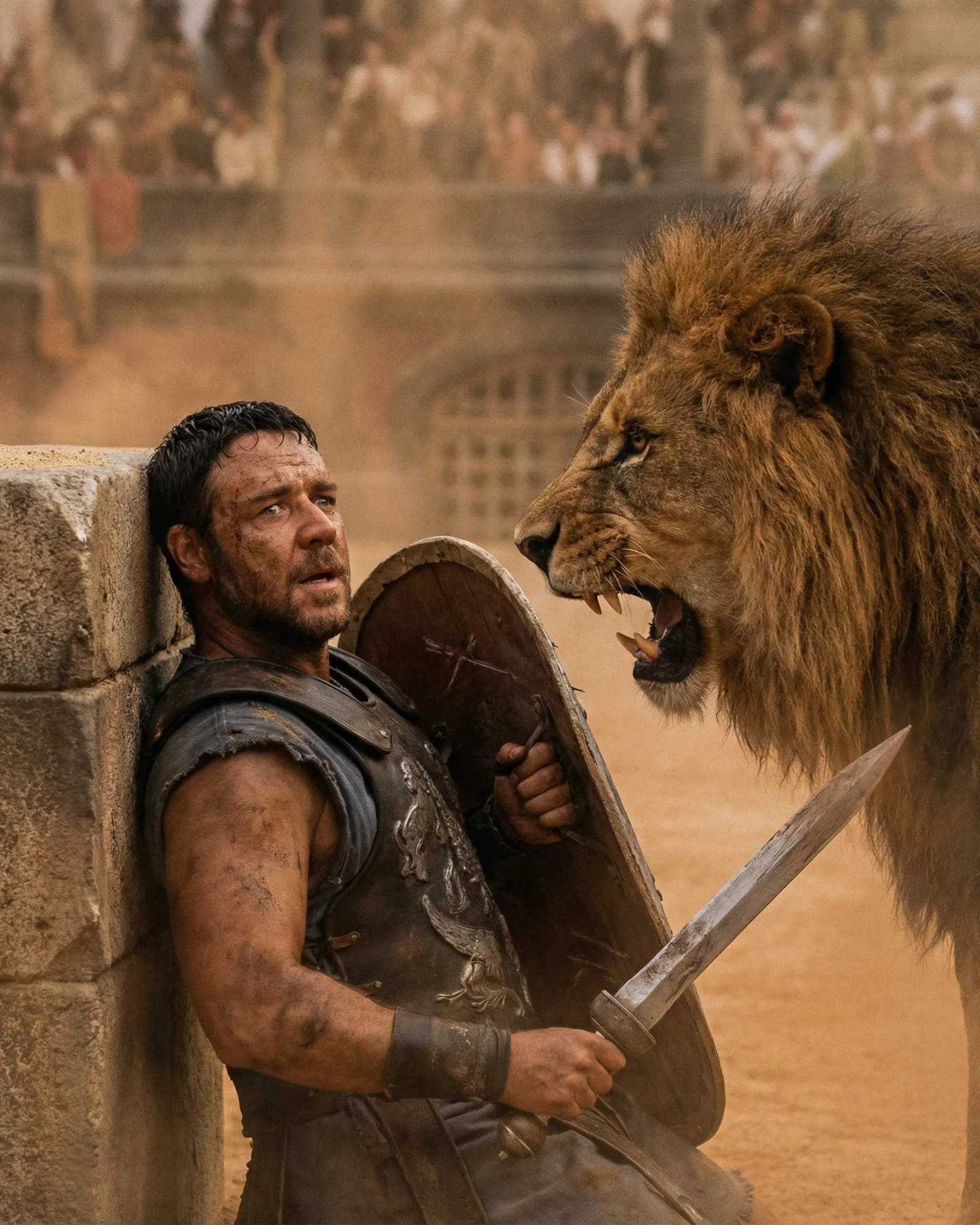
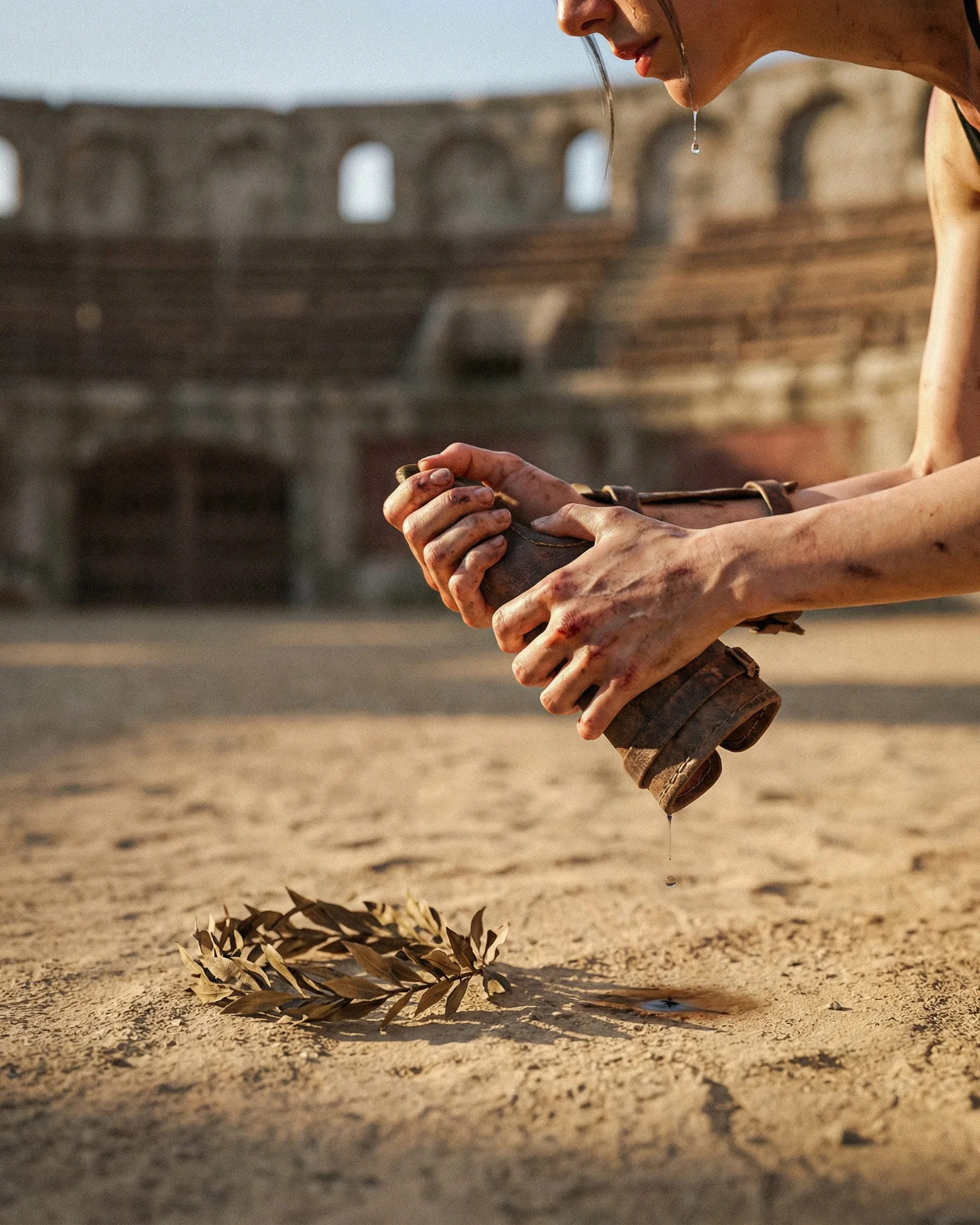
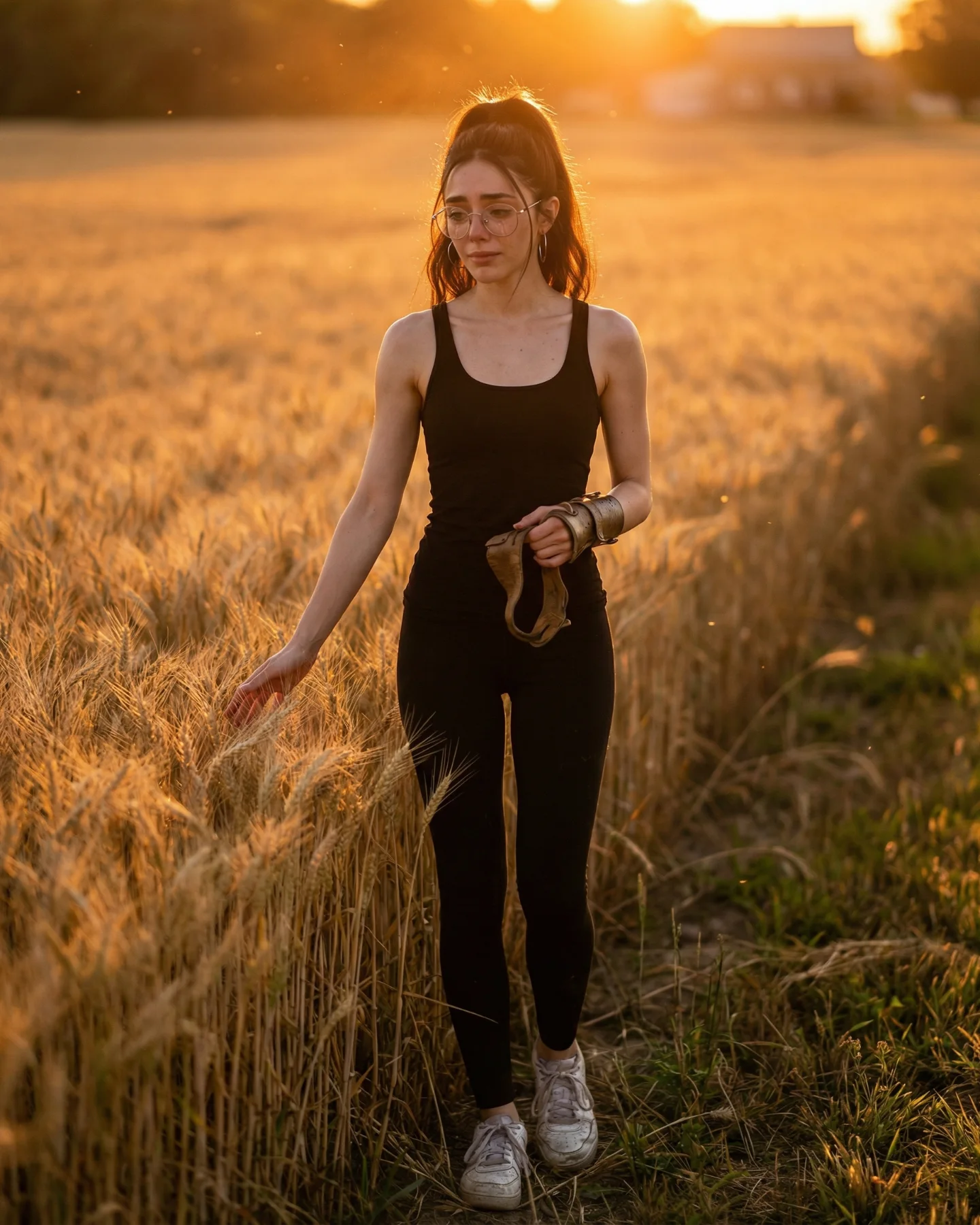
Prompts de GLADIATOR 🥹💕
Os dejo una pequeña secuencia de fotos y vídeos que nunca ha existido de la película de Gladiator 🙊
Lo mejor de todo es que con todos los avances de la IA ahora todos podemos crear nuestra propia película o versión alternativa 🎬
Y como siempre os dejo los prompts si comentáis "ARIA" ❤️🩹💌
How soy_aria_cruz Made This Gladiator Movie Scene Video and How to Recreate It
This viral case study features a high-fidelity "cinematic self-insertion" where creator @soy_aria_cruz places herself directly into the iconic world of Ridley Scott’s Gladiator. By blending modern aesthetics (glasses, tank top) with a gritty, ancient Roman environment, the video creates a jarring yet fascinating visual contrast. The core keywords for this aesthetic are cinematic AI integration, historical self-insertion, Roman grit, and torch-lit drama. It leverages the "What if I were there?" fantasy, making it highly relatable and shareable for fans of epic cinema.
What You’re Seeing
The video presents a single, high-impact cinematic shot. We see a wounded gladiator, bearing a striking resemblance to Russell Crowe’s Maximus, being carried on a wooden stretcher through a dark, stone-walled tunnel. The creator, Aria, is positioned in the center-right, wearing modern black glasses and a black tank top, her expression one of deep distress as she touches the gladiator's chest. The background is filled with Roman extras in tunics, and the tunnel opens up to a bright, sun-drenched arena in the distance.
Shot-by-Shot Breakdown
Time Range
Visual Content
Shot Language
Lighting & Color
Viewer Intent
00:00–00:02
Establishing the scene: Aria leaning over the wounded gladiator.
Medium Shot (MS), static with slight drift.
Warm torchlight (left), cool arena light (back).
Hook: Immediate recognition of the movie scene + "Wait, who is she?"
00:02–00:04
Subtle camera push-in; focus on Aria's distressed expression.
Slow Zoom / Push-in.
High contrast, desaturated earthy tones.
Reinforce persona: Establishing the creator as a "character" in the film.
00:04–00:05
Flickering torchlight and slight hair movement.
Cinematic texture focus.
Deep shadows, orange highlights.
Loop effect: The subtle motion invites a second watch to check for AI artifacts.
Why It Went Viral
The "Self-Insertion" Fantasy
This video taps into a fundamental human desire: to be part of the stories we love. By placing herself in Gladiator, the creator isn't just showing off AI skills; she's fulfilling a collective "main character" fantasy. The audience doesn't just see a cool video; they see a possibility for themselves. This "self-insertion" mechanism is a powerful driver for comments, as users often ask, "How can I do this with [Movie Name]?"
Cinematic Nostalgia
Choosing Gladiator is a strategic masterstroke. It’s a universally recognized film with a distinct visual language—dust, blood, and golden-hour lighting. The nostalgia factor triggers an immediate emotional response, while the high-quality AI execution ensures the video doesn't look like a cheap "green screen" effect, maintaining the "prestige" feel of the original movie.
Platform Signals & Watch Time
From a platform perspective, the 0–3 second hook is the visual "glitch" of seeing a modern person in ancient Rome. This creates a "stop-the-scroll" moment. The short duration (5 seconds) is perfect for high completion rates and loops. Because the AI motion is subtle (torch flickering, hair moving), viewers often re-watch the clip to see if it’s a real video or a generated image, which signals to the algorithm that the content is highly engaging.
5 Testable Viral Hypotheses
The Anachronism Hook: Placing modern items (glasses, tank top) in a historical setting creates a visual "itch" that forces the brain to stop and process the image.
The Celebrity Proximity Effect: Using a character that looks like a famous actor (Russell Crowe) borrows the actor's existing "fame equity" to grab attention.
The "Magic" Reveal: By mentioning "AI" in the caption, the creator turns the video into a tech demo, encouraging saves from people who want to replicate the technique.
Emotional Mirroring: The distressed facial expression on the creator triggers a mirror neuron response in the viewer, making the scene feel more "real" than a neutral pose.
The Loop Trap: Short, high-detail cinematic clips benefit from "micro-loops" where the viewer watches 2-3 times to catch all the background details.
How to Recreate (Step-by-Step)
1. Topic Selection & Positioning
Choose a "Prestige" movie with a very specific color palette (e.g., Dune, The Matrix, Gladiator). This works best for "Aesthetic" or "Tech/AI" accounts.
2. Generating the Base Image
Use Midjourney (v6) to generate the scene. Use a prompt that describes the movie scene in detail but leaves a "slot" for a character. Example: "Cinematic shot from Gladiator movie, wounded man on stretcher, ancient stone tunnel, torchlight, 35mm film grain."
3. Character Consistency (Face Swapping)
Use a tool like InsightFaceSwap (Discord bot) or Face-Poke to swap your face onto the character in the generated image. Ensure your reference photo has similar lighting to the scene.
4. Clothing & Prop Integration
If you want the "modern" look, use Midjourney's "Vary Region" (Inpainting) to change the character's clothes to a tank top or add glasses. This creates the "Anachronism Hook."
5. Adding Cinematic Motion
Upload your final image to Luma Dream Machine, Kling AI, or Runway Gen-3. Use a motion prompt like: "Subtle camera push-in, torches flickering on the wall, woman's hair moving in the breeze, cinematic atmosphere." Keep motion settings low (3-5) to avoid AI warping.
6. Final Polish (CapCut/Premiere)
Add a "Film Grain" overlay and a "Warm/Orange & Teal" LUT to match the Gladiator aesthetic. This hides AI imperfections and unifies the modern and ancient elements.
7. Sound Design
Use a trending "Cinematic" or "Epic" audio track. Bonus points if you use a sound bite from the actual movie (e.g., the sound of a crowd cheering in the distance).
8. Publishing Strategy
Post as a Reel/TikTok with a caption that asks a question: "Which movie should I visit next?" This drives the "Self-Insertion" engagement.
Growth Playbook
Opening Hook Lines
"I found a deleted scene from Gladiator... 🙊"
"POV: You accidentally time-traveled to Ancient Rome."
"AI just made my childhood dream of being in a movie come true."
Caption Templates
The "Tech Reveal" Style:
I can’t believe AI is this good now. 🥹 I’ve always wanted to be in Gladiator, and now I am.
✨ Created using Midjourney + Kling AI.
Which movie should I do next? 👇
#AIArt #Gladiator #CinematicAI