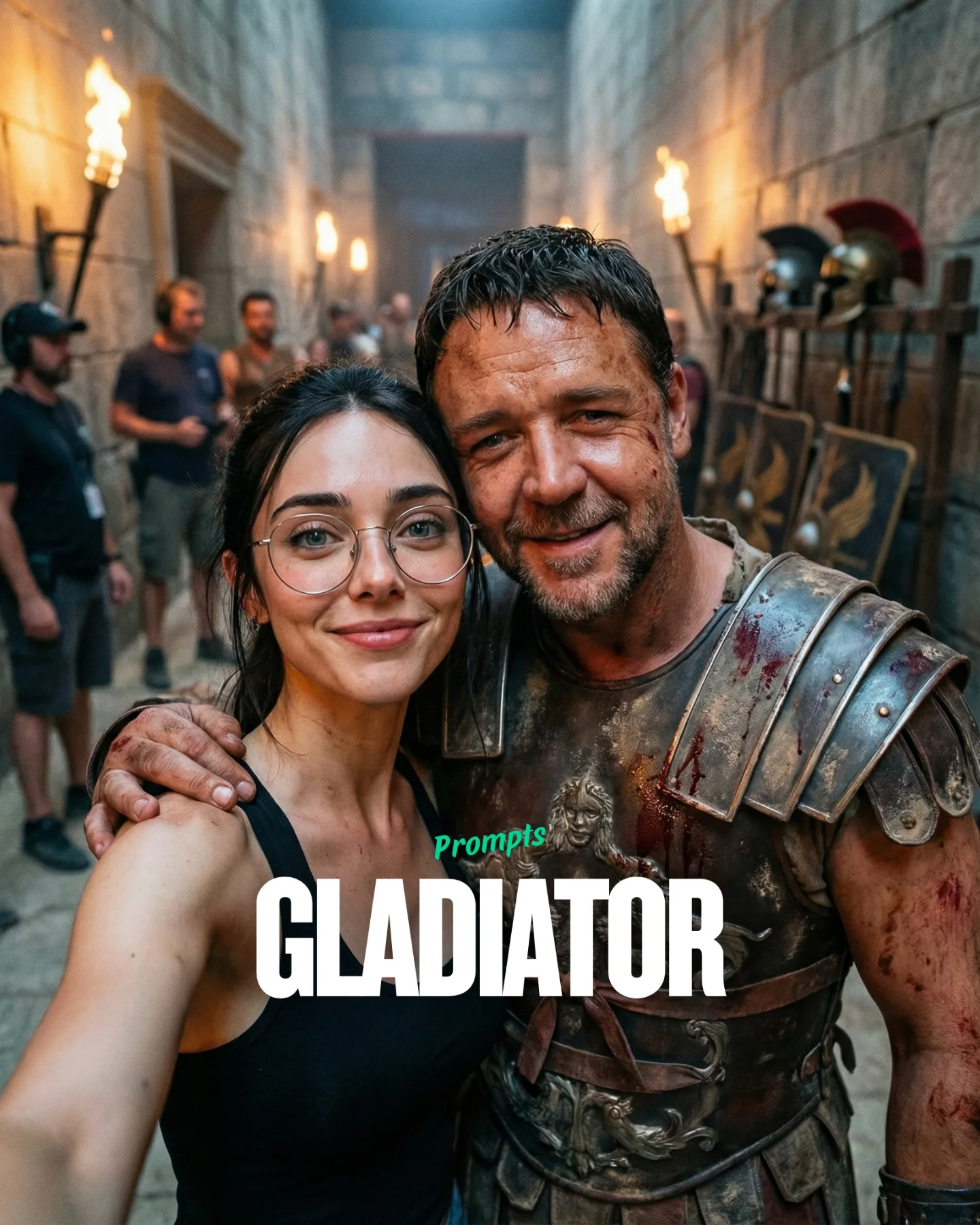
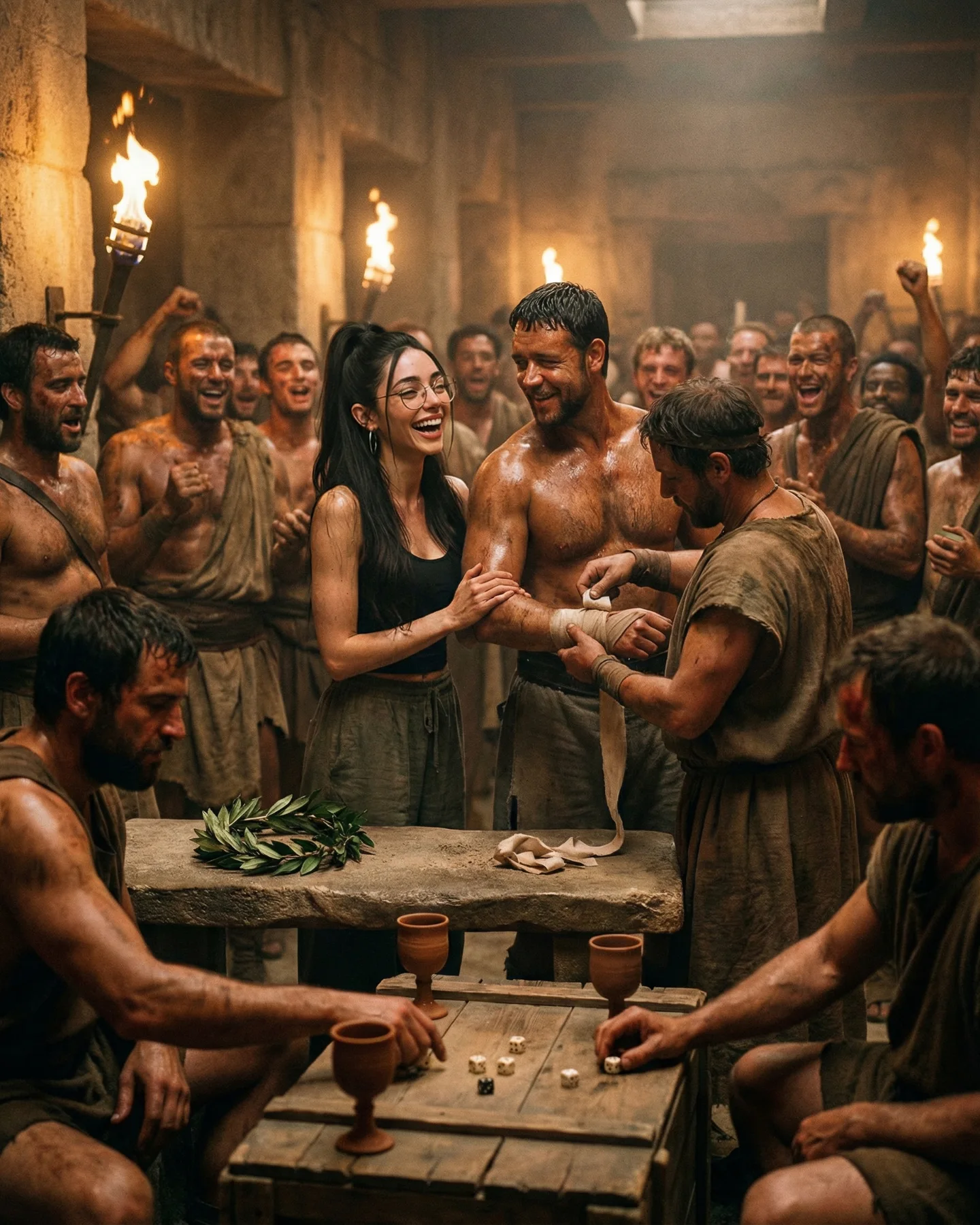
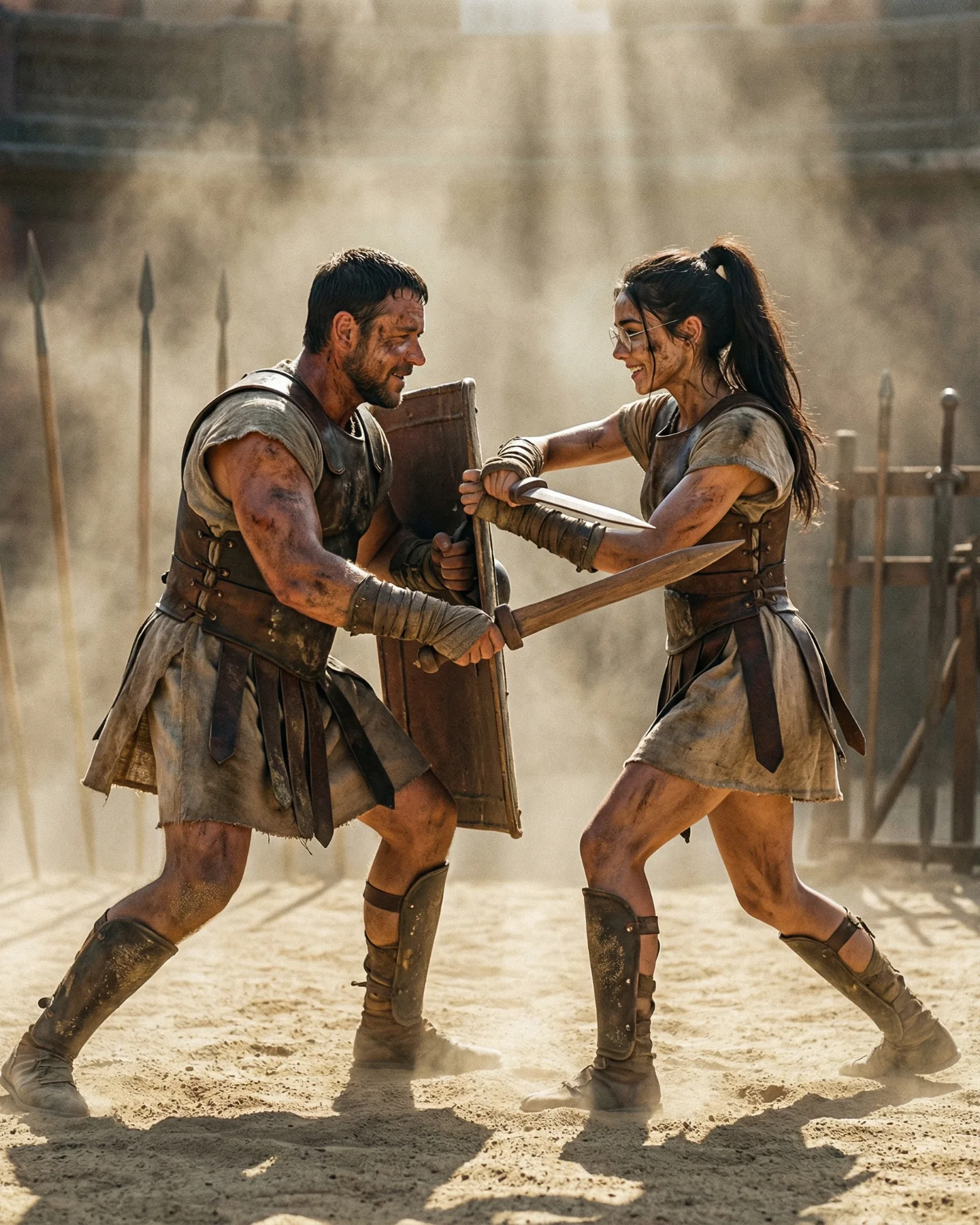
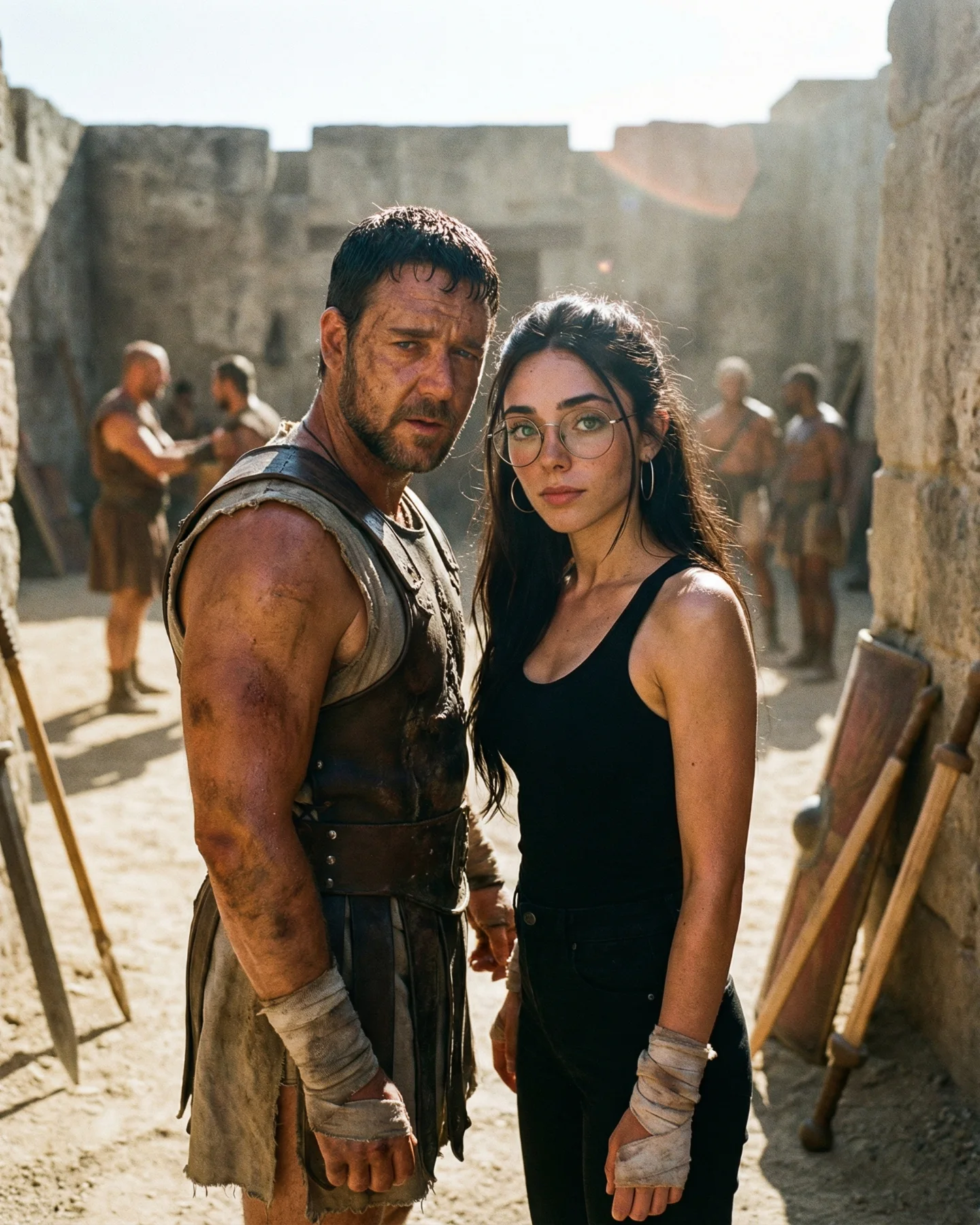
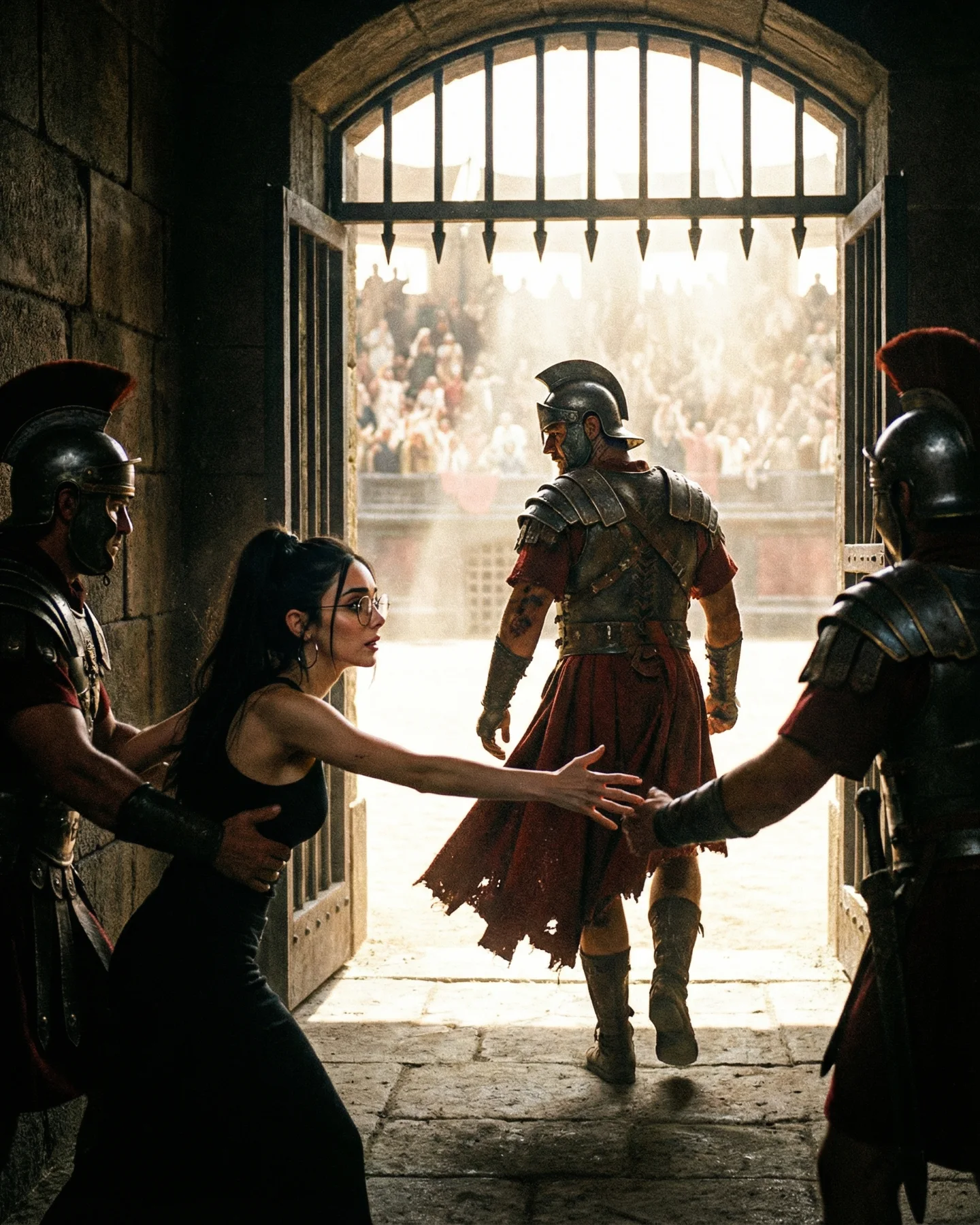
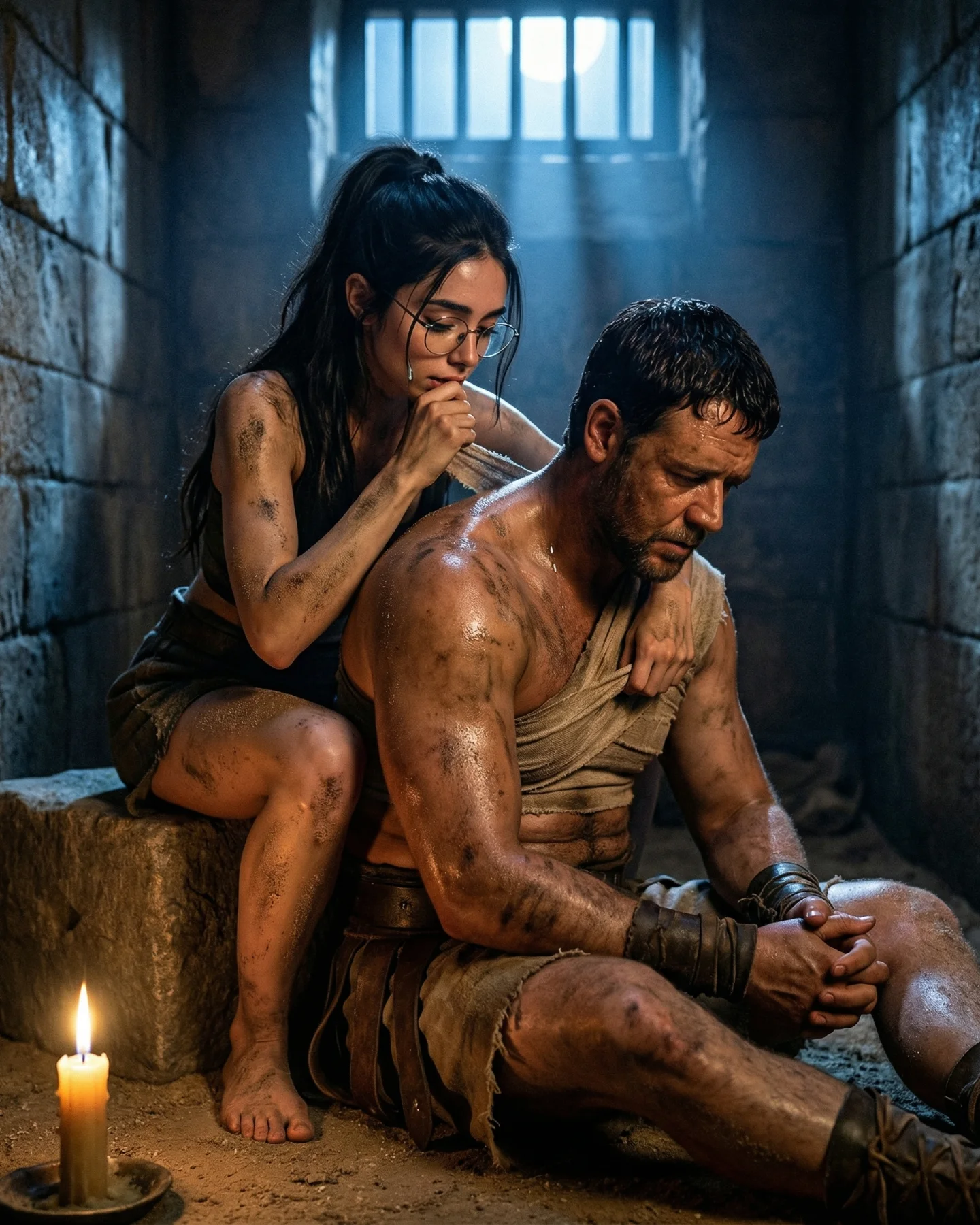
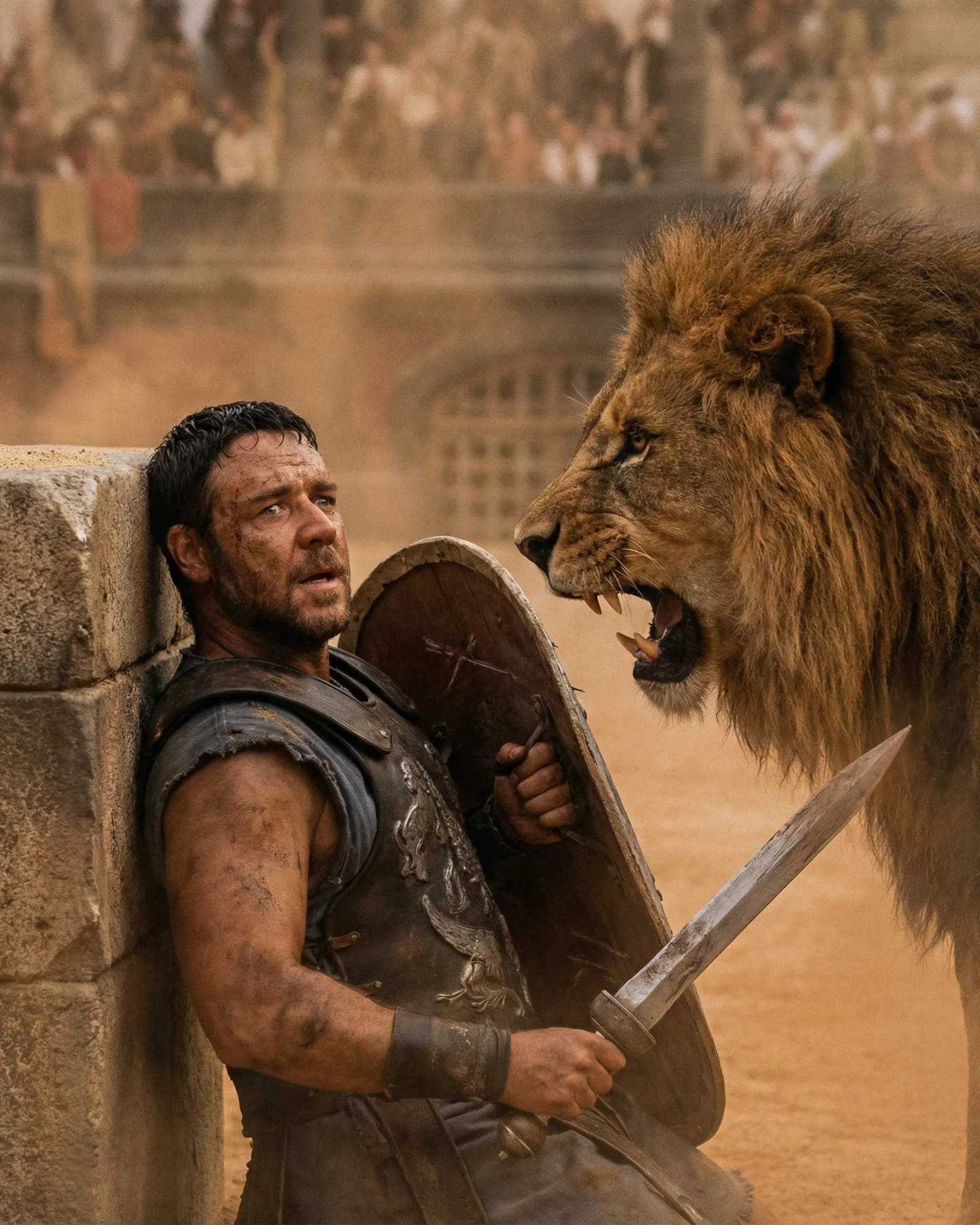
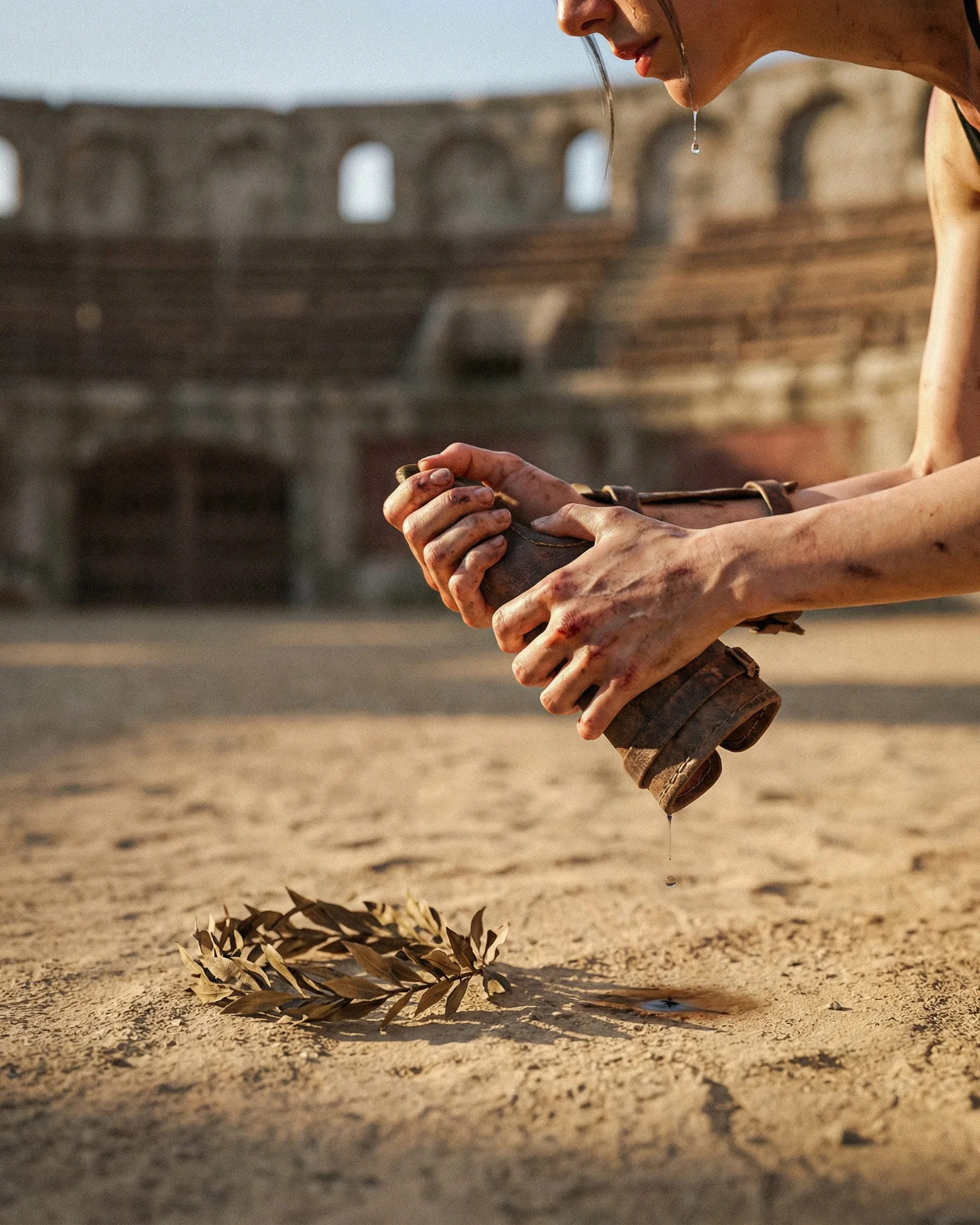
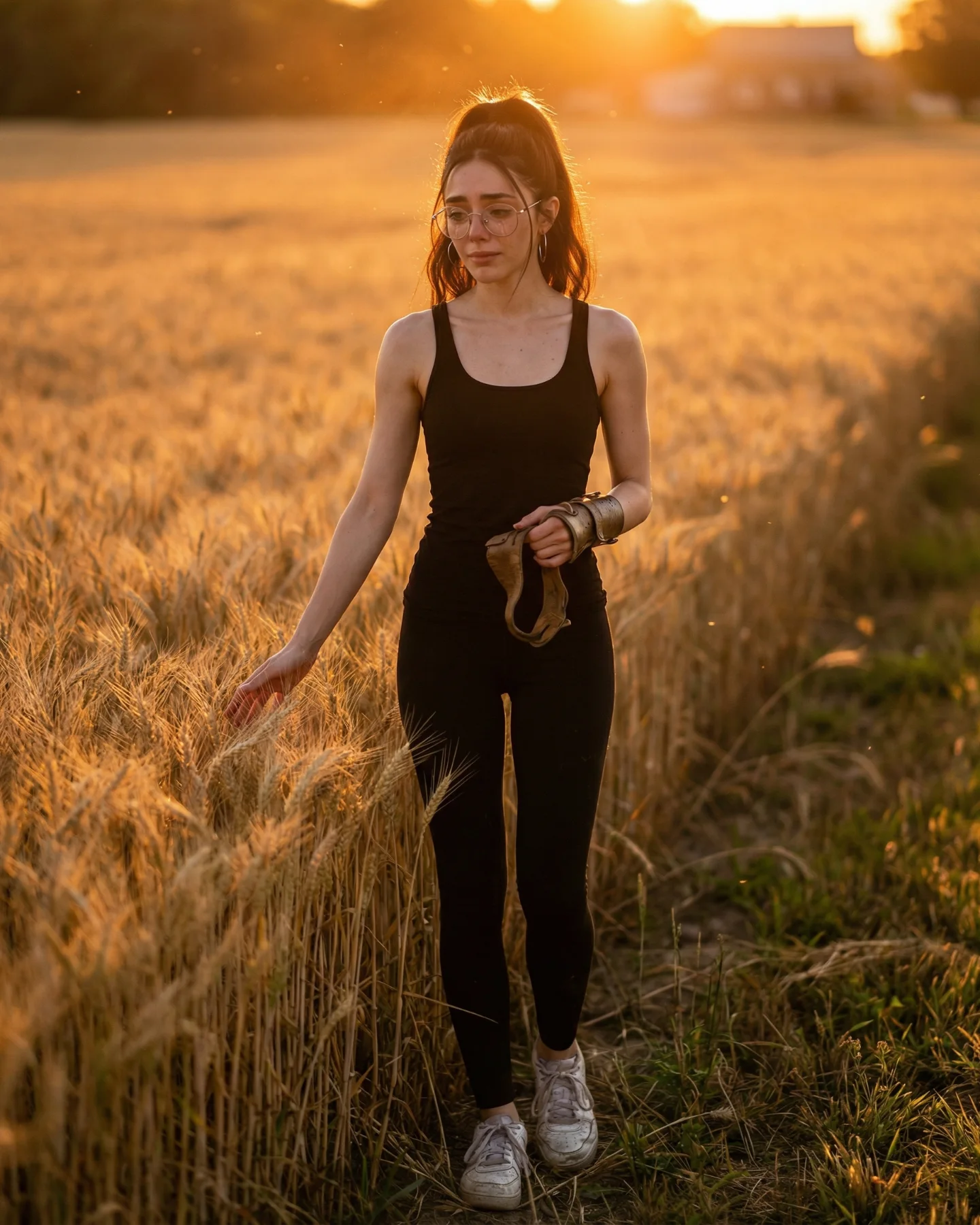
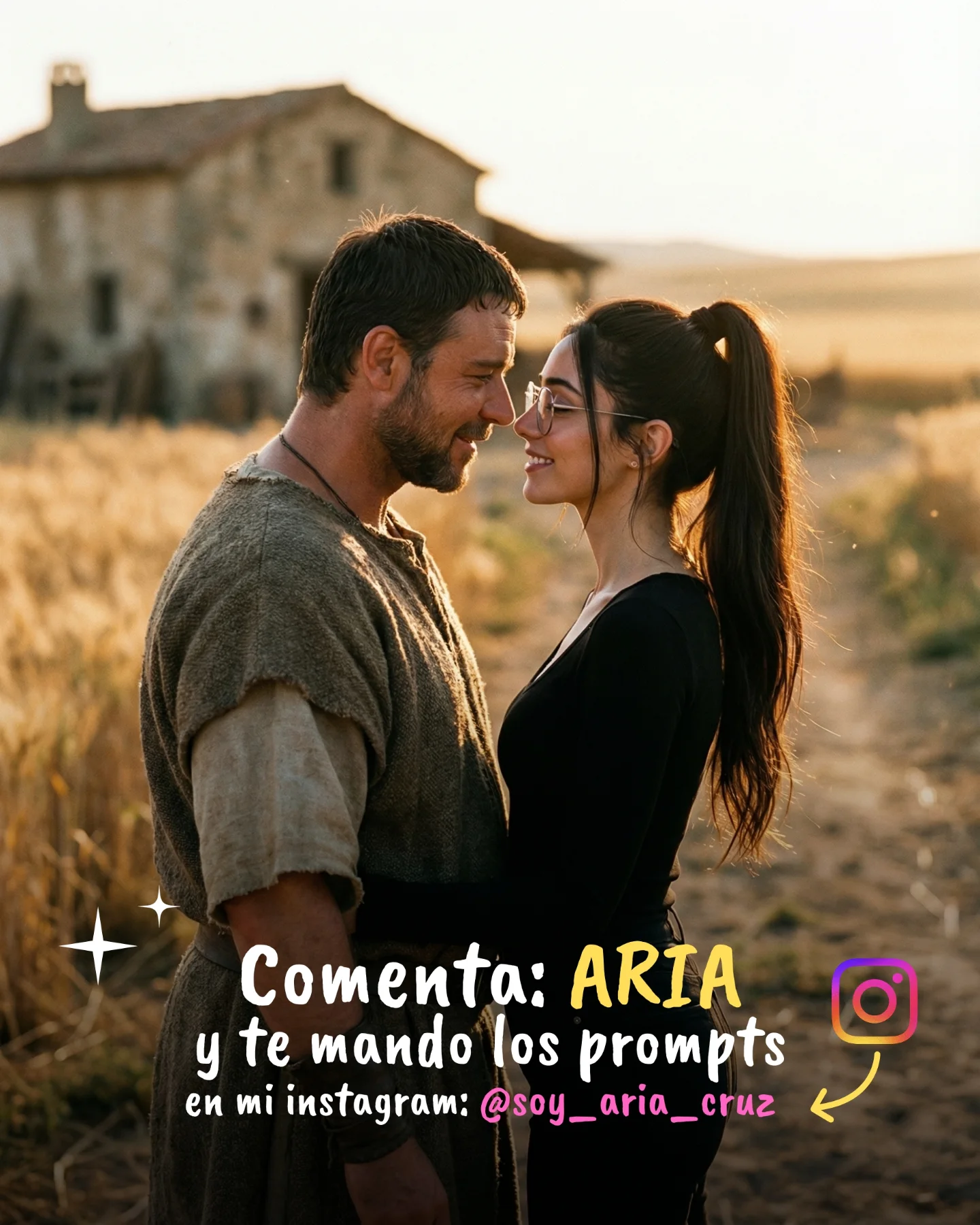
Prompts de GLADIATOR 🥹💕
Os dejo una pequeña secuencia de fotos y vídeos que nunca ha existido de la película de Gladiator 🙊
Lo mejor de todo es que con todos los avances de la IA ahora todos podemos crear nuestra propia película o versión alternativa 🎬
Y como siempre os dejo los prompts si comentáis "ARIA" ❤️🩹💌
How soy_aria_cruz Made This Gladiator Corridor Scene AI Video - and How to Recreate It
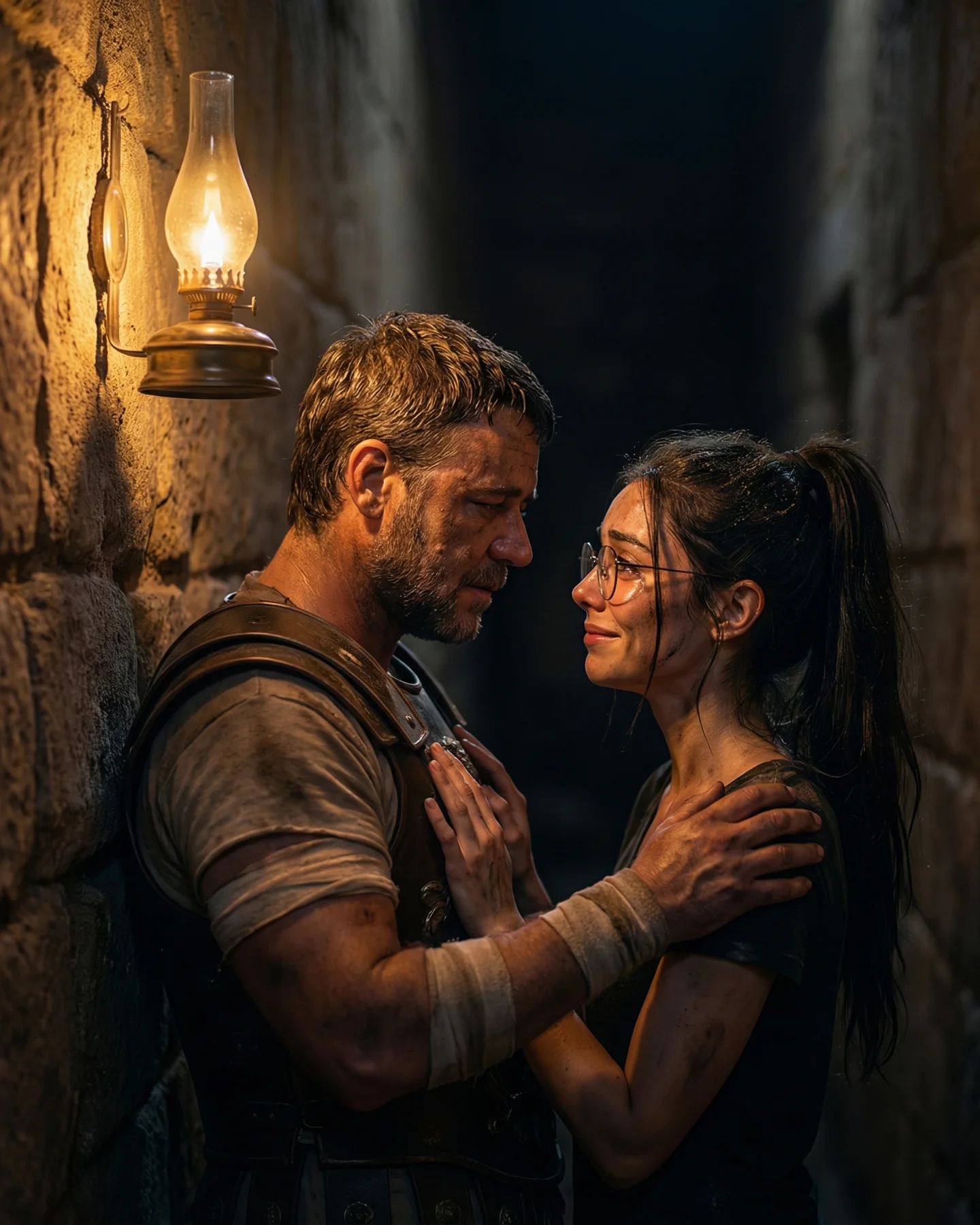
This viral case study examines a high-fidelity AI-generated sequence that inserts a modern-day creator into the cinematic world of Ridley Scott’s Gladiator. By blending a contemporary "indie girl" aesthetic—complete with black-rimmed glasses and a simple black tee—with the gritty, torch-lit atmosphere of ancient Rome, the creator @soy_aria_cruz taps into the powerful "What If" curiosity of her audience. The video features a hyper-realistic Russell Crowe (Maximus) lookalike, creating an emotional, anachronistic moment that feels like a lost behind-the-scenes clip or a high-budget fan film. The core keywords here are cinematic AI insertion, Gladiator movie aesthetic, anachronistic storytelling, and emotional AI portraits.
What You’re Seeing
The video presents a single, intimate medium shot (MS) set within a dark, vaulted stone corridor. The lighting is dominated by "motivated" sources—flickering wall torches that cast a warm, amber glow and deep shadows, creating a classic chiaroscuro effect. The subject, a young woman with long dark hair and modern glasses, stands in profile, her hand gently cupping the chin of a battle-worn Roman general. The textures are remarkably detailed: the rough, dusty weave of the general's cloak contrasts with the smooth skin and modern fabric of the woman's shirt. The background is softly blurred (shallow depth of field), showing hints of other figures in the shadows, which adds to the scale and "lived-in" feel of the scene.
Shot-by-shot Breakdown (Estimated)
Time Range
Visual Content
Shot Language
Lighting & Tone
Viewer Intent
00:00–00:02
Modern woman touches the face of a Roman general (Maximus lookalike).
Medium Shot (MS), Eye-level.
Warm torchlight, high contrast, cinematic grain.
The Hook: Instant recognition of a famous movie character + anachronistic shock.
00:02–00:04
Subtle head tilt from the man; woman maintains intense eye contact.
Static camera with micro-motion.
Flickering shadows on the stone walls.
Emotional Reinforcement: Establishing a "soulful" connection between characters.
00:04–00:05
Slight hair movement and torch flicker; the scene loops seamlessly.
Close-up feel due to intimacy.
Deep blacks in the background (negative fill).
The Loop: Encouraging a second watch to check for AI artifacts.
Why It Went Viral
The Power of "Self-Insertion" and Nostalgia
This content succeeds by leveraging Parasocial Anachronism. By placing a modern, relatable person (the creator) into a legendary cinematic universe, it triggers a "dream fulfillment" response in the viewer. Gladiator is a culturally significant film with a massive, aging fanbase that is currently being revitalized by the sequel's release. The "celebrity effect" of seeing a perfect Russell Crowe likeness creates immediate thumb-stop value; viewers aren't just looking at AI art, they are looking at a "lost memory" of a character they love.
Platform Perspective: The Curiosity Loop
From a platform signal perspective, this video excels in Watch Time and Save Rate. The 0–3 second hook is the sheer visual quality—it looks too good to be fake at first glance. This forces the viewer to watch multiple times to find the "AI tell." Furthermore, the caption "Prompts de GLADIATOR" turns the post into a utility asset. Users save the post not just because it looks cool, but because they want to replicate the prompt later. The high comment count (2000+) is likely driven by users asking for the specific tools used, which the Instagram algorithm interprets as high engagement, pushing it to the Explore page.
5 Testable Viral Hypotheses
The Anachronism Hook: If you place a modern object (iPhone, Starbucks cup, glasses) in a historical setting, the "visual friction" increases watch time by 20% as viewers try to process the mismatch.
The Celebrity Anchor: Using a recognizable AI-generated face (like Maximus) acts as a "trust bridge," making the viewer more likely to engage with an unknown creator.
The "Living Photo" Effect: Subtle motion (hair, fire) in an otherwise still-looking cinematic shot creates a "hypnotic" effect that increases loop counts compared to high-action videos.
The Prompt Tease: Offering "prompts" in the caption without revealing them immediately in the video forces users to read the caption and comment, boosting engagement signals.
Texture over Action: High-detail textures (skin pores, fabric dust, torch smoke) signal "premium quality" to the algorithm, which often prioritizes high-bitrate-looking content.
How to Recreate (Step-by-Step)
1. Topic Selection & Positioning
Choose a "Cult Classic" movie with a distinct visual style (e.g., Gladiator, The Matrix, Lord of the Rings). This works best for "AI Artist" or "Digital Creator" accounts looking to showcase technical skill.
2. Character Consistency (The "Face Swap" Prep)
To maintain your own likeness, use a tool like InsightFaceSwap or LoRA training. Capture a high-res photo of yourself in similar lighting (warm, side-lit) to the target movie scene.
3. Base Image Generation
Use Midjourney v6 or Flux.1 to generate the base scene.
Prompt Strategy:[Description of you] standing with Russell Crowe as Maximus in a dark Roman stone tunnel, torchlight, cinematic film grain, 35mm lens, emotional gaze --ar 4:5
4. Adding Motion
Upload your base image to Luma Dream Machine or Runway Gen-2. Use the "Motion Brush" to select only the hair and the torch flames. Keep the "Motion Slider" low (3-4) to avoid AI warping.
5. Color Grading
Import the video into CapCut. Apply a "Film" filter and increase the "Glow" on the highlights (the torches) to mimic real 35mm film bloom.
6. Sound Design
Don't use the original movie audio (to avoid copyright strikes). Instead, use a "Cinematic Ambient" track with sounds of crackling fire and distant echoes.
7. Cover & Title Strategy
The cover must show the "Celebrity" face clearly. Use a text overlay like "AI or Real?" or "Gladiator 2 Leaks?" to spark controversy.
8. Publishing
Post as an Instagram Reel. Use the "Add Topics" feature and select "Visual Arts" and "Movies & TV."
Growth Playbook
Opening Hook Lines
"I found a deleted scene from Gladiator... or did I?"
"How I put myself into my favorite movie using AI."
"Stop scrolling: This isn't a movie trailer."
Caption Templates
The "Tutorial" Style:
I’ve always wanted to be in a Ridley Scott film 🥹.
I used Flux + Luma to create this "lost" Gladiator sequence.
Want the exact prompts? Drop a "GLADIATOR" in the comments! 👇
#AIArt #Gladiator2 #Filmmaking