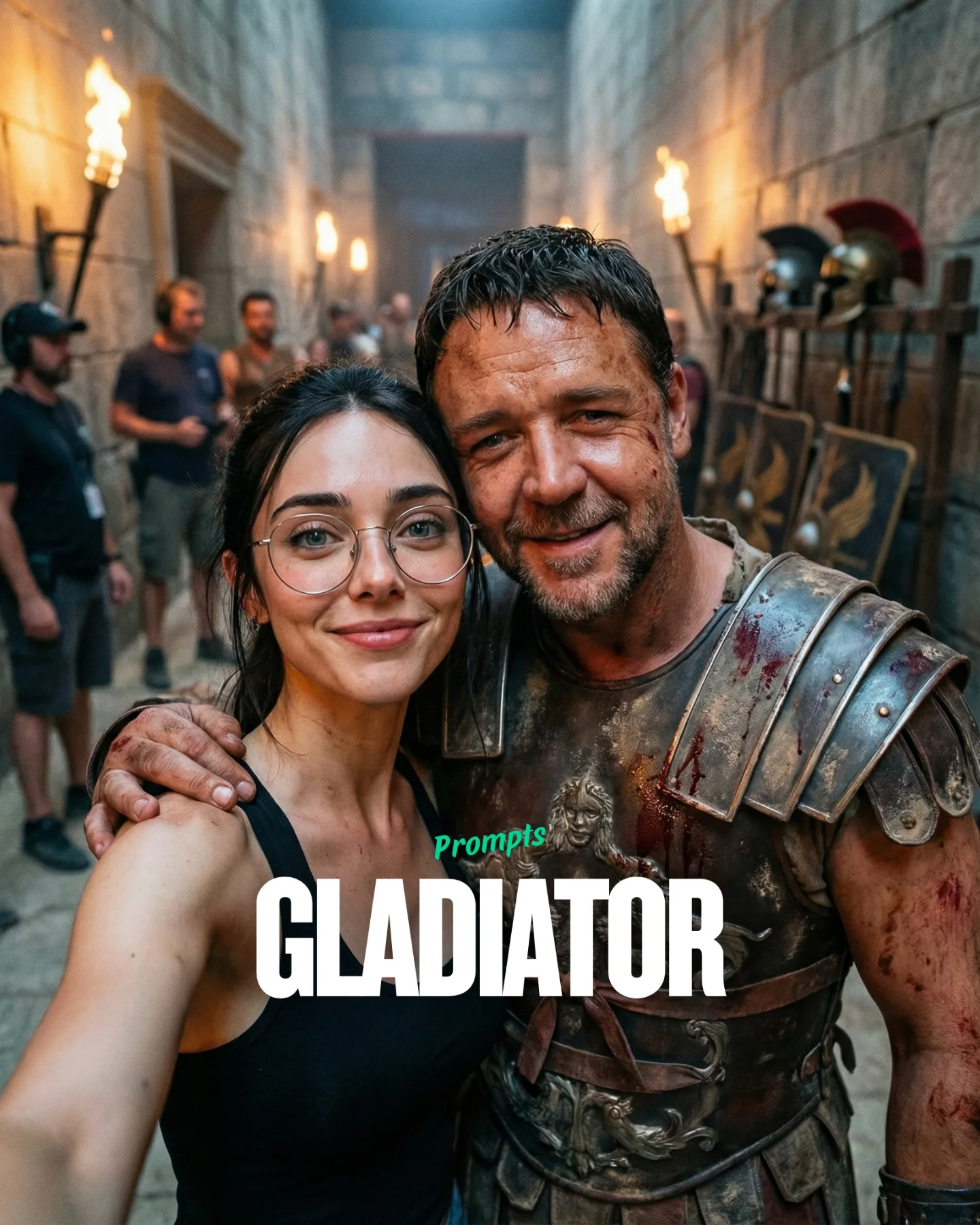
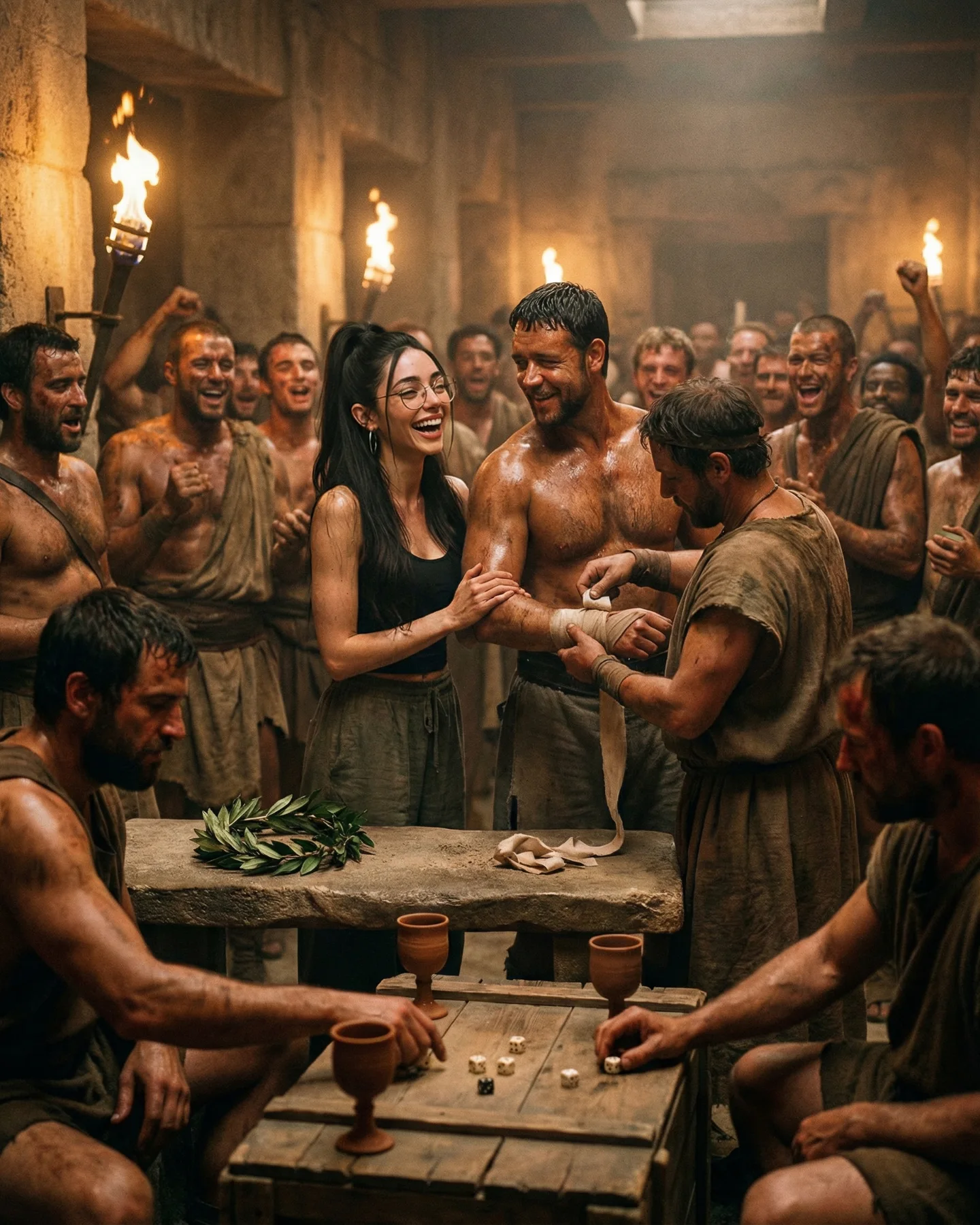
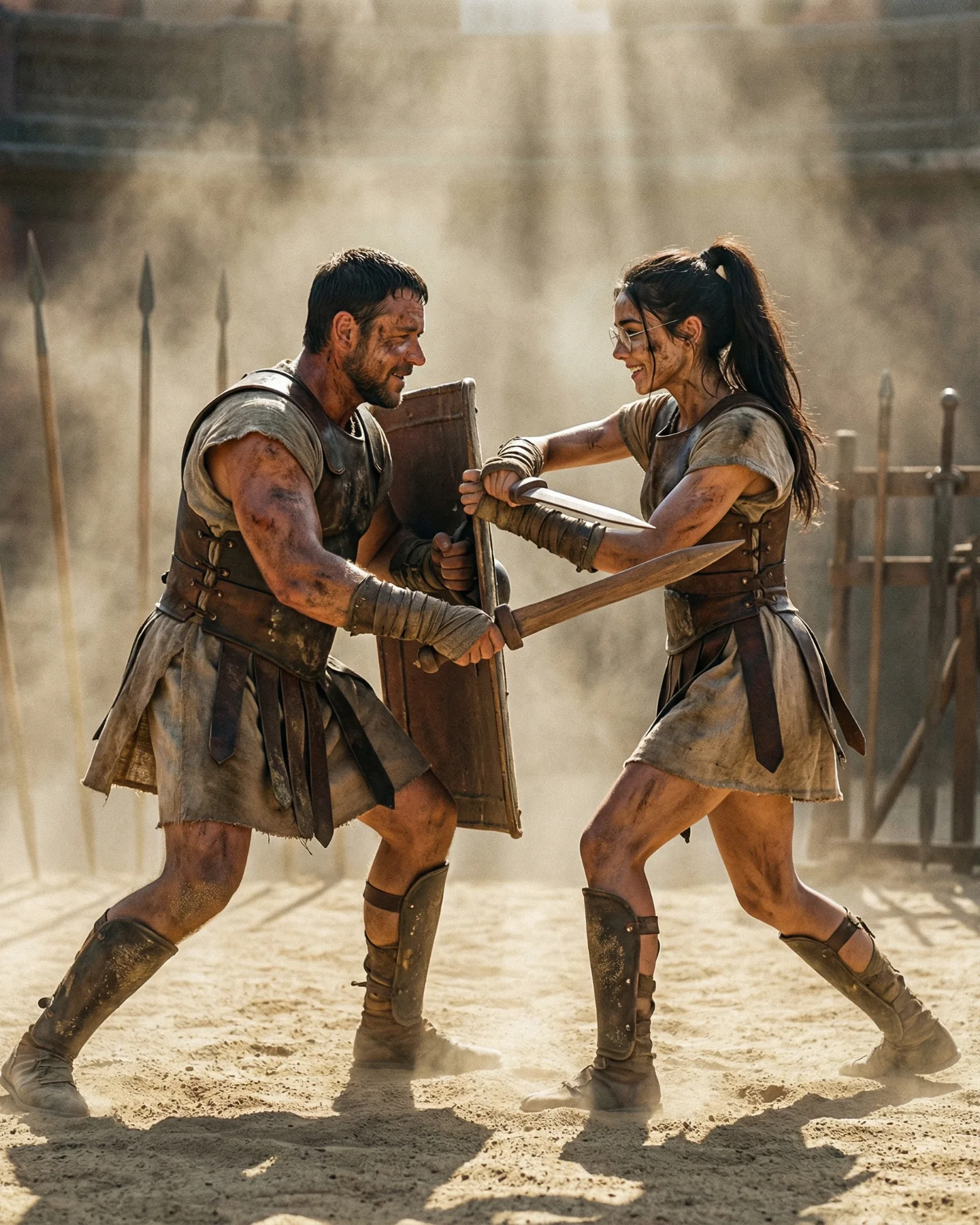
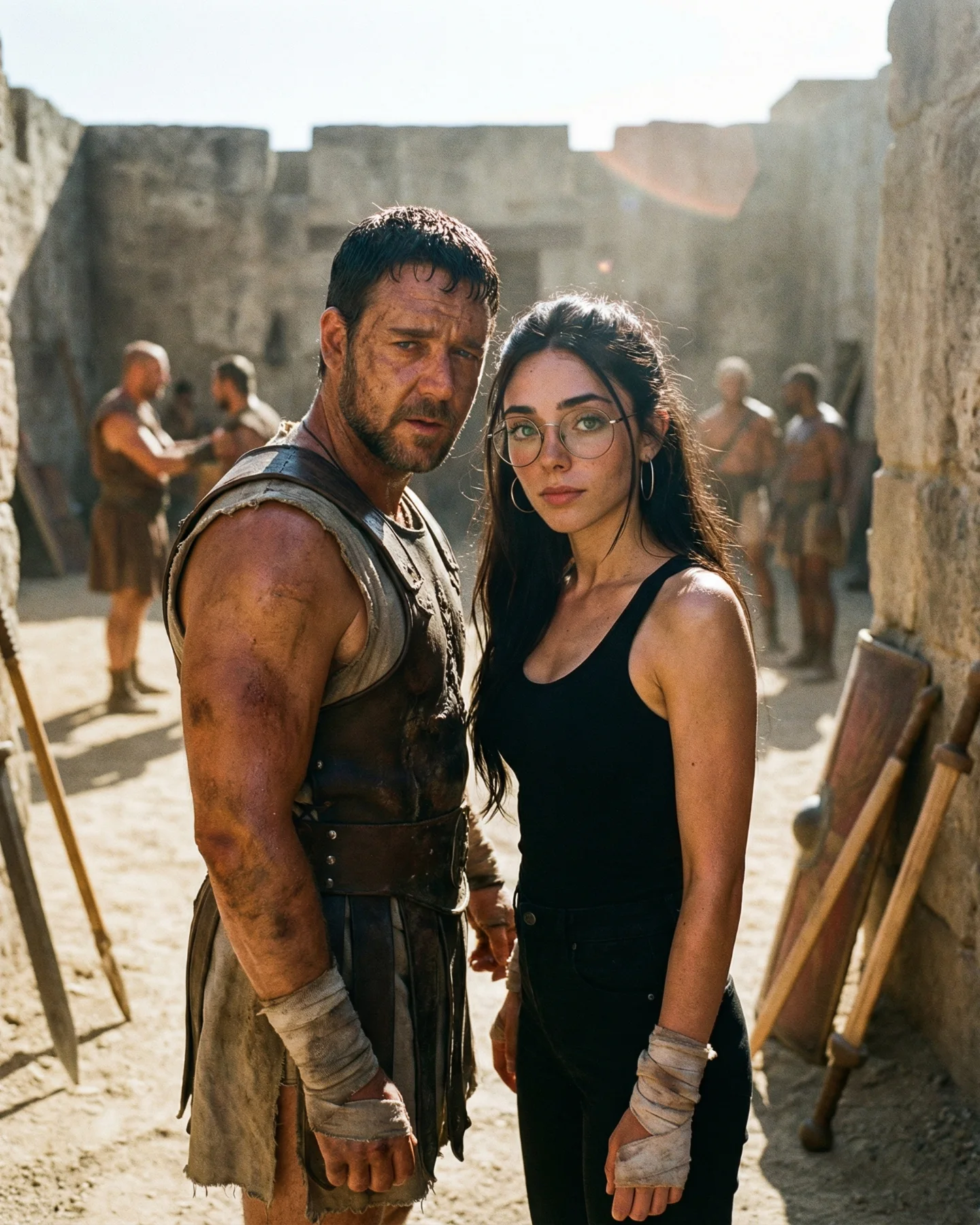
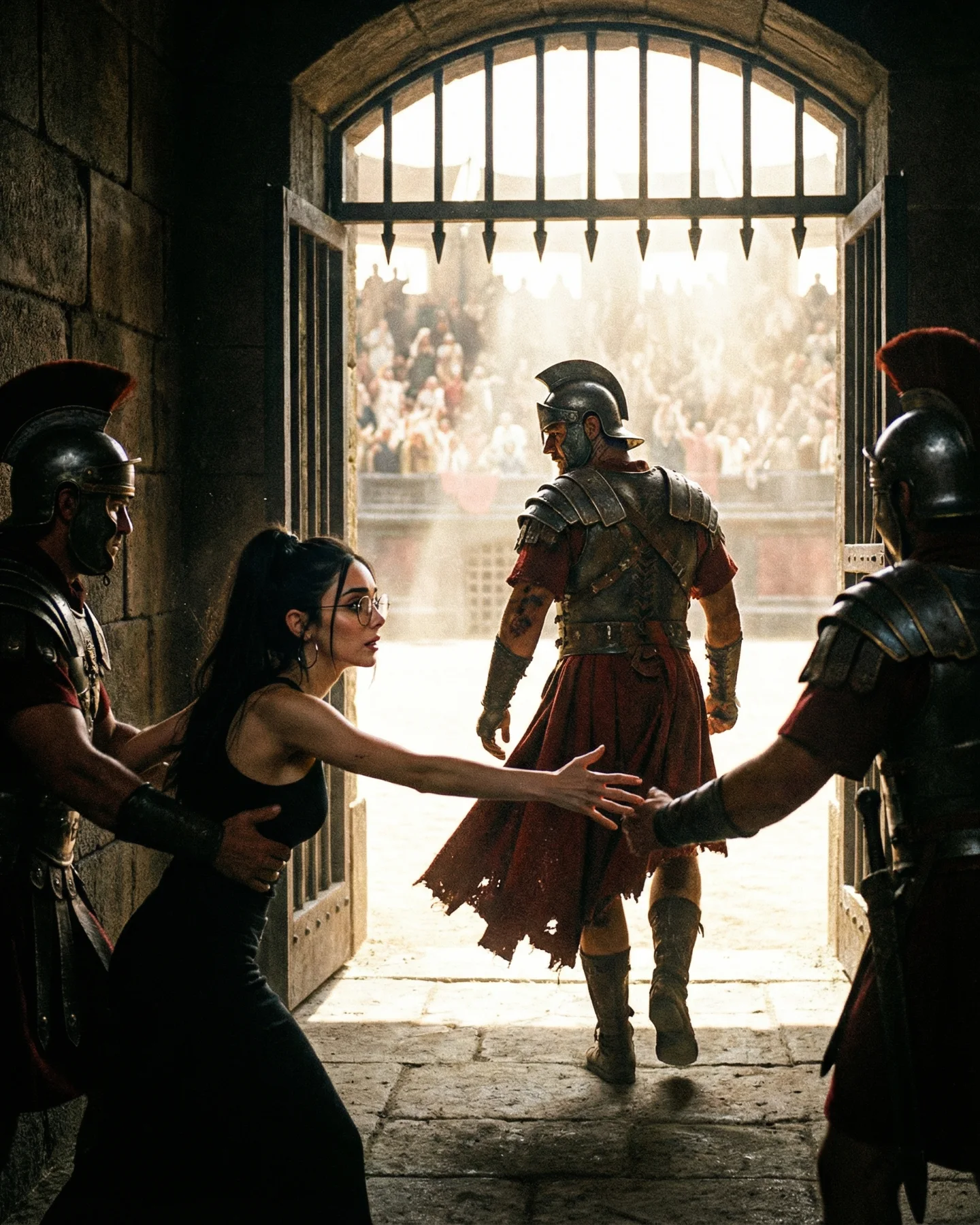
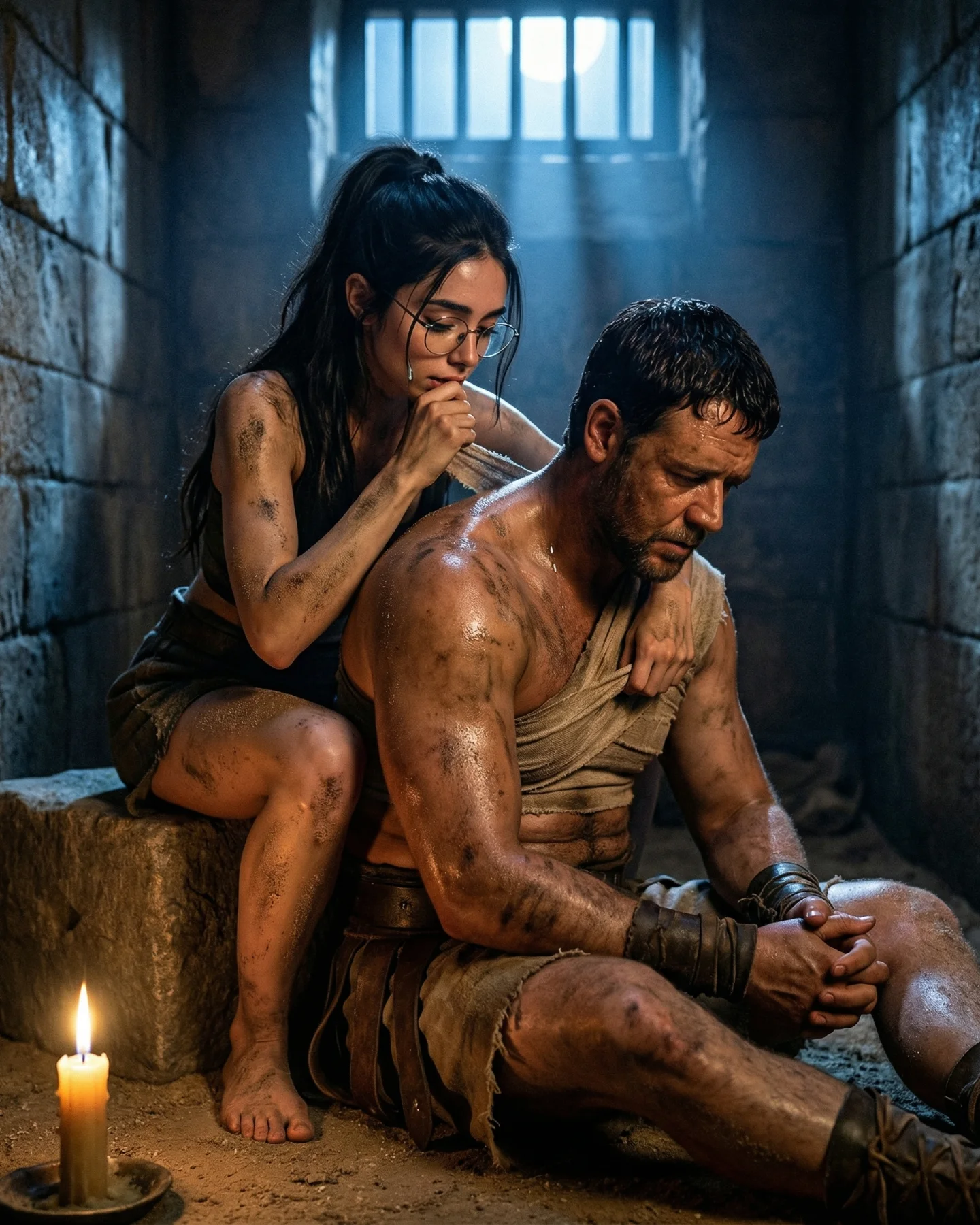
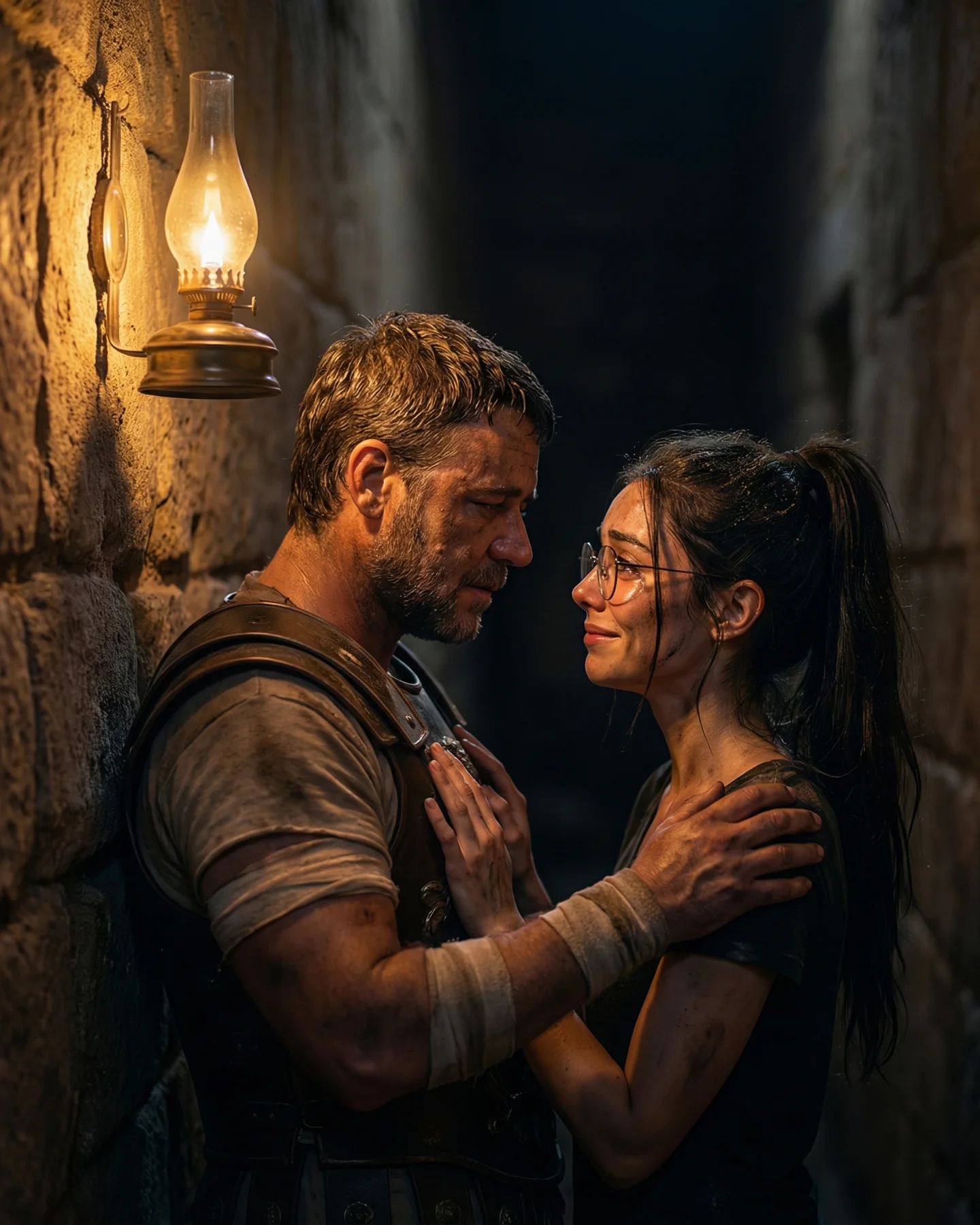
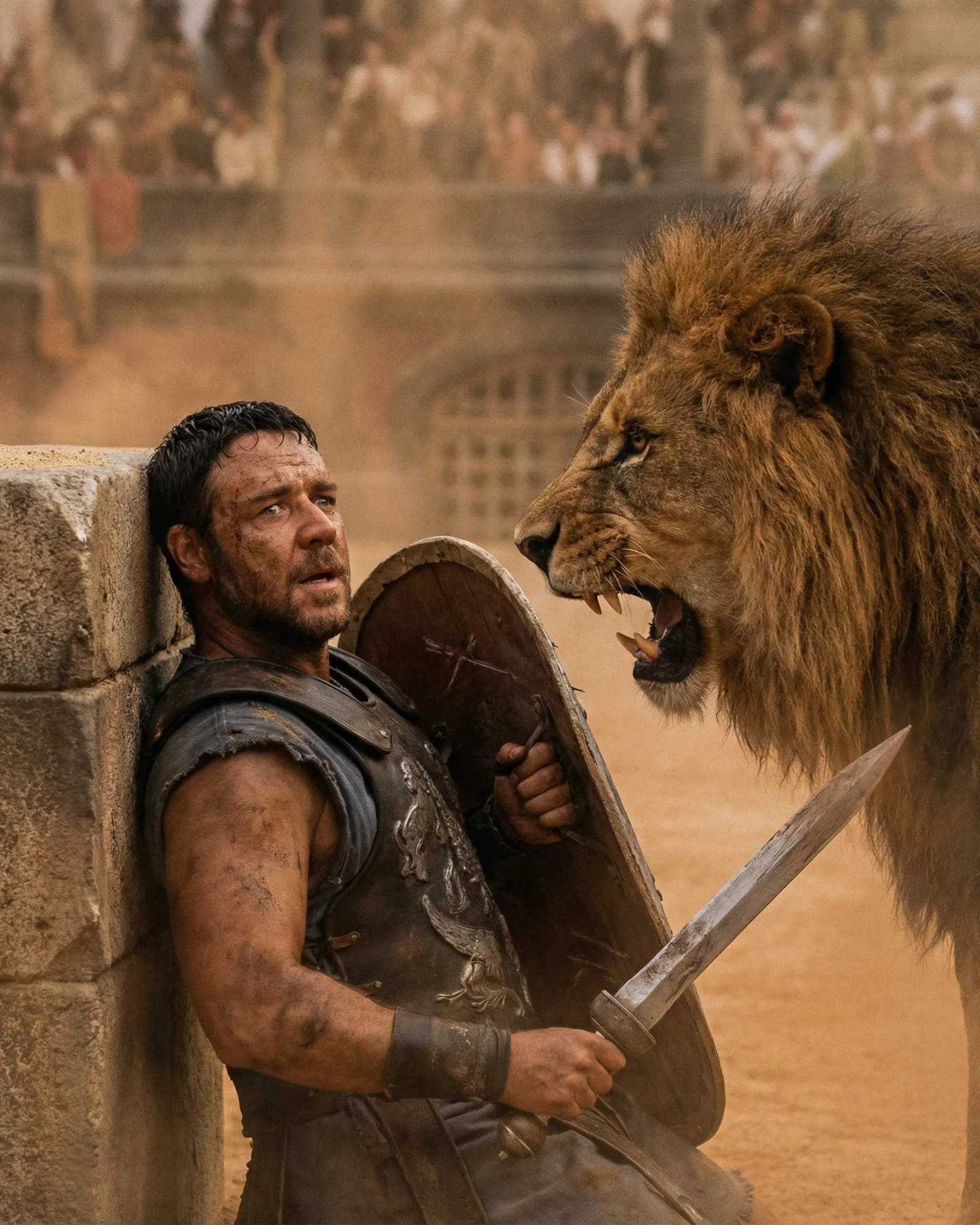
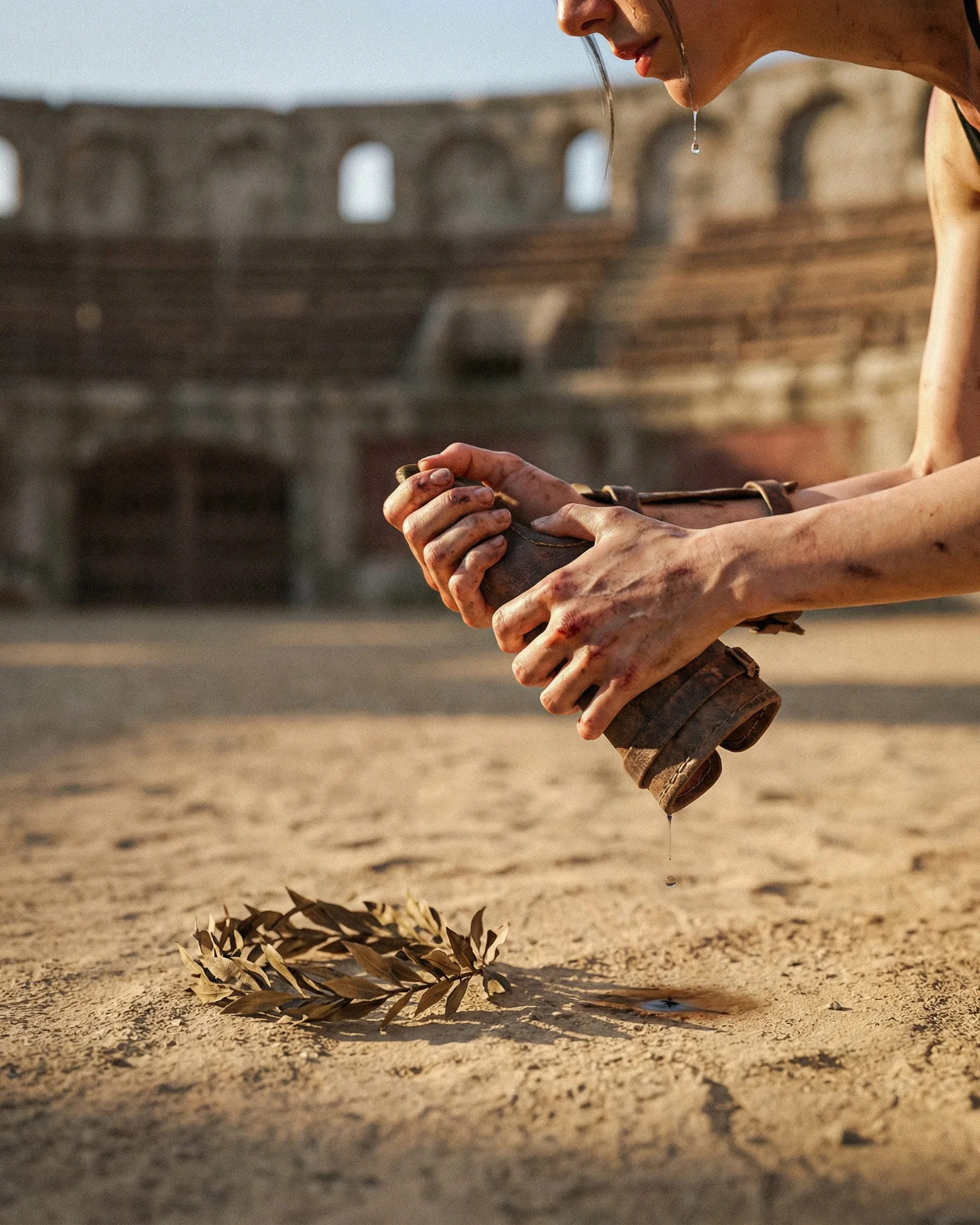
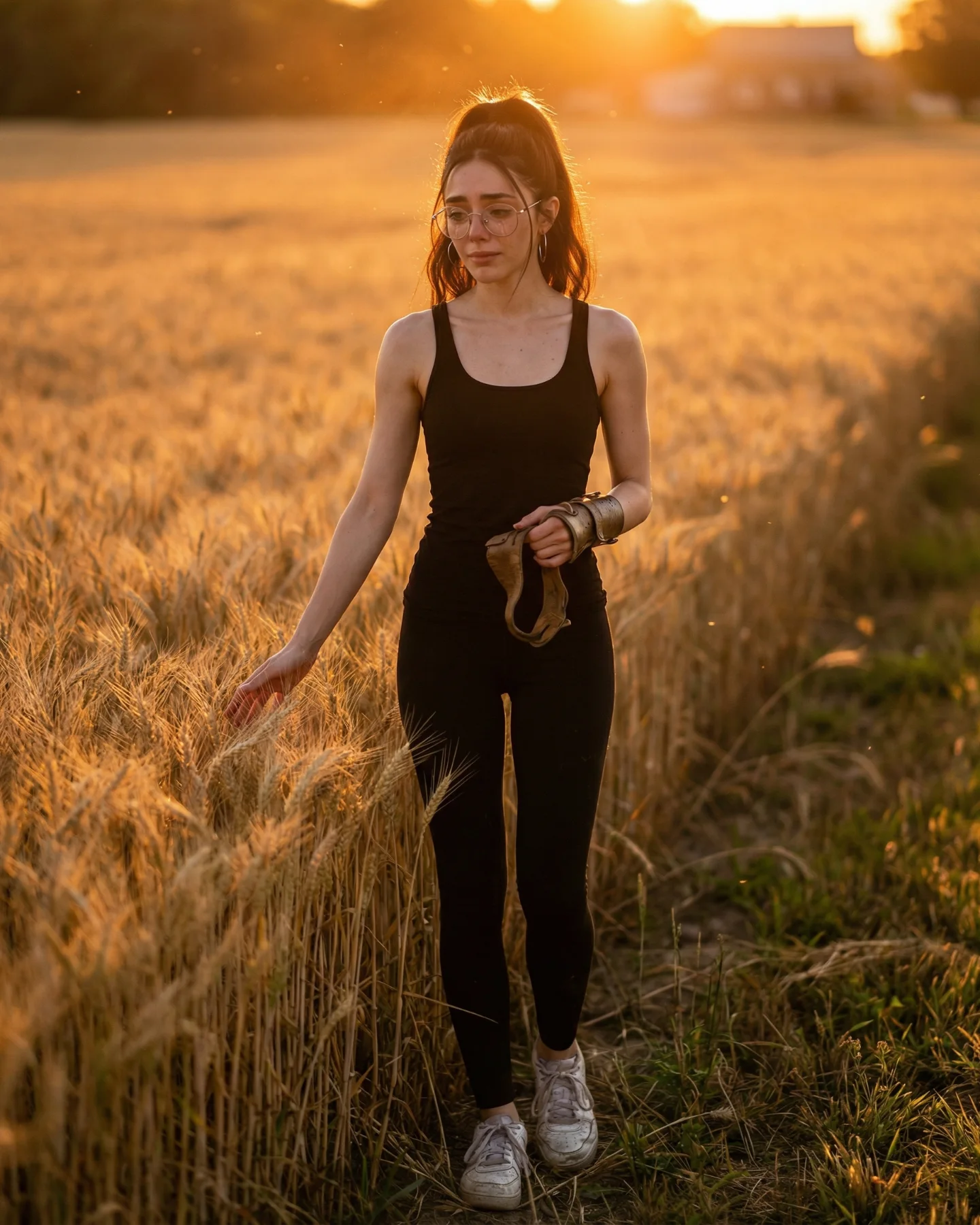
Prompts de GLADIATOR 🥹💕
Os dejo una pequeña secuencia de fotos y vídeos que nunca ha existido de la película de Gladiator 🙊
Lo mejor de todo es que con todos los avances de la IA ahora todos podemos crear nuestra propia película o versión alternativa 🎬
Y como siempre os dejo los prompts si comentáis "ARIA" ❤️🩹💌
Why soy_aria_cruz's Gladiator Cinematic Crossover Prompt Went Viral
This viral case study examines a cinematic AI-generated crossover that places a modern-day protagonist into the heart of the 2000 film Gladiator. By blending high-fidelity cinematic editorial portraiture with a raw, emotional narrative, creator @soy_aria_cruz achieved a "movie-quality" look using accessible AI tools. The video features a woman in modern attire (black tank top and glasses) grieving over a fallen Roman gladiator in a dusty, sun-drenched arena. This juxtaposition of modern identity and historical epic creates an immediate "scroll-stop" effect, leveraging both the nostalgia for the original film and the "what if" curiosity of AI technology.
What You’re Seeing: A Visual Breakdown
The video is a masterclass in atmospheric storytelling. We see a medium-close shot of a woman with dark hair, wearing modern wire-rimmed glasses and a simple black tank top. She is hunched over a man lying on his back—a gladiator in weathered, ornate leather and metal armor. The setting is an ancient Roman colosseum, characterized by a blurred crowd in the background and a thick, hazy atmosphere filled with dust motes and golden sunlight.
The lighting is a classic "golden hour" setup, with strong backlighting creating a rim-light effect on the characters' hair and shoulders, which helps separate them from the dusty background. The color palette is dominated by warm ochres, sandy browns, and deep blacks, giving it a gritty yet romantic film-stock texture. The motion is subtle: the woman’s shoulders heave with sobs, her hands clutch the gladiator's breastplate, and dust swirls lazily through the air, creating a sense of heavy, stagnant heat.
Shot-by-Shot Breakdown
Time Range
Visual Content
Shot Language
Lighting & Tone
Viewer Intent
00:00–00:02
Woman sobbing over the fallen gladiator; hands on his chest.
Medium Close-up (MCU), shallow depth of field.
Warm golden hour, high contrast, backlit.
The Hook: Immediate emotional intensity and visual "glitch" (modern vs. ancient).
00:02–00:04
Subtle camera drift; her facial expression tightens in grief.
Slow push-in (dolly zoom feel).
Increased dust particles (volumetric lighting).
Reinforce Persona: Establishes the creator as the "main character" of the story.
00:04–00:05
Focus remains on her hands clutching the armor; loop begins.
Static with internal motion (sobbing).
Deep shadows in the armor plates.
Loop Effect: Encourages re-watching to catch the details of the AI generation.
Why It Went Viral: The "Anachronistic Emotion" Hook
The core of this video's success lies in its emotional anachronism. Most AI videos focus on "cool" effects or surrealism; this one focuses on a raw, human moment. By placing a modern woman (identifiable by her glasses and tank top) into a historical tragedy, the creator triggers a "Self-Insert" fantasy. Viewers aren't just watching a scene; they are imagining themselves in that cinematic world.
Furthermore, the timing is impeccable. With the release of Gladiator II, the "Gladiator" aesthetic is trending. This video hijacks that trend by offering a "behind-the-scenes" or "deleted scene" vibe that feels more personal than a standard movie trailer. The high level of subject consistency—the way the glasses and hair look realistic despite the AI generation—removes the "uncanny valley" barrier that often prevents AI content from going viral.
Platform Perspective: Why the Algorithm Loved It
From an Instagram/TikTok perspective, this video hits several high-performance triggers. The 0–3 second hook is purely visual: the contrast between the modern girl and the Roman soldier is an instant curiosity gap. The watch time is boosted by the high-detail textures (the leather grain, the dust, the skin pores), which force the eye to linger. Additionally, the shares and saves are likely high because it serves as an "aesthetic reference"—other creators see this and immediately want to know the prompt to recreate the look for themselves.
5 Testable Viral Hypotheses
Hypothesis 1: The Modern-Ancient Contrast. Placing modern accessories (glasses, tech, modern fashion) in historical settings creates a cognitive dissonance that stops the scroll.
Hypothesis 2: High-Stakes Emotion. Grief and crying are more engaging than smiling or dancing because they imply a narrative "story" that the viewer wants to solve.
Hypothesis 3: The "Golden Hour" Aesthetic. Warm, cinematic lighting is biologically pleasing and signals "high quality" to the viewer, regardless of the actual content.
Hypothesis 4: Trending IP Hijacking. Using a recognizable film world (Gladiator) provides an instant context that doesn't need to be explained in the caption.
Hypothesis 5: Loop-Ready Motion. Subtle, repetitive motions (sobbing, dust) make for a seamless loop, tricking the algorithm into counting multiple views per user.
How to Recreate: From 0 to 1 Cinematic AI
1. Topic Selection & Positioning
Choose a "Cult Classic" movie with a distinct visual style (e.g., Gladiator, The Matrix, Dune). This account type works best as a "Cinematic Self-Insert" or "AI Storyteller" profile.
2. Character Consistency
To keep the person looking like you, use a Character Reference (CREF) in Midjourney. Upload a clear, front-facing photo of yourself and use the --cref tag to maintain your features across different historical prompts.
3. The Base Image Generation
Generate a high-quality still image first. Use prompts that specify "cinematic lighting," "35mm film grain," and "shallow depth of field." Example: "Modern woman with glasses crying over a fallen Roman gladiator in a dusty arena, golden hour, cinematic film still."
4. Video Generation
Upload your base image to Runway Gen-3 Alpha or Luma Dream Machine. Use the "Motion Brush" or "Area Motion" tool to specifically animate the woman's shoulders (for sobbing) and the background dust, keeping the rest of the scene relatively static.
5. Face Swapping (Optional)
If the video generation drifts too far from your likeness, use a tool like InsightFaceSwap or Remaker AI to overlay your face back onto the animated character for 100% consistency.
6. Color Grading
Import the clip into CapCut. Apply a "Film" filter (like 'Inception' or '1998') and increase the "Particles" or "Noise" to match the gritty texture of the original movie.
7. Sound Design
Don't use the AI-generated audio. Layer a cinematic orchestral track (Hans Zimmer style) with foley sounds of wind, dust, and muffled sobbing to ground the visual in reality.
8. Publishing Strategy
Post as a Reel/TikTok with a "POV" caption. Use the first frame as a high-contrast cover image that clearly shows the modern/ancient contrast.
Growth Playbook: Distribution & Scaling
Opening Hook Lines
"I think I was born in the wrong century... 🏛️"
"POV: You're the main character in Gladiator 2."
"How I made this movie scene using only AI."
Caption Templates
The "Storyteller" Template:
What if the story ended differently? 🥹 I’ve always wondered what it would look like to step into my favorite movie. AI is making it possible. Which movie should I visit next? 👇 #Gladiator #AIArt #Cinematic
The "Tutorial" Template:
Stop scrolling! 🛑 This isn't a deleted scene. I created this using [Tool Name]. Here is the secret: it’s all about the lighting and the 'Character Reference' tag. Want the prompt? Comment 'FILM' below! 🎬 #ContentCreator #AITools