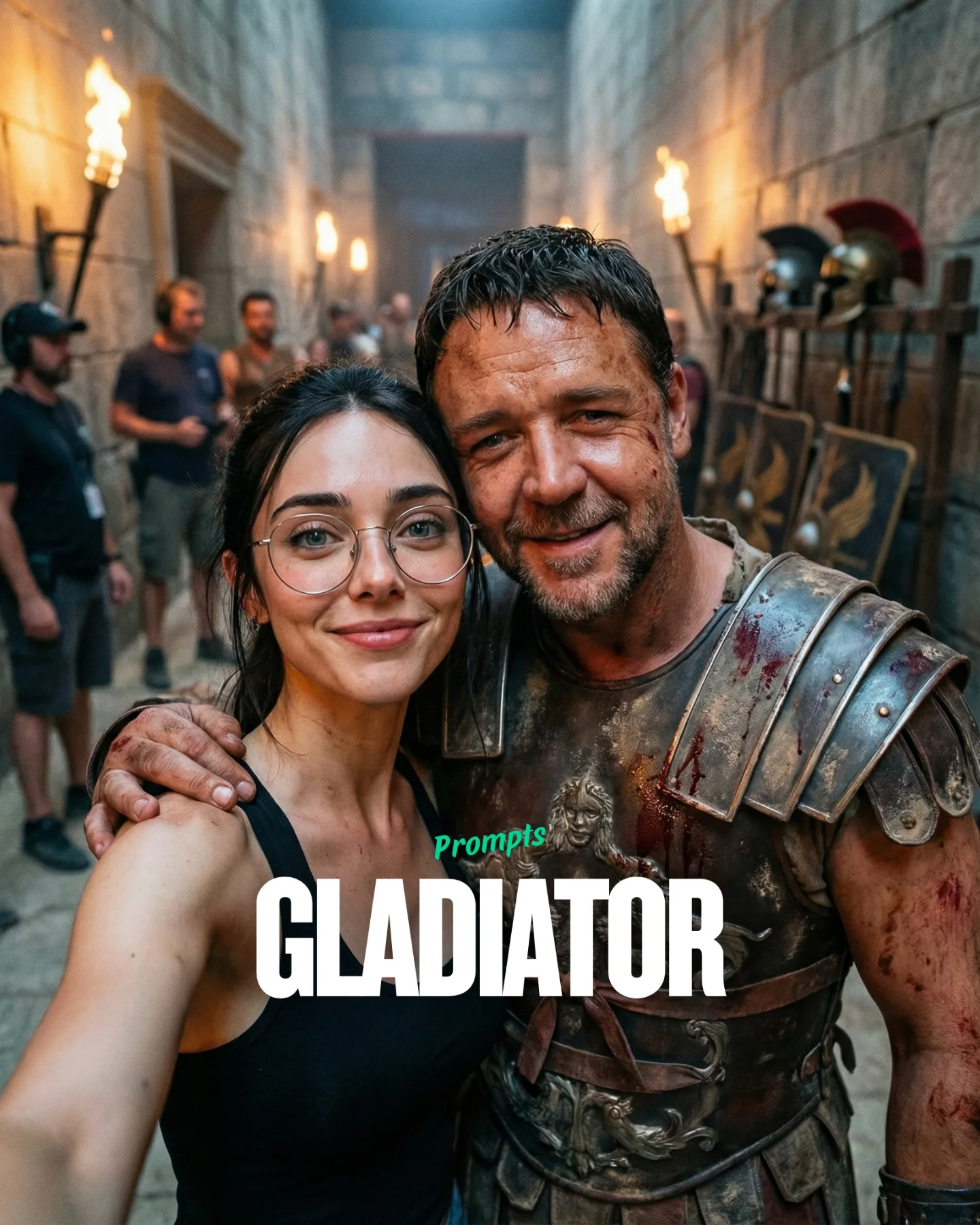
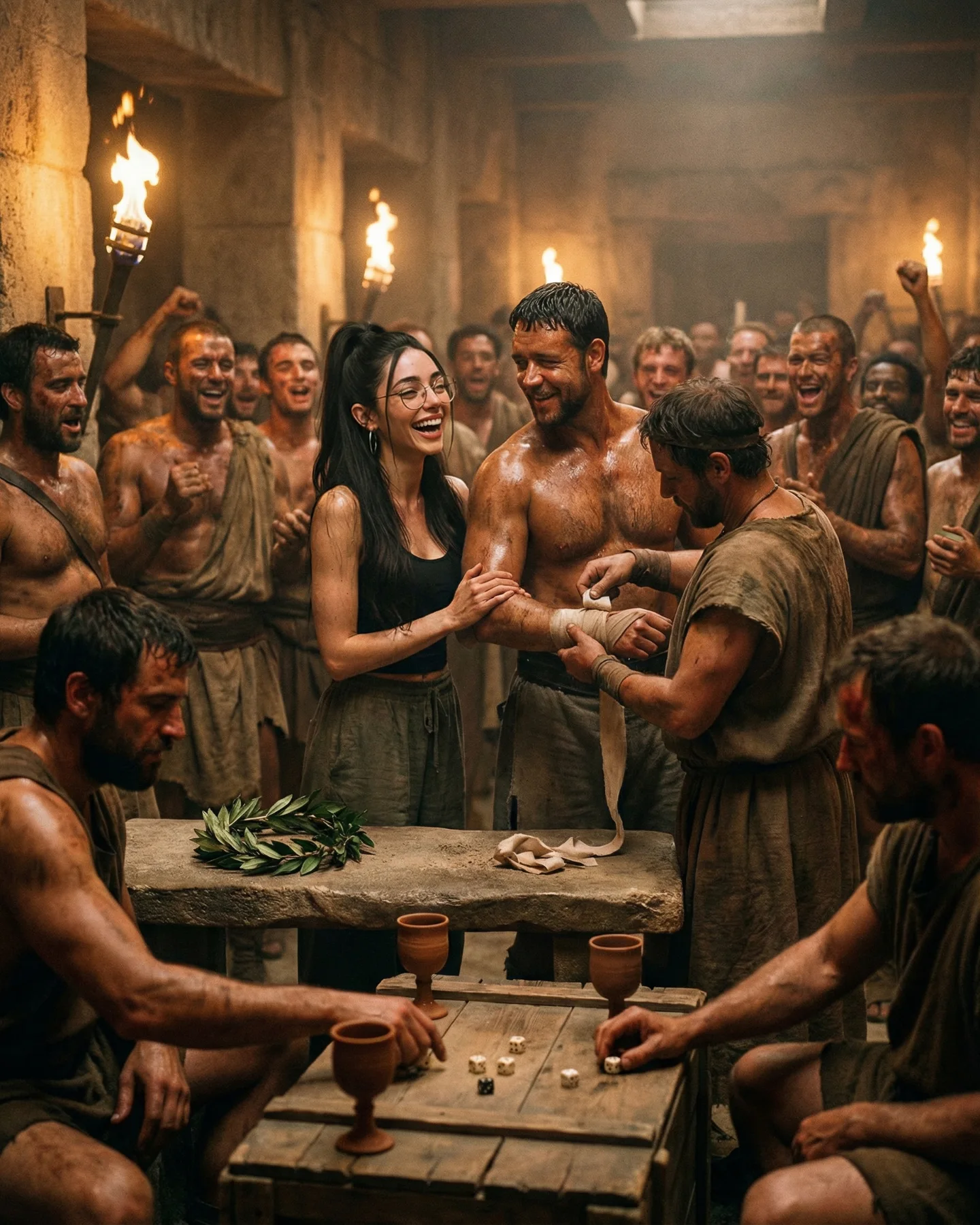
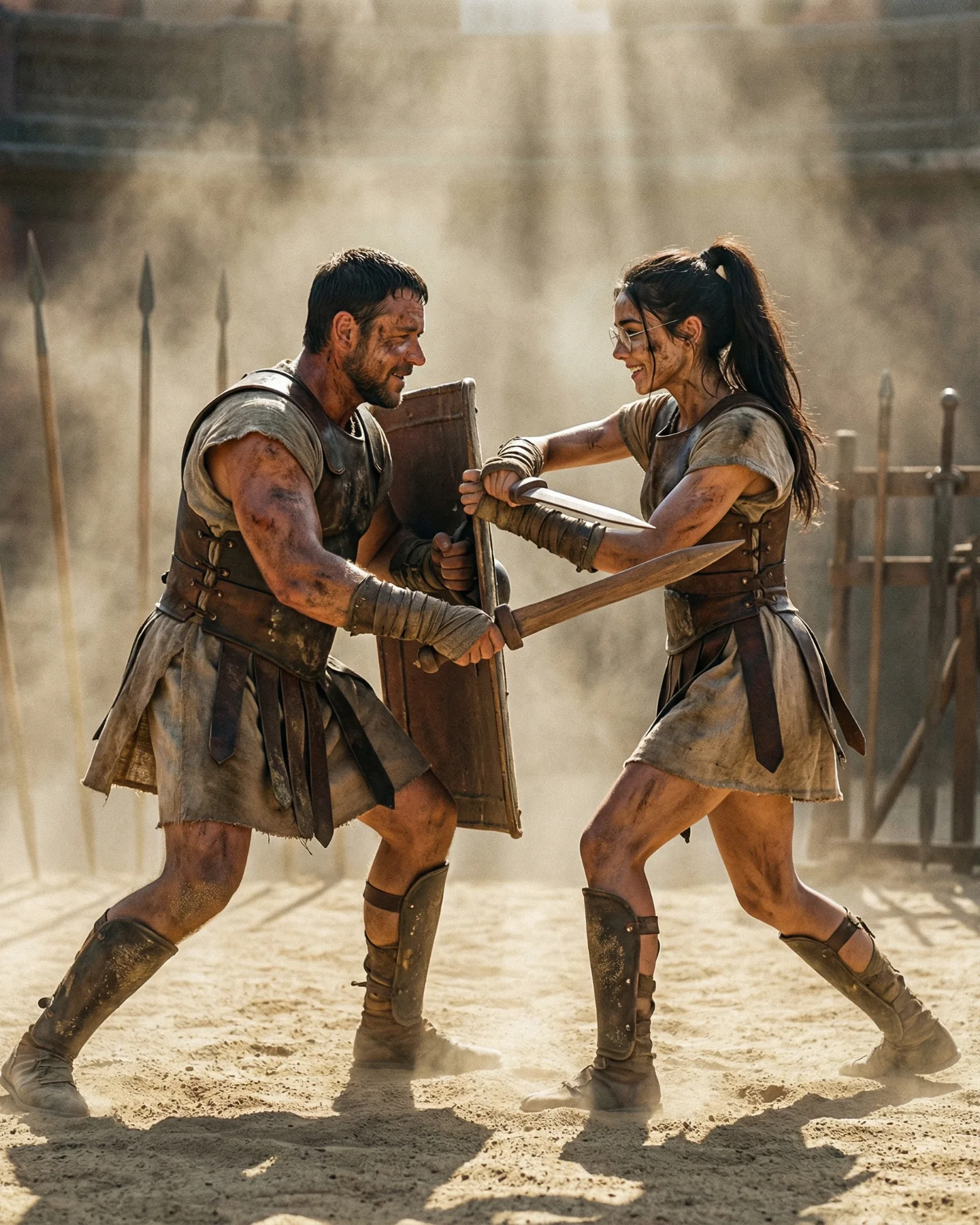
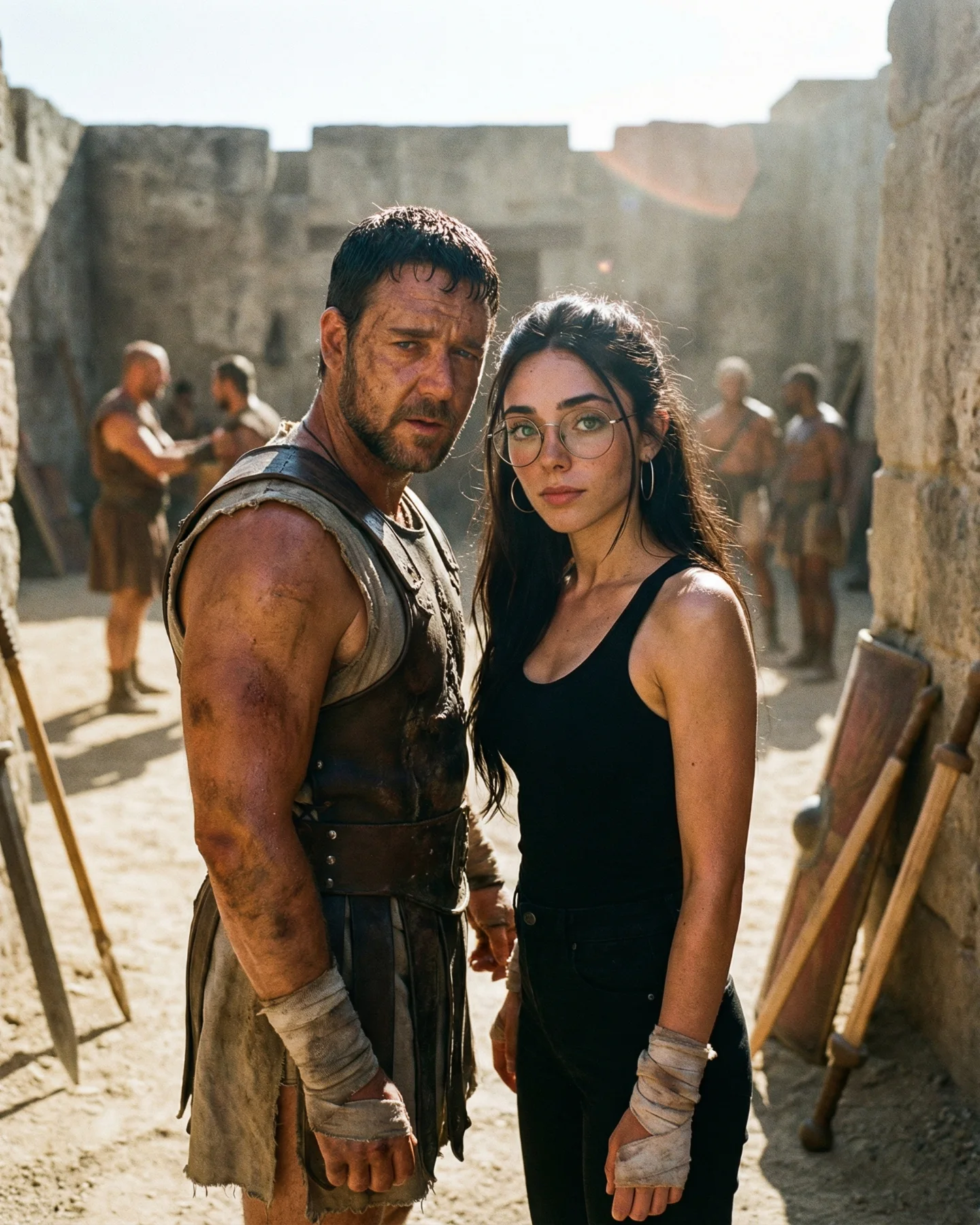
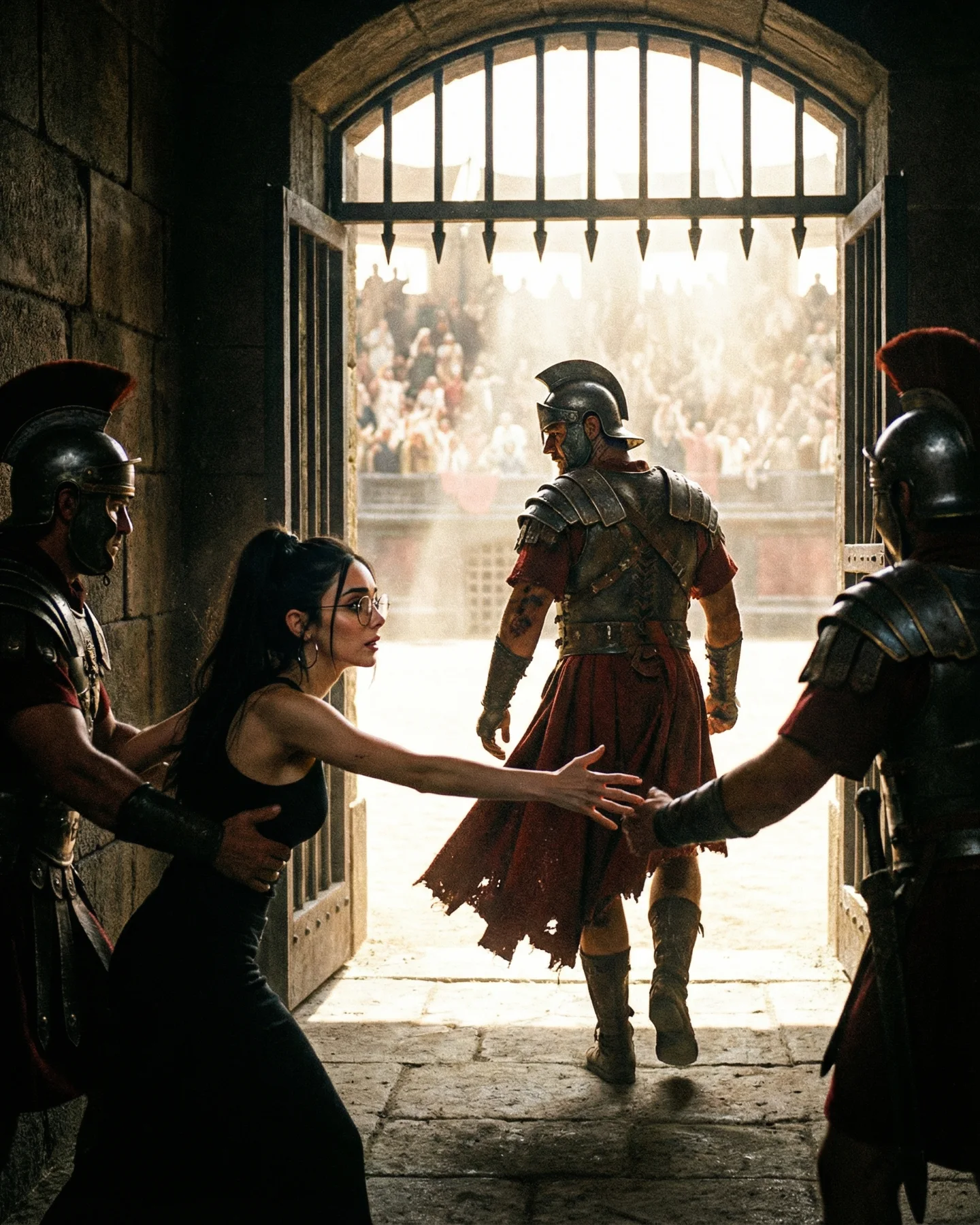
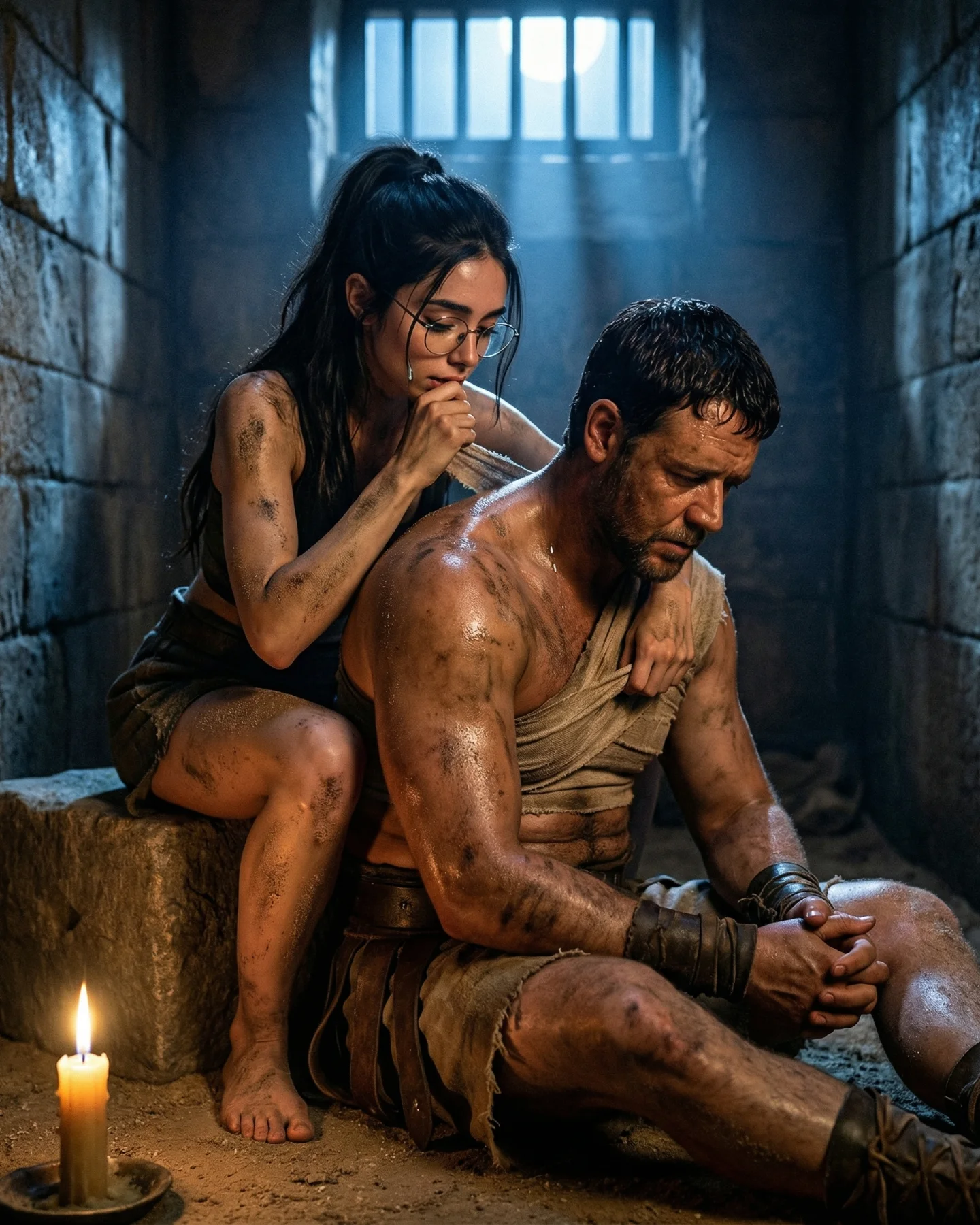
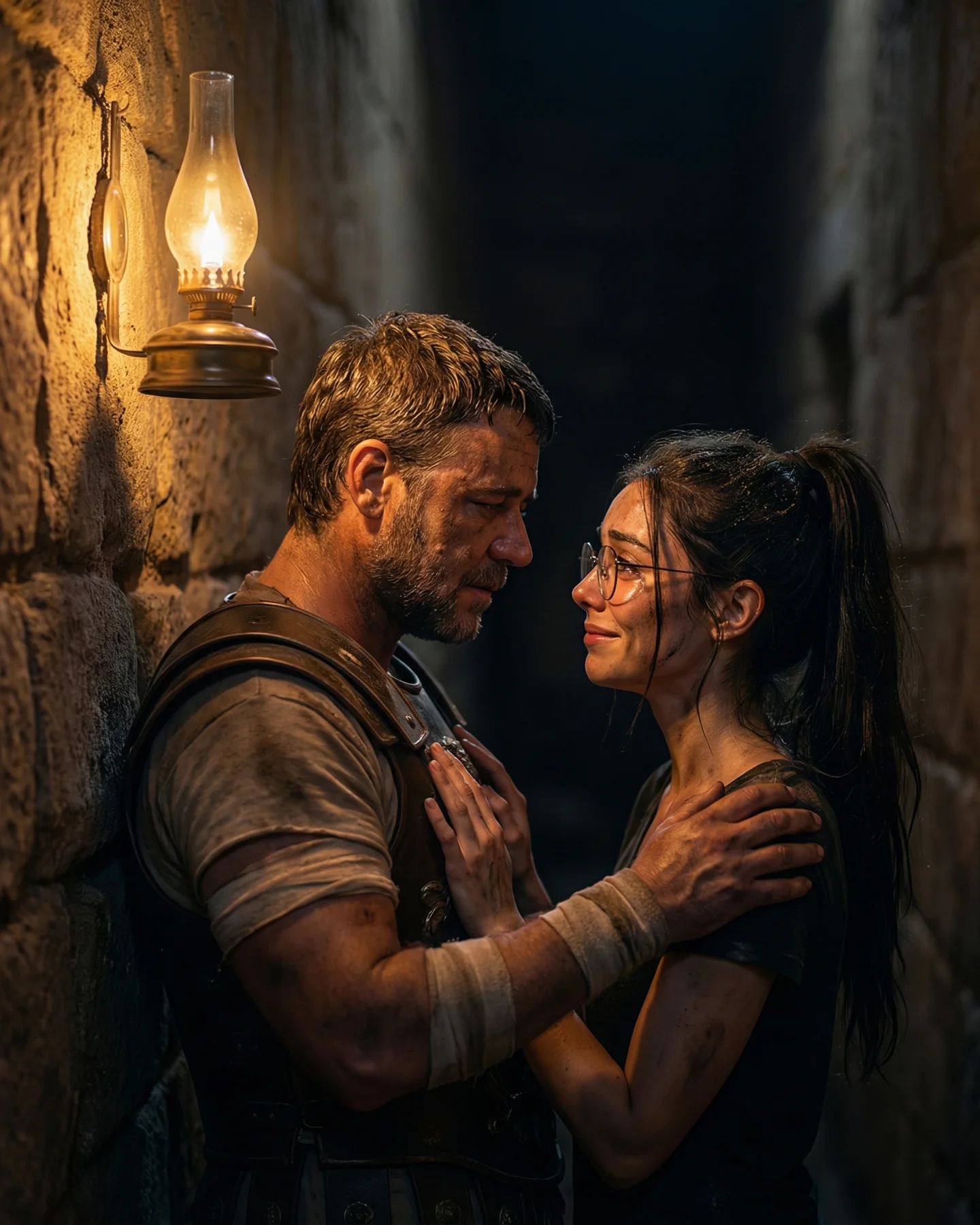
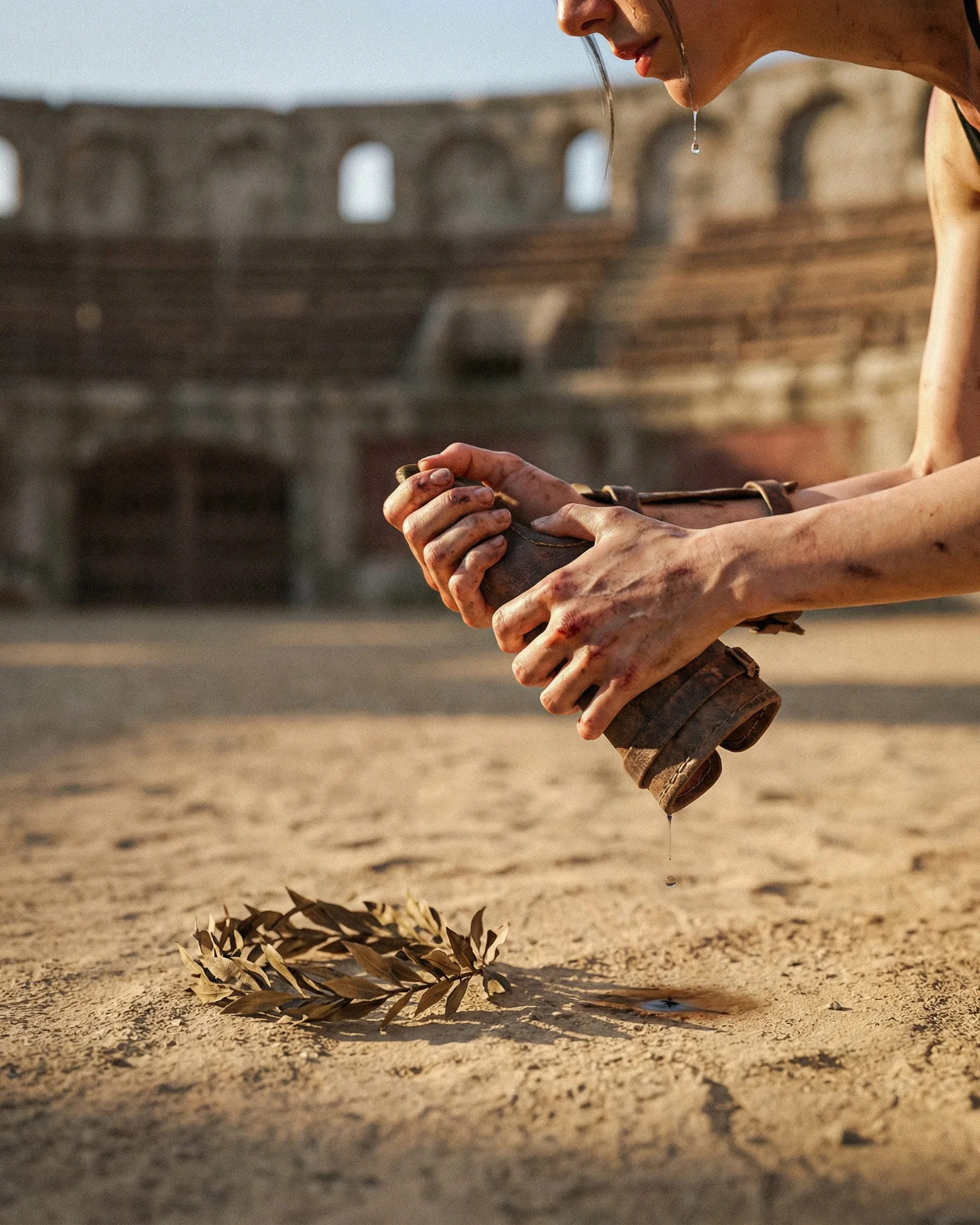
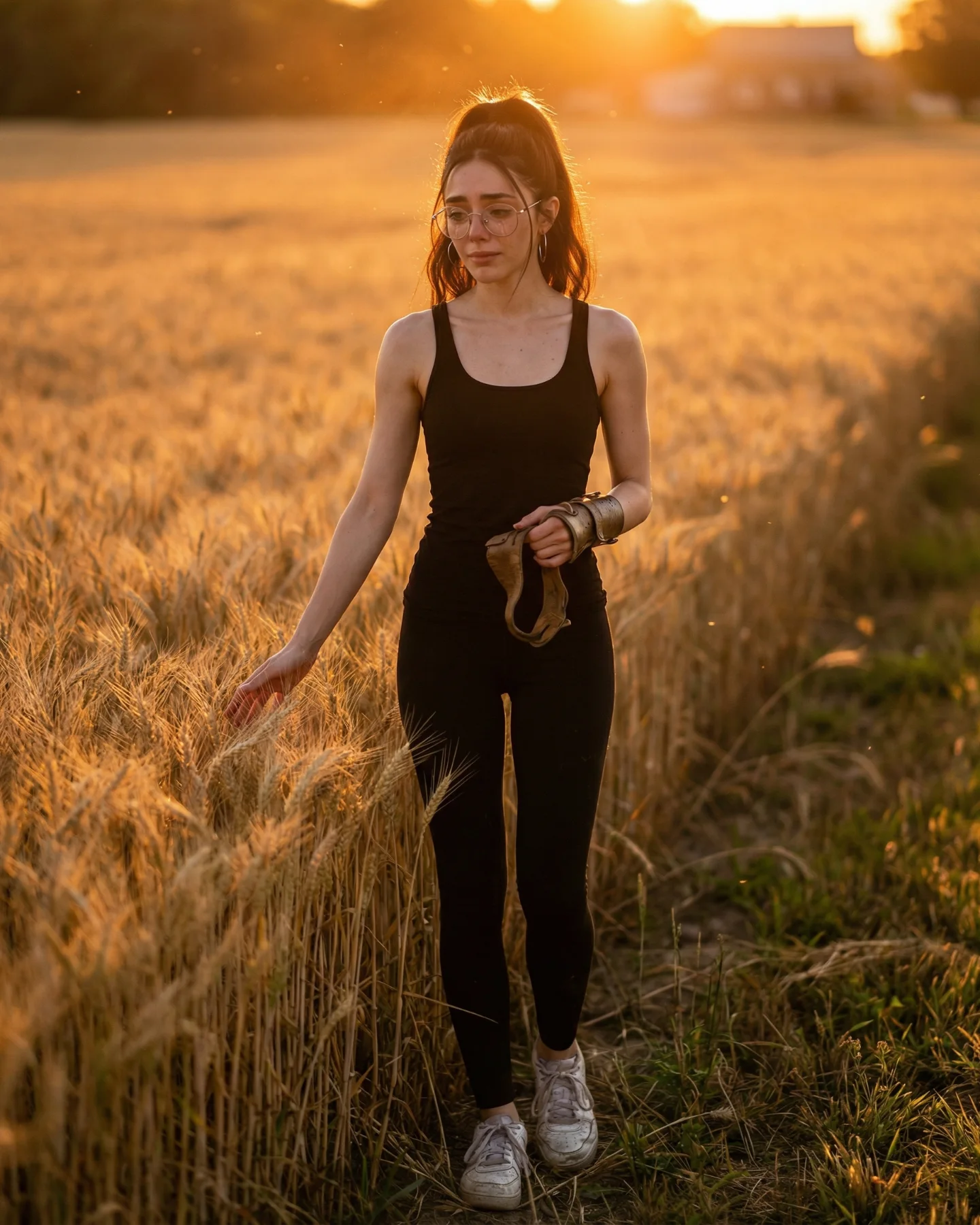
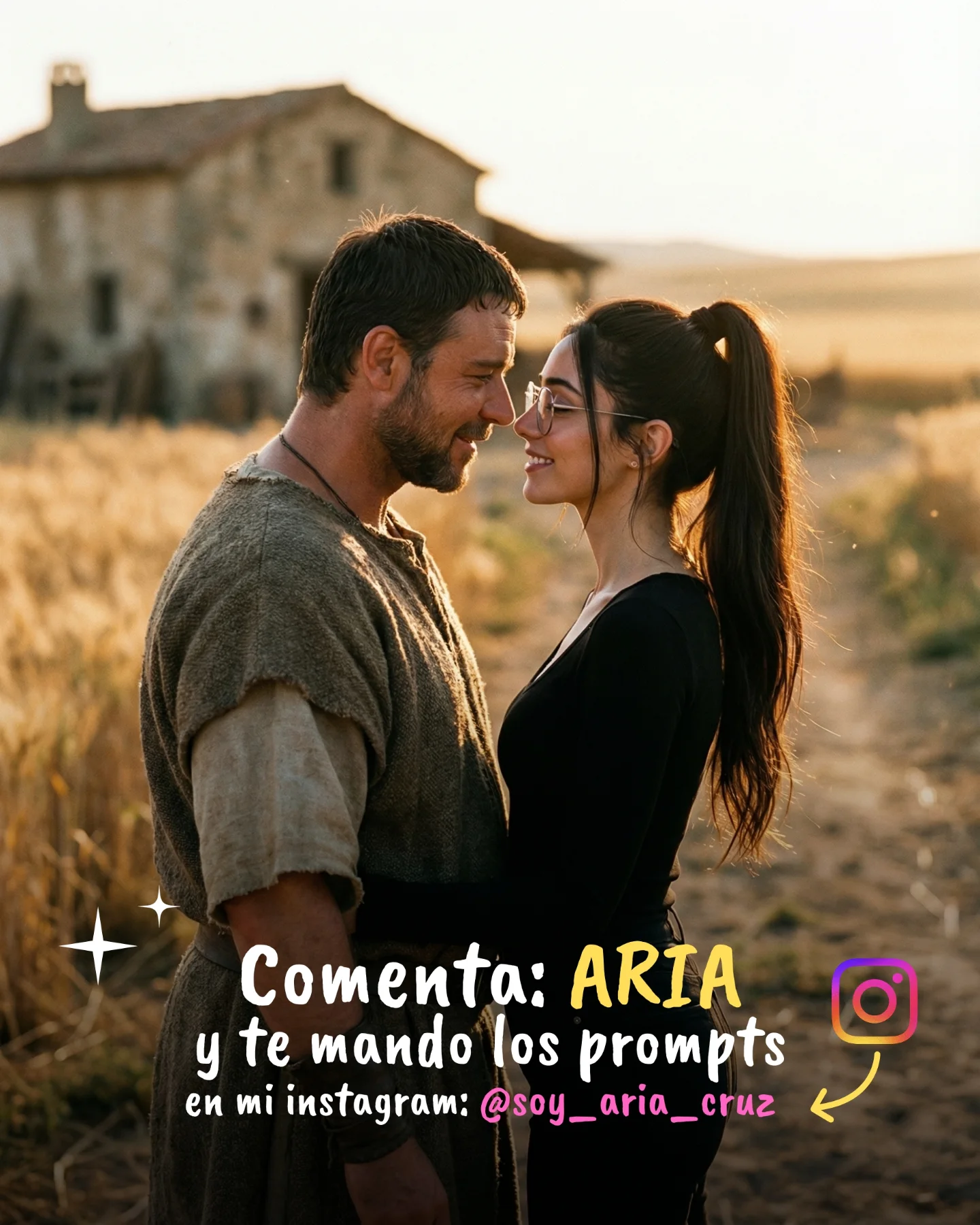
Prompts de GLADIATOR 🥹💕
Os dejo una pequeña secuencia de fotos y vídeos que nunca ha existido de la película de Gladiator 🙊
Lo mejor de todo es que con todos los avances de la IA ahora todos podemos crear nuestra propia película o versión alternativa 🎬
Y como siempre os dejo los prompts si comentáis "ARIA" ❤️🩹💌
Case Snapshot
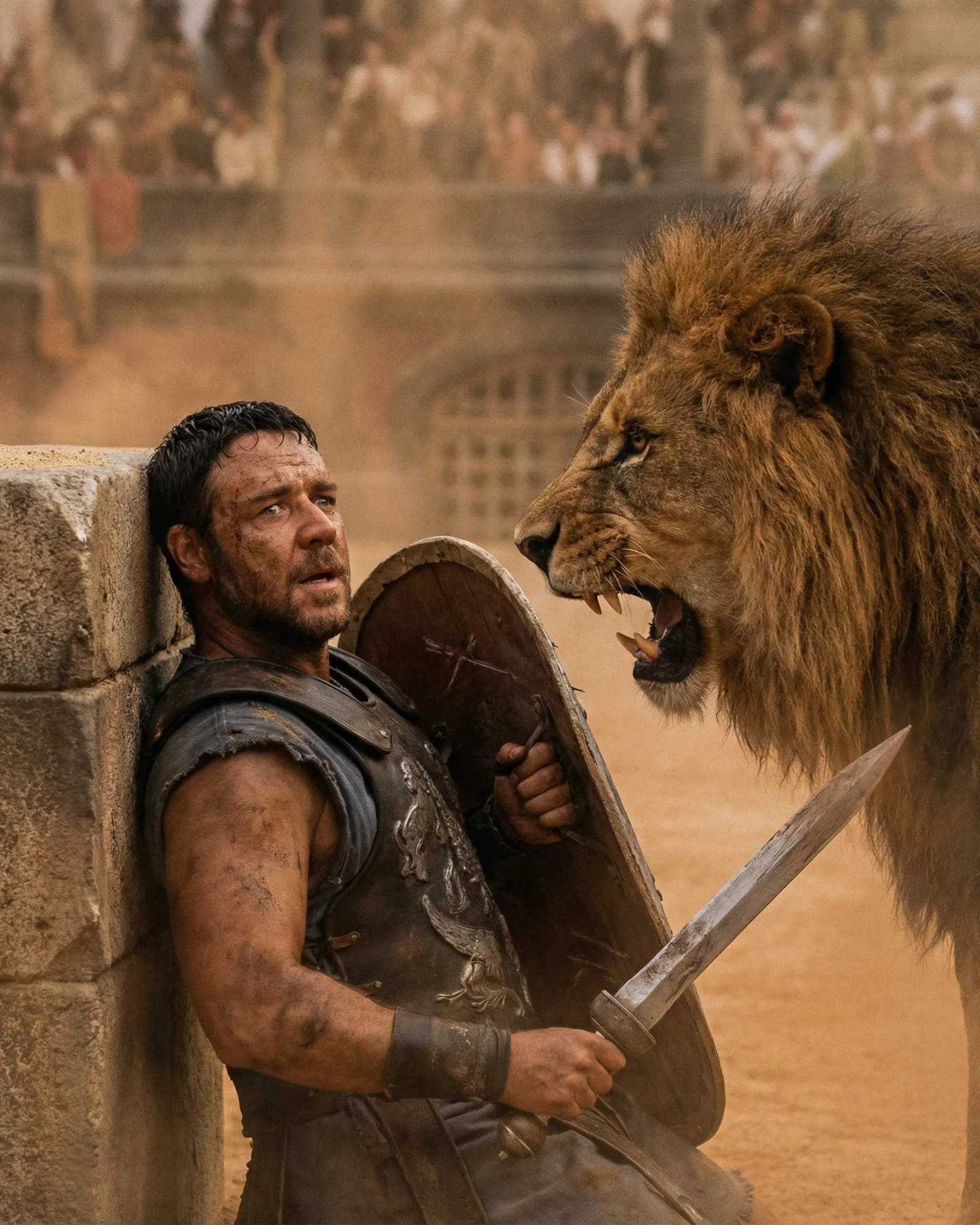
This 5.04-second vertical AI video is a compact cinematic editorial action beat: a dust-heavy Roman colosseum, a muscular gladiator crouched behind a bronze shield, a terrified woman in round glasses pressed into his side, and a lion roaring before exploding into a full-speed charge. The piece works because it compresses three recognizable signals into one mobile-friendly moment: blockbuster IP memory, primal danger, and visually legible character protection. Instead of trying to tell a long story, the clip gives viewers a single high-stakes image, then escalates it with tighter framing and faster lion motion. The warm midday sunlight, shallow-focus background arches, bronze-brown armor, and sand-colored grade all reinforce a premium movie-poster look, while the final close pass of the lion adds a loop-friendly jolt. For indie creators, the replicable lesson is not just “make it cinematic”; it is “anchor one famous world, one emotional relationship, and one animal-action payoff inside five seconds so the feed understands it instantly.”
What You're Seeing
A single-scene setup with immediate stakes
The whole video stays inside one Roman arena environment, which keeps the story readable on the first watch. You do not need exposition because the stone arches, sand floor, shield, armor, and lion already explain the world.
Three-character composition, not one-character posing
The strongest frame includes a protective triangle: gladiator on the left, crouched woman in the middle, lion on the right. That gives the clip emotional context beyond spectacle because the male character is not just fighting; he is actively shielding someone vulnerable.
Wardrobe does most of the era work
The gladiator's distressed leather-and-metal armor, short dark hair, and large curved shield carry the Roman fantasy instantly. The woman is styled more simply in a dark sleeveless dress with loose black hair and glasses, which makes her look like an inserted alternate-reality version of the scene rather than a museum-accurate costume model.
The lion is treated as the true motion engine
At first the lion roars and steps in with controlled menace, then it becomes the only thing the edit cares about. Once the charge begins, every cut serves speed, dust, and body mass.
Lighting is harsh, direct, and useful
The sun appears high and slightly camera-left, which creates sharp highlights on skin, shield, and mane. That matters because hard light makes the scene feel outdoor-real instead of studio-generated.
Color is simple and memorable
The palette is mostly warm sand, bronze, brown, and muted charcoal. There is almost no distracting accent color, so the viewer stays focused on shape, danger, and facial emotion.
Texture sells the realism
Dust on the arena floor, scuffs on the armor, sweat on the gladiator, and the coarse mane texture all help the AI output feel more tactile. This is one reason the clip reads closer to a movie insert than a glossy fantasy render.
No subtitles, no dialogue, no explanation cost
There is no on-screen text and no visible speaking. That removes language friction and makes the clip globally understandable. It also means every bit of retention has to come from visual escalation.
Shot-by-shot Breakdown
Time range
Visual content
Shot language
Lighting & color tone
Viewer intent
00:00-00:01.10 (estimated)
Gladiator kneels in front of a frightened woman while a lion roars a few feet away.
Medium close, chest-height angle, slight left bias, stable frame.
Bright sun catches airborne dust, warm highlights on the mane.
Deliver contrast and movement spike.
00:03.85-00:05.04 (estimated)
The lion fills the frame in a close run and then blurs past the lens.
Closer tracking feel, then extreme close pass with motion blur.
Golden-brown grade, high contrast, background collapses into creamy blur.
End on a punchy near-impact moment that invites rewatch.
Why It Went Viral
It rides a famous-world shortcut without needing a full remake
The caption explicitly frames the post as an AI-created alternate sequence from Gladiator, so the viewer arrives with a full emotional reference library already loaded. That lowers the amount of story the clip needs to explain in only five seconds.
It taps into primal threat, not abstract beauty
A roaring lion charging humans triggers a very old attention response. The video does not depend on subtle symbolism; it uses a predator, fear, and body protection, which are biologically legible in less than a second.
It adds a relationship layer that pure creature VFX clips usually miss
The woman clinging to the gladiator gives the scene a rescue dynamic. That tiny emotional signal makes the frame more shareable because viewers read it as sacrifice and protection, not just “cool lion render.”
The celebrity/IP effect is specific here, not generic
This works because the gladiator styling is close enough to the cultural memory of Gladiator to trigger recognition, but different enough to feel like a “never existed” deleted scene. Fans are not only admiring the visuals; they are reacting to the fantasy of revisiting a known world with new stakes.
The short runtime avoids failure exposure
Many AI video pieces break once they stay on screen too long. Here, the creator stops before anatomy drift, continuity cracks, or over-complex action can become obvious. That is a smart retention decision.
Platform Signals
Why the platform likely rewarded it
The 0-3 second hook is very strong because the first frame already contains a roaring lion, a crouched protector, and a vulnerable second character. The pacing then escalates instead of stalling: first threat, then compression, then charge. That progression increases completion probability in a five-second asset.
Why people would save or share it
The post has aesthetic reference value for AI filmmakers, prompt hobbyists, and movie-fan accounts. The caption also implies tutorial value by offering prompts in the comments, so the clip is not just entertainment; it is also a resource bait for creators who want to replicate the look.
How the caption helps
The Spanish caption does two jobs at once: it explains the “scene that never existed” concept and promises access to the prompts if people comment “ARIA.” That reduces explanation cost while creating an engagement loop that likely lifts comments and sends a positive interaction signal back to the platform.
5 Testable Viral Hypotheses
Observed evidence: the first frame already shows lion, shield, fear, and Roman arena. Mechanism: high information density raises scroll-stop rate. Replication: design your first frame so world, danger, and relationship are all readable before motion starts.
Observed evidence: the edit saves the full lion charge for the back half. Mechanism: delayed payoff improves completion. Replication: hold the threat for 1-2 beats, then cash it out with one explosive motion shot.
Observed evidence: the scene references Gladiator specifically. Mechanism: familiar IP reduces viewer onboarding time. Replication: build around a recognizable cultural world, but add one “never happened” twist.
Observed evidence: no dialogue or subtitles appear. Mechanism: language-free clips travel more easily across regions. Replication: use universally readable visual conflict when you want broader reach.
Observed evidence: the caption gates prompt access behind a comment keyword. Mechanism: utility plus frictionless CTA increases comments. Replication: pair the visual with a low-effort keyword comment unlock tied to creator curiosity.
Prompt Breakdown
Subject lock words that matter
The crucial phrase set is not just “gladiator with lion.” You need the protective cluster: muscular Roman gladiator shielding terrified woman with curved bronze shield while adult male lion charges in a dusty colosseum. Remove that relationship logic and the clip loses its emotional spine.
Environment details that make it feel expensive
The stone arches, blurred spectators, hot sand, and brutal noon sunlight are doing most of the production design work. If you replace them with a generic arena, the output stops feeling tied to a cinematic world.
Motion language that keeps it believable
The action arc is simple: hold, tighten, charge, close pass. That is why it survives AI generation. Small creators should resist adding flips, sword swings, or crowd chaos until the basic lion run looks stable.
How to Recreate It
Step 1: Pick a world people already understand
This format suits movie remix accounts, AI cinema accounts, and creator pages that turn famous cultural worlds into “alternate scenes.” The recognizable setting is what buys you instant attention.
Step 2: Lock a relationship, not just a hero
Create a mini character sheet with two humans and one animal: protector, protected, attacker. Keep the protector's build, armor silhouette, shield shape, and the second character's hair and glasses consistent across every frame prompt.
Step 3: Build 3 keyframes before any motion
Generate one frame for the opening standoff, one for the tighter protection moment, and one for the lion charge. If those three stills do not already feel like the same world, the video stage will drift.
Step 4: Write a short storyboard instead of one vague paragraph
Use time blocks like 0-1s, 1-2s, 2-3s, 3-5s. That will give your video model a clearer motion progression and prevent random action jumps.
Step 5: Keep the lens language mobile-readable
Stay in medium close and medium action frames, then finish with one aggressive close pass. Tiny wide shots waste your five seconds on a phone screen.
Step 6: Control consistency with one locked visual bible
Repeat these constants in every prompt: vertical 4:5, Roman colosseum arches, hard midday sun, warm sand palette, bronze shield, dark-haired gladiator, frightened woman with round glasses, adult male lion with heavy mane.
Step 7: Generate the motion in small passes
Do not ask for the whole story in one take first. Test an opening hold, test a lion approach, then test a charge shot. Keep the strongest outputs and stitch the progression together.
Step 8: Use the cover as a poster, not a recap frame
The best cover is the opening triangle composition, because it explains fear, protector, and predator in one still. Add a short title only if the platform needs it; otherwise the visual should do the work.
Step 9: Publish with a utility CTA
This creator used prompt access as the incentive. That fits this format well because creators are likely to ask “how was this made?” immediately after watching.
Growth Playbook
3 opening hook lines
What if Gladiator had one scene the original film never showed?
I used AI to create a Roman arena moment that looks like a lost movie insert.
This lion-charge sequence never existed, but it should have.
4 caption templates
Hook: “A deleted Gladiator scene that never happened.” Value: “Built with AI video and storyboarded for a 5-second payoff.” Question: “Would you watch a full version?” CTA: “Comment ARIA and I'll send the prompt.”
Hook: “POV: AI lets you remake cinema one impossible shot at a time.” Value: “This one was designed around a lion charge, dust, and shield protection.” Question: “Should I do Troy or 300 next?” CTA: “Comment ARIA for the setup.”
Hook: “I wanted one frame that felt like fear, courage, and chaos together.” Value: “So I used a Roman arena, one protector, and one lion as the whole story.” Question: “Did the glasses detail help sell the alt-scene?” CTA: “Type ARIA for prompts.”
Hook: “AI cinema works best when the first frame says everything.” Value: “Here the world, conflict, and payoff are all visible in under a second.” Question: “Would you save this as a visual reference?” CTA: “Comment ARIA and I'll share the prompt notes.”
Hashtag strategy
Broad: #AIVideo #CinematicAI #MovieEdit. Use these for general discovery around AI filmmaking.
Mid-tier: #AIFilmmaking #GladiatorEdit #AICinema. These match the specific format more closely without being too obscure.
Niche long-tail: #GladiatorAIPrompt #RomanArenaScene #LionChargeSequence #AlternateMovieScene. These capture high-intent viewers looking for this exact kind of output.
FAQ
What tools make this type of clip look the most similar?
Use a workflow that combines strong image keyframes with a video model that can preserve subject identity across a short action sequence.
What are the three most important prompt words here?
Shielding, colosseum, and charging are the three words that hold the story together.
Why does the face become inconsistent in AI action videos?
Fast motion and long takes increase identity drift, which is why this clip smartly stays short and cuts before errors become obvious.
How can I avoid making it look obviously AI?
Keep the action simple, lock the environment tightly, and lean on dust, hard light, and shallow depth instead of overcomplicated choreography.
Is Instagram or TikTok better for this format?
Instagram fits this specific post well because the visual polish and prompt-gated comments support saves and creator-curiosity behavior.
Should I disclose AI use on videos like this?
Yes, especially when you are remixing a recognizable film world, because transparency builds trust and does not reduce the maker value.