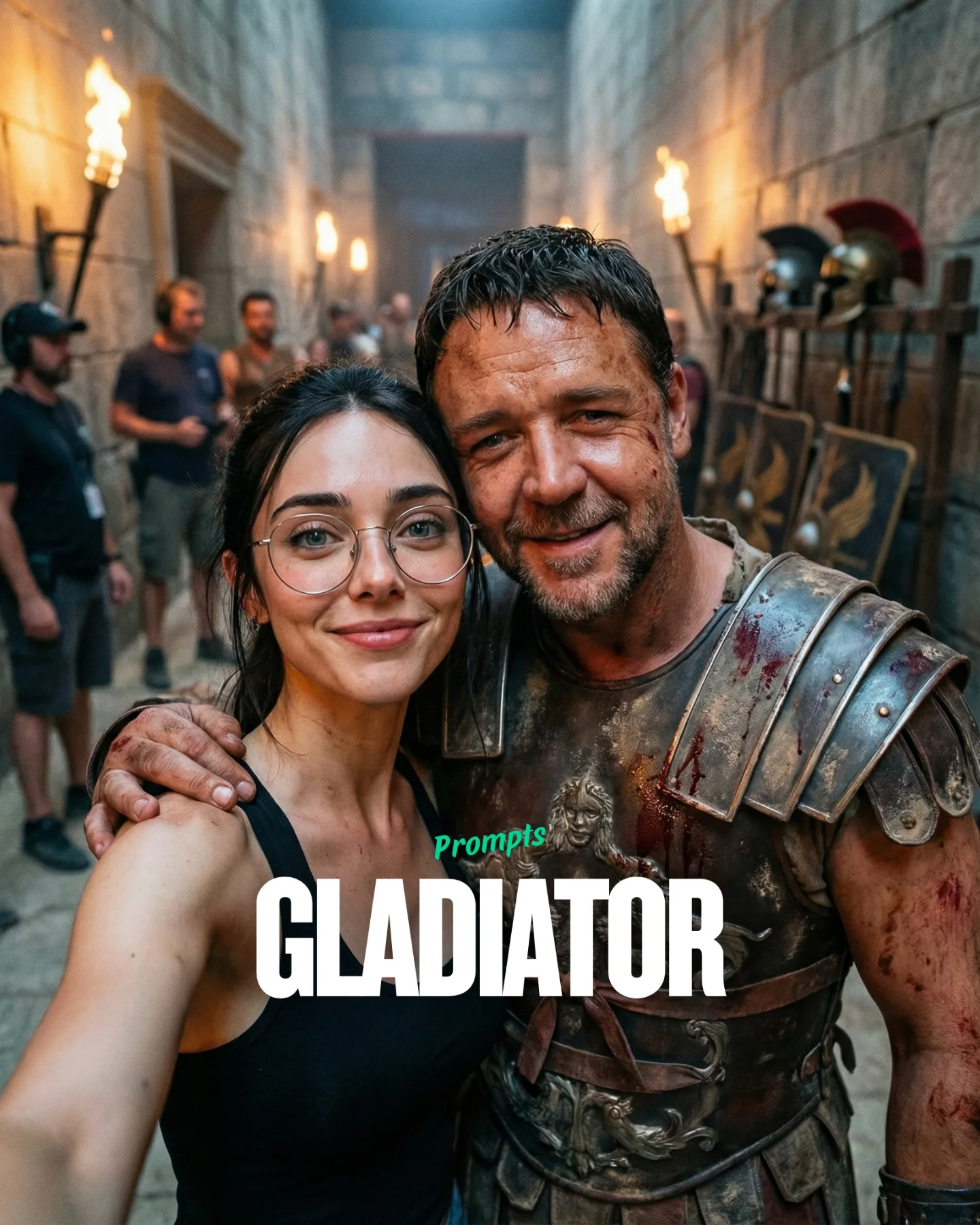
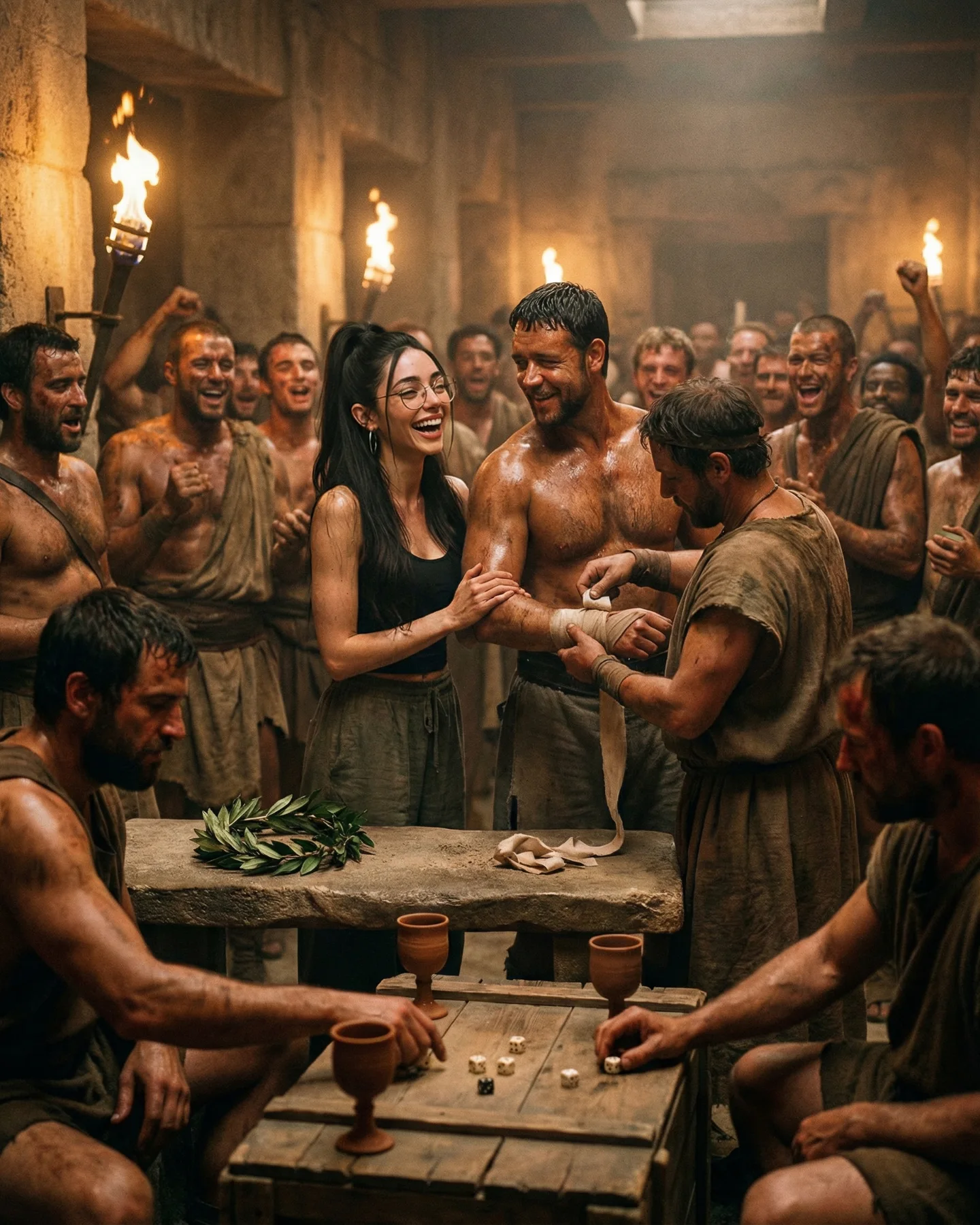
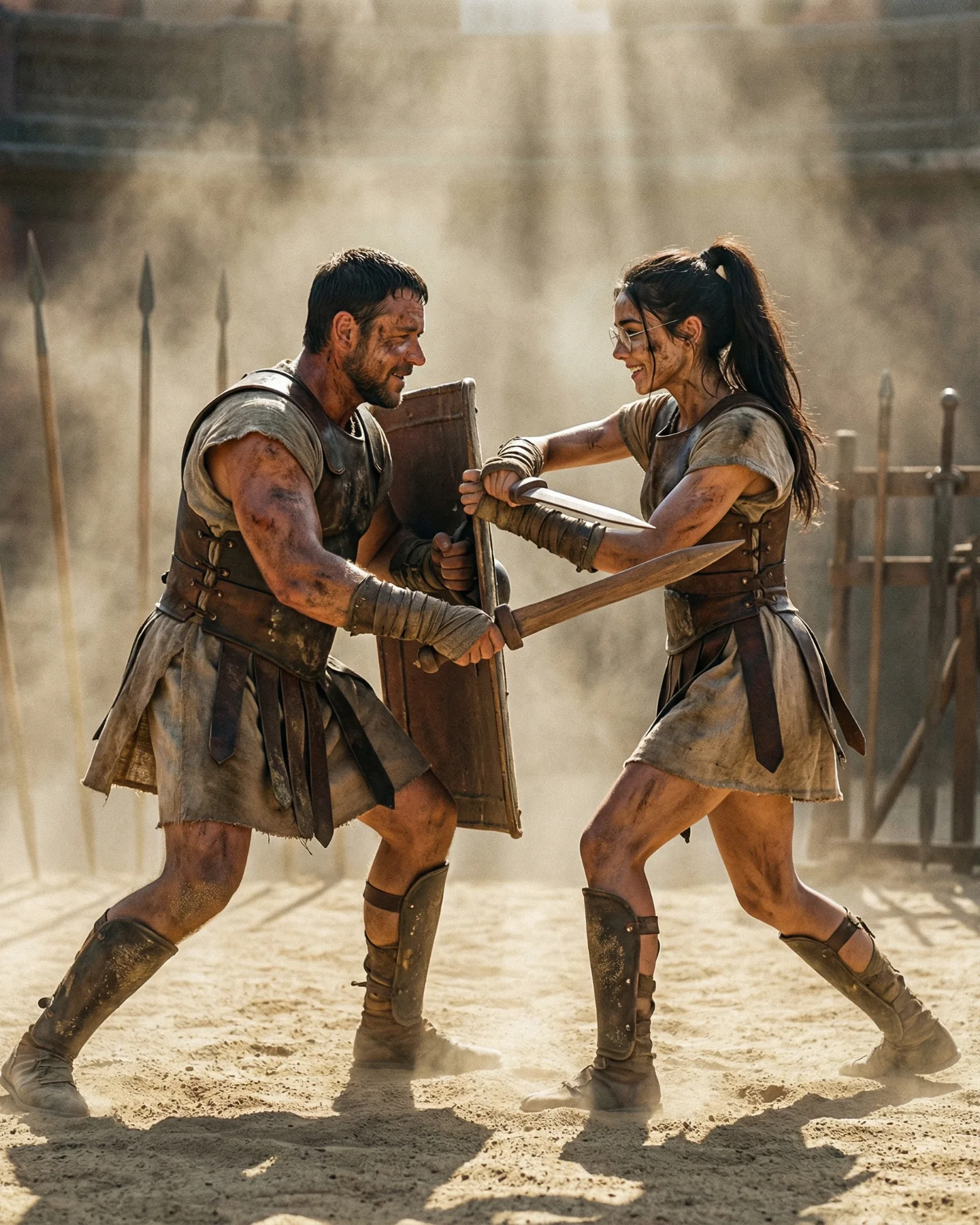
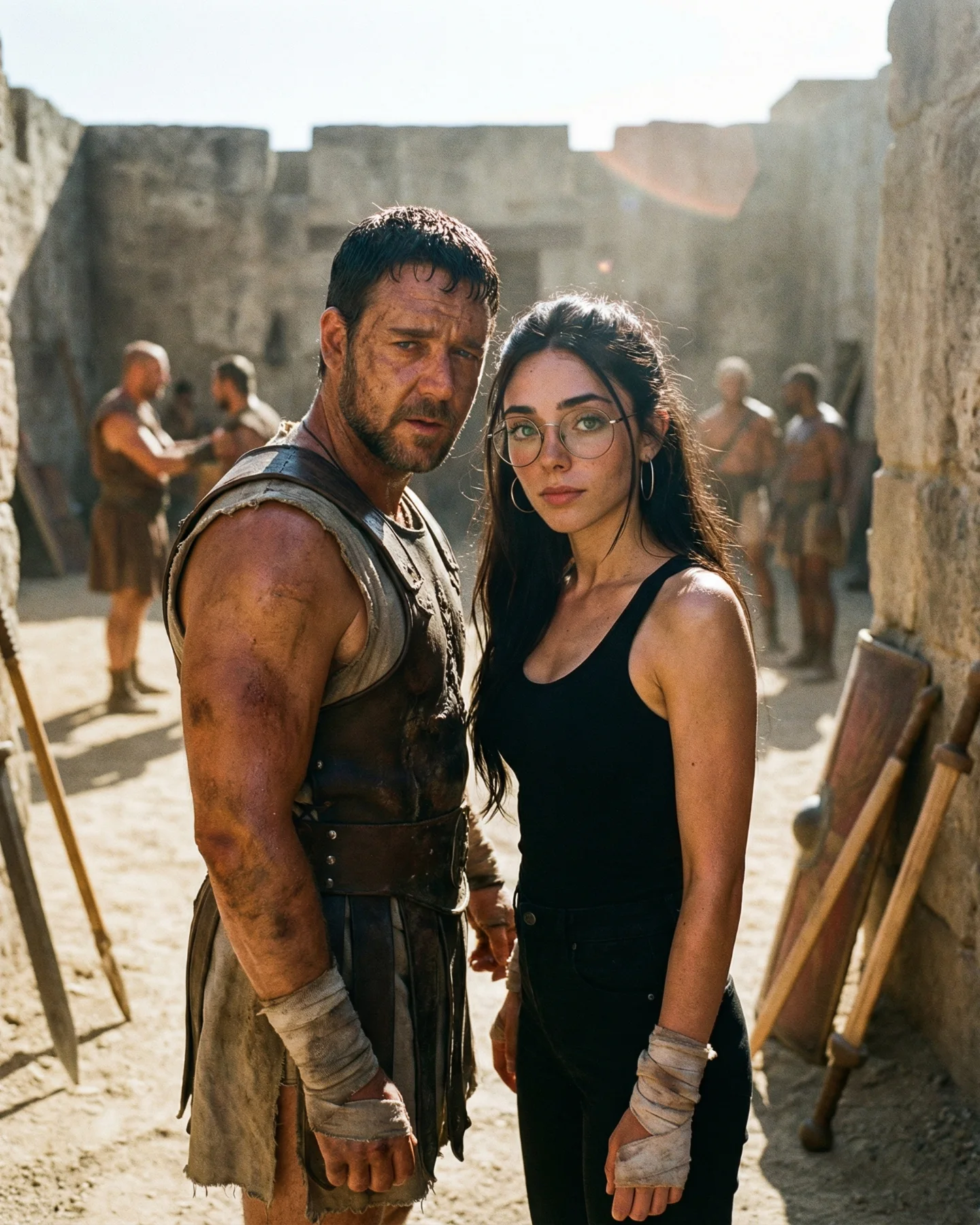
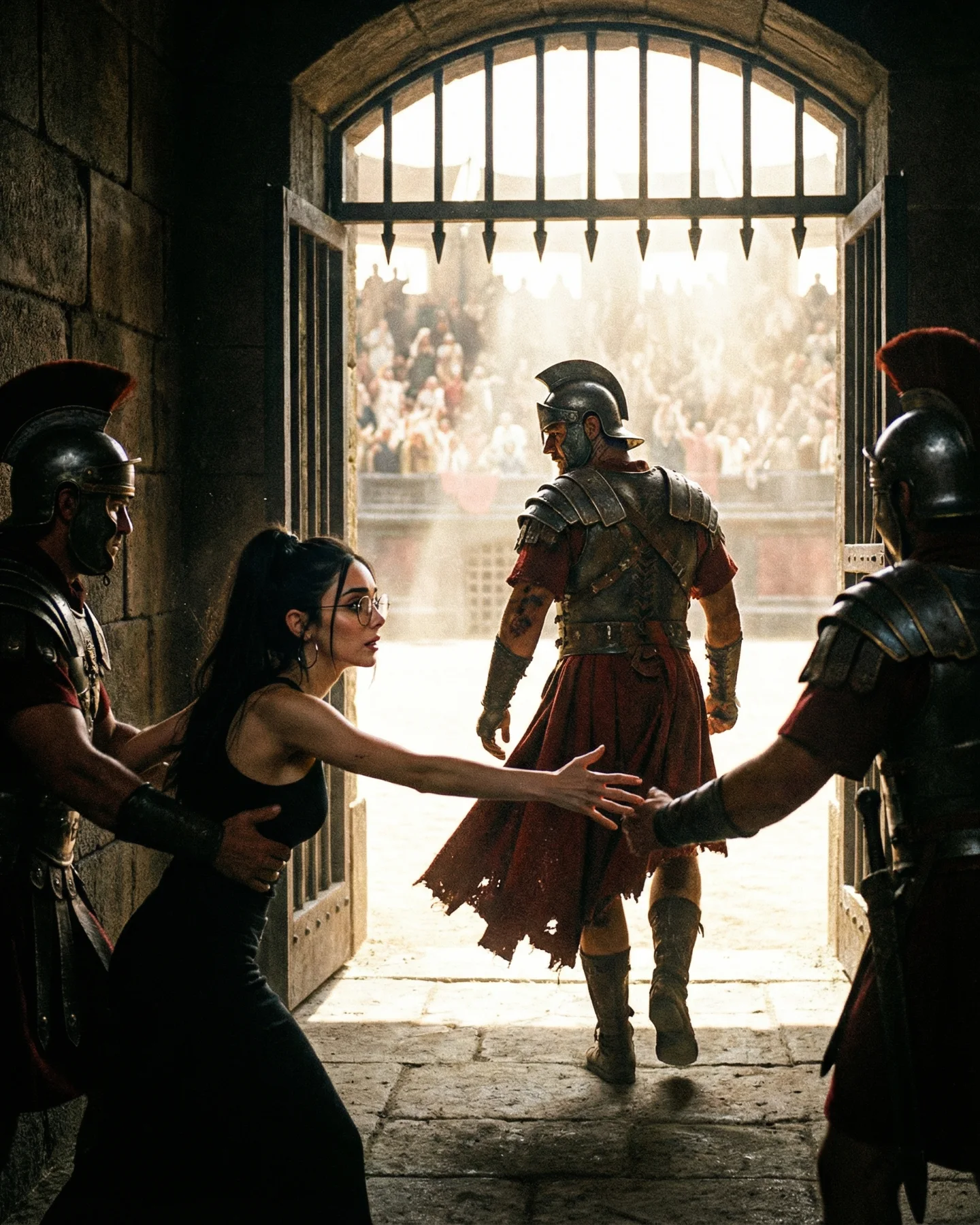
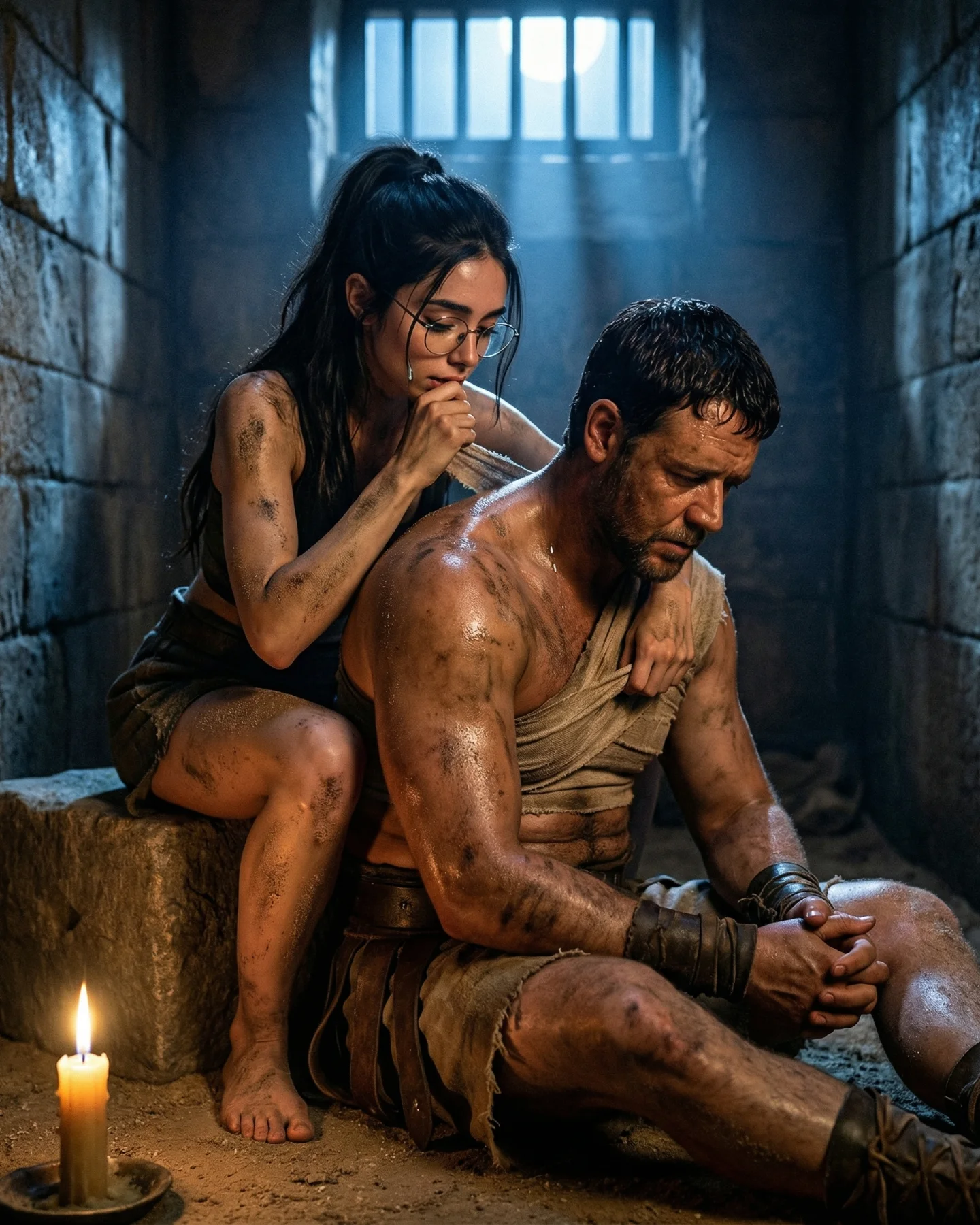
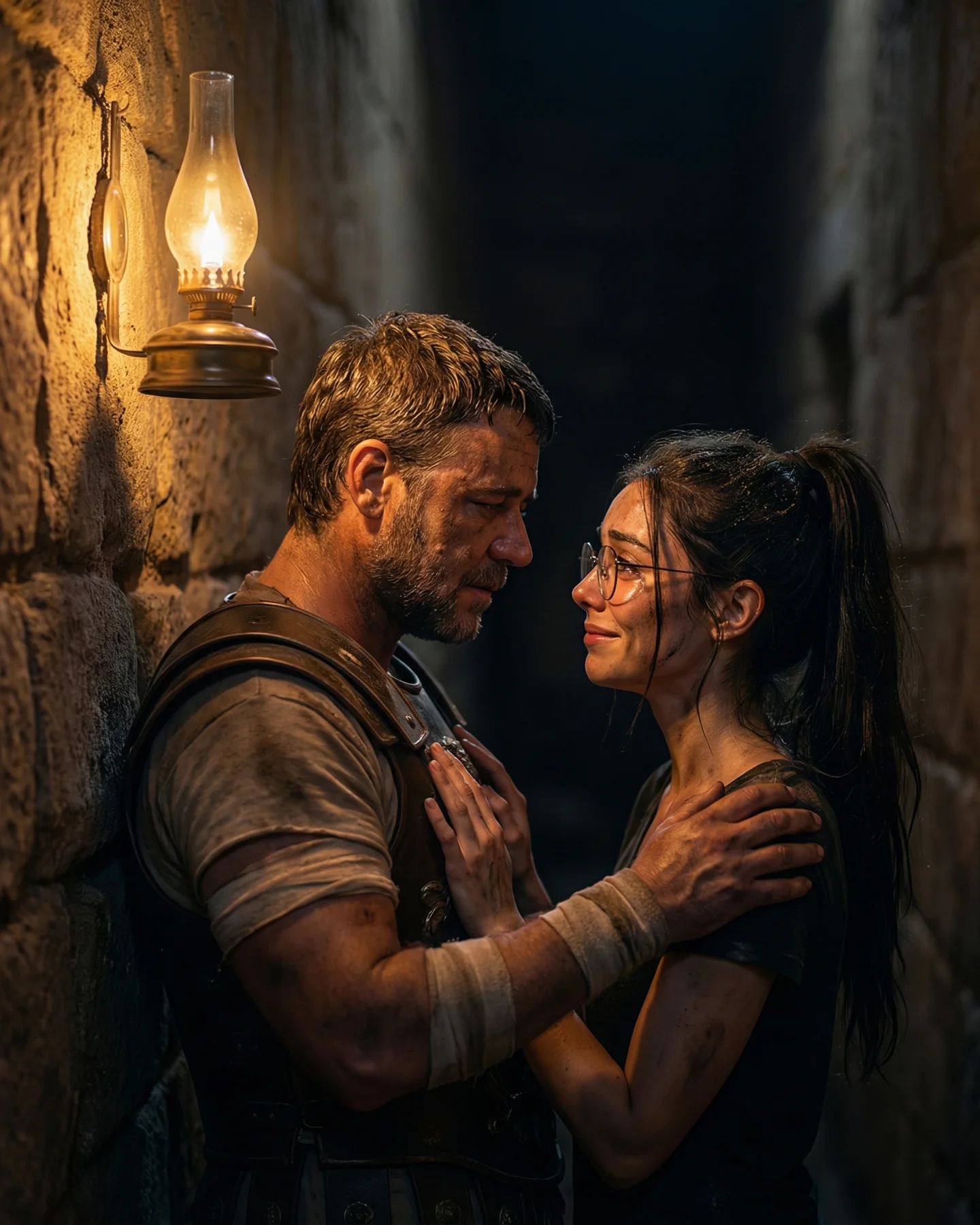
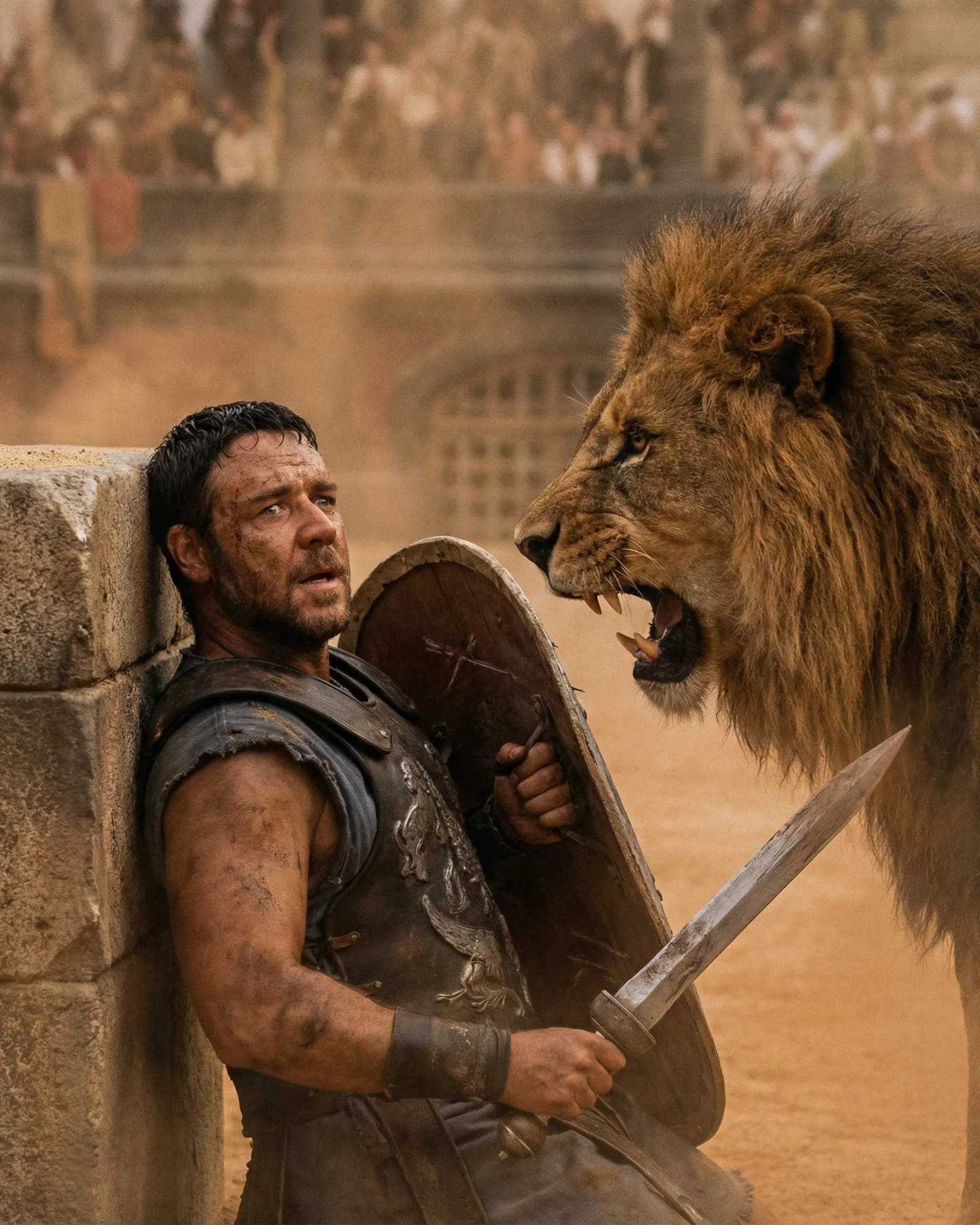
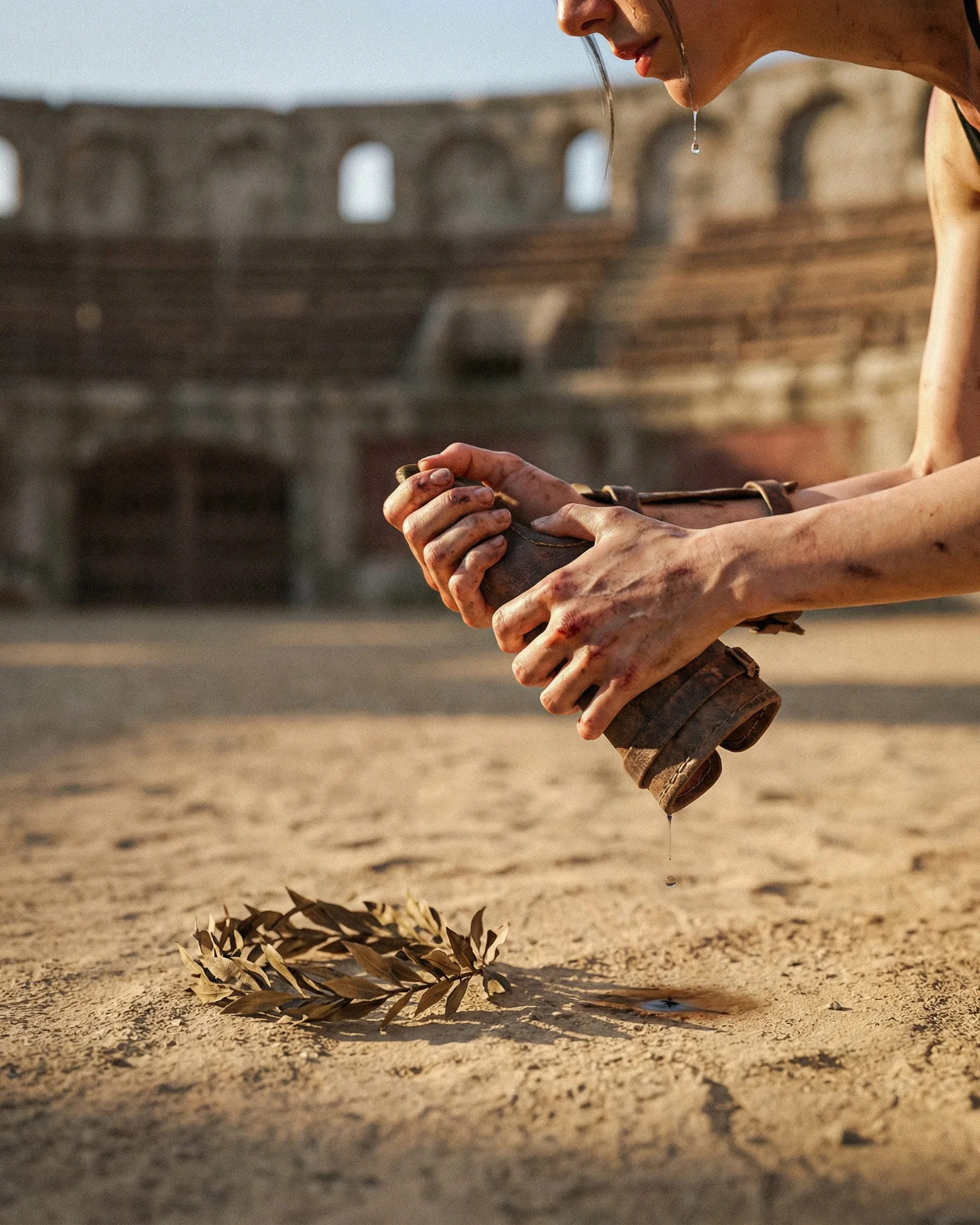
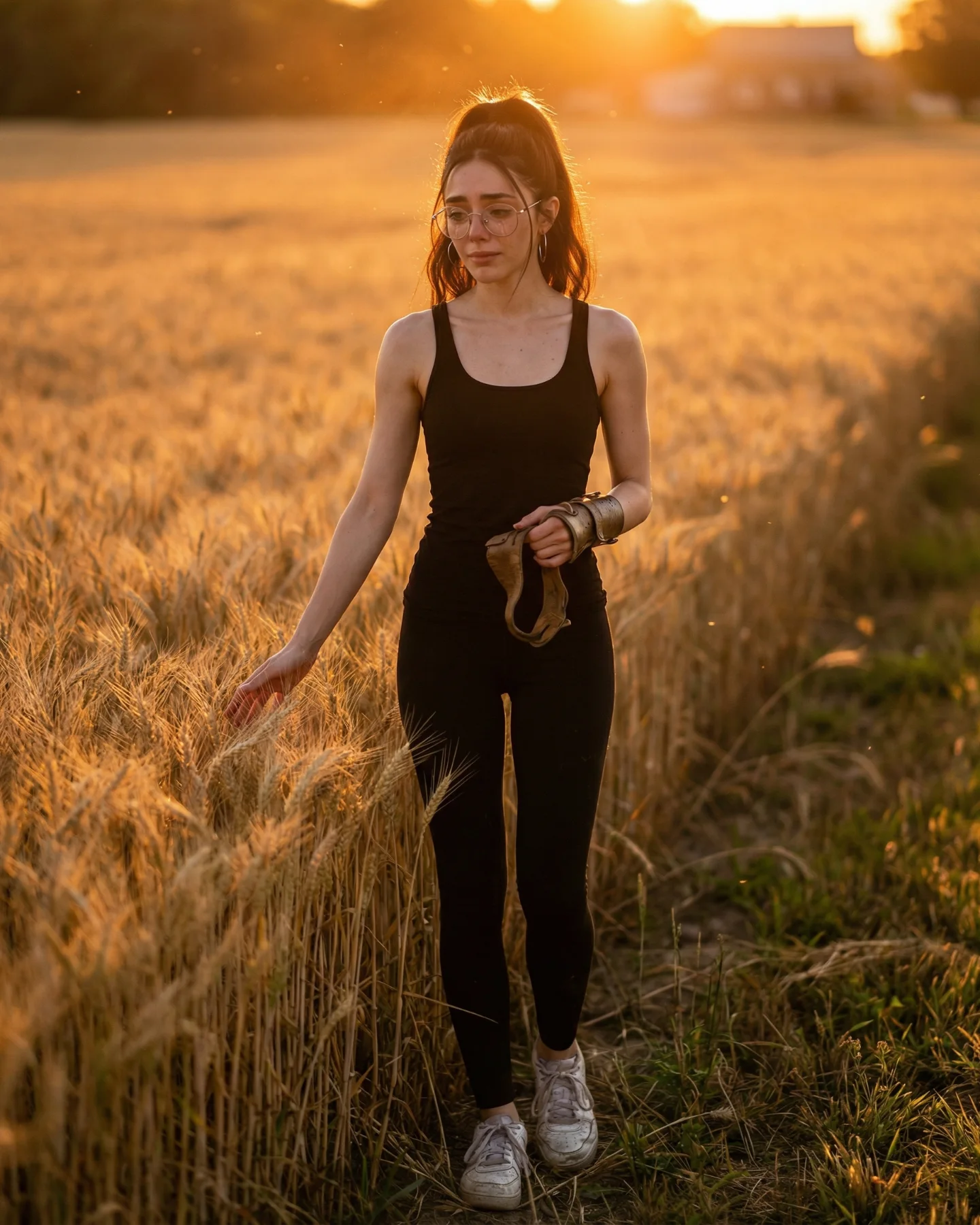
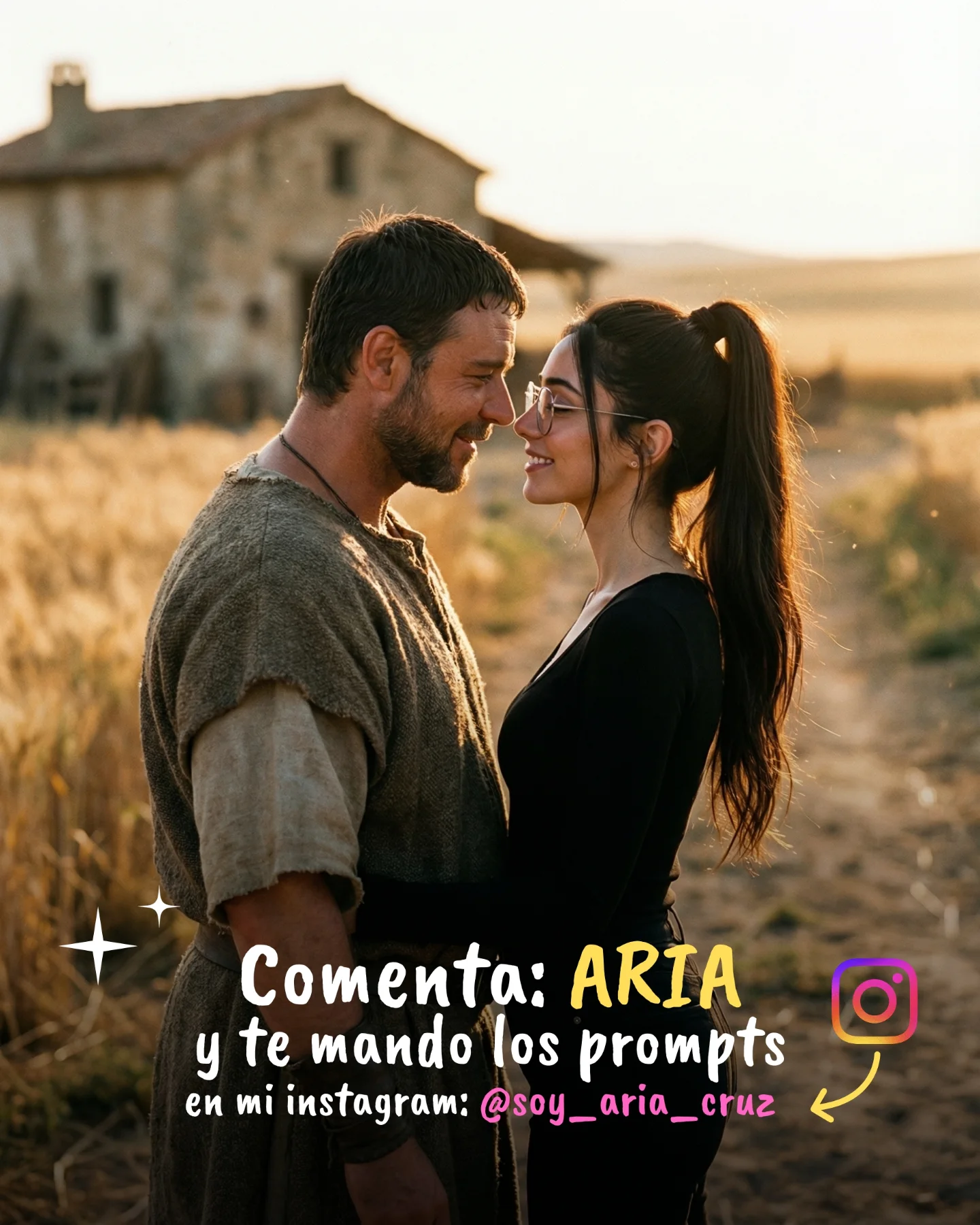
Prompts de GLADIATOR 🥹💕
Os dejo una pequeña secuencia de fotos y vídeos que nunca ha existido de la película de Gladiator 🙊
Lo mejor de todo es que con todos los avances de la IA ahora todos podemos crear nuestra propia película o versión alternativa 🎬
Y como siempre os dejo los prompts si comentáis "ARIA" ❤️🩹💌
How soy_aria_cruz Made This Gladiator Scene AI Video — and How to Recreate It
This short Gladiator AI video prompt example turns a five-second overhead desert tableau into a complete growth case page for creators who want cinematic historical drama without shooting a live set. The clip shows a dying gladiator lying on sunlit sand while a grieving woman in black collapses over him, with a dropped shield and helmet framing the scene. There is no dialogue, no crowd, and no camera trick beyond a restrained top-down angle, but that minimalism is exactly why the visual lands. It feels like a lost final shot from an epic film: warm late-afternoon light, long shadows, dusty footprints, one clear emotional relationship, and just enough prop detail to anchor the Roman-war fantasy. For small creators, this is useful because it proves you do not need ten shots, multiple sets, or a complex narrative arc to get a memorable AI video. You need one strong emotional beat, one readable composition, and one IP hook that people already recognize. In this case the recognizable hook is the Gladiator universe, but the retention mechanism comes from grief, stillness, and the almost sacred overhead framing. If you want to recreate or adapt this style, focus on the combination of iconic movie-adjacent theme + single tragic gesture + clean prop language + warm battlefield light, then use the same structure for your own hero scene.
What you're seeing
The clip is a single high-angle overhead shot lasting roughly five seconds. A male gladiator lies flat on desert sand at center frame wearing weathered Roman armor, dusty boots, and arm guards. A woman dressed in a black sleeveless outfit kneels on his right side and folds over his chest in grief. To the left sits a rectangular shield, and near the man’s upper-left shoulder is a metal helmet. The sand is full of footprints and dragged marks, which quietly imply prior movement and conflict. Lighting is warm and directional, creating long shadows and a late-afternoon battlefield feel. Motion is minimal: the woman settles deeper into the embrace, hair shifts slightly, and the man barely moves. That low-motion design is a feature, not a flaw, because it turns the shot into an emotional freeze-frame rather than an action sequence.
Shot-by-shot breakdown
Time range
Visual content
Shot language
Lighting and color tone
Viewer intent
00:00-00:01 (estimated)
Top-down reveal of the fallen gladiator and grieving woman on the sand
Locked overhead composition, wide-enough to show both bodies and props
Warm desert sunlight, golden beige sand, soft haze, long shadows
Instantly establishes tragedy and recognizable movie IP
00:01-00:02 (estimated)
The woman leans in harder across his chest
Still locked, motion only from performance
Same warm grade, shadow detail remains readable
Deepens emotional attachment without breaking visual clarity
00:02-00:03 (estimated)
Small hand and head shifts; armor and sand textures become more noticeable
No reframing, performance-driven micro-beat
Sunlit highlights on armor and hair, soft dusty midtones
Keeps the viewer watching for a final emotional change
00:03-00:04 (estimated)
Her posture folds further over him; he stays almost still
Converts the clip from “scene” to “moment you remember”
00:04-00:05 (estimated)
End beat: the embrace settles and the battlefield props stay fixed
One-shot ending, no cut, no transition
Consistent golden light, strong leg shadows, textured sand
Leaves a cinematic aftertaste and invites rewatching
Subject design
The male subject works because he is specific enough to read as a gladiator from one glance: dusty leather armor, exposed legs, boots, arm bracers, and a weakened body position. The female subject creates emotional contrast with a matte black outfit, tighter silhouette, and active kneeling posture. That contrast between his stillness and her clinging motion is what gives the image its emotional vector.
Environment design
The environment is only sand, footprints, shield, and helmet, but that is enough. The scene does not need ruins, armies, or a colosseum because the object language already says “battle aftermath.” For AI video generation, this is important: fewer environment elements means fewer opportunities for the model to hallucinate distracting details.
Lighting design
The lighting is doing three jobs at once: it makes the clip feel expensive, it separates the figures from the ground with long shadows, and it creates the warm heroic-sad palette people associate with period epics. If you miss the light, the whole scene collapses into generic sand cosplay. If you keep the light right, the same pose instantly feels filmic.
Motion design
This is not an action clip. It is a micro-performance clip. The only movement is emotional: a deeper lean, a tighter grip, a soft head shift. That makes it easier to generate consistently and easier for viewers to read on mobile. In short-form feeds, readable stillness often outperforms noisy movement when the frame itself is strong.
Why it went viral
The topic works because it combines three proven attention drivers. First is recognizable cultural IP: Gladiator is a globally understood cinematic reference, so the viewer does not need extra context to decode the fantasy. Second is instantly legible emotional drama: even with no text and no dialogue, people understand what they are seeing in under a second. Third is visual restraint: instead of a chaotic battle montage, the video focuses on one tragic aftermath image. That restraint actually makes the content more scroll-stopping because it looks unlike the usual fast-cut AI montage.
Psychologically, the frame activates two strong response systems at once. The first is grief and protection: one body is vulnerable, the other body is trying to hold on. The second is “history rewritten by AI”: viewers who know the original film immediately imagine alternate scenes, deleted endings, or fan-made spinoffs. That creates curiosity, comments, and shares because the audience is not only reacting to the image; they are reacting to what else could exist in the same fictional universe.
The creator also framed the broader post as “Prompts de GLADIATOR,” which adds a practical value layer on top of the emotion. The viewer is not just consuming a beautiful clip. They are being invited into the production trick behind it. That is a strong conversion pattern for AI creator accounts: show the fantasy, then imply access to the recipe.
Celebrity and IP effect
The clip does not rely on a direct celebrity face replica in close-up. Instead, it borrows the emotional grammar and visual mythology of Gladiator: Roman armor, battlefield sand, fatal exhaustion, and intimate grief. That is a smarter choice for distribution because the content stays recognizable without depending entirely on one actor likeness. Viewers still get the “I know what this is” payoff.
Platform angle
From an Instagram/Reels perspective, this kind of video performs because the 0-3 second read is perfect: one frame, one tragedy, one clear theme. There is no confusion about where to look. The static overhead composition also makes the clip easy to pause, screenshot, and share. Combined with a prompt-offer caption, the post turns emotion into comment bait without feeling like a pure engagement trick.
How to recreate it
1. Start with one sentence, not a paragraph
Your base concept should be something as tight as: a wounded gladiator lies dying on sunlit sand while a grieving woman collapses over him in a top-down shot. If you cannot describe the scene cleanly in one sentence, the generated video will usually get muddy.
2. Lock the camera before the costume
The overhead view is the whole trick. If you change to eye-level or a side angle, the scene becomes a generic cosplay drama. Write the camera constraints early in the prompt: top-down, locked, overhead, no cut, no rotation, no sudden push-in.
3. Keep the props count low
Use just enough battlefield evidence: one shield, one helmet, textured footprints. Every extra spear, crowd figure, or horse increases failure risk. Sparse props are what make the scene feel clean and premium.
4. Direct the emotional action
Do not prompt “sad scene” and hope the model gets it. Prompt the exact gesture: the woman kneels on his right side, leans over his chest, and tightens the embrace across the duration of the shot. Concrete choreography beats vague mood words every time.
5. Use warm light as a story device
Golden late-afternoon sunlight is not just aesthetic decoration here. It turns death into memory and battle into aftermath. That is why warm light works better than harsh noon light or cool overcast lighting for this exact format.
6. Keep motion almost embarrassingly small
Small creators often think they need dramatic movement to make AI video feel alive. This clip shows the opposite. A minor shift in the hug is enough. If the bodies start thrashing, the solemn tone disappears and the output begins to look unstable.
Prompt structure you can reuse
Core prompt skeleton
Vertical 4:5 cinematic historical-war scene, high overhead top-down locked camera, a wounded gladiator lies on sunlit desert sand at center frame, weathered Roman armor, dusty boots, bronze shield to his left, metal helmet near his head, a grieving dark-haired woman in black kneels on his right side and collapses over his chest, warm late-afternoon sunlight, long shadows, footprints and drag marks in the sand, photorealistic film texture, tragic stillness, minimal movement, no crowd, no dialogue, no text.
Add-on block for stronger realism
Keep body proportions natural, keep armor worn and dusty, keep sand texture detailed, maintain overhead geometry, no fantasy creatures, no blood spray, no battle action, only intimate aftermath emotion.
Variables you can swap without breaking the format
Character variables
Swap the hero class while keeping the same emotional geometry: gladiator, knight, samurai, rebel pilot, post-apocalyptic soldier. The key is still “fallen central figure + grieving side figure + overhead aftermath.”
Location variables
You can change the ground surface from desert sand to snow, ash, battlefield mud, temple stone, or dry grass. Just keep the surface textured enough to hold footprints and prop shadows.
Brand variables
If you are making this for your own creator brand, change the costume palette and prop identity while keeping the staging. That lets you borrow the emotional architecture without cloning the exact movie reference.
Common mistakes and how to fix them
Mistake 1: too many background actors
If the model keeps inventing soldiers or crowds, add stricter exclusions such as no extra characters, no background army, no spectators and reduce descriptive clutter in the environment line.
Mistake 2: the camera stops being overhead
This is the most common failure. Repeat the camera language in multiple places: high overhead, straight down, locked top-down shot. If needed, move camera instructions to the first sentence.
Mistake 3: the emotion looks melodramatic or fake
That usually happens when the pose is too exaggerated. Use smaller verbs: leans, clings, settles, presses closer. Avoid words like screaming, wailing, thrashing, or collapsing violently unless that is your explicit goal.
Mistake 4: the props drift or disappear
Call out their positions relative to the body. For example: rectangular shield on the left side of frame, helmet above the left shoulder. Spatial anchors make AI outputs more stable.
Publishing actions for indie creators
Use the caption as the conversion layer
This post format works best when the video does the emotional selling and the caption does the practical selling. A strong pattern is: show the scene first, then offer the prompt, shot settings, or remake pack in the caption or comments.
Pair it with a carousel
If you have still images from the same concept, post the tragic video inside a larger Gladiator-themed carousel. The stills create depth, while the moving clip becomes the emotional anchor that pulls people through the full set.
Test three title angles
Prompt angle: “Gladiator AI video prompt”
Emotional angle: “The final Gladiator goodbye scene made with AI”
Maker angle: “How I turned one Gladiator idea into a cinematic AI reel”
FAQ
What makes this a good Gladiator AI video prompt?
It is specific in the places that matter: subject roles, overhead camera, prop positions, light direction, and motion intensity. Those are the ingredients that make the scene readable and repeatable.
Why is the video only one shot?
Because the emotional idea is already complete in one composition. Extra cuts would add complexity without adding meaning.
Can I adapt this to another movie-inspired concept?
Yes. Keep the same “one iconic emotional aftermath shot” structure, then swap the universe, costume, and prop language.
Should I add dialogue or text overlays?
Not for this specific format. Silence and visual clarity are part of why the scene feels cinematic. Add dialogue only if the speech itself is the hook.