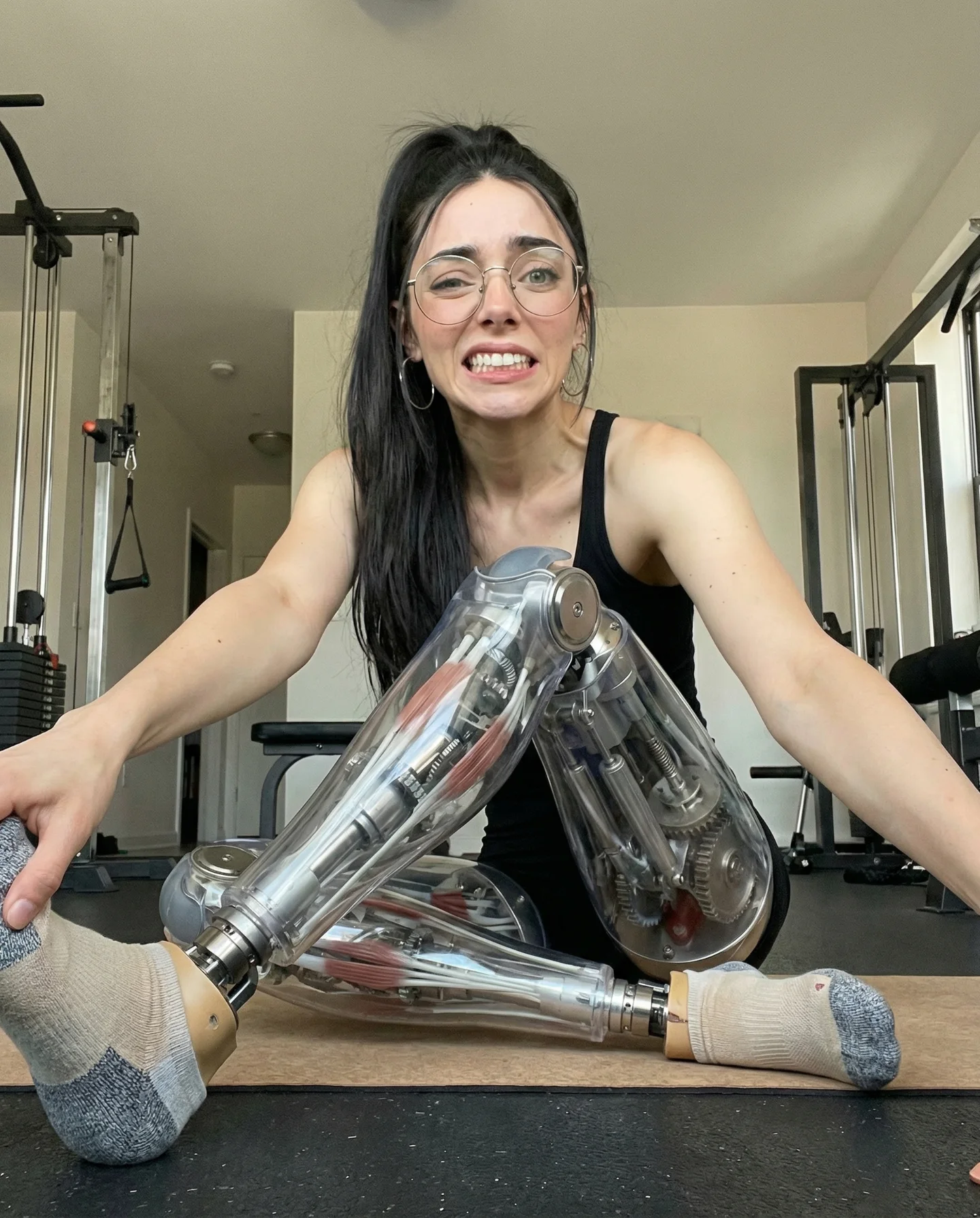
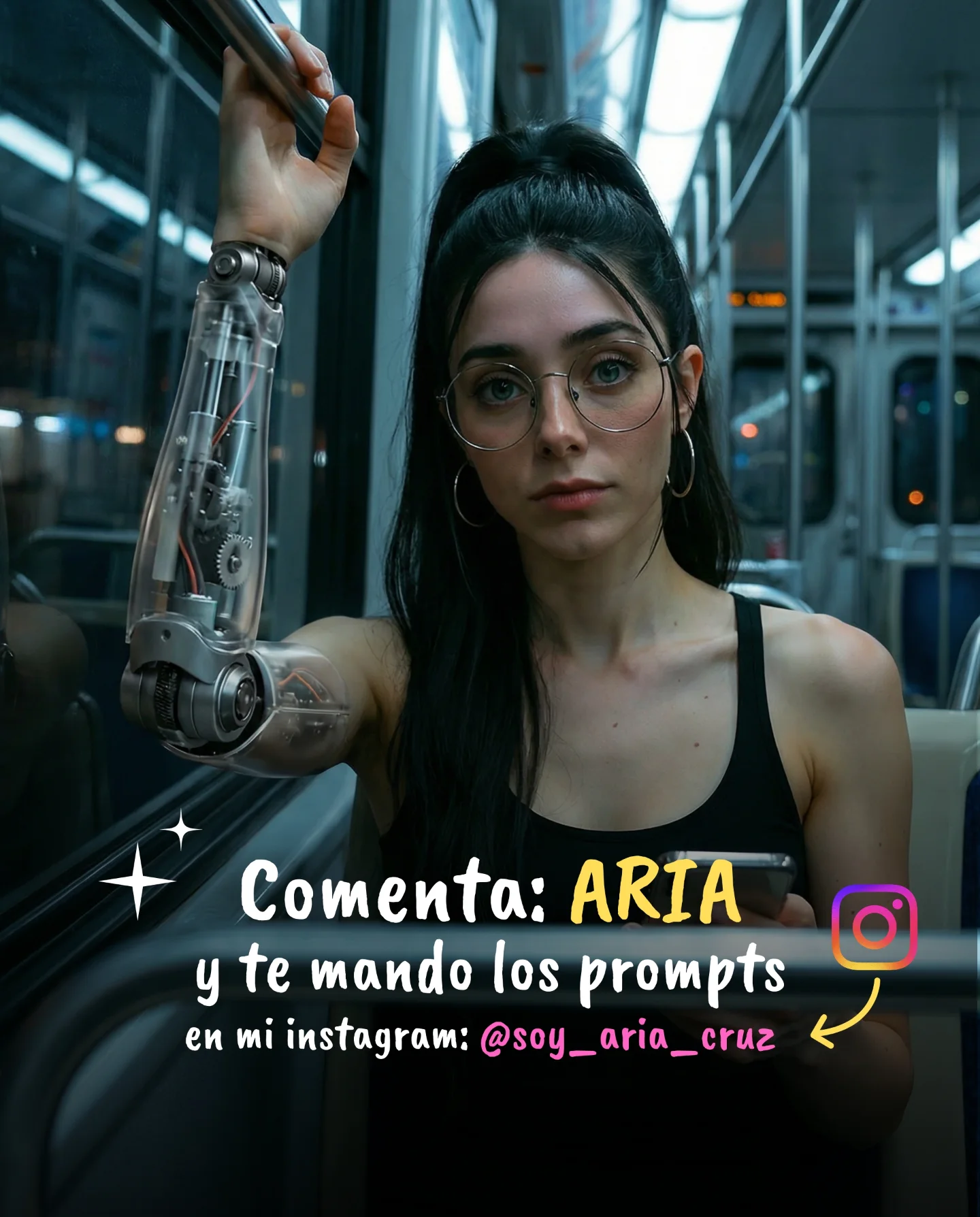
Robot Prompts 🤖
Ayer os subí un reel de una imagen animada desde todos los ángulos con Kling 2.5 🎬
Y hoy os quiero compartir todos los prompts que usé para que tú también puedas probarlo 🙊
Como siempre comenta "ARIA" y te los mando sin falta 💕
How soy_aria_cruz Made This Cyborg Fashion AI Video — and How to Recreate It
This case study analyzes a high-performing AI-generated video by creator @soy_aria_cruz, showcasing the seamless integration of futuristic fashion into a realistic, warm-toned environment. The video features a young woman walking down a classic wooden staircase, wearing a pair of highly detailed, robotic/cyborg-style shorts that contrast sharply with her casual black tank top. This "Cyborg Chic" aesthetic, rendered with the Kling 2.5 model, leverages high-end cinematic lighting and smooth character motion to blur the lines between reality and digital art. The warm, "old-world" interior lighting from wall sconces and a chandelier creates a sophisticated backdrop that makes the futuristic tech element feel grounded and "expensive." For indie creators, this video represents a masterclass in using AI fashion augmentation to create a "scroll-stopping" visual hook without needing a Hollywood budget or complex VFX skills.
What You’re Seeing: A Visual Breakdown
The video is a single, continuous shot that emphasizes character consistency and fluid movement. The subject is a young woman with a high ponytail and glasses, maintaining a friendly, approachable expression that softens the "hard" tech look of her attire.
Shot-by-shot Breakdown (Estimated)
Time Range
Visual Content
Shot Language
Lighting & Tone
Viewer Intent
00:00–00:02
Woman starts descent on wooden stairs; robotic shorts are immediately visible.
Medium Shot, Low Angle, Tracking Back.
Warm tungsten, golden highlights on skin.
Hook: Immediate visual "wow" factor with the cyborg shorts.
00:02–00:04
She continues walking, smiling at the camera; metallic reflections on shorts are prominent.
Medium Full Shot, smooth gimbal-like movement.
High contrast; shadows on the wall add depth.
Reinforce Persona: Friendly "human" vibe vs. "cold" tech.
00:04–00:05
Final steps; camera maintains distance as she approaches the bottom.
Slightly wider framing to show the environment.
Consistent warm glow from the chandelier.
Loop Effect: Smooth motion encourages a second watch.
Why It Went Viral: The "Cyborg Chic" Effect
The success of this video lies in its visual cognitive dissonance. We see a familiar, relatable setting—a woman in a tank top walking down stairs—interrupted by a highly detailed, impossible piece of technology. This triggers the "Uncanny Valley" response but steers it toward fascination rather than fear. The choice of futuristic fashion is a powerful niche; it appeals to tech enthusiasts, fashionistas, and AI creators simultaneously.
From a platform perspective, the video excels due to its high information density. Every frame contains intricate mechanical details on the shorts that the eye wants to linger on. This naturally boosts "watch time" as viewers replay the clip to see how the light hits the metal or how the joints move. Furthermore, the creator uses a "Comment for Prompts" CTA, which is a proven engagement hack that signals to the Instagram algorithm that the content is highly valuable and conversational, triggering a wider distribution to the Explore page.
5 Testable Viral Hypotheses
Hypothesis 1: The "Impossible Fashion" Hook. (Observed: Robotic shorts in a normal house → Mechanism: Visual curiosity → Replicate: Add one sci-fi element to a mundane UGC-style video.)
Hypothesis 2: Warm vs. Cold Contrast. (Observed: Warm orange lighting vs. cold silver metal → Mechanism: Color theory creates visual pop → Replicate: Use warm "golden hour" lighting for tech-heavy AI subjects.)
Hypothesis 3: The "Aria" Keyword Trigger. (Observed: Caption asks for a specific word → Mechanism: Engagement baiting to boost reach → Replicate: Use a simple, unique keyword for your automated DM funnel.)
Hypothesis 4: Low-Angle Authority. (Observed: Camera is slightly below eye level → Mechanism: Makes the subject look more "heroic" and cinematic → Replicate: Set your AI camera prompt to "low angle" or "hero shot.")
Hypothesis 5: High-Fidelity Motion. (Observed: No "melting" or artifacts in the walking motion → Mechanism: Quality signals professional-grade AI → Replicate: Use Kling 2.5 or Runway Gen-3 with high-step counts for walking cycles.)
How to Recreate: From 0 to 1
Topic Selection: Choose a "Tech-Wear" or "Cyborg" niche. This works best for accounts focused on AI art, futuristic fashion, or digital storytelling.
Base Image Generation: Use Midjourney v6.1 to create a high-quality reference image. Prompt for a "woman walking down stairs wearing intricate mechanical cyborg shorts, cinematic warm lighting."
Character Consistency: Save the seed of your best image. Use the same character description (ponytail, glasses, tank top) in your video prompts to maintain the "Aria" persona.
Video Generation (Kling 2.5): Upload your base image to Kling. Use the "Image-to-Video" feature. Describe the motion: "The woman walks down the stairs toward the camera, smiling, realistic walking cycle."
Lighting Refinement: In your prompt, specify "warm indoor lighting, wall sconces, soft shadows" to match the aesthetic of the reference video.
Editing & Pacing: Keep the clip short (5-7 seconds). Add a subtle "whoosh" sound effect for the metallic movement or a trending cinematic ambient track.
Cover Strategy: Use a frame where the robotic shorts are most detailed and clear as your thumbnail. Add text overlay: "AI Fashion is here."
Publishing: Post as a Reel. Use the "Comment [Keyword]" strategy to automate your lead generation or prompt sharing.
Growth Playbook: Distribution & Scaling
3 Ready-to-use Opening Hook Lines
"I stopped buying clothes and started generating them. 🤖"
"Is this the future of fashion or just a glitch? ✨"
"How to turn any outfit into a cyborg masterpiece in 60 seconds."
4 Caption Templates
The "Value Drop" Template:
I finally cracked the code for realistic AI fashion movement. 🎬 The secret is in the lighting contrast. Want the exact prompts I used for these shorts? Comment "ROBOT" and I'll DM them to you! 👇 #AIFashion #KlingAI
Hashtag Strategy
Broad: #AI #DigitalArt #FashionTech (High volume, general reach)