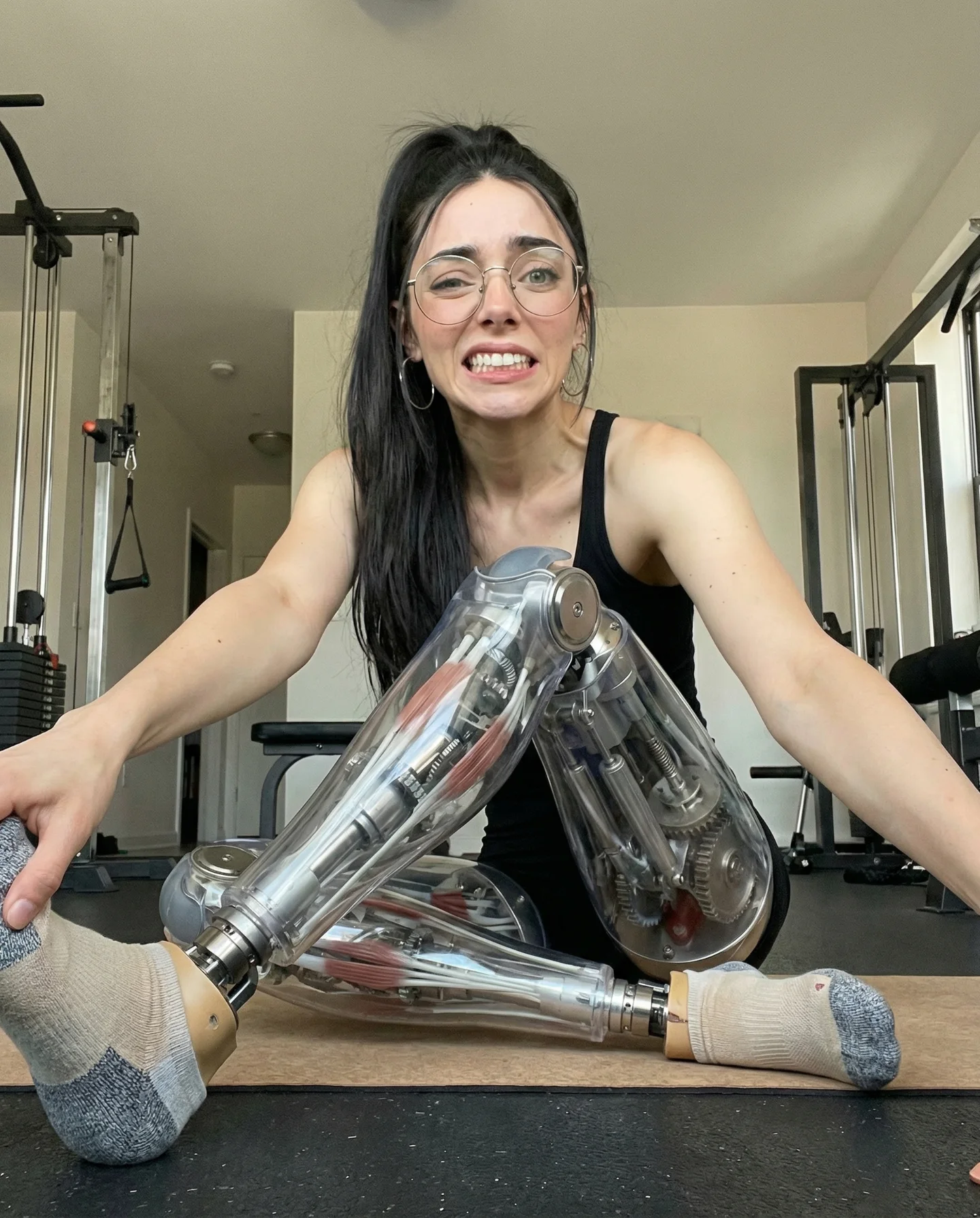
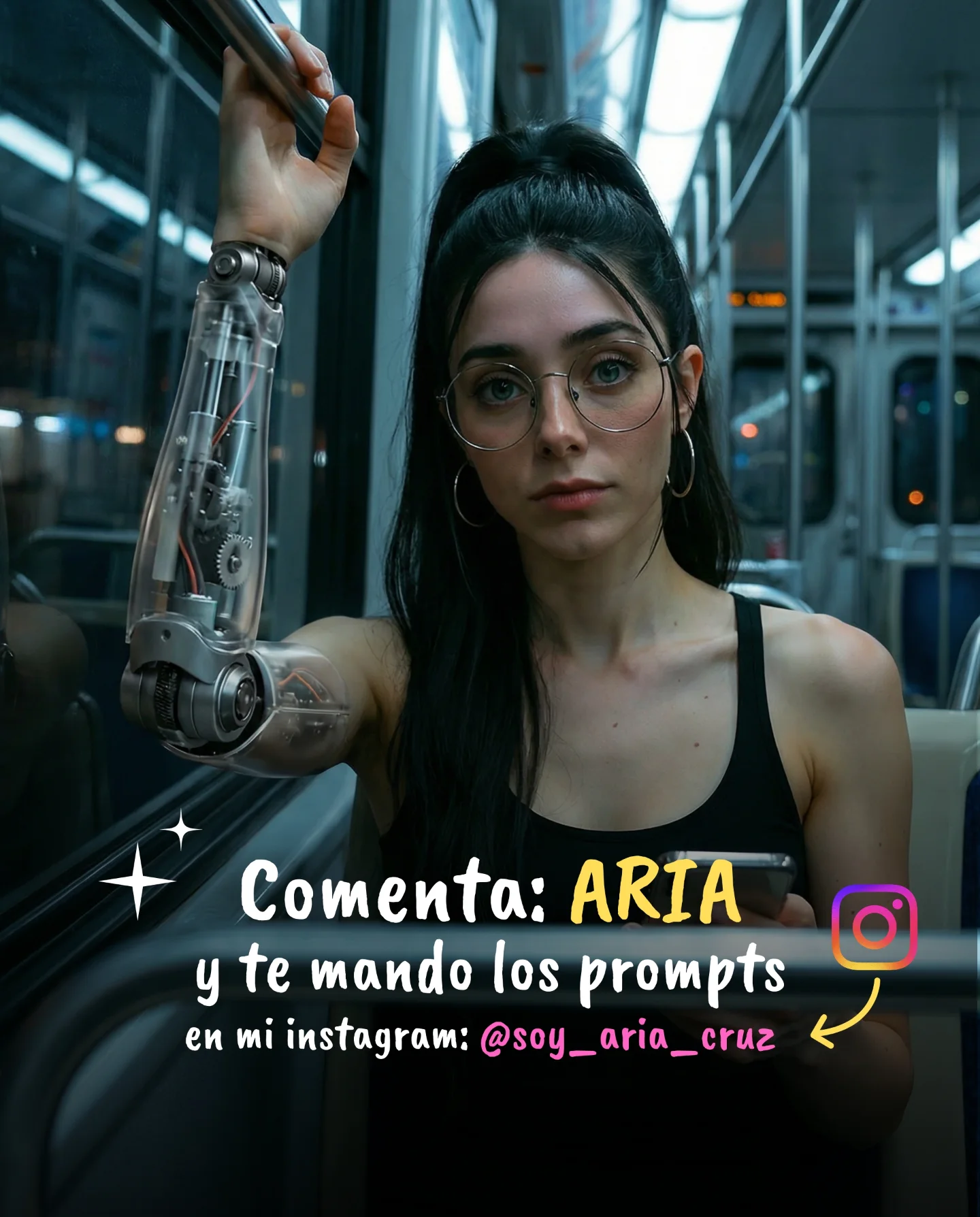
Robot Prompts 🤖
Ayer os subí un reel de una imagen animada desde todos los ángulos con Kling 2.5 🎬
Y hoy os quiero compartir todos los prompts que usé para que tú también puedas probarlo 🙊
Como siempre comenta "ARIA" y te los mando sin falta 💕
How soy_aria_cruz Made This Cyborg Portrait AI Video and How to Recreate It
This case study analyzes a viral 5-second AI-generated clip by creator @soy_aria_cruz, featuring a "Cinematic Cybernetic Portrait." The video showcases a young woman in a cozy, sun-drenched bedroom, but with a surreal twist: her entire midsection is replaced by an intricate, transparent robotic chassis. This blend of warm bedroom lighting, editorial portraiture, and high-tech sci-fi elements creates a powerful "scroll-stop" effect. By leveraging the latest Kling 2.5 video model, the creator demonstrates how to maintain high subject consistency while introducing complex mechanical textures that interact naturally with the environment's light.
What You’re Seeing: A Visual Analysis
The video features a subject with long, dark, slightly messy hair and pale skin, seated on a bed with white linens and a wooden headboard. She wears a simple grey t-shirt that has been pulled up to reveal a stunningly detailed mechanical torso. The "robot" part isn't just a flat texture; it’s a 3D structure of chrome pistons, glass casings, and a central mechanical spine that catches the soft, directional sunlight coming from a window on the right.
The color palette is dominated by neutral tones—greys, whites, and warm wood—which makes the cold, metallic blue and silver of the cybernetic parts pop. The movement is minimal but effective: a slow, steady zoom-out that reveals more of the environment while the subject maintains a calm, almost haunting gaze before slightly looking away. The texture of the skin remains realistic, avoiding the "plastic" look often associated with lower-quality AI generations.
Shot-by-Shot Breakdown
Time Range
Visual Content
Shot Language
Lighting & Tone
Viewer Intent
00:00 – 00:02
Close-up of the woman's face and the top of the robotic torso.
MCU (Medium Close-Up), Static
Soft window light, warm highlights, high-key.
The Hook: Immediate shock value of the "impossible" anatomy.
00:02 – 00:04
Slow zoom out revealing the bed and the full mechanical midsection.
Slow Dolly Out / Zoom
Consistent natural light, revealing depth of field.
Reinforce Realism: Showing the robot part exists in a 3D space.
00:04 – 00:05
Subject tilts her head slightly and shifts her gaze toward the window.
Medium Shot, subtle movement
Warm, cinematic editorial grade.
Humanize the AI: Adding "soul" through micro-expressions.
Why It Went Viral: The Uncanny Aesthetic
The primary driver of this video's success is the "Uncanny Valley" contrast. Humans are biologically programmed to pay attention to faces and bodies. When that biological expectation is subverted by high-fidelity mechanical parts in a mundane, "safe" setting like a bedroom, it triggers a deep curiosity. This isn't a scary robot; it's a "beautiful" cyborg, which taps into the transhumanism aesthetic currently trending in digital art.
Furthermore, the creator uses a classic "Lead Magnet" strategy. By showing a high-quality result and promising the "Robot Prompts" in exchange for a specific comment ("ARIA"), she forces the Instagram algorithm to recognize high engagement, pushing the reel to a wider audience. The mystery of "how was this made?" is the engine of the shareability.
Platform Perspective: Why the Algorithm Loves This
From a platform signal perspective, this video excels in Watch Time and Engagement Density. The 5-second loop is short enough that users often watch it 2-3 times just to process the mechanical details. The high-contrast visual (human skin vs. chrome) acts as a perfect thumb-stop in the fast-paced Reels feed. Because the caption explicitly asks for a comment to receive a "gift" (the prompts), the comment-to-view ratio is significantly higher than average, signaling to the algorithm that this content is highly valuable to the community.
5 Testable Viral Hypotheses
Hypothesis 1: The "Cozy Sci-Fi" Contrast. Placing futuristic tech in a relatable, warm environment (bedroom/kitchen) performs better than dark, "Cyberpunk" settings because it feels more "real" and less like a movie trailer.
Hypothesis 2: The "Comment for Prompt" Loop. Forcing engagement through a keyword trigger ("Comment ARIA") is 10x more effective for reach than simply putting the prompt in the caption.
Hypothesis 3: Eye Contact Hook. Starting with a direct-to-camera gaze for the first 1.5 seconds increases retention by establishing a pseudo-social connection before the "reveal."
Hypothesis 4: Texture Complexity. High-detail "transparent" or "glass" textures in AI video generate more saves because they serve as "aesthetic references" for other creators.
Hypothesis 5: Short Loop Mastery. A 5-second video with a seamless transition or a slow zoom creates a "hypnotic" effect that boosts total play counts.
How to Recreate: From 0 to 1
Concept Selection: Choose a "Human + Impossible Element" theme. This works best for lifestyle or "AI Creator" accounts.
Base Image Generation: Use Midjourney or DALL-E 3 to create a high-resolution starting frame. Use prompts like: "Cinematic portrait of a woman in a bedroom, grey t-shirt, transparent cybernetic torso with chrome gears, soft window lighting, 8k."
Character Consistency: Ensure your base image has a clear, front-facing view of the face to help the video AI maintain identity.
Video Generation (Kling 2.5): Upload your base image to Kling AI. Use the "Image-to-Video" (I2V) feature.
Motion Prompting: Use a prompt like: "Slow zoom out, the woman breathes subtly, her eyes shift toward the window, cinematic lighting remains consistent."
Refining the "Robot" Detail: If the mechanical parts look blurry, use the "Professional" mode in Kling and increase the "Creativity" or "Relevance" sliders to balance movement with detail.
Editing: Add a subtle, atmospheric BGM (low-fi or cinematic pads) and a slight film grain overlay in CapCut to hide AI flickering.
Publishing: Use a high-quality cover frame that clearly shows the "robot" part to maximize the click-through rate.
Growth Playbook: Distribution & Scaling
3 Opening Hook Lines
"I found the secret prompt for the perfect AI Cyborg... 🤖"
"Stop scrolling: This isn't a filter, it's Kling 2.5. 🎬"
"How to turn any photo into a cinematic masterpiece. 👇"
4 Caption Templates
Template 1 (The Tease):
The future of AI video is here. 🤖 I spent 5 hours perfecting this prompt so you don't have to.
✨ Cinematic lighting + Cybernetic detail.
Want the exact prompt? Comment "ROBOT" and I'll DM it to you! 🙊
#AIVideo #KlingAI #DigitalArt
Hashtag Strategy
Broad: #AI #ArtificialIntelligence #DigitalArt #Tech (To reach the widest possible tech-curious audience).
Mid-Tier: #KlingAI #AIVideo #CyborgAesthetic #CinematicAI (To target users specifically interested in AI tools).
Niche: #AIPromptTips #TranshumanismArt #SoyAriaCruzStyle (To build a community around your specific tutorial style).
Frequently Asked Questions
What tools make it look the most similar?
Kling 2.5 (Image-to-Video) is currently the best for this level of mechanical detail and consistency.
What are the 3 most important words in the prompt?
"Transparent," "Chrome," and "Cinematic Lighting."
Why does the generated face look inconsistent?
Usually, this happens if the motion strength is set too high; keep it between 3-5 for portraits.
How can I avoid making it look like AI?
Use a high-quality real-world photo as a reference and add "film grain" in post-production.
Is it easier to go viral on Instagram or TikTok with this?
Instagram Reels currently favors high-aesthetic "editorial" AI content more than TikTok.