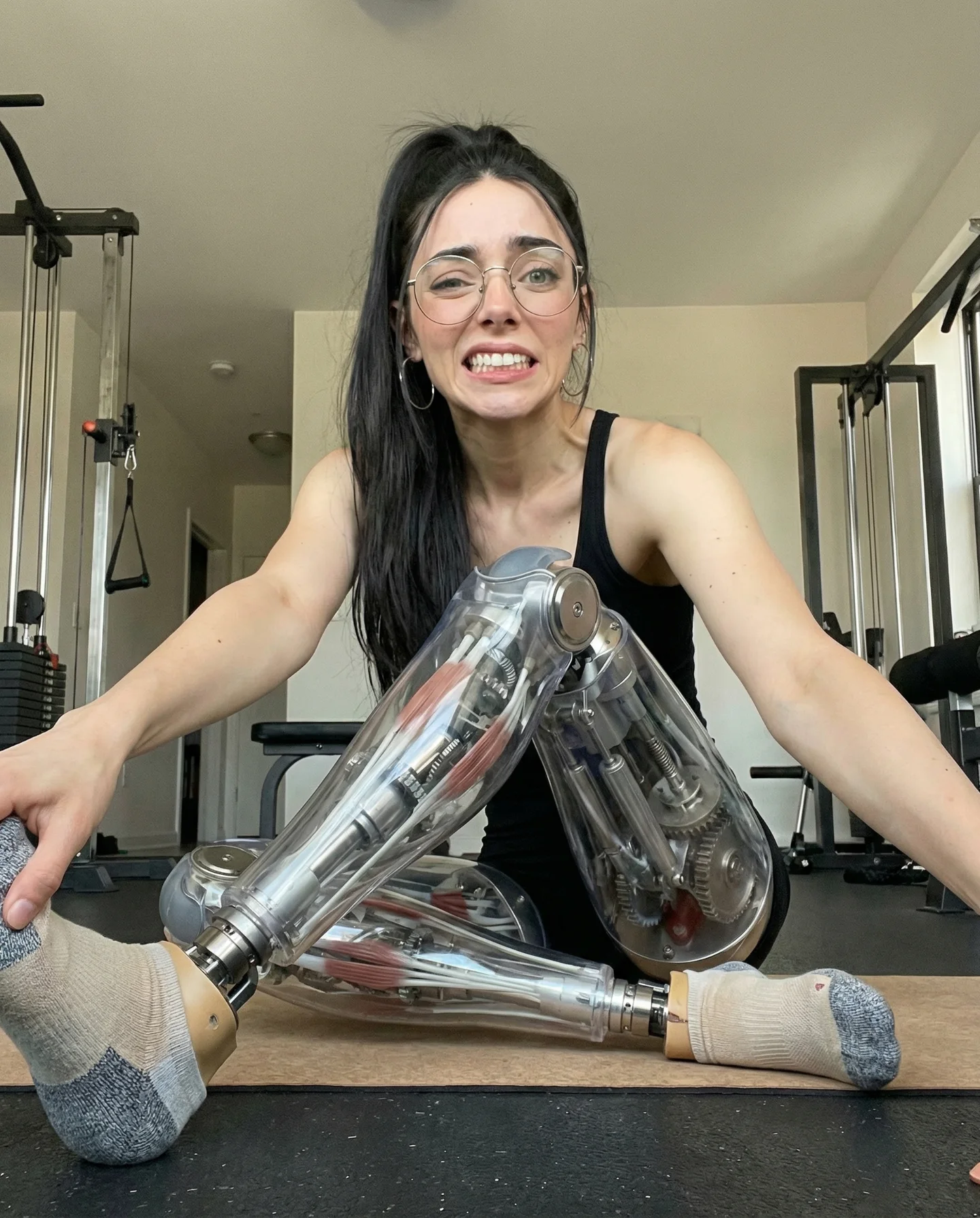
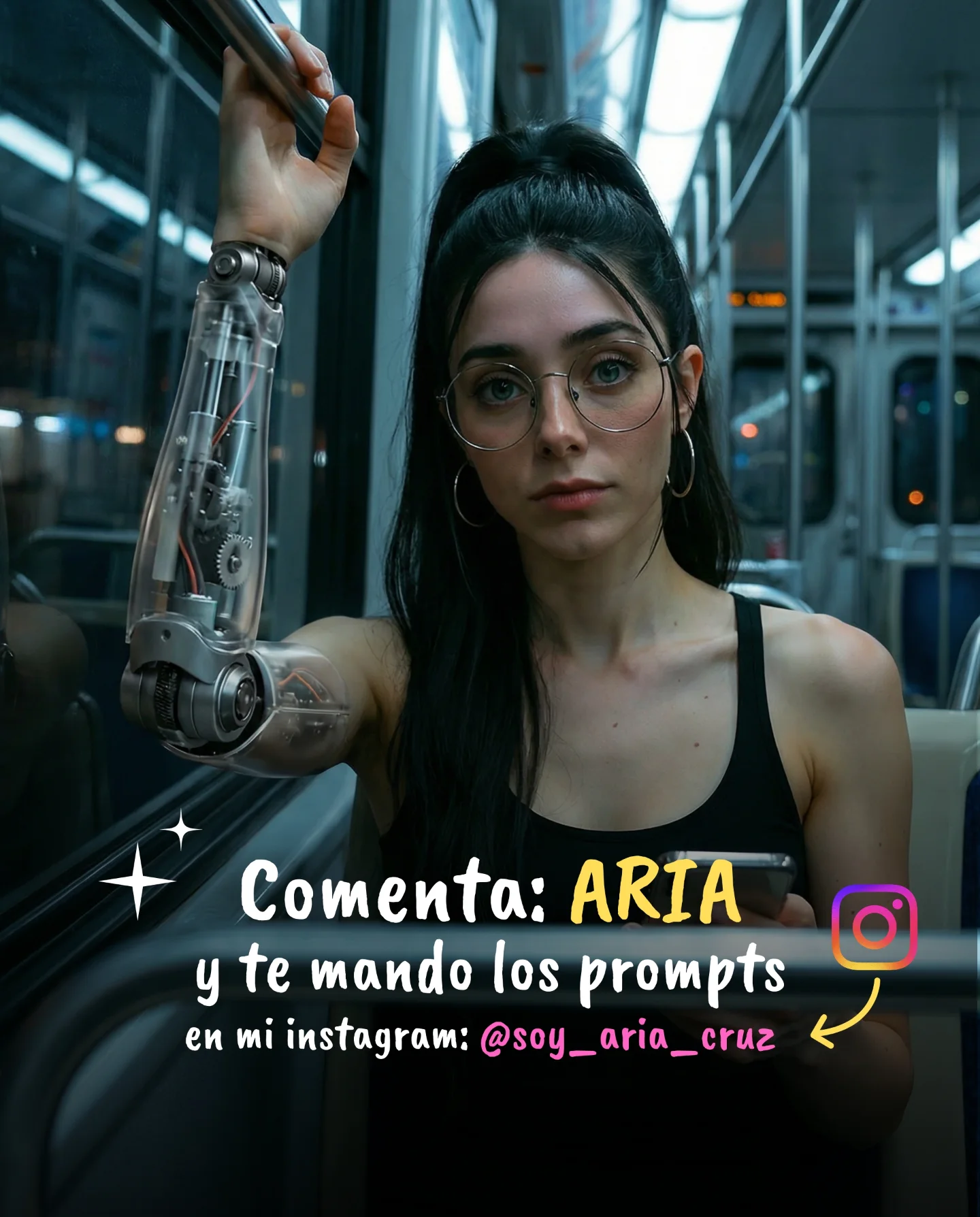
Robot Prompts 🤖
Ayer os subí un reel de una imagen animada desde todos los ángulos con Kling 2.5 🎬
Y hoy os quiero compartir todos los prompts que usé para que tú también puedas probarlo 🙊
Como siempre comenta "ARIA" y te los mando sin falta 💕
How soy_aria_cruz Made This Robot Prompts Cyborg AI Video
This viral case study features a 5-second cinematic clip by creator @soy_aria_cruz, showcasing a surreal "Podcast Cyborg." The visual centers on a young woman with a hyper-realistic human face and a polished, metallic chrome skeleton body. Set in a warm, moody studio environment with hanging Edison bulbs and a soft pink backlight, the video leverages the Kling 2.5 AI model to achieve fluid, lifelike motion. It perfectly blends the "uncanny valley" with high-end editorial aesthetics, making it an irresistible "stop-the-scroll" piece for both tech enthusiasts and digital artists.
What You’re Seeing: A Visual Breakdown
The video presents a single, continuous medium shot of a female subject sitting at a desk. Her head is entirely human—featuring dark hair tied in a high, sleek ponytail, round wire-rimmed glasses, and large silver hoop earrings. However, from the neck down, her anatomy is replaced by an intricate, reflective silver skeleton. She is positioned in a professional podcasting environment, indicated by a large black condenser microphone on a boom arm in the left foreground and a computer keyboard on the desk.
The lighting is the star of the show: warm, golden light from several hanging filament bulbs creates a rich bokeh in the background, while a subtle pink/magenta glow provides a modern, "gamer/streamer" vibe. The color palette is a sophisticated mix of warm ambers and cool metallic reflections. The motion is subtle but complex; she shifts her gaze from the camera to her skeletal hands, which move with a delicate, articulated precision that mimics human fidgeting or gesturing during a conversation.
Shot-by-Shot Analysis
Time Range
Visual Content
Shot Language
Lighting & Tone
Viewer Intent
00:00 – 00:01
Subject looks directly at the camera with a slight head tilt.
Medium Shot (MS), static camera, shallow depth of field.
Warm amber key light, soft pink rim light.
The Hook: Immediate visual shock of the human-skeleton contrast.
00:01 – 00:03
Subject slowly lowers her gaze toward the keyboard/hands.
Subtle digital zoom-in feel, focusing on facial expression.
Reflections of Edison bulbs visible on the chrome ribs.
Reinforce Persona: Establishes the "Cyborg" as a sentient, thinking entity.
00:03 – 00:05
Subject lifts her skeletal hands, gesturing as if explaining a point.
Focus shifts slightly to the articulated finger movements.
High contrast between dark background and bright metallic bones.
Create Awe: Demonstrates the technical capability of the AI motion.
Why It Went Viral: The "Aesthetic Cyborg" Effect
The Power of Visual Dissonance
This video succeeds because it masters Visual Dissonance. We see a familiar, relatable scene—a girl at a podcast mic—but the skeletal body introduces a "glitch" in our expectations. This triggers a biological curiosity response. The human brain is hardwired to notice anomalies in human forms (the "Uncanny Valley"), but by keeping the face highly attractive and the lighting "expensive," the creator moves past "creepy" and straight into "fascinating."
The "Prompt Engineering" Curiosity
For the creator community, this video acts as a technical benchmark. Viewers aren't just watching a girl; they are watching what Kling 2.5 can do. The caption "Robot Prompts" and the CTA to comment "ARIA" for the prompts turn the video into a lead magnet. It exploits the "Tutorial Value" mechanism—people save and share this because they want to know the "recipe" for such high-quality AI generation.
Platform Perspective: The Aesthetic Algorithm
From a platform perspective (Instagram/TikTok), the high bit-rate look and cinematic color grading signal "Premium Content." The 5-second loop is short enough to ensure a 100%+ watch time rate, as viewers often re-watch it to inspect the details of the skeleton or the reflections in the glasses. High watch time + high save rate (for the prompt) = viral explosion.
5 Testable Viral Hypotheses
The Contrast Hook: Combining a "soft" human face with "hard" industrial metal creates a higher click-through rate than a full robot.
The "Secret Sauce" CTA: Offering a specific prompt in exchange for a keyword comment ("ARIA") artificially inflates engagement, pushing the video to the Explore page.
The Studio Aesthetic: Using "Podcast/Streamer" cues makes the surreal element feel grounded in modern culture, increasing relatability.
Short-Loop Retention: A 5-second duration with continuous motion prevents "drop-off" points, maximizing the platform's completion metric.
Lighting over Subject: The cinematic Edison bulb background does 50% of the work in making the AI look "real" rather than "generated."
How to Recreate: From 0 to 1
Step 1: Concept & Character Design
Decide on your "Hybrid" hook. It could be a human head on a glass body, a floral body, or a metallic skeleton like this one. Consistency is key: the face must look like a real person to ground the image.
Step 2: Generate the Base Image
Use Midjourney v6.1 or DALL-E 3 to create a high-quality reference frame.
Prompt Tip: "Cinematic portrait of a woman with a human head and a polished chrome skeleton body, sitting at a podcast desk, warm Edison bulb lighting, 8k resolution."
Step 3: Maintain Character Consistency
If using Midjourney, use the --cref (Character Reference) tag with your base image to ensure the face stays the same across different angles if you decide to make a longer series.
Step 4: Video Generation (Kling 2.5)
Upload your base image to Kling AI. Use the "Image-to-Video" feature. This is crucial because it gives the AI a fixed starting point for the skeleton's structure.
Step 5: Motion Prompting
In the motion prompt box, describe the secondary movements.
Example: "The subject slowly looks down at her hands, her skeletal fingers twitch slightly, cinematic camera breathing, soft focus transitions."
Step 6: Color Grading & Polish
Take the raw AI video into CapCut or DaVinci Resolve. Add a "Film Grain" overlay and slightly increase the "Glow" on the highlights (the light bulbs) to hide any AI flickering.
Step 7: Audio Layering
Even if there's no talking, add "Room Tone" or a "Low-fi Podcast Beat." The sound of a mechanical whir or a soft hum adds to the immersion.
Step 8: The Engagement Loop
Create a cover image that shows the most "shocking" frame (the skeleton ribs). Use a text overlay like "How I made this 🤖" to trigger curiosity.
Growth Playbook: Distribution & Scaling
3 Opening Hook Lines
"Stop scrolling: This is not a real person."
"AI just reached a new level of 'Uncanny'..."
"The prompt that created this skeleton will blow your mind."
Caption Template
The "Value-First" Structure:
I spent 5 hours testing Kling 2.5 so you don't have to. 🎬
The secret to this 'Cyborg' look isn't just the model, it's the lighting prompts.
Which version do you prefer: Human or Hybrid? 👇
Comment 'PROMPT' and I'll DM you the exact workflow! 🚀