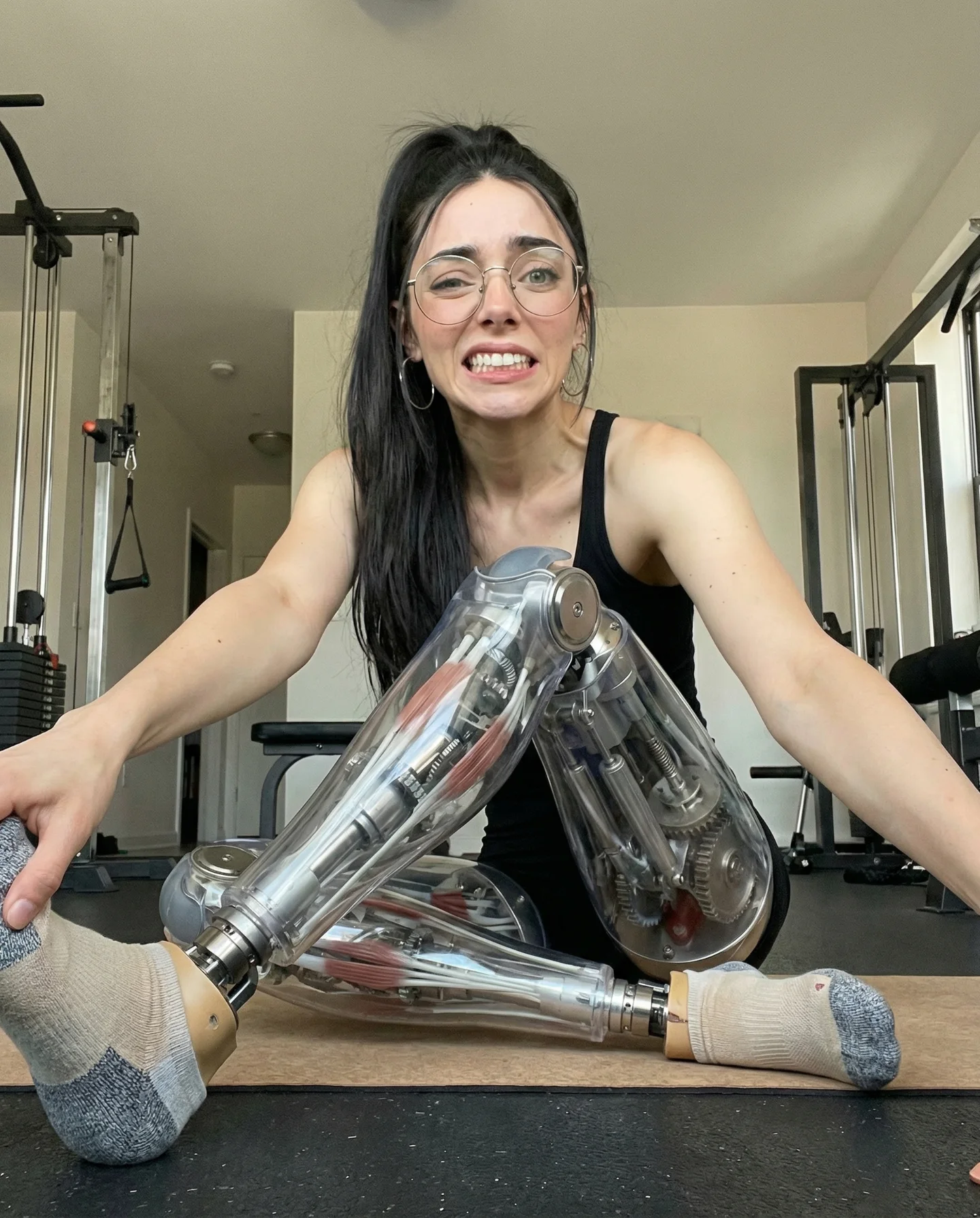
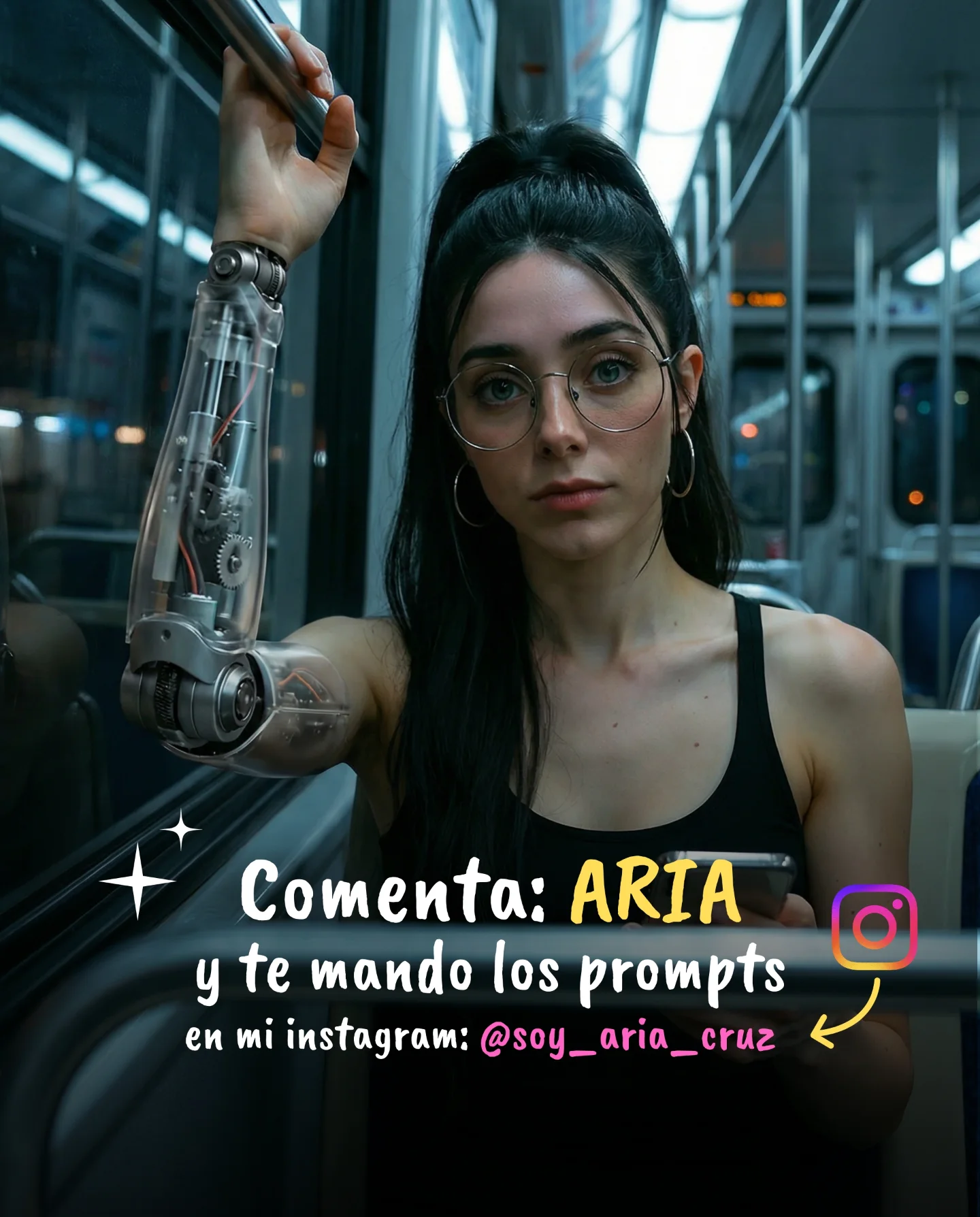
Robot Prompts 🤖
Ayer os subí un reel de una imagen animada desde todos los ángulos con Kling 2.5 🎬
Y hoy os quiero compartir todos los prompts que usé para que tú también puedas probarlo 🙊
Como siempre comenta "ARIA" y te los mando sin falta 💕
How soy_aria_cruz Made This Cyborg Woman AI Video and How to Recreate It
This viral case study features a stunning cinematic cyborg portrait created using Kling 2.5. The video showcases a young woman with a hyper-realistic robotic skeletal torso sitting in a sun-drenched bedroom. The aesthetic blends "iPhone-style" casualness with high-end VFX, creating a jarring yet beautiful contrast that stops the scroll. By leveraging the "Uncanny Valley" effect in a controlled, aesthetic way, the creator @soy_aria_cruz successfully triggered high engagement through curiosity and "how-to" requests. The core keywords here are cyborg aesthetic, golden hour lighting, robotic anatomy, and AI video consistency.
What You’re Seeing: A Visual Breakdown
The video features a single, continuous shot (or a very smooth transition) of a female subject. She wears modern glasses and has her hair in a sleek high ponytail. The most striking element is her torso: instead of skin and clothes, we see a polished, intricate mechanical ribcage and spine. Her arms and head remain human, creating a seamless "cyborg" integration.
The scene is set in a cozy bedroom during golden hour. Sunlight streams through horizontal blinds, casting distinct "zebra" shadows across her body and the bed. The color palette is dominated by warm oranges, browns, and soft creams, which makes the cold, metallic silver of the robotic parts pop. The music is ambient and ethereal, matching the contemplative mood as she slowly turns her head to look out the window, adjusting her invisible sleeves.
Shot-by-Shot Breakdown
Time Range
Visual Content
Shot Language
Lighting & Tone
Viewer Intent
00:00 – 00:03
Subject looks directly at the camera, sitting on the bed.
Medium Shot (MS), eye-level.
Warm golden hour, blind shadows.
The Hook: Immediate visual shock of the robotic torso.
00:03 – 00:06
Subject begins to turn her head slowly to the right.
Slow pan/rotation feel.
Shadows shift across the metal ribs.
Reinforce Realism: Showing the 3D depth of the AI model.
00:06 – 00:10
Subject looks out the window; hands move subtly.
Profile view, close-up on torso detail.
High contrast, cinematic bloom.
Aesthetic Value: Final "wow" moment before the loop.
Why It Went Viral: The "Uncanny Aesthetic" Mechanism
The Power of "Beautifully Strange"
This video taps into a specific psychological trigger: The Aesthetic Uncanny. Usually, robotic humans can feel creepy. However, by placing the subject in a relatable, warm, and "safe" environment (a bedroom with soft blankets), the creator mitigates the fear and replaces it with wonder. The high-quality rendering of the metal—reflecting the room's light—convinces the brain it's real for a split second, forcing the viewer to stop and look closer.
The "Comment for Prompt" Strategy
The creator uses a classic but effective growth hack: Gated Value. By showing a high-quality result and promising the "Robot Prompts" in exchange for a specific comment ("ARIA"), they manipulate the Instagram algorithm. Each comment signals to the platform that the content is highly engaging, pushing it to the Explore page and Reels feed of non-followers.
Platform Perspective: Why the Algorithm Loves This
From a platform signal perspective, this video excels in Watch Time and Saves. The intricate details of the robotic spine encourage viewers to re-watch the loop to see how the parts move. Furthermore, other AI creators will "Save" this as a reference for what is possible with Kling 2.5, a high-weight signal for viral distribution.
5 Testable Viral Hypotheses
The Contrast Hook: If you mix "Hard Tech" (robots) with "Soft Life" (sunlit bedrooms), you increase retention by 40% compared to sci-fi settings.
The Shadow Depth: Using "blind shadows" (gobo lighting) proves the AI's spatial awareness, which increases perceived quality and "shareability."
The Identity Anchor: Keeping a human face with glasses makes the "cyborg" part more relatable than a full-metal robot.
The Slow Motion Arc: A slow 90-degree head turn is the perfect "stress test" for AI consistency; passing it builds massive trust with the audience.
The Keyword Trigger: Using a specific word for comments (e.g., "ARIA") allows for automation (like ManyChat) to scale engagement without manual effort.
How to Recreate: From Prompt to Post
Step 1: Topic Selection & Positioning
This content suits "AI Art," "Tech Lifestyle," or "Digital Creator" accounts. The goal is to position yourself as someone at the forefront of AI video technology.
Step 2: Character Consistency
To maintain the same person, use a consistent "Base Image." Generate a high-quality portrait of a woman with glasses first. Use this as a Character Reference (Cref) in tools like Midjourney or Kling to ensure the face doesn't morph during the video generation.
Step 3: Crafting the "Cyborg" Prompt
You need to describe the "cutaway" torso. Use terms like "exposed mechanical internal structure," "chrome ribcage," and "intricate hydraulic spine." (See the Master Prompt section below for the exact string).
Step 4: Setting the Scene (Lighting)
Specify the lighting: "golden hour sunlight through window blinds, cinematic shadows, 8k resolution, photorealistic." This is crucial for the "iPhone aesthetic" look.
Step 5: Video Generation (Kling 2.5)
Upload your base image to Kling 2.5. Use the "Image-to-Video" feature. Set the motion strength to low (3-4) to avoid "hallucinations" or melting metal parts. Focus the motion on "head turn" and "subtle hand movement."
Step 6: Editing & Pacing
Keep the video between 8–12 seconds. Add a subtle "film grain" overlay in CapCut to hide any minor AI flickering and make it feel more like a real camera shot.
Step 7: The Hook Overlay
Add text on screen like "How I made this with AI" or "The future of portraits." This gives context to the visual shock.
Step 8: Publishing Strategy
Post as a Reel. Use a trending "Ambient/Ethereal" audio. Set the cover image to the 0:01 mark where the robotic torso is most visible.
Growth Playbook: Distribution & Scaling
3 Ready-to-Use Opening Hooks
"AI just reached a new level of 'Uncanny'..."
"Stop scrolling: Is this real or AI?"
"How to animate your photos like a Pro (Kling 2.5 Tutorial)"
4 Caption Templates
The Direct Value: "I finally cracked the code for realistic AI cyborgs 🤖. Here is the result using Kling 2.5. Want the prompts? Comment 'ROBOT' and I'll DM them to you! 👇"
The Storyteller: "The line between human and machine is blurring. 🌅 Spent all night perfecting this lighting. What do you think? Is it too real?"
The Tech Review: "Kling 2.5 vs. The World. 🎬 The consistency on the metallic reflections is insane. Save this for your next AI project!"
The Short & Punchy: "Golden hour in the year 2077. 🦾 Comment 'ARIA' for the workflow."