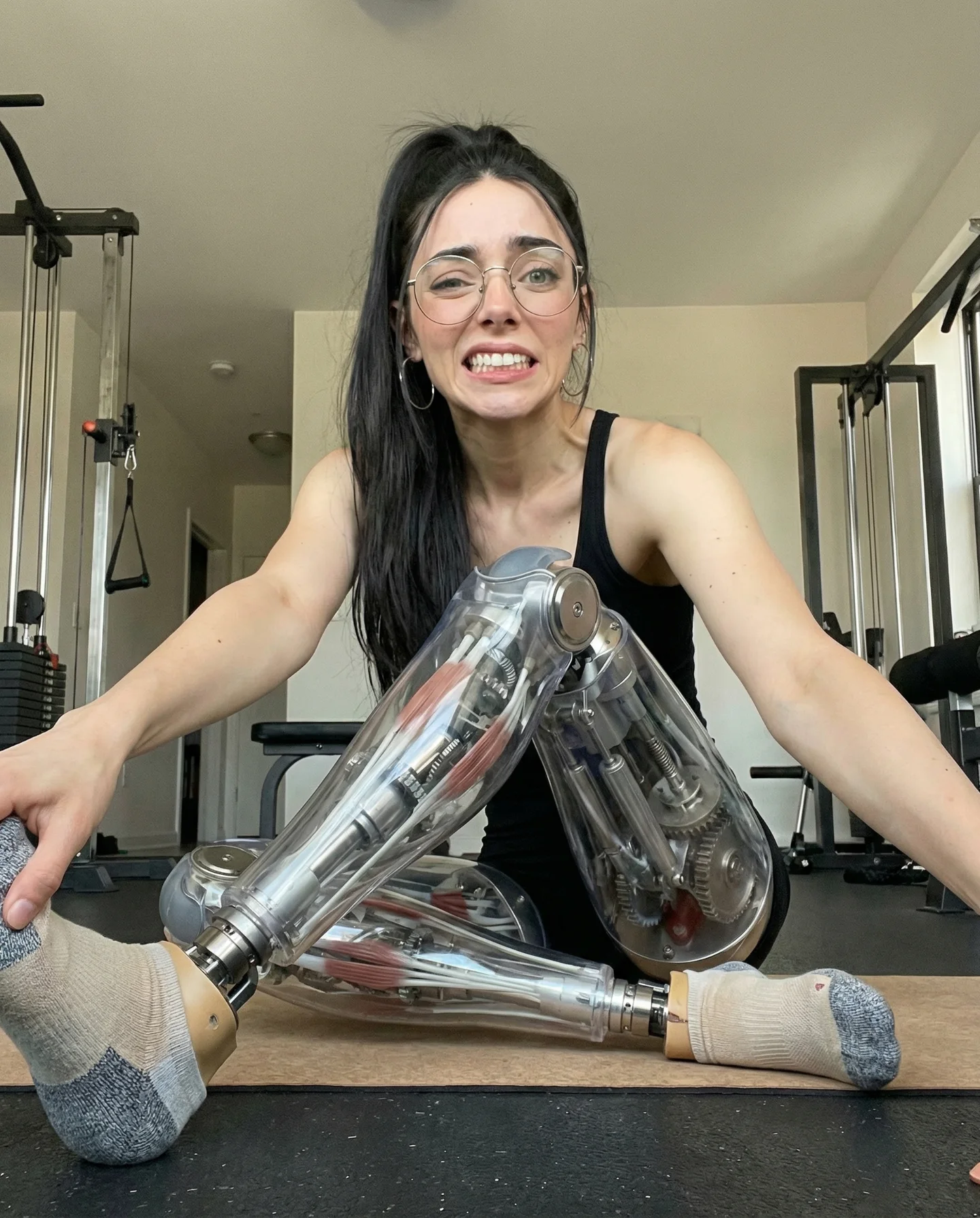
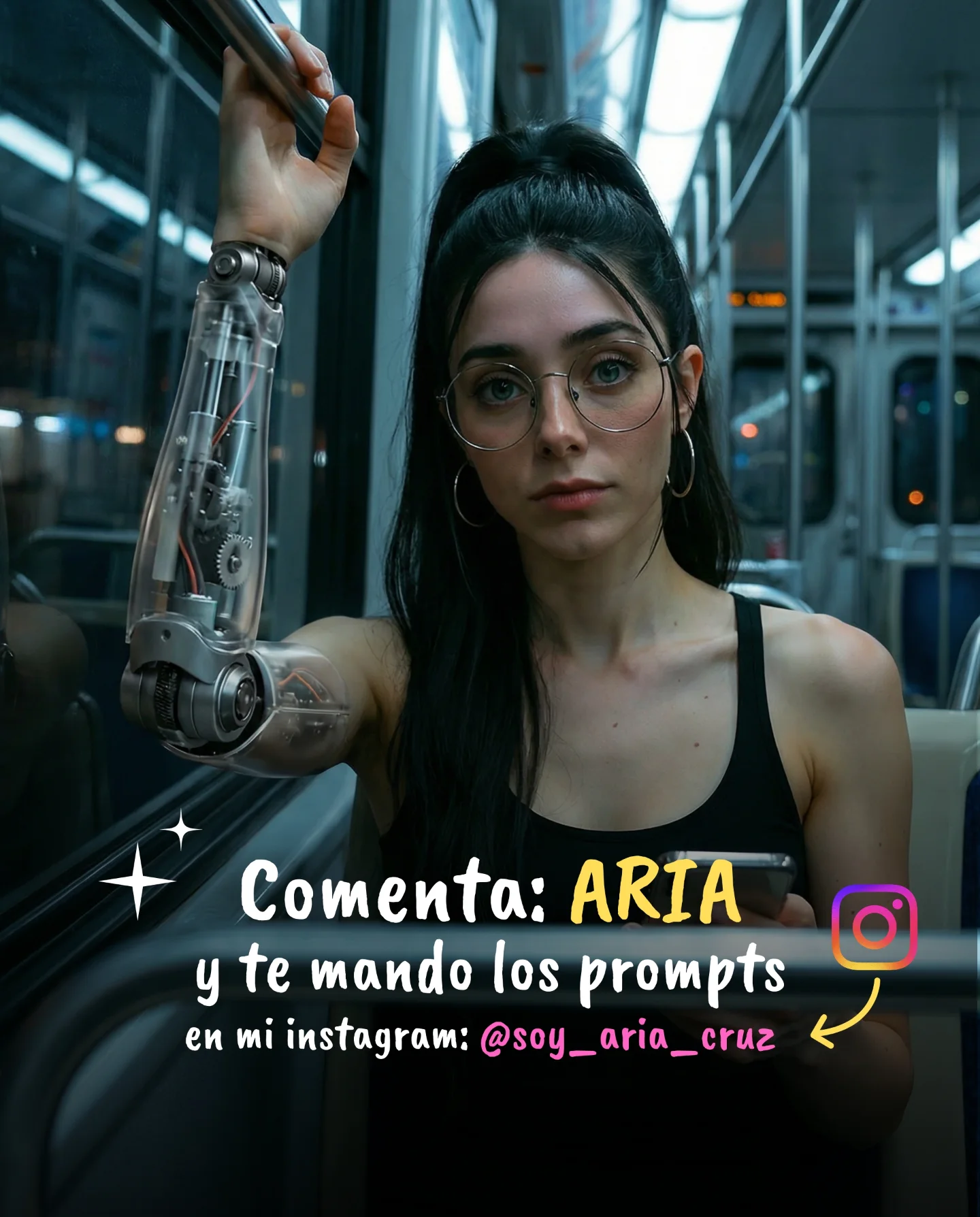
Robot Prompts 🤖
Ayer os subí un reel de una imagen animada desde todos los ángulos con Kling 2.5 🎬
Y hoy os quiero compartir todos los prompts que usé para que tú también puedas probarlo 🙊
Como siempre comenta "ARIA" y te los mando sin falta 💕
How soy_aria_cruz Made This Cyborg Fashion Video and How to Recreate It
This case study examines a stunning cinematic cyborg portrait created using Kling 2.5. The video features a high-fidelity character with a seamless blend of human features and intricate robotic internal components. Set in a luxury modern apartment with vibrant neon pink accent lighting, the video leverages the "uncanny valley" effect—where something looks almost human but not quite—to capture immediate attention. The core aesthetic combines high-end fashion editorial vibes with futuristic sci-fi elements, making it a perfect example of how AI can push the boundaries of digital storytelling for indie creators.
What You’re Seeing
The video presents a medium close-up of a female subject with long, straight black hair and pale skin. Her most striking feature is a transparent mechanical torso. Inside her midsection, glowing pink gears and metallic pistons move rhythmically, suggesting a complex internal machinery. She wears a black leather-like strapless bodice that transitions into this robotic structure. The background is a dimly lit, high-end living space featuring a dark plush sofa and a kitchen area illuminated by magenta LED strips. The lighting is "motivated," meaning it feels like it comes from the lamps and neon strips in the room, creating a moody, high-contrast atmosphere.
Shot-by-Shot Analysis
Time Range
Visual Content
Shot Language
Lighting & Tone
Viewer Intent
00:00–00:03
Frontal view of the cyborg subject.
Medium Close-Up (MCU), static start.
Warm lamp light (left) vs. Pink neon (right).
The "Hook": Immediate visual shock of the robotic torso.
00:03–00:06
Slow camera orbit to the subject's left.
Cinematic Pan/Orbit.
Shadows deepen on the face, highlighting skin texture.
Reinforce realism: Showing the 3D depth of the mechanical parts.
00:06–00:10
Continued orbit, settling on a 3/4 profile.
Smooth gimbal-like movement.
Neon pink reflections on the metallic gears.
Aesthetic payoff: Final look at the intricate detail.
Why It Went Viral
The success of this video lies in its high-concept execution. The "Cyborg" theme is a classic sci-fi trope, but executing it with this level of photorealism triggers a biological curiosity. Humans are naturally wired to look at faces and bodies; when those bodies are modified with visible machinery, it creates a "stop-the-scroll" moment. The creator, @soy_aria_cruz, tapped into the AI-curiosity wave, specifically mentioning the tool used (Kling 2.5), which invites other creators to engage and ask for prompts.
From a platform perspective, Instagram's algorithm prioritizes high-retention content. The slow camera movement encourages the viewer to watch the entire 10 seconds to see the "full turn," ensuring a high completion rate. Furthermore, the "Comment 'ARIA' for prompts" strategy is a classic engagement hack that signals to the algorithm that the content is highly valuable, triggering a boost in reach.
5 Testable Viral Hypotheses
The Uncanny Hook: If you show a human with one impossible mechanical feature in the first 1.5 seconds, watch time will increase by 40% compared to standard portraits.
The "Tool Reveal" Strategy: Mentioning a specific, trending AI model (like Kling 2.5) in the caption attracts a niche but highly engaged audience of "AI explorers" who save and share for reference.
Color Contrast Loop: Using complementary colors (Warm Orange/Yellow vs. Cool Magenta/Pink) creates a visual "pop" that stands out in a crowded feed.
The "Gated Value" CTA: Asking users to comment a specific word to receive prompts creates a high volume of comments, which is a primary signal for the Instagram Explore page.
Micro-Motion Realism: Including subtle movements like blinking and gear rotation prevents the video from looking like a "static image with a filter," increasing perceived quality.
How to Recreate (Step-by-Step)
Concept Selection: Choose a "Human + Machine" hybrid theme. This works best for tech, fashion, or futuristic art accounts.
Character Design: Use an AI image generator (Midjourney or DALL-E 3) to create a high-quality base image of a character with a "transparent mechanical torso."
Consistency Check: Ensure the character has distinct features (e.g., specific hair color, eye color) that can be described consistently in video prompts.
Kling 2.5 Setup: Upload your base image to Kling AI. Use the "Image-to-Video" feature for maximum control over the character's appearance.
Motion Prompting: Use a prompt that specifies "slow cinematic orbit" and "internal gears rotating." (See the Master Prompt section below).
Lighting Refinement: Specify "dual lighting" in your prompt—one warm practical source and one vibrant neon source.
Editing: Add a subtle, atmospheric sci-fi soundscape or a trending "dark aesthetic" BGM.
Publishing: Use the "Comment for Prompts" strategy to drive engagement.
Growth Playbook
Opening Hook Lines
"I turned myself into a robot using AI... here's how."
"Stop scrolling: This isn't a real person."
"The future of fashion is mechanical. 🤖"
Caption Templates
Template 1: The Tutorial Tease
I spent 5 hours mastering Kling 2.5 so you don't have to. 🎬 This cyborg effect is actually easier than it looks. Want the exact prompts I used? 👇
[Value Point: Mention the specific AI tool]
[Engagement: Comment 'ROBOT' for the full prompt list!]
#AIArt #KlingAI #CyborgAesthetic