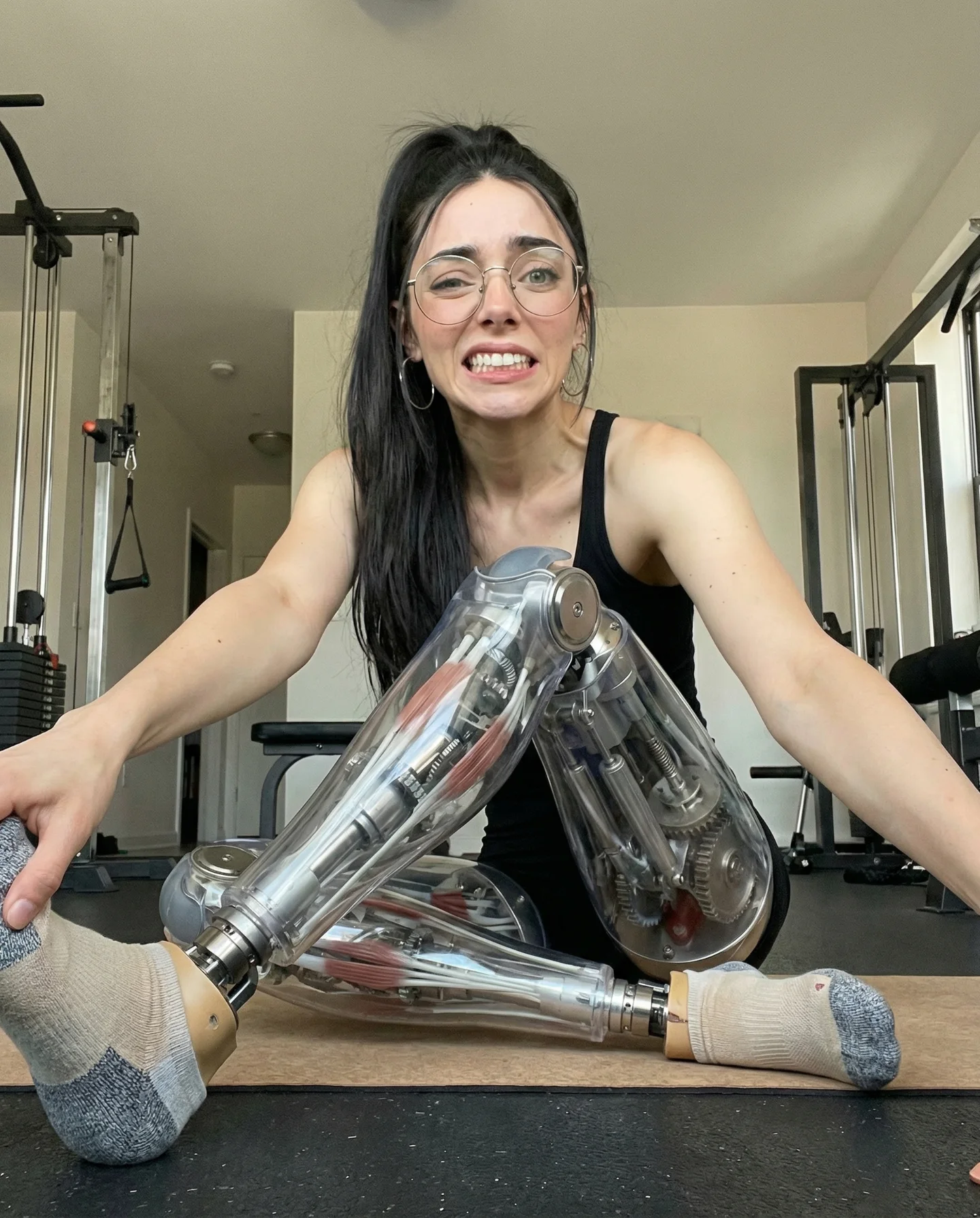
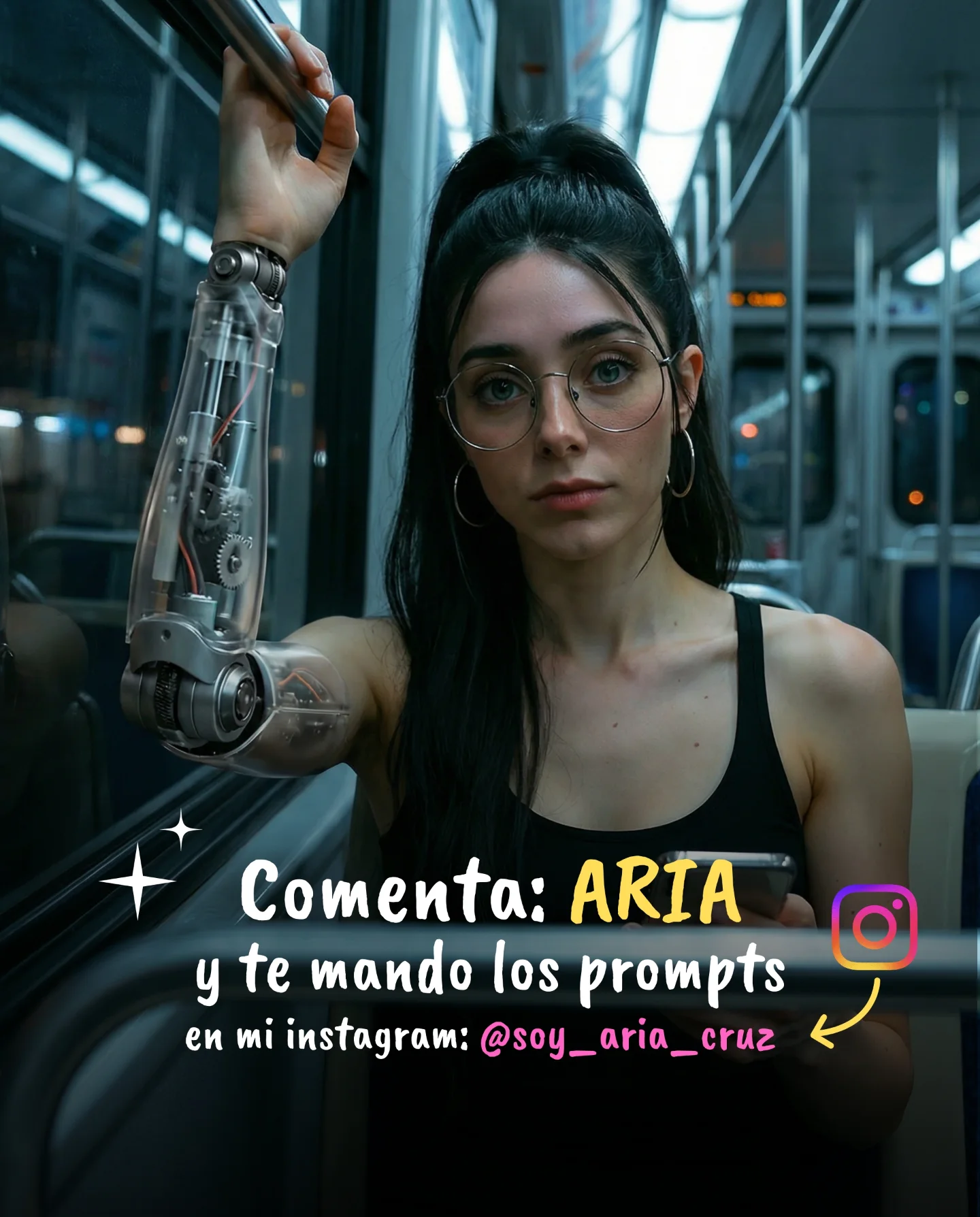
Robot Prompts 🤖
Ayer os subí un reel de una imagen animada desde todos los ángulos con Kling 2.5 🎬
Y hoy os quiero compartir todos los prompts que usé para que tú también puedas probarlo 🙊
Como siempre comenta "ARIA" y te los mando sin falta 💕
Case Snapshot
This clip turns a basic elevator selfie into a cyber-fashion micro moment: a girl with glasses and a high ponytail films herself at arm's length under cold elevator lights while a metallic silver corset anchors the “robot prompt” aesthetic, proving that you do not need a full sci-fi set to make futuristic content feel premium.
What You're Seeing
The elevator does the work of a futuristic set
Brushed metal walls, buttons, seams, and fluorescent light already feel industrial. That makes the space naturally compatible with metallic fashion styling.
The selfie perspective creates intimacy
The stretched arm and slightly wide-angle front-camera look make the clip feel personal and native to social media instead of staged like a campaign shoot.
The metallic corset is the concept anchor
Without that silver waist piece, this would just be a normal elevator selfie. The corset transforms the whole mood into futuristic editorial content.
The gesture is tiny but effective
Adjusting the neckline or touching the chest area gives the model a believable reason to move without introducing difficult full-body animation.
The glasses and ponytail make the character memorable
Those two details keep the face distinctive and creator-like. They also help continuity when viewers compare multiple videos from the same prompt series.
This is strong prompt-pack content because it looks attainable
Viewers can imagine recreating it easily: elevator, phone selfie angle, metallic outfit piece, minimal motion. That makes the reel feel useful, not just aspirational.
Shot-by-shot breakdown
Time range
Visual content
Shot language
Lighting and color tone
Viewer intent
00:00-00:01 (estimated)
Close front-camera elevator selfie with hand at neckline
Wide-angle arm's-length portrait
Cool fluorescent metallic light
Hook with instant intimate realism
00:01-00:02 (estimated)
Slight phone drift and steady eye contact
Natural selfie reposition
Cold silver-gray environment
Show this is a real-space capture, not a fantasy set
00:02-00:03 (estimated)
Subtle outfit-adjustment motion
Micro-gesture fashion beat
Glossy highlights on metallic corset
Emphasize the wardrobe concept
00:03-00:04 (estimated)
Centered face and torso settle into frame
Portrait hold
Consistent elevator coolness
Preserve identity and style clearly
00:04-00:05 (estimated)
Final intimate selfie frame with silver corset fully readable
Loopable elevator finish
Cold industrial fashion tone
Leave a memorable thumbnail-like last image
Why It Works
It makes “robot prompts” feel wearable
The clip does not try to show a literal robot. Instead it uses metallic fashion cues in a familiar location, which feels more modern and easier to reuse.
The setting feels authentic
Elevator selfies are already a common social media behavior. That familiarity lowers resistance and makes the futuristic styling feel believable.
The motion is minimal enough to stay stable
A tiny hand adjustment and slight phone drift are ideal for AI clips that need to preserve face identity and outfit detail.
The look is compact and highly repeatable
This format can scale to many variations: different corsets, different tops, different elevator colors, same basic selfie logic.
The post works as both style inspiration and prompt bait
People save it because the concept is easy to copy and comment because they want the exact styling prompt.
Prompt Breakdown
The selfie lens distortion should be intentional
The stretched arm and close face help the video read as authentic phone footage. If the frame becomes too clean, it loses that realism.
The elevator needs explicit spatial anchors
Call out metal walls, button panel, seams, and cool overhead lighting so the environment does not turn into a generic gray room.
The corset should be described as fashion, not armor
You want sculpted metallic styling, not a superhero chest plate. Material language matters here.
Motion should stay tied to a believable selfie behavior
Touching the neckline or adjusting the top gives the body a reason to move naturally while keeping the generation controlled.
Identity markers must remain stable
Glasses, ponytail, hoop earrings, and face proportions are what keep the prompt series coherent across clips.
How to Recreate It
Step 1: Choose a small reflective space
An elevator is ideal because it already provides a metallic, enclosed, futuristic-feeling environment.
Step 2: Build the outfit around one silver statement piece
The metallic corset is enough to suggest robotics or cyber-fashion without making the scene look costume-heavy.
Step 3: Lock the selfie perspective
Keep one arm extended and preserve the mild front-camera distortion. That is part of the realism.
Step 4: Keep the action tiny
Use a hand-to-neckline gesture or a subtle pose correction instead of dancing or walking.
Step 5: Use cold overhead light
Fluorescent elevator lighting complements silver textures and reinforces the clean industrial mood.
Step 6: Protect the face and accessories
Explicitly keep glasses, ponytail, and hoop earrings stable so the subject remains recognizable.
Step 7: End on the clearest fashion frame
Make sure the final pose shows both the face and metallic waist piece cleanly for a strong loop and thumbnail.
Step 8: Package it as a series
This type of micro-selfie concept becomes stronger when repeated across multiple rooms, outfits, and prompt variations.
Growth Playbook
Three opening hook lines
You do not need a sci-fi set to make a robot-style AI clip look expensive.
The fastest way to make futuristic fashion prompts feel real is to place them in ordinary spaces like elevators.
This kind of micro-selfie works because the environment is familiar but the styling is unexpected.
Four caption templates
Hook: “Robot prompts work best when they still feel wearable.” Value: “I used an elevator selfie and one metallic waist piece.” Question: “Do you want the exact prompt?” CTA: “Comment ARIA and I'll send it.”
Hook: “This is one of the easiest futuristic fashion formats to recreate.” Value: “The space is simple, the motion is tiny, and the result still feels premium.” Question: “Would you try this in a mirror selfie too?” CTA: “Save it for later.”
Hook: “A normal elevator can become an AI cyber-fashion set in seconds.” Value: “The key is the silver corset and the phone-camera perspective.” Question: “Should I share more robot prompt examples?” CTA: “Drop the keyword below.”
Hook: “Small gestures are underrated in AI portrait video.” Value: “A neckline adjustment is often enough to make the clip feel alive.” Question: “Do you prefer subtle or dramatic motion?” CTA: “Comment and I'll send more prompts.”
Hashtag strategy
Broad: #AIVideo, #AIFashion, #RobotPrompts. These connect the reel to large AI and style discovery categories.
Mid-tier: #SelfiePrompt, #CyberFashion, #EditorialPortrait, #AICreator. These fit creators building short prompt-led visual concepts.
Niche long-tail: #ElevatorSelfiePrompt, #MetalCorsetAI, #FuturisticOutfitPrompt, #PhoneCameraPortraitAI. These align closely with the exact video idea.
FAQ
Why does the elevator setting work so well here?
Because the metallic walls and fluorescent light already feel industrial, which supports the futuristic wardrobe cue.
Why use a tiny gesture instead of a bigger action?
Small movement preserves face consistency and keeps the clip feeling like real selfie behavior.
What is the most important styling element?
The metallic silver corset, because it turns a normal selfie into a robot-prompt fashion idea.
Would this work without glasses?
Yes, but the glasses make the character more identifiable and creator-like across a prompt series.
Why not use a dramatic sci-fi background?
The realism of the everyday elevator is part of what makes the futuristic styling feel believable.
Is this better for saves or comments?
It can do both well because the concept is easy to save as inspiration and easy to comment on when viewers want the prompt.