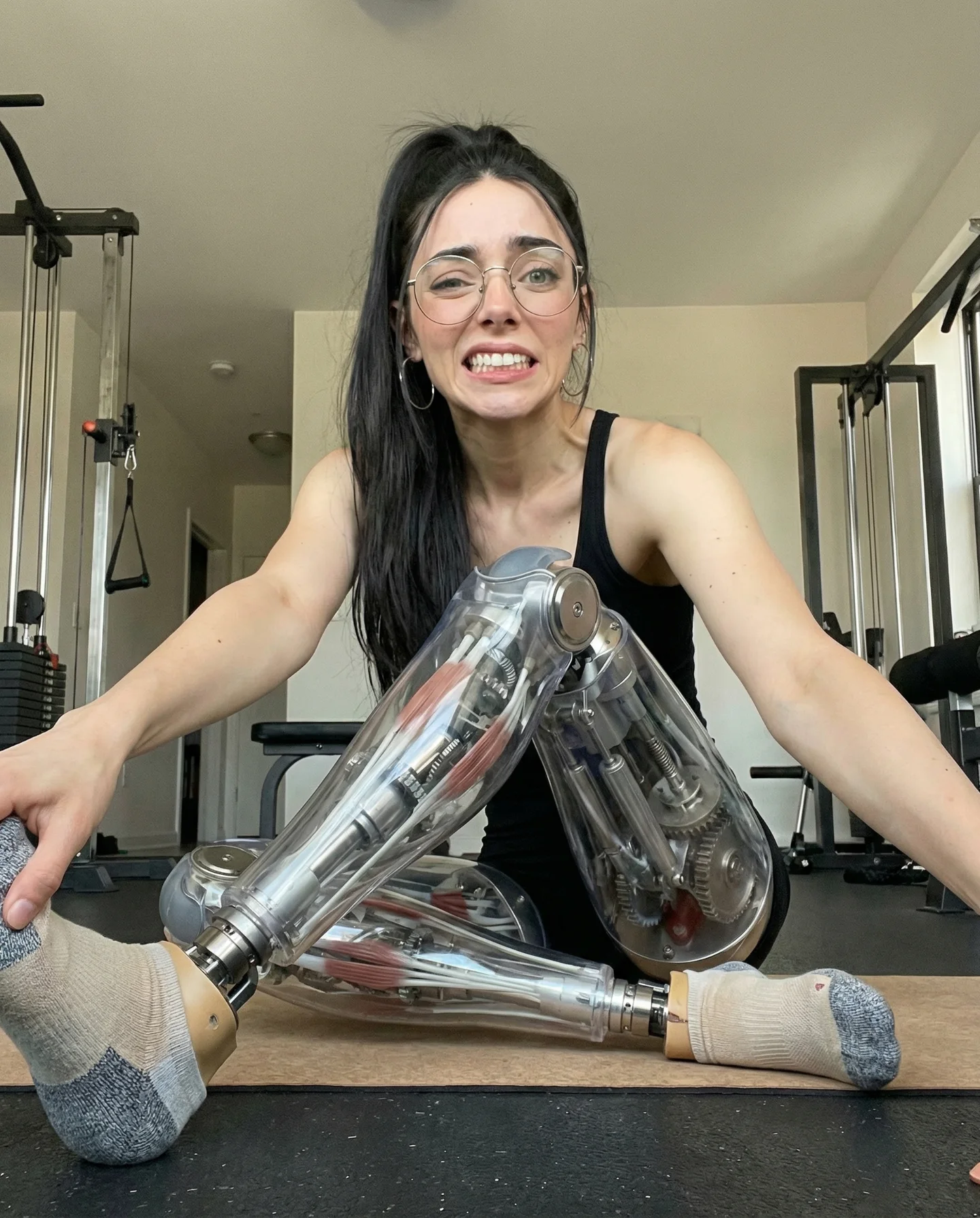
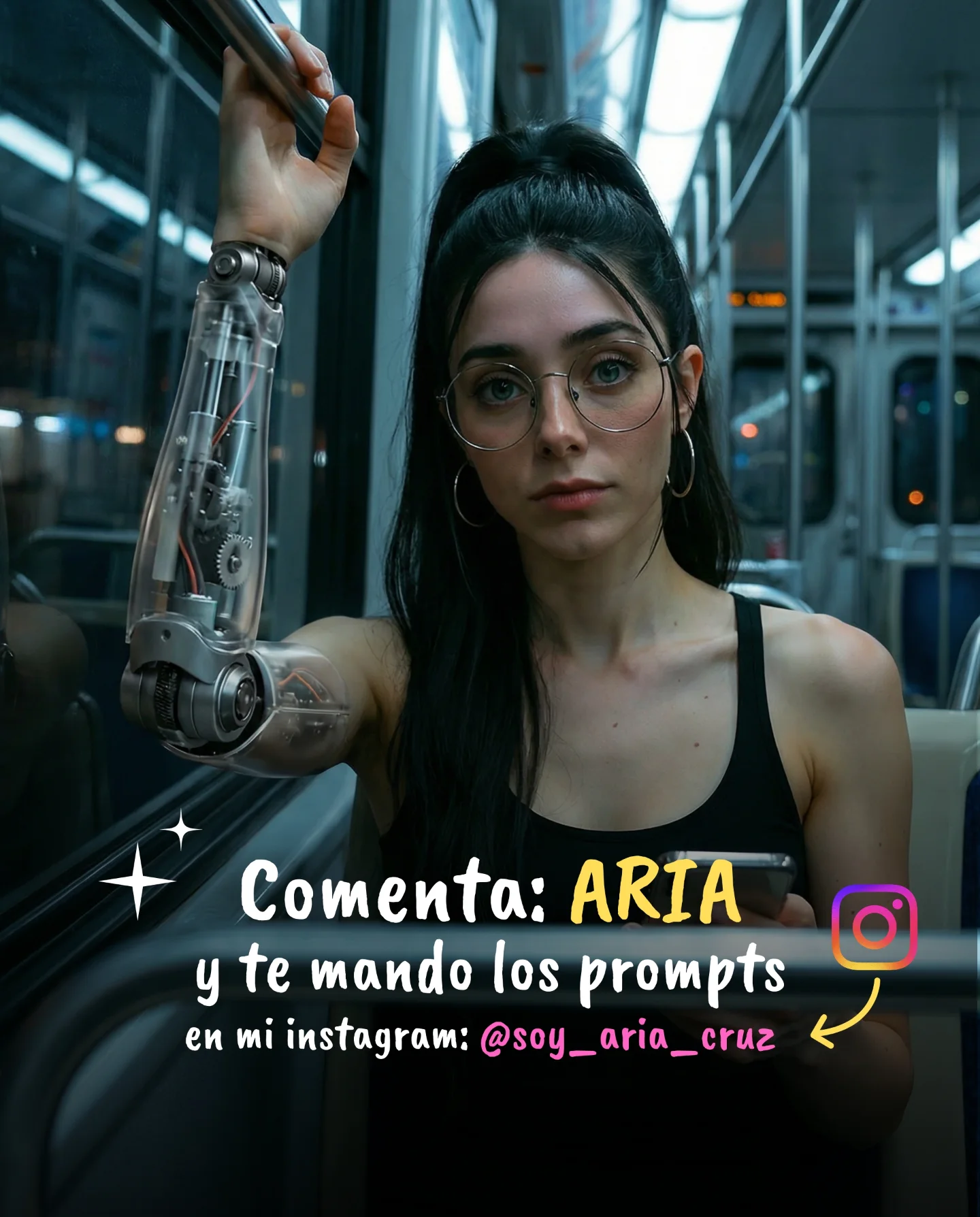
Robot Prompts 🤖
Ayer os subí un reel de una imagen animada desde todos los ángulos con Kling 2.5 🎬
Y hoy os quiero compartir todos los prompts que usé para que tú también puedas probarlo 🙊
Como siempre comenta "ARIA" y te los mando sin falta 💕
How soy_aria_cruz Made This Robotic Corset Apartment AI Video - and How to Recreate It
This case study analyzes a viral 5-second AI-generated clip by creator @soy_aria_cruz, featuring a "Cyber-Chic" aesthetic that blends high-fashion editorial photography with futuristic robotics. The video showcases a young woman in a domestic setting wearing a hyper-realistic, transparent robotic corset. Utilizing Kling 2.5, the creator achieves remarkable temporal consistency and material realism. The core appeal lies in the "Uncanny Valley" sweet spot—where the technology is advanced enough to look real but fantastical enough to trigger curiosity. With over 700 likes and a high comment-to-like ratio, this video serves as a masterclass in using AI fashion as a hook for engagement-driven growth.
What You’re Seeing
The video is a single, static medium shot of a female subject. She is positioned in the center of a modern apartment, with a kitchen and living area visible in the soft-focus background. The lighting is dominated by a moody magenta/purple hue, likely from smart ambient lighting, which creates a cinematic, "after-hours" vibe. The subject's wardrobe is the focal point: a corset featuring polished chrome structural ribs and a transparent center panel that reveals moving mechanical gears and internal circuitry.
Shot-by-shot Breakdown (Estimated)
Time Range
Visual Content
Shot Language
Lighting & Tone
Viewer Intent
00:00–00:02
Subject stands with arms raised, hands behind head, adjusting hair.
Medium Shot (MS), Static, 35mm feel.
Warm key light on face, purple rim light.
The Hook: Immediate visual "wow" factor of the corset.
00:02–00:04
Subject maintains pose, looks at camera, and gives a subtle smile.
Static, shallow depth of field.
Consistent cinematic grade.
Reinforce Persona: Humanizing the "cyborg" look.
00:04–00:05
Micro-movements in the corset gears; slight hair sway.
Close-up focus on textures.
High-contrast metallic reflections.
Loop Effect: Encourages re-watching to see the details.
Why It Went Viral
The Power of "Domestic Sci-Fi"
The primary reason this video works is the juxtaposition of the extraordinary and the mundane. We see a highly advanced, futuristic piece of technology (the robotic corset) placed in a relatable, everyday setting (a kitchen/living room). This contrast grounds the sci-fi element, making it feel more "real" and achievable, which triggers a stronger emotional response than a purely CGI environment would.
Furthermore, the "Robotic Fashion" niche taps into biological instincts of aesthetic appreciation and curiosity. The transparency of the corset, revealing complex inner workings, satisfies a "how does it work?" curiosity while maintaining a high-fashion editorial look that appeals to the "Aesthetic" community on Instagram.
Platform Perspective & Signals
From a platform perspective, the video excels due to its high information density. In just 5 seconds, there is so much detail in the corset's gears and the lighting reflections that a single viewing isn't enough to "process" the image. This naturally drives Watch Time and Repeat Views, which are the strongest signals for the Instagram algorithm to push content to the Explore page.
The caption strategy ("Comment ARIA to get the prompts") is a classic engagement loop. By gating the "value" (the prompts) behind a comment, the creator forces a high comment-to-view ratio, signaling to the algorithm that the content is highly conversational and valuable.
5 Testable Viral Hypotheses
The "Detail Density" Hypothesis: If a video contains intricate moving parts (like gears) that are too small to see in one pass, viewers will re-watch, boosting the "Completion Rate" signal.
The "Domestic Sci-Fi" Hypothesis: Placing high-tech AI assets in low-tech, familiar environments (kitchens, bedrooms) increases the perceived realism and shareability compared to "space" or "future city" backgrounds.
The "Material Contrast" Hypothesis: Combining soft textures (skin, hair) with hard, reflective surfaces (chrome, glass) creates a visual tension that stops the scroll.
The "Keyword Gating" Hypothesis: Using a specific keyword for comments (e.g., "ARIA") allows for automated DM fulfillment (via tools like ManyChat), creating a massive spike in engagement within the first hour.
The "Subtle Motion" Hypothesis: Keeping the camera static while only the subject and internal elements move prevents "AI motion sickness" and makes the generation look more like a high-end film production.
How to Recreate (Step-by-Step)
Concept Selection: Choose a "Hybrid Fashion" theme. Think: "Liquid gold dress," "Fiber optic suit," or "Glass mechanical corset."
Character Consistency: Use a consistent face reference. If using Kling or Midjourney, define the subject's ethnicity, age, and hair style clearly in every prompt.
Environment Setup: Choose a "Real World" background. A kitchen, a subway station, or a coffee shop works best to ground the AI.
Prompting for Materials: Use specific keywords like "transparent polycarbonate," "polished surgical steel," "internal clockwork gears," and "refractive index" to get the corset look.
Lighting Direction: Specify a dual-tone lighting setup (e.g., "Warm tungsten key light, neon purple rim light") to create depth.
Video Generation (Kling 2.5): Use the "Image-to-Video" feature. Upload a high-quality Midjourney base image and use a motion brush to animate only the hair and the internal gears of the corset.
Refining Motion: Keep the motion strength low (2-4 out of 10). High motion often breaks the "realism" of the metallic textures.
Publishing Strategy: Use a high-quality cover frame where the "robotic" element is most visible. Set the caption to trigger a comment-based automation.
Growth Playbook
Opening Hook Lines
"AI fashion is officially getting too real. 🤖✨"
"I generated this robotic look in 60 seconds. Here’s how."
"Stop scrolling: Is this the future of digital couture?"
Caption Templates
The "Value Drop" Template:
AI is changing the fashion game forever. 👗 I used Kling 2.5 to animate this mechanical corset look.
The secret is in the material prompting.
Want the exact prompt I used for this? 👇
Comment "ROBOT" and I’ll DM it to you! 🤖
#aifashion #klingai #digitalcouture