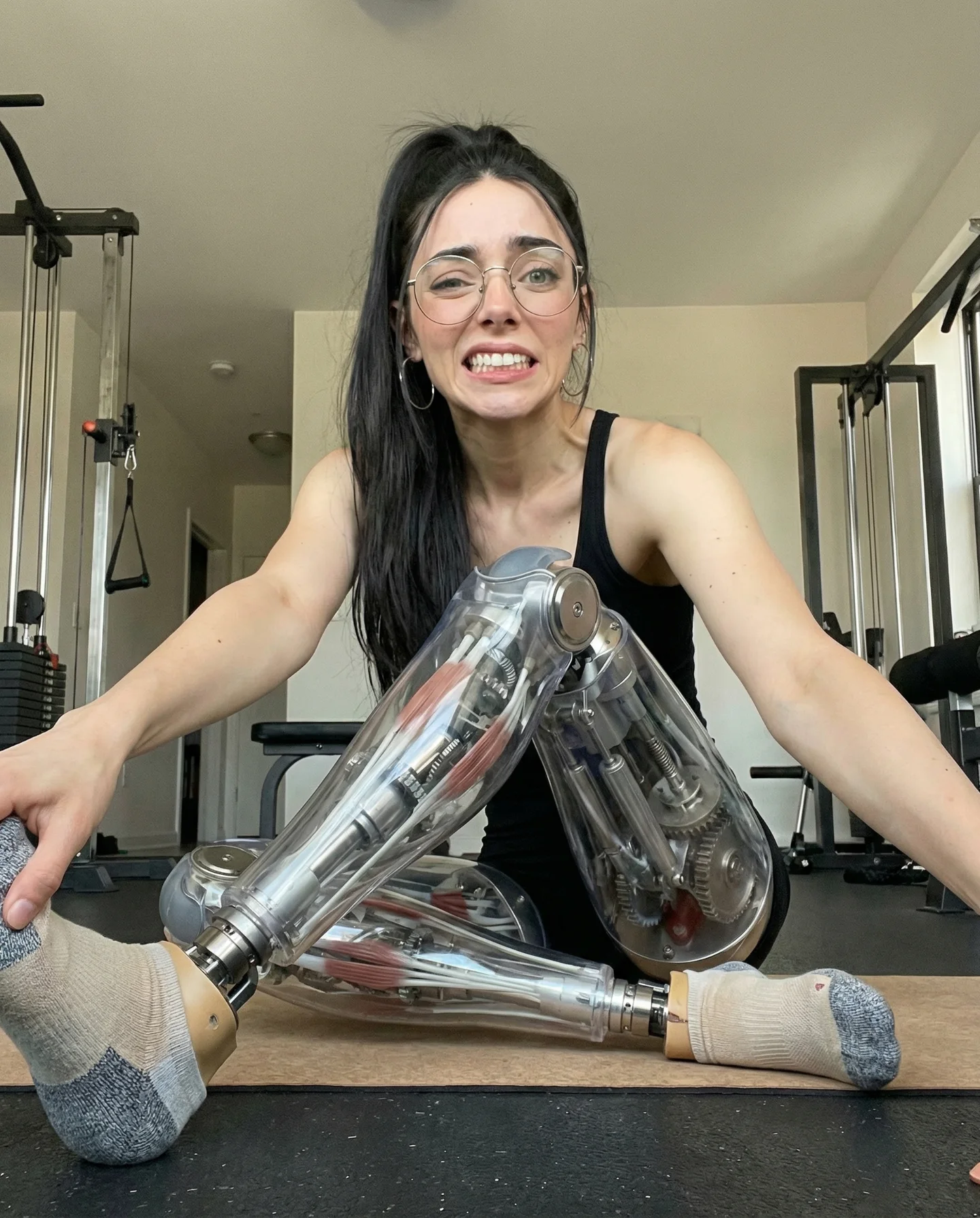
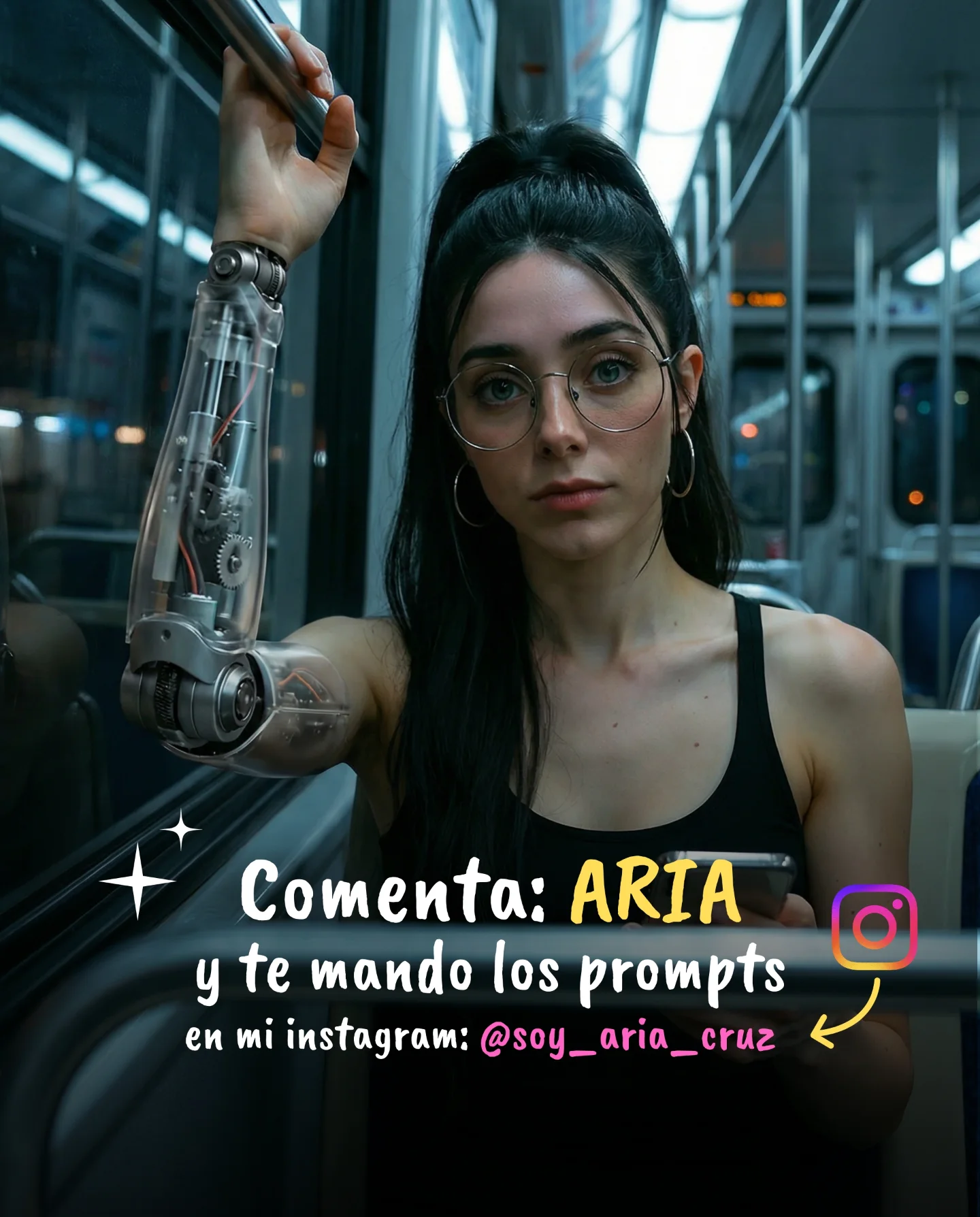
Robot Prompts 🤖
Ayer os subí un reel de una imagen animada desde todos los ángulos con Kling 2.5 🎬
Y hoy os quiero compartir todos los prompts que usé para que tú también puedas probarlo 🙊
Como siempre comenta "ARIA" y te los mando sin falta 💕
How soy_aria_cruz Made This Cyborg Skeleton AI Video and How to Recreate It
This viral case features a striking cinematic sci-fi portrait of a "Cyborg Skeleton" girl. Created using Kling 2.5, the video blends hyper-realistic human features (a soft, expressive face with glasses) with a meticulously detailed metallic skeletal torso. The aesthetic relies on a "Warm vs. Cool" lighting contrast—amber hanging bulbs in the background against a sharp teal rim light—creating a high-end editorial feel that looks like a still from a big-budget cyberpunk film. It’s a masterclass in uncanny valley aesthetics used for engagement rather than discomfort.
What You’re Seeing
The video presents a medium shot of a young woman with dark hair tied in a high ponytail, wearing thin-framed glasses. Her head and neck are human, but from the collarbone down, her body is a polished, chrome-like anatomical skeleton. She stands in a dimly lit, moody interior (likely a cafe or workshop) behind a wooden chair. The camera performs a slow, steady "dolly-in" or zoom, increasing the intimacy of the shot as she maintains eye contact with the viewer, blinking naturally and shifting her weight slightly.
Shot-by-Shot Breakdown
Time Range
Visual Content
Shot Language
Lighting & Tone
Viewer Intent
00:00–00:03
Subject leans on a chair, looking directly at the camera.
Medium Shot (MS), static start.
Warm bokeh bulbs, teal side light.
The "Hook": Immediate visual shock of the skeleton body.
00:03–00:06
Subtle head tilt and blink; camera begins slow push-in.
Slow Dolly-in / Zoom.
High contrast, cinematic shadows.
Reinforce realism; prove it's not just a static image.
00:06–00:09
Subject remains still but "alive" through micro-expressions.
Close-up (CU) feel by the end.
Consistent teal/amber palette.
Retention: Viewer looks for flaws or more details.
Why It Went Viral
The core of this video's success is the "Visual Disruption"选题. It takes a familiar, attractive human subject and replaces the expected torso with a complex mechanical structure. This triggers a biological curiosity—our brains are wired to recognize human forms, and when that form is "broken" or "modified" in a high-fidelity way, we stop scrolling to investigate. It’s the perfect balance of beauty and the bizarre.
From a platform perspective, the video thrives on Detail Density. Because the skeleton is so intricate (ribs, spine, joints), viewers often watch the loop multiple times to see how the light reflects off the metal or how the neck connects to the spine. This high "Watch Time" and "Repeat View" count signals to the Instagram algorithm that the content is high-quality, pushing it to the Explore page. The creator also uses a "Comment for Prompts" CTA, which explodes the engagement metric, further boosting its reach.
5 Testable Viral Hypotheses
The Contrast Hook: Combining a "soft" human face with "hard" industrial metal creates immediate visual tension that stops the scroll.
The Lighting Formula: Using complementary colors (Teal and Orange) is a proven cinematic trick that makes AI-generated content look like professional photography.
Micro-Movement Realism: The subtle blinking and breathing movements prevent the "AI-uncanny" feeling, making the viewer trust the visual more.
The "Secret Sauce" CTA: Offering the specific prompts in exchange for a comment ("ARIA") creates a massive engagement spike.
Consistency as Authority: Using a consistent character (the girl with glasses) across multiple "angles" (as mentioned in the caption) builds a narrative that this is a "real" AI creation, not a fluke.
How to Recreate (Step-by-Step)
Define Your "Hybrid" Concept: Choose a human subject and a mechanical/elemental replacement (e.g., skeleton, glass, liquid, or clockwork).
Character Consistency: Use a specific description for the face (e.g., "Young woman, high ponytail, thin gold glasses") to ensure the AI keeps the same person across different generations.
Set the Scene: Use "Cinematic lighting" and "Bokeh background" prompts. Specifically, ask for "warm overhead bulbs" and "cool teal rim light."
Tool Selection: Use Kling 2.5 or Luma Dream Machine for the video generation. Start with a high-quality Image-to-Video (I2V) base if possible.
Prompting the Motion: Keep the motion "subtle." High-intensity motion often breaks AI skeletons. Use keywords like "slow dolly in," "subtle blinking," and "slight head tilt."
Refining the Metal: Use keywords like "anatomic metallic skeleton," "polished chrome," and "specular highlights" to get that realistic reflection.
Editing for Impact: Add a subtle film grain and a deep, atmospheric bass sound (BGM) to match the sci-fi mood.
Engagement Loop: Create a caption that asks users to comment a specific word to get the "hidden" prompt.
Growth Playbook
3 Opening Hook Lines
"The future of portraiture is here, and it's made of chrome."
"I spent 5 hours prompting this 9-second clip. Here’s how."
"Is this the most realistic AI skeleton you've seen yet?"
4 Caption Templates
The "Value Drop" Template:
Stop scrolling! 🤖 I finally cracked the code for realistic AI cyborgs in Kling 2.5. The secret is in the lighting contrast. Comment "PROMPT" and I'll DM you the exact settings I used. Which part should I animate next? #AIArt #KlingAI
The "Behind the Scenes" Template:
From a static image to this... 🎬 AI video is evolving so fast. I used a 3-point lighting setup in my prompt to get that teal glow. Save this for your next project! What do you think of the skeleton detail? #CyborgAesthetic #DigitalArt
Hashtag Strategy
Broad: #AI #DigitalArt #SciFi #Cinematic #Future (High volume, general reach)
Mid-Tier: #KlingAI #AIVideo #CyborgArt #CyberpunkAesthetic (Targeted to AI enthusiasts)
Niche: #SoyAriaCruz #AISkeleton #PromptEngineering #IndieCreator (Specific community tags)
FAQ
What tools make it look the most similar?
Kling 2.5 is currently the best for maintaining structural integrity in complex objects like skeletons.
What are the 3 most important words in the prompt?
"Anatomic," "Specular highlights," and "Teal rim-light."
Why does the generated face look inconsistent?
You likely didn't provide enough specific facial descriptors (glasses, hairstyle, ethnicity) in the global prompt.
How can I avoid making it look like "bad" AI?
Keep the camera movement slow and avoid large limb movements which cause "melting" artifacts.
Is it easier to go viral on Instagram or TikTok with this?
Instagram's "Aesthetic" focus makes it better for high-fidelity cinematic loops like this one.