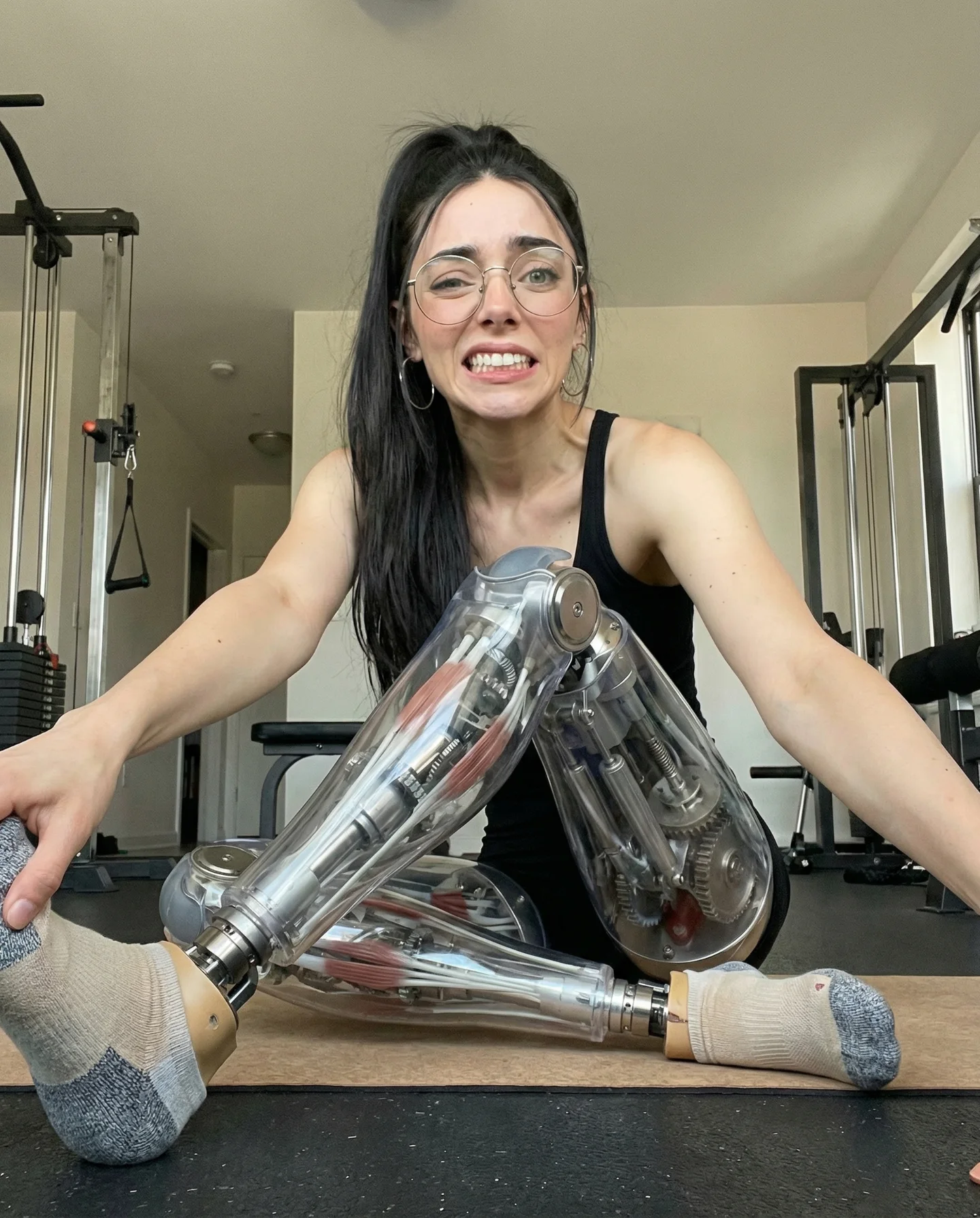
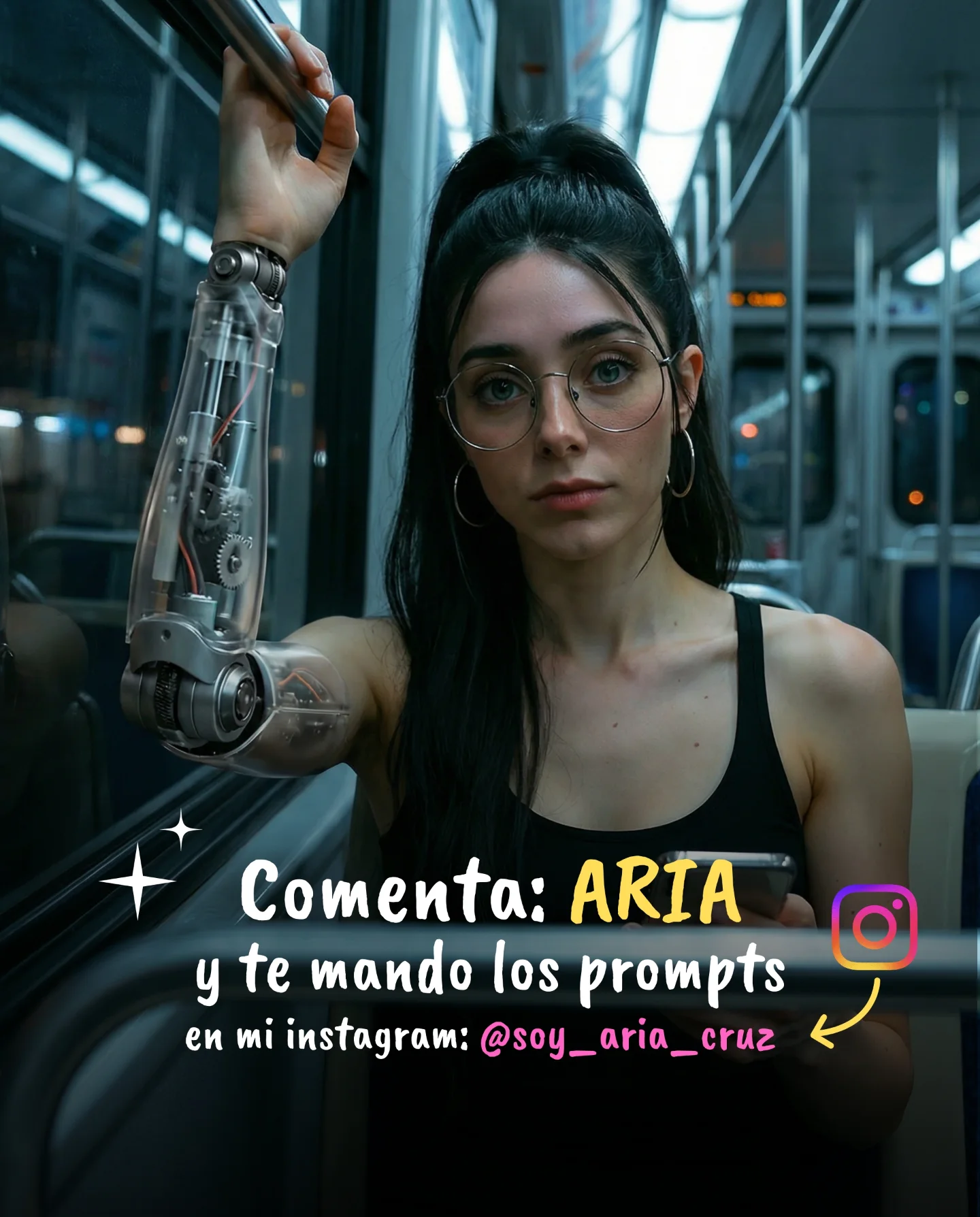
Robot Prompts 🤖
Ayer os subí un reel de una imagen animada desde todos los ángulos con Kling 2.5 🎬
Y hoy os quiero compartir todos los prompts que usé para que tú también puedas probarlo 🙊
Como siempre comenta "ARIA" y te los mando sin falta 💕
Why soy_aria_cruz's Cyborg Water Torso Prompt Went Viral
This viral case features a stunning 5-second cinematic AI-generated portrait that blends human anatomy with futuristic robotics. The subject is a woman whose midsection is replaced by a transparent, glass-like tank filled with bubbling, bioluminescent water. Shot with a moody, high-contrast aesthetic, the video leverages the "uncanny valley" effect—where something looks almost human but is clearly impossible—to stop the scroll instantly. Using Kling 2.5, the creator demonstrates how to achieve high-fidelity motion in surreal elements, specifically the fluid dynamics of water inside a human frame. The color palette balances warm, out-of-focus Edison bulbs in the background with a sharp, cool cyan glow from the subject's core, creating a professional "cyberpunk studio" look.
What You’re Seeing
The video is a medium-shot portrait of a woman with dark hair and glasses, wearing a simple black tank top. The focal point is her torso, which is a perfectly integrated transparent chamber. Inside, water bubbles vigorously, illuminated by an internal light source. The background is a dark, atmospheric space with two glowing amber light bulbs providing a shallow depth-of-field effect.
Shot-by-Shot Breakdown
Time Range
Visual Content
Shot Language
Lighting & Color
Viewer Intent
00:00 - 00:01
Subject stands still; water bubbles inside the torso.
Static Medium Shot (MS)
Cyan core glow vs. Amber background bulbs.
The "Hook": Presenting an impossible visual.
00:01 - 00:03
Subject's hands move slowly from her sides toward the center.
Slow hand choreography
Shadows deepen on the arms as they move.
Reinforce realism through natural movement.
00:03 - 00:05
Hands hover near the glowing tank; focus remains on the bubbles.
Close-up feel (static)
High contrast; teal highlights on the skin.
Create awe and prompt the "How did they do this?" thought.
Why It Went Viral
The Power of Surreal Realism
This video taps into the "Visual Curiosity" psychological trigger. Humans are biologically wired to notice anomalies in the human form. By seamlessly blending a realistic human subject with a transparent water tank, the creator triggers a "wait, what?" response. This specific选题 (topic selection) works because it isn't just a cool effect; it's an aesthetic masterpiece that fits the "Cybernetic/Cyborg" trend currently popular in digital art and AI communities. It appeals to both tech enthusiasts and fans of high-end cinematography.
Platform Signals & Engagement Strategy
From a platform perspective, the video is a masterclass in retention and engagement hacking. The 5-second loop is short enough to be watched multiple times as the viewer tries to process the details of the water bubbles. More importantly, the creator used a "Comment Trigger" strategy. By offering the specific prompts used to create this effect in exchange for a keyword ("ARIA"), they forced the Instagram algorithm to see a massive spike in engagement, which signals the platform to push the content to a wider audience.
5 Testable Viral Hypotheses
Hypothesis 1: The "Impossible Anatomy" Hook. If you replace a vital body part with a non-biological element (water, clockwork, fire), watch time increases by at least 30% due to visual processing delay.
Hypothesis 2: Dual-Tone Contrast. Using complementary colors (Orange/Teal) in a dark setting creates a "premium" feel that increases the "Save" rate for aesthetic reference.
Hypothesis 3: The "Prompt Gate" Strategy. Offering the "how-to" in the comments rather than the caption increases comment density by 5x, triggering the explore page.
Hypothesis 4: Fluid Dynamics Fascination. High-quality simulation of water or fire in AI videos leads to higher re-watch rates as viewers look for "glitches" or "perfection."
Hypothesis 5: Minimalist Wardrobe. Wearing simple, dark clothing (like a black tank top) prevents the AI from getting confused by complex textures, leading to a cleaner, more believable final render.
How to Recreate (Step-by-Step)
Concept Definition: Choose a "Surreal Hybrid" theme. For this video, it's "Human + Water Tank."
Base Image Generation: Use Midjourney or DALL-E 3 to create a high-quality static image. Use prompts like: "Cinematic portrait of a woman, transparent glass torso filled with bubbling water, bioluminescent cyan glow, dark studio, amber Edison bulbs background."
Character Consistency: Ensure the face and clothing are simple. Use the same seed or reference image if you need multiple angles.
Video AI Selection: Import your base image into Kling 2.5 (or Luma Dream Machine/Runway Gen-3).
Motion Prompting: Use an "Image-to-Video" workflow. Prompt the motion: "The water inside the torso bubbles vigorously; the woman slowly moves her hands toward her stomach; cinematic lighting remains consistent."
Refining the Loop: Set the duration to 5 seconds. Ensure the start and end frames are similar for a seamless loop.
Color Grading: Use CapCut or Premiere Pro to enhance the "Teal and Orange" look. Increase contrast and add a slight "Glow" effect to the cyan water.
Engagement Setup: Use an automation tool like ManyChat. Set a trigger so that when someone comments a specific word, they receive the prompt via DM.
Growth Playbook
Opening Hook Lines
"AI video just reached a new level of 'impossible'..."
"Stop scrolling: This isn't a movie prop, it's 100% AI."
"How to turn yourself into a cyborg using Kling 2.5 🤖"
Caption Templates
The "Value-First" Template:
[Hook: AI is getting too real!] I spent 5 hours perfecting this water-torso effect so you don't have to. 🌊 The secret is in the motion prompt. [Value: I'm sharing the exact workflow for Kling 2.5 today.] [Question: What should I replace the water with next?] [CTA: Comment 'PROMPT' and I'll DM you the full settings!]