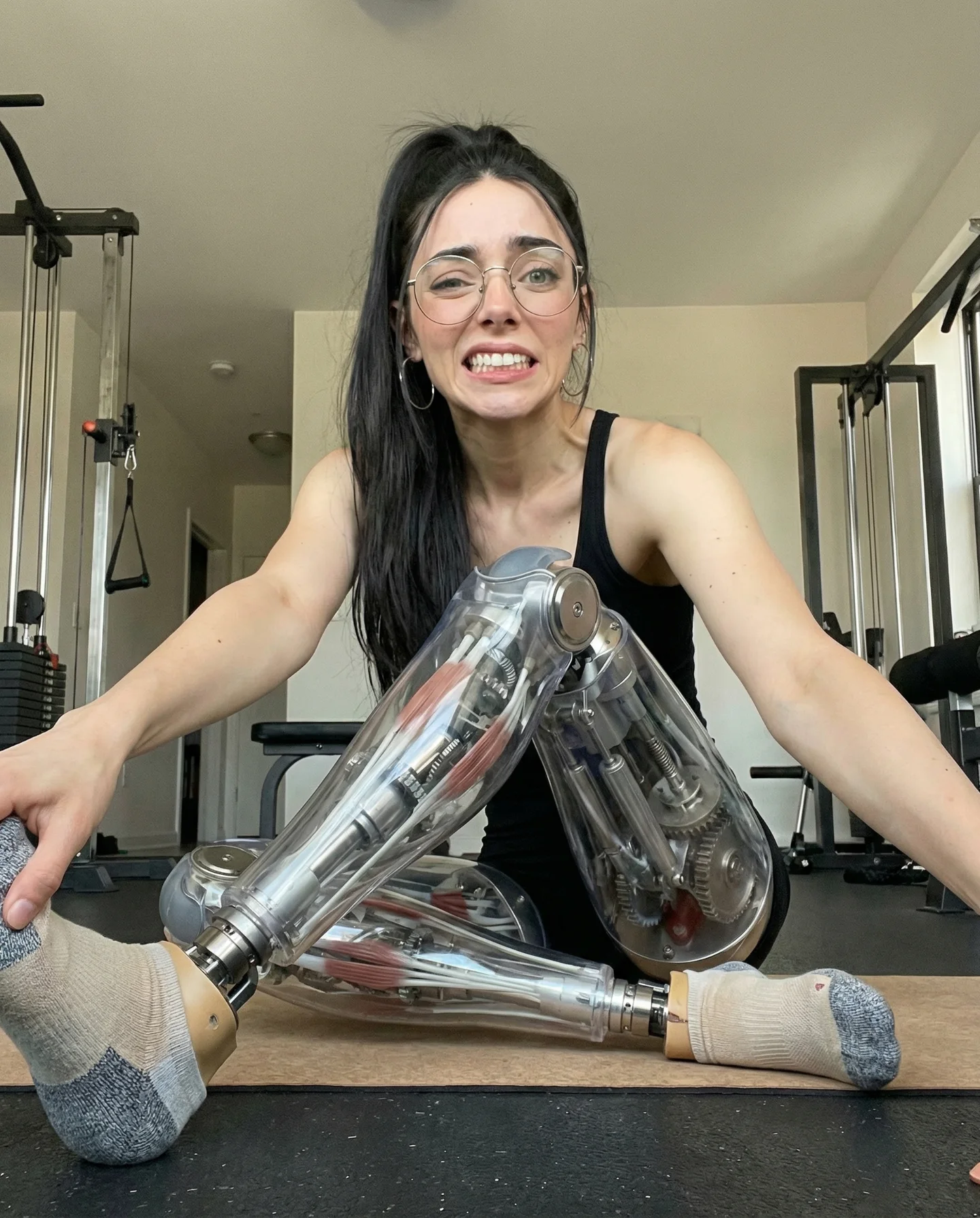
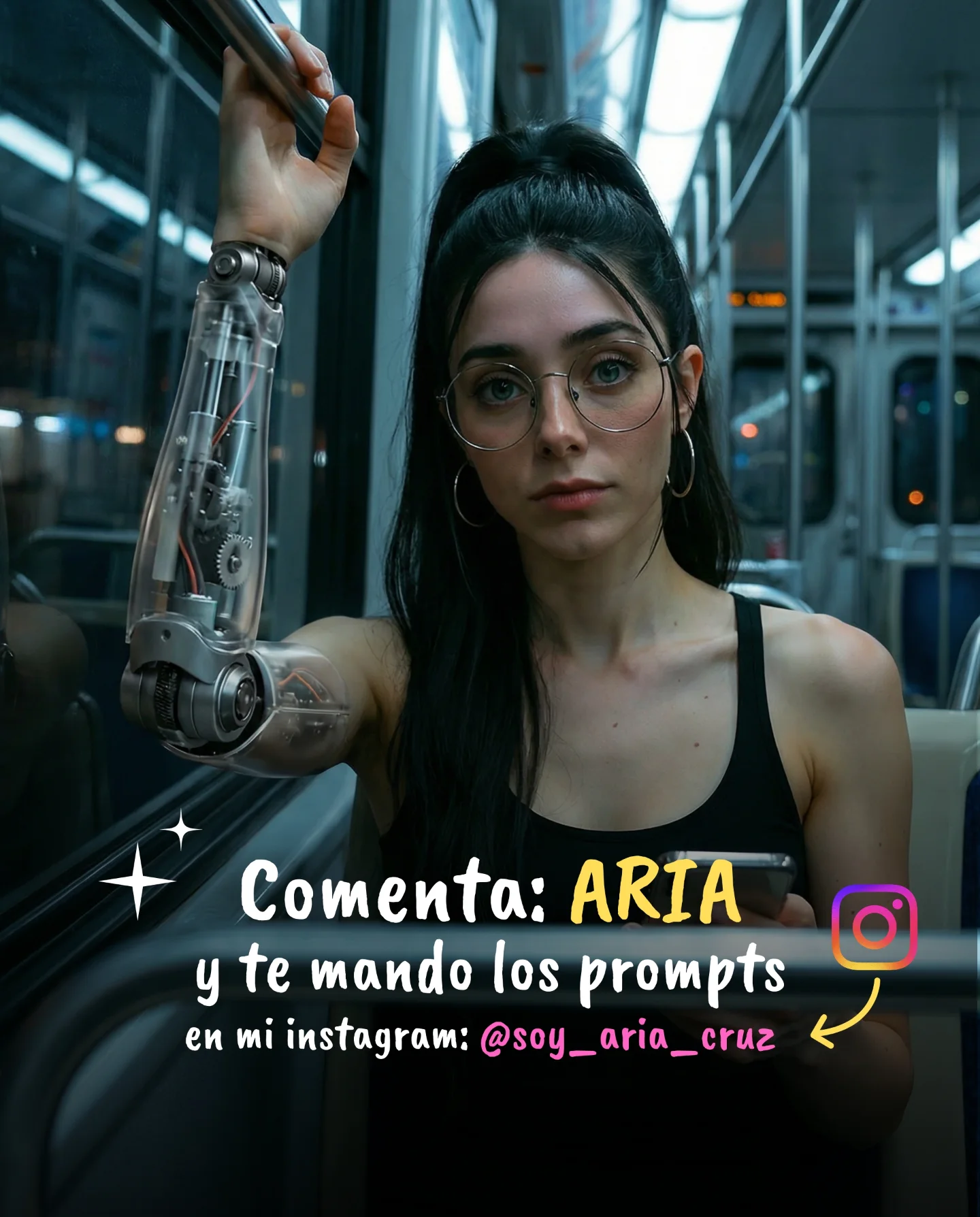
Robot Prompts 🤖
Ayer os subí un reel de una imagen animada desde todos los ángulos con Kling 2.5 🎬
Y hoy os quiero compartir todos los prompts que usé para que tú también puedas probarlo 🙊
Como siempre comenta "ARIA" y te los mando sin falta 💕
How soy_aria_cruz Made This Robot Fashion AI Video and How to Recreate It
This viral case features a stunning cinematic editorial portrait of a "cyber-human" character, blending high-end fashion photography with futuristic sci-fi elements. Created using Kling 2.5, the video showcases a young woman in a domestic hallway setting, wearing an intricate metallic chrome rib-cage corset that reveals a translucent torso filled with glowing pink bioluminescent energy. The contrast between the mundane, warm home environment and the cold, high-tech robotic body creates a powerful "uncanny valley" aesthetic that is both beautiful and intriguing. This content is a prime example of using AI to push the boundaries of digital fashion and character consistency.
What You’re Seeing
The video is a single, high-fidelity medium shot. The subject is a young woman with dark hair tied in a sleek high ponytail, wearing thin-framed round glasses. Her outfit is the centerpiece: a hyper-realistic chrome exoskeleton resembling a human rib cage, layered over a see-through midriff where pink "energy pulses" or mechanical organs are visible. She is positioned in a narrow, warmly lit hallway, leaning one hand against a white wall and resting the other on a rustic wooden chair.
Shot-by-shot Breakdown
Time Range
Visual Content
Shot Language
Lighting & Tone
Viewer Intent
00:00 - 00:02
Subject stands centered, hand on wall.
Medium Shot (MS), Static.
Warm side-lighting, soft shadows.
Hook: Immediate visual shock of the robot torso.
00:02 - 00:04
Subtle breathing, slight eye movement.
Static, high detail.
Reflections on chrome, pink glow.
Reinforce realism: Proving it's a video, not a still.
00:04 - 00:05
Hold on the pose.
Static.
Consistent warm/cool contrast.
Call to Action: Encouraging the viewer to read the caption.
Why It Went Viral
The success of this video lies in its visual cognitive dissonance. By placing a highly advanced, sci-fi robotic element into a relatable, "boring" domestic setting (a hallway with a coat rack), the creator triggers a curiosity response. The "Cyber-human" aesthetic is currently a high-performing niche because it bridges the gap between human beauty and technological wonder. The intricate detail of the chrome reflections and the internal glow suggests a level of production quality that viewers find mesmerizing.
From a platform perspective, the creator utilized a "Lead Magnet" strategy. By offering the specific "Robot Prompts" in exchange for a keyword comment ("ARIA"), they artificially boosted the engagement rate. This signals to the Instagram algorithm that the content is highly interactive, triggering a wider distribution to the Explore page. The short duration (5 seconds) also ensures a high re-watch rate as viewers try to squint at the details of the robotic anatomy.
5 Testable Viral Hypotheses
Hypothesis 1: The "Uncanny Beauty" Effect. Blending a conventionally attractive subject with "disturbing" or "alien" technology creates a visual friction that stops the scroll. Action: Use AI to add one sci-fi element to a standard portrait.
Hypothesis 2: Domestic Sci-Fi Contrast. High-tech elements look more "real" when placed in low-tech, everyday environments. Action: Set your AI generations in kitchens, hallways, or bedrooms rather than space stations.
Hypothesis 3: The "Comment for Value" Loop. Forcing engagement to receive a "secret" (the prompt) creates a massive spike in the comment-to-view ratio. Action: Offer a specific prompt or tool list in exchange for a specific keyword.
Hypothesis 4: Material Realism (Chrome & Glow). Humans are biologically attracted to shiny objects and bioluminescence. Action: Use keywords like "anodized chrome," "polished silver," and "neon internal glow" in your prompts.
Hypothesis 5: Short-Loop Retention. A 5-second video with high detail forces the viewer to watch 2-3 times to "take it all in," doubling the watch time metric. Action: Keep your AI video reveals under 6 seconds.
How to Recreate (Replication Tutorial)
Topic Selection: This suits "AI Art," "Digital Fashion," or "Tech/Futurism" accounts. Focus on "The Future of Fashion."
Base Image Generation: Use Midjourney or DALL-E 3 to create a high-quality reference image. Prompt for: "Young woman, high ponytail, glasses, wearing a chrome rib-cage corset, translucent torso with pink glowing energy, standing in a warm hallway."
Character Consistency: Save your base image. In Kling 2.5 (or Luma/Runway), use this image as the "Character Reference" or "Image Prompt."
Motion Prompting: In your video AI tool, describe minimal motion: "Subtle breathing, slight eye blinks, soft light flickering on the chrome surface, no major camera movement."
Setting the Scene: Ensure the background is "grounded." Use words like "beige walls," "wooden chair," "coat rack" to keep it realistic.
Refining the "Glow": If the internal energy isn't bright enough, add "bioluminescent pink pulses" to your motion prompt.
Editing: Add a subtle "film grain" and a trending "ethereal" or "cyberpunk" audio track to enhance the mood.
Publishing: Use a high-contrast cover image that clearly shows the robotic chest. Use the "Comment for Prompt" CTA in the first 3 seconds of your caption.
Growth Playbook
Opening Hook Lines
"AI fashion just hit a new level of realism."
"Stop scrolling: This isn't a real outfit (yet)."
"How to create consistent AI characters with Kling 2.5."
Caption Templates
The "Value Drop" Template:
I spent 5 hours perfecting this "Robot Girl" prompt so you don't have to. 🤖
The secret is in the lighting and the material layering in Kling 2.5.
Want the exact prompt I used? 👇
Comment "ROBOT" and I'll DM it to you! #klingai #aifashion #cyberpunk