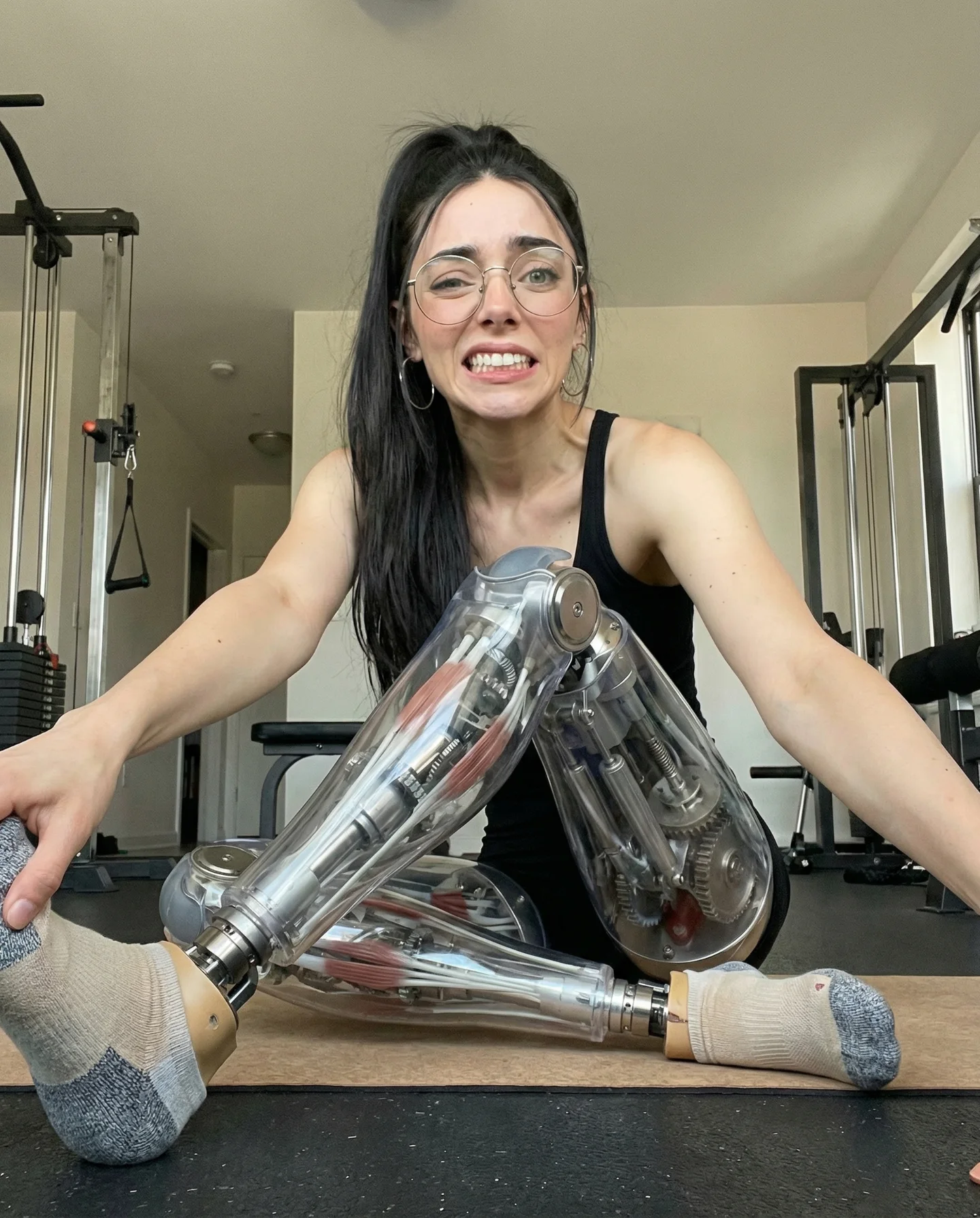
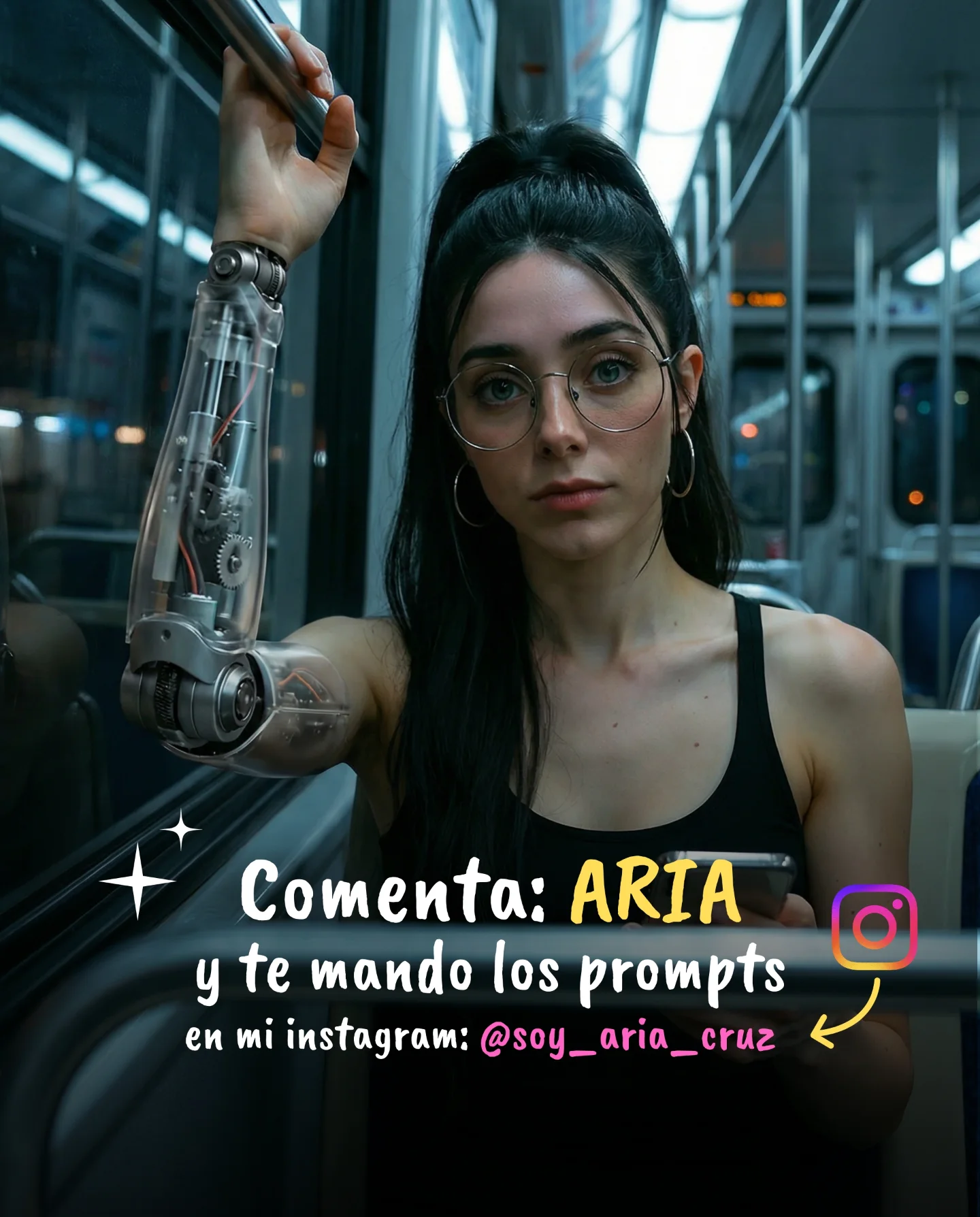
Robot Prompts 🤖
Ayer os subí un reel de una imagen animada desde todos los ángulos con Kling 2.5 🎬
Y hoy os quiero compartir todos los prompts que usé para que tú también puedas probarlo 🙊
Como siempre comenta "ARIA" y te los mando sin falta 💕
Case Snapshot
This reel packages a simple all-angle image animation into a high-end editorial beauty moment: a woman in a reflective silver corset slowly rotates from an over-the-shoulder pose into a centered frontal pose, while warm Edison bulbs and cool teal edge light make the clip feel futuristic, sensual, and instantly saveable for anyone collecting cinematic portrait prompts.
What You're Seeing
The clip is built around one clean move
There is no complex action here. The whole video depends on a controlled turn toward camera. That simplicity is exactly why it works so well for AI motion.
The metallic top does most of the storytelling
The silver corset creates an immediate “robot prompt” or cyber-fashion association without needing an actual robot. It is futuristic enough to feel special while still reading as wearable fashion.
The lighting creates the premium look
The background bulbs give warm intimacy. The cyan or teal rim light adds sci-fi polish. Together they create a color contrast that feels expensive even in a very small room.
The room stays deliberately soft and secondary
The sofa, dark walls, and dim depth cues are not there to compete with the model. They exist to make the shot feel grounded and photographic instead of cut-out or studio-empty.
The motion is almost mannequin-like, in a good way
Because the movement is slow and elegant, the viewer can read the face, hair, shoulders, and corset structure clearly. Fast dancing would only make the generation less stable.
This is really a prompt-pack teaching clip
The caption says the creator is sharing the exact prompts used for a Kling 2.5 all-angles animation. That makes the reel useful as both inspiration and educational bait.
Shot-by-shot breakdown
Time range
Visual content
Shot language
Lighting and color tone
Viewer intent
00:00-00:01 (estimated)
Model appears from a turned-back pose with hand near chair
Static vertical fashion frame
Warm bulbs plus teal metallic reflections
Hook with instant editorial mood
00:01-00:02 (estimated)
Body rotates slightly toward camera
Controlled pose transition
Soft amber background, cool rim on torso
Show the animation is smooth and believable
00:02-00:03 (estimated)
Front structure of corset becomes clearer
Editorial reveal beat
Glossy silver highlights intensify
Sell outfit detail and prompt quality
00:03-00:04 (estimated)
Model reaches near-frontal pose with steady gaze
Beauty-campaign framing
Balanced warm-cool contrast
Increase polish and save-worthiness
00:04-00:05 (estimated)
Final frontal hero pose centered in frame
Loopable portrait finish
Warm practical lights and teal edge lock
Leave a strong last frame for rewatch and prompt curiosity
Why It Works
It promises technique, not just aesthetics
People are not only reacting to a pretty girl in a metallic top. They are reacting to the idea that there is a repeatable prompt workflow behind it.
The scene is complicated enough to look advanced, but simple enough to reproduce
You need one subject, one distinctive wardrobe piece, one small room, and one elegant move. That is an excellent recipe for high output consistency.
The warm-versus-cool grade feels instantly cinematic
Creators reuse this color contrast constantly because it creates perceived production value fast. Even a basic pose becomes memorable when the light wraps correctly across reflective material.
The “all angles” promise is inherently satisfying
Viewers enjoy seeing a still-image concept become dimensional. The turn toward camera makes the transformation legible in a way that feels more magical than a static portrait.
The clip fits the prompt-comment funnel perfectly
The creator invites viewers to comment a keyword to receive the prompts. That turns aesthetic curiosity directly into engagement.
Prompt Breakdown
Subject lock matters more than anything
The face, ponytail, earrings, body shape, and silver corset all need to stay fixed. If those drift, the all-angles effect falls apart immediately.
The environment should be sparse but intentional
The room only needs three readable elements: sofa, pendant bulbs, and dark atmosphere. Too many props add inconsistency without adding value.
Reflective wardrobe needs explicit control
Words like sculpted, metallic, ribbed, glossy, and silver help the model keep the corset readable as a fashion object instead of turning it into random armor.
Motion instructions should stay restrained
You do not want dancing, stepping, or hair flips. You want a small torso rotation, a steady gaze, and a clean settle into the final pose.
Lighting language is what gives it the luxury finish
Always describe the warm practical bulbs separately from the cool teal rim. That dual-light setup is the whole aesthetic engine of the clip.
How to Recreate It
Step 1: Start from a portrait with a strong wardrobe hook
Choose a single striking outfit element that can carry the whole frame. Here the silver corset does that job.
Step 2: Build a small cinematic room
Use a dark interior with a sofa or lounge shape in the background. Keep the room readable but blurred.
Step 3: Add warm practicals behind the model
Hanging bulbs are ideal because they create elegant circles of light and depth without complicating the scene.
Step 4: Introduce one cool accent light
A teal edge light on the outfit instantly creates the futuristic editorial contrast that makes the reel feel premium.
Step 5: Animate only a small pose transition
Move from back three-quarter to frontal. That is enough to show dimensionality while preserving character consistency.
Step 6: Keep the camera almost still
Any big handheld move would fight the elegance of the pose turn. The camera should feel observant, not energetic.
Step 7: End on the most symmetrical hero frame
The loop should finish where the outfit and face are both fully readable so the last frame works as a thumbnail.
Step 8: Pair it with a comment-trigger caption
If you are sharing prompts, ask for one simple keyword in comments. This format naturally converts curiosity into replies.
Growth Playbook
Three opening hook lines
This is the kind of AI fashion clip that looks hard, but is actually driven by one clean turn and good lighting.
If you want your portrait animations to feel premium, stop adding chaos and start controlling reflections.
The easiest way to make “robot prompt” content feel elegant is to keep the body human and let the outfit carry the futuristic cue.
Four caption templates
Hook: “These are the prompts I used for this all-angle animation.” Value: “The key is locking the silver corset and the warm-cool lighting.” Question: “Do you want the exact prompt pack?” CTA: “Comment ARIA and I'll send it.”
Hook: “This is how I make one portrait feel instantly cinematic.” Value: “I keep the motion minimal and make the outfit do the work.” Question: “Would you use this style for beauty, fashion, or cyberpunk content?” CTA: “Save this for your next test.”
Hook: “Robot prompts do not need an actual robot.” Value: “A reflective silhouette and teal rim light already sell the idea.” Question: “Should I share more editorial prompt packs?” CTA: “Drop the keyword below.”
Hook: “All-angles image animation gets stronger when the room is simple.” Value: “The subject stays stable and the motion reads cleaner.” Question: “Want a step-by-step breakdown?” CTA: “Comment and I'll send it.”
Hashtag strategy
Broad: #AIVideo, #AIFashion, #Kling25. These capture the large discovery buckets around AI visuals and fashion clips.
Mid-tier: #PromptPack, #EditorialPortrait, #CinematicLighting, #AICreator. These fit prompt-selling and creator-education content.
Niche long-tail: #MetallicCorsetPrompt, #RobotPromptStyle, #AllAnglesAnimation, #TealAmberPortrait. These match the exact visual idea of the reel.
FAQ
Why does the clip feel futuristic even without an actual robot?
The reflective silver corset and teal edge light create the futuristic cue while the model remains photoreal and elegant.
Why keep the motion so slow?
Slow pose changes preserve face and wardrobe consistency and make the all-angles effect easier to read.
What is the most important background element?
The warm pendant bulbs, because they create depth and contrast against the cool reflective highlights on the outfit.
Would this work in a plain studio?
It can, but the lounge background gives the video more depth and emotional atmosphere.
What usually breaks first in this kind of clip?
The reflective wardrobe. If you do not describe its shape and material clearly, it tends to warp or mutate across frames.
Why is this good comment-bait content?
Because viewers can immediately imagine using the same prompt structure for their own portrait animations and want the exact recipe.