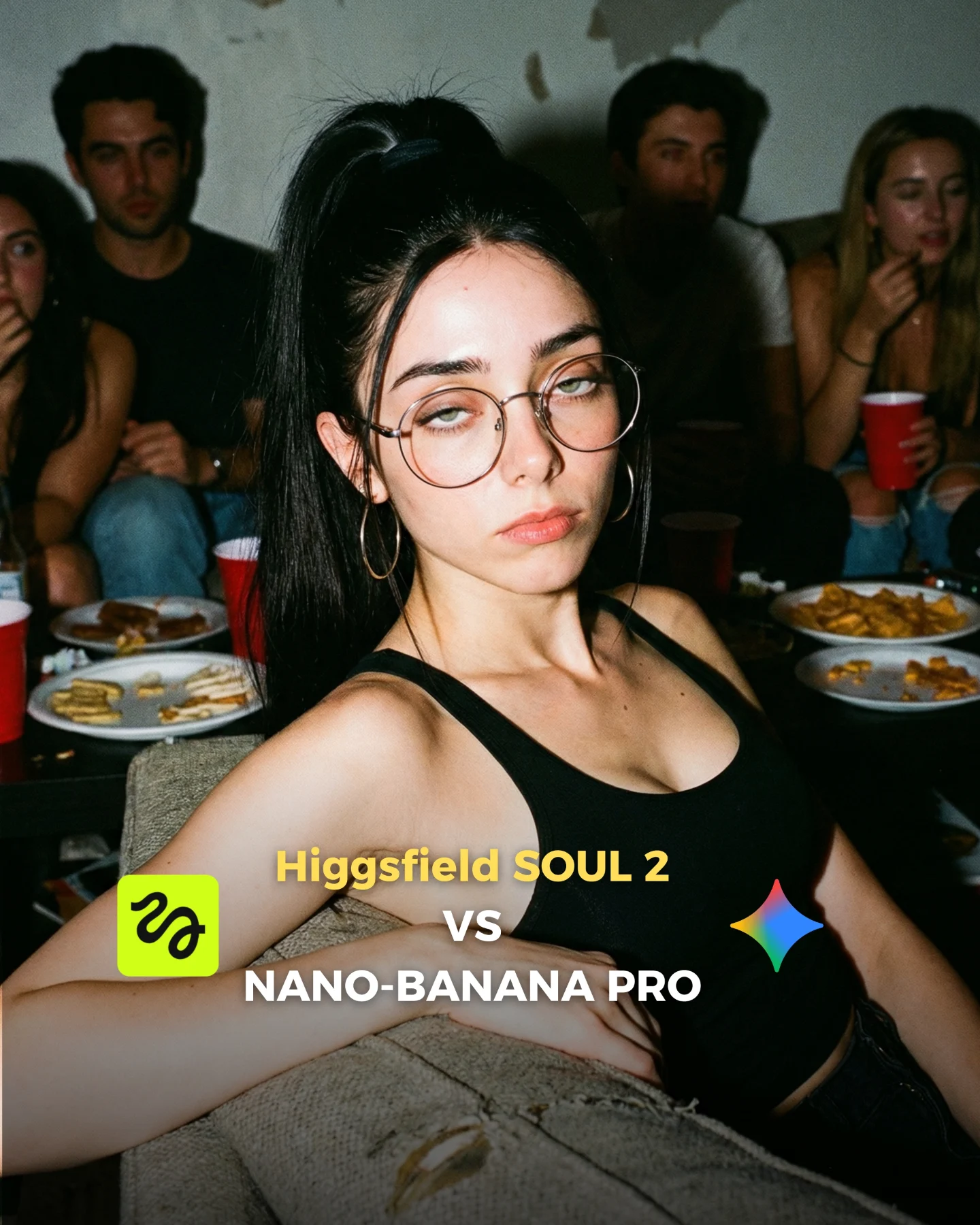
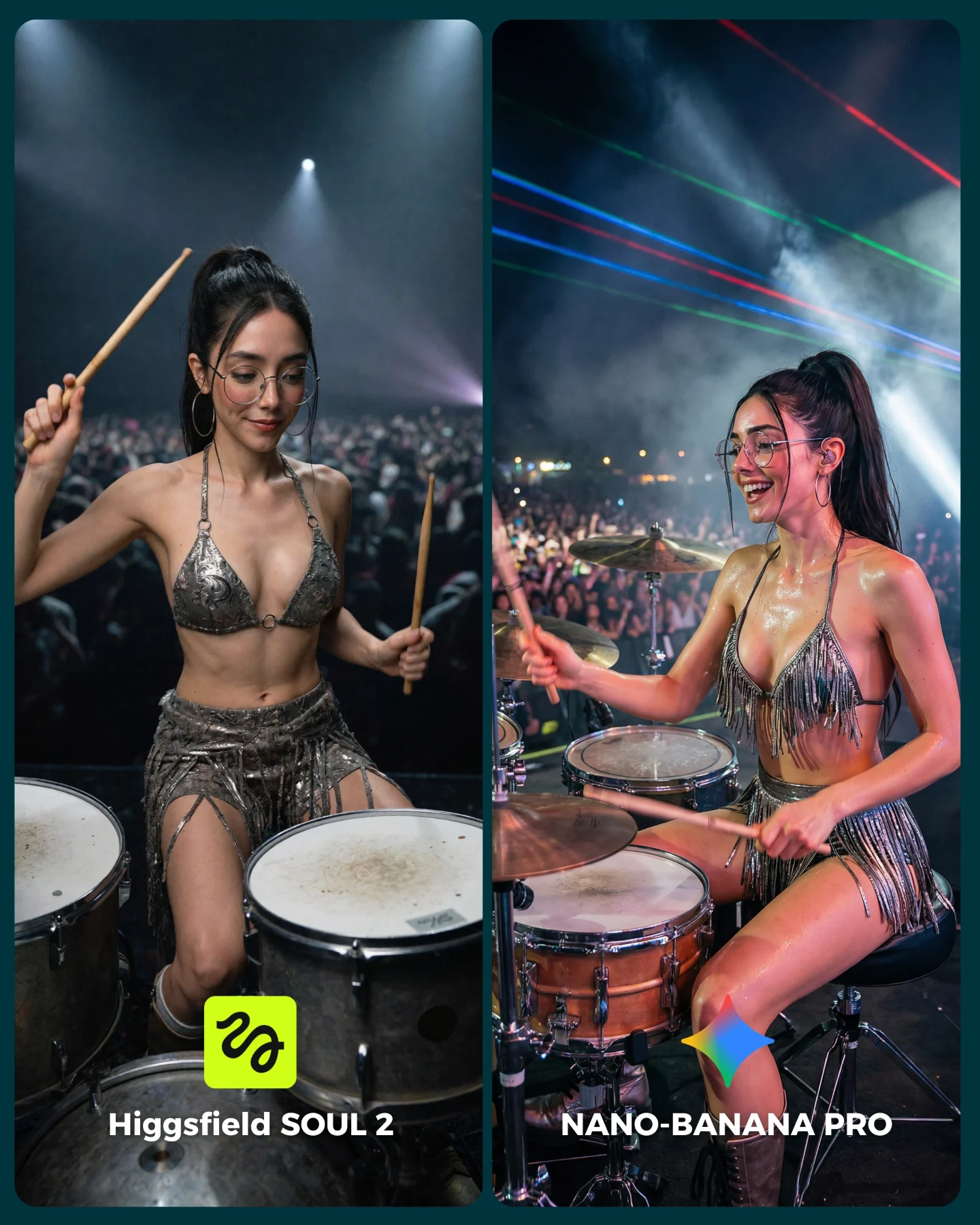
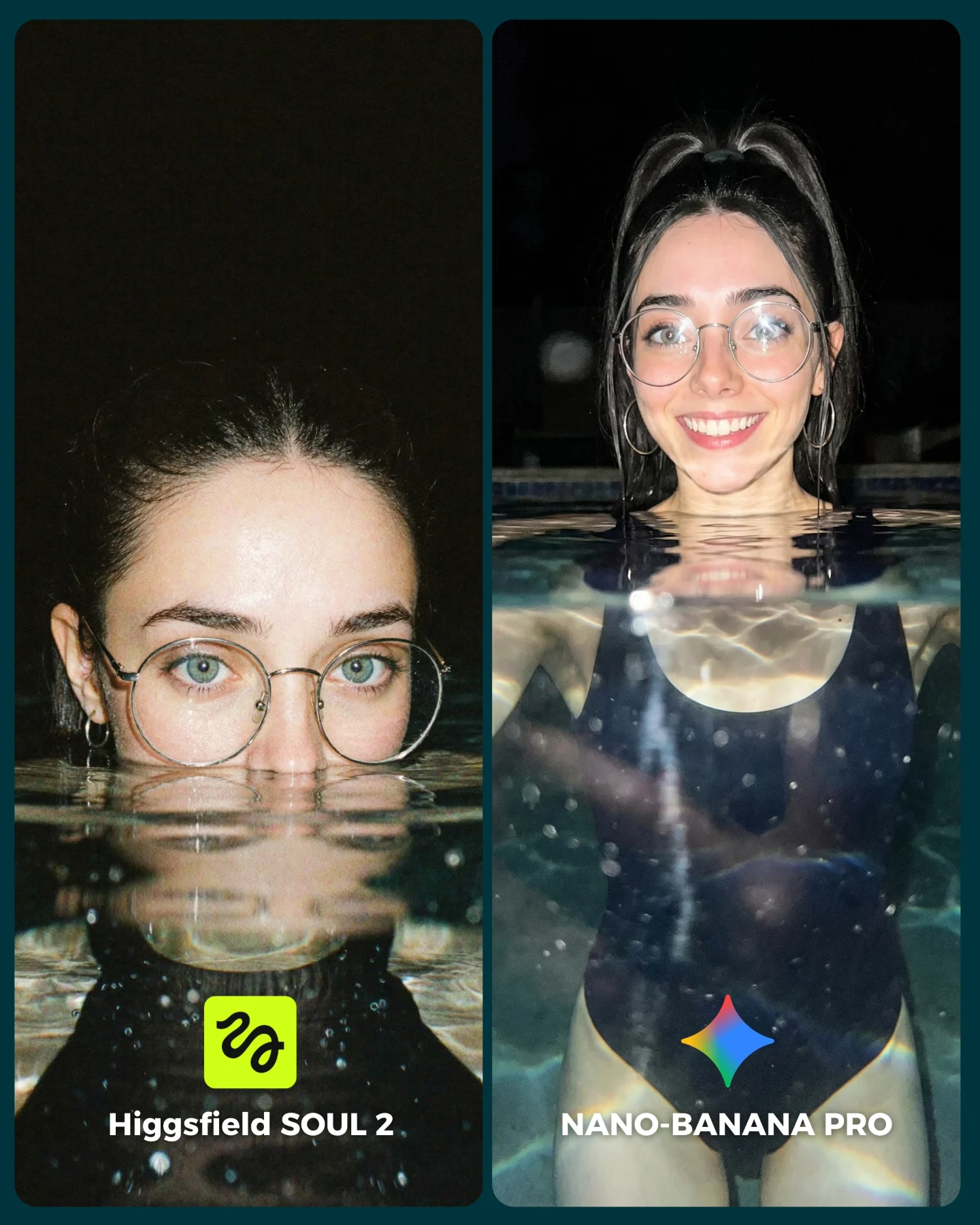
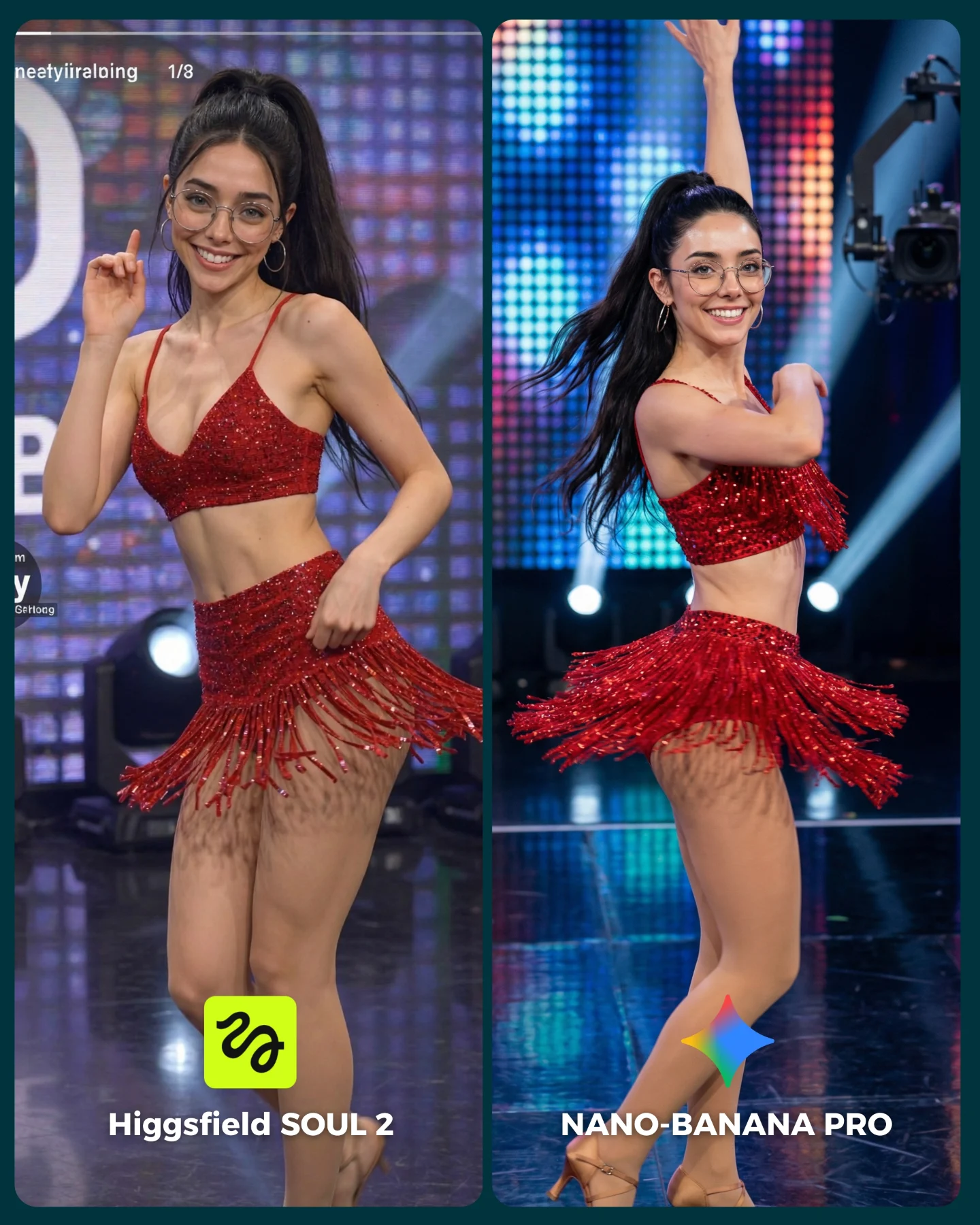
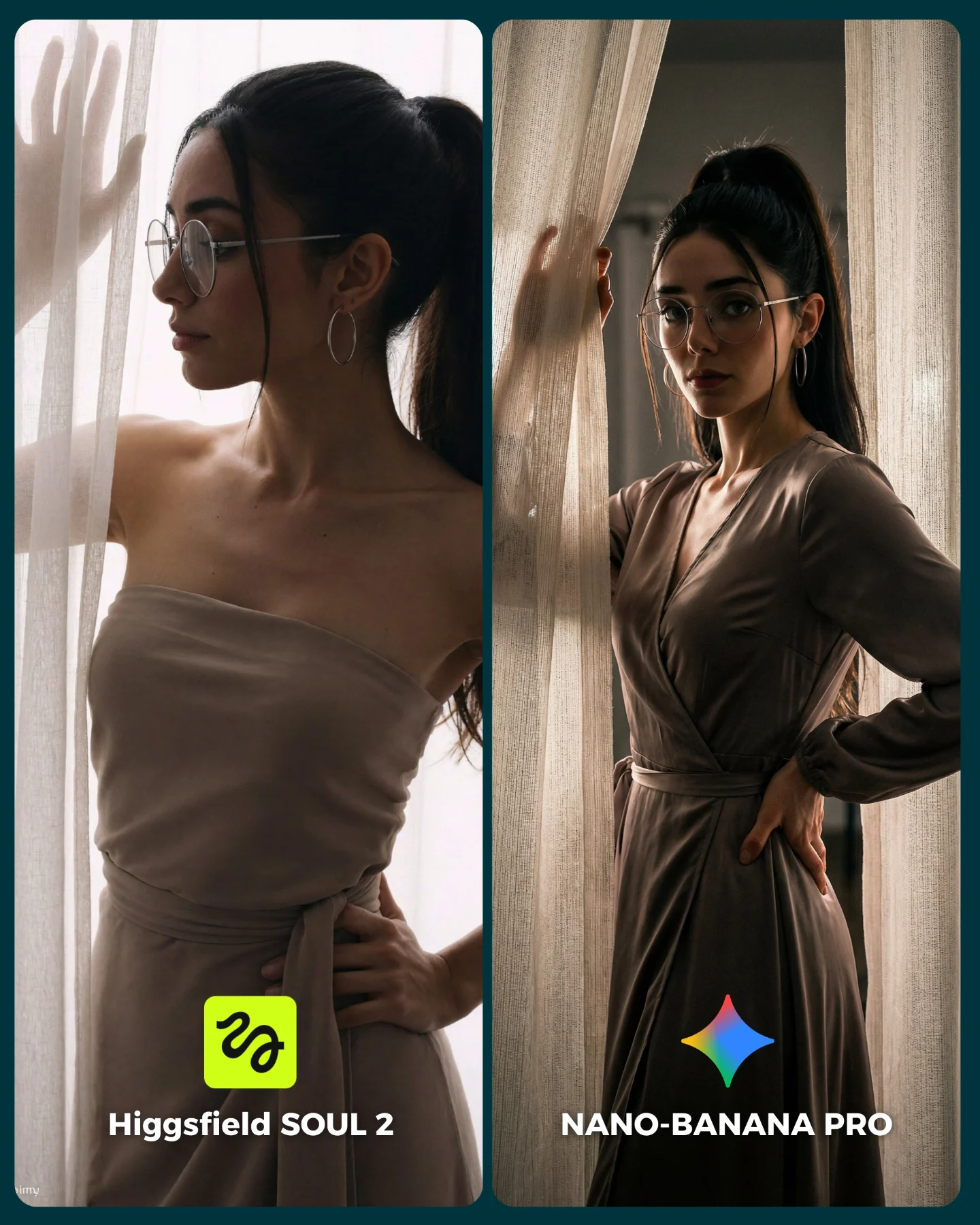
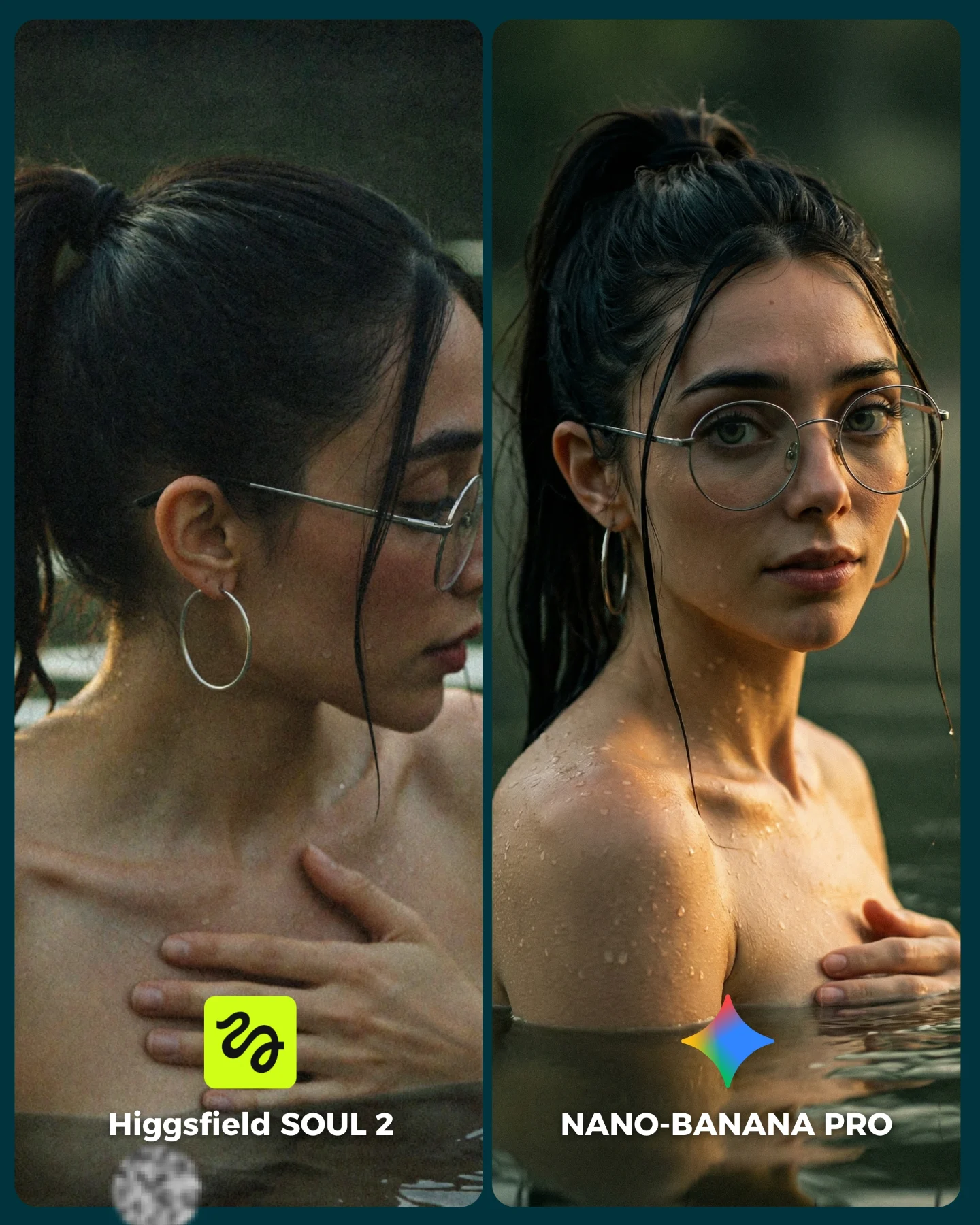
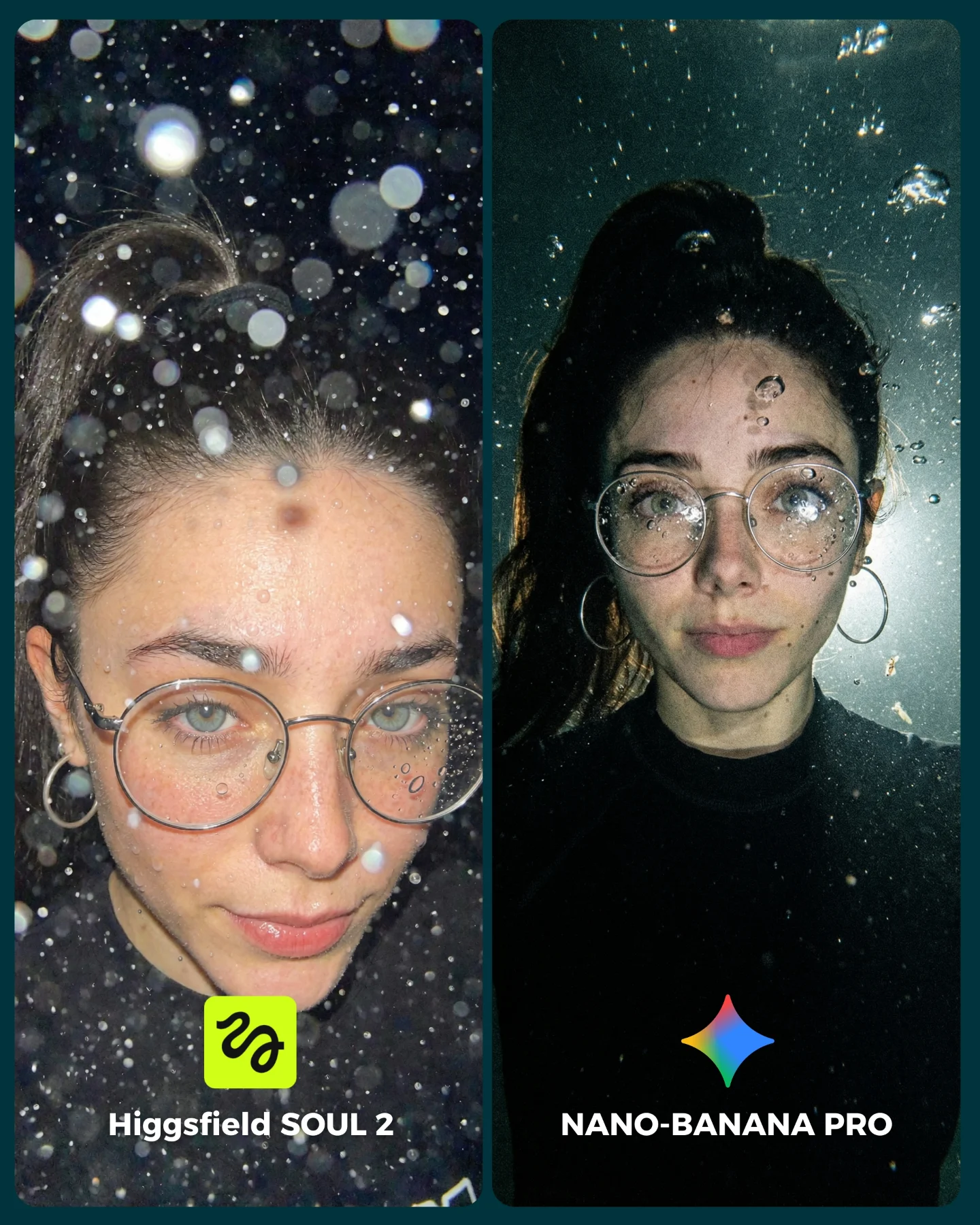
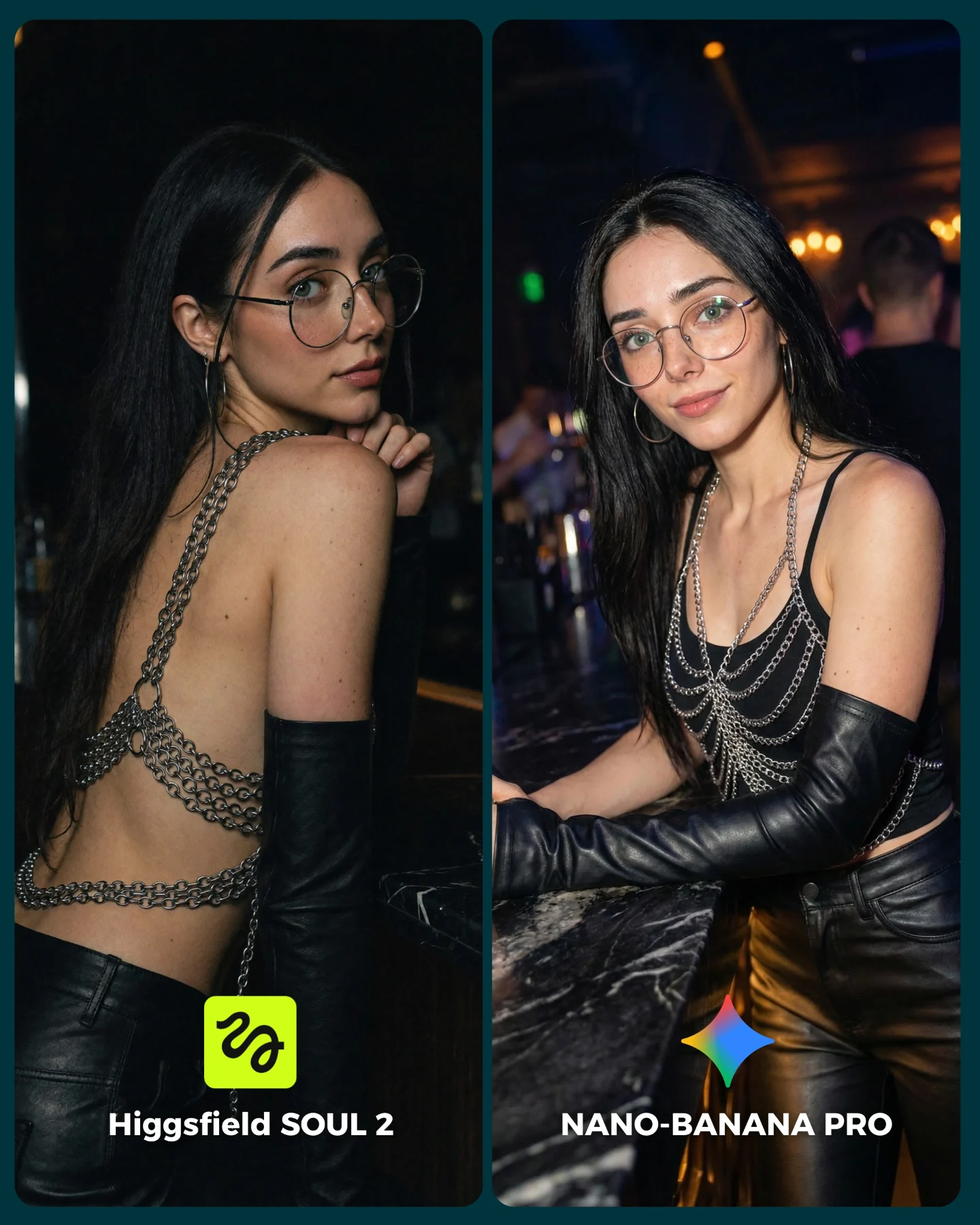
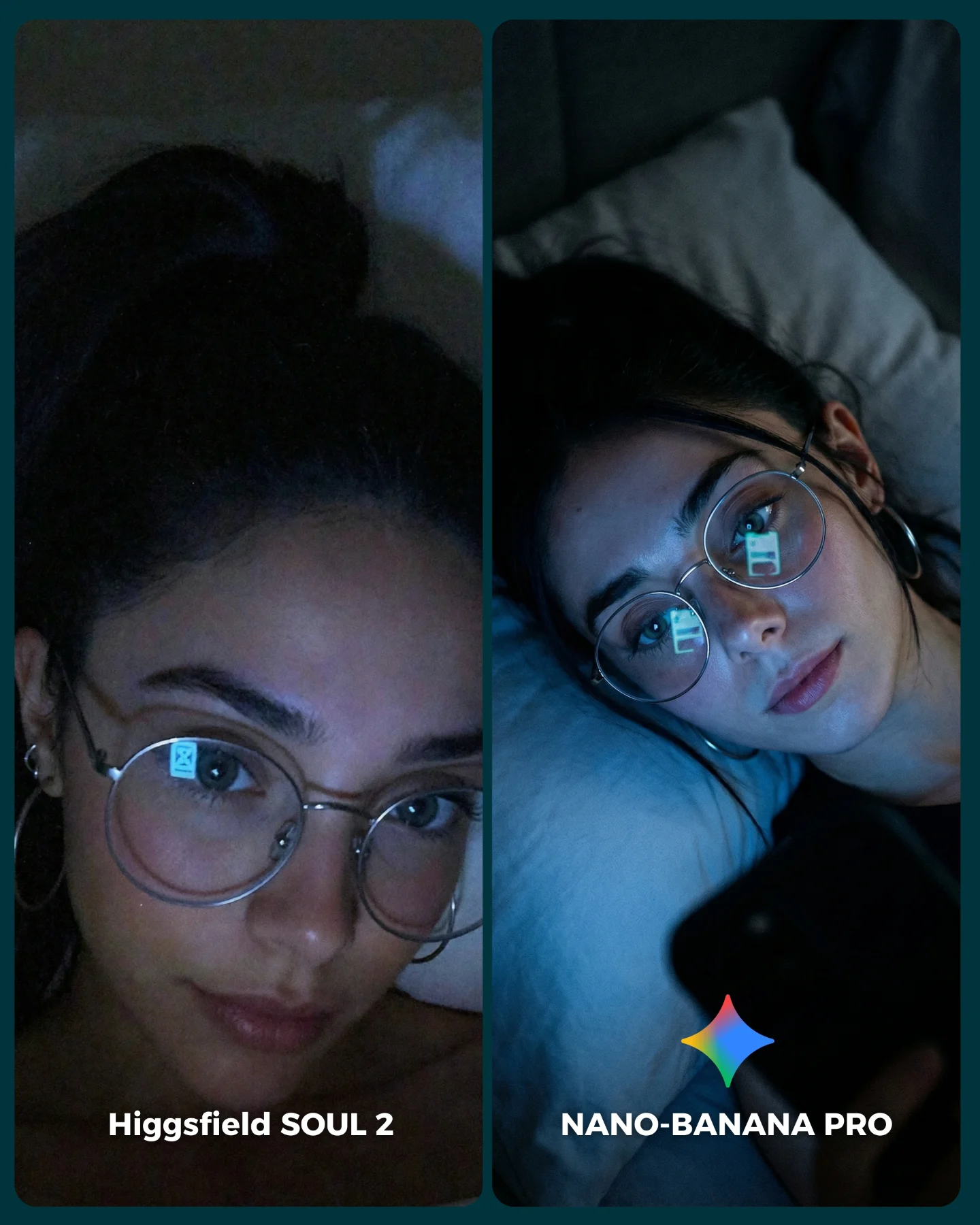
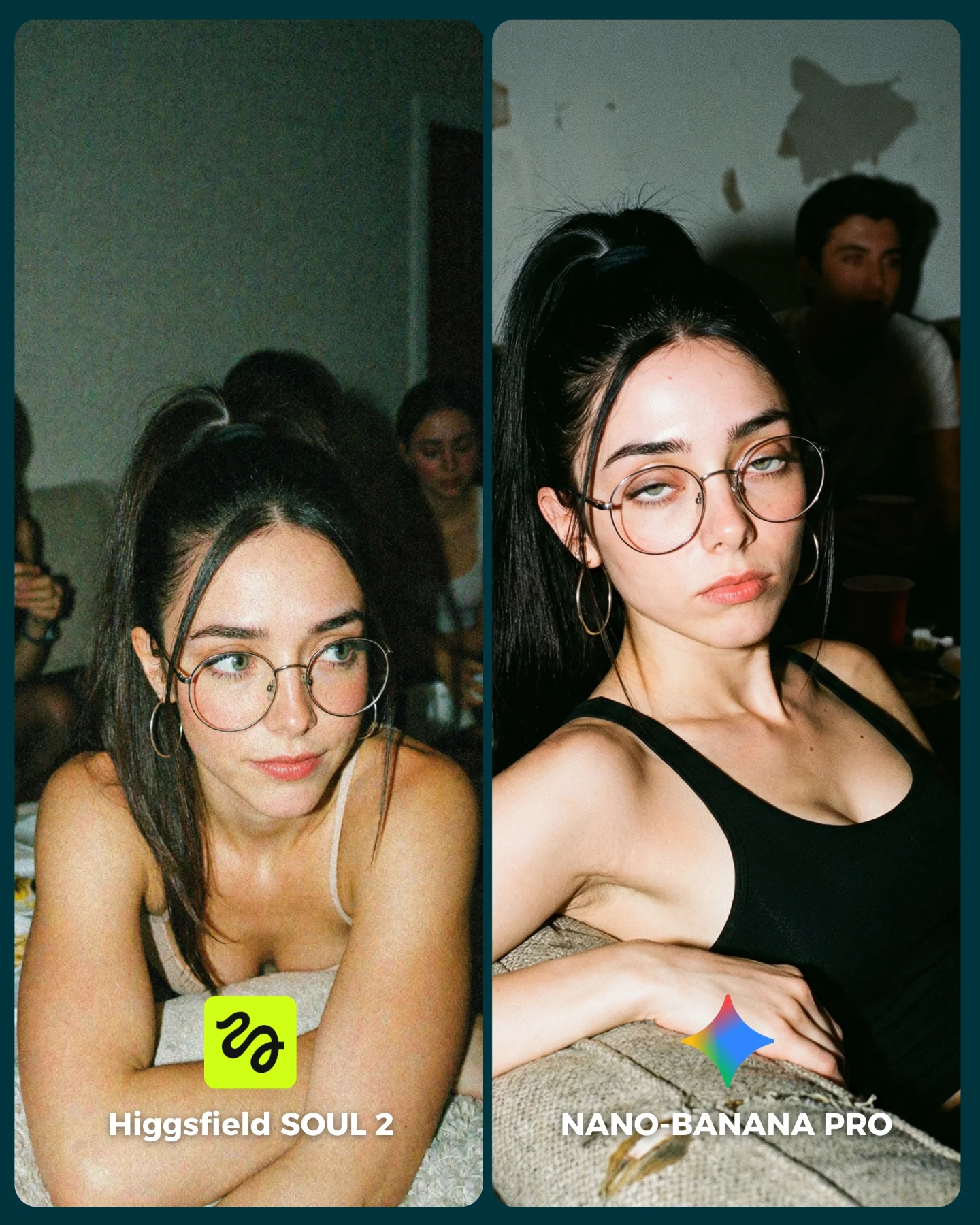
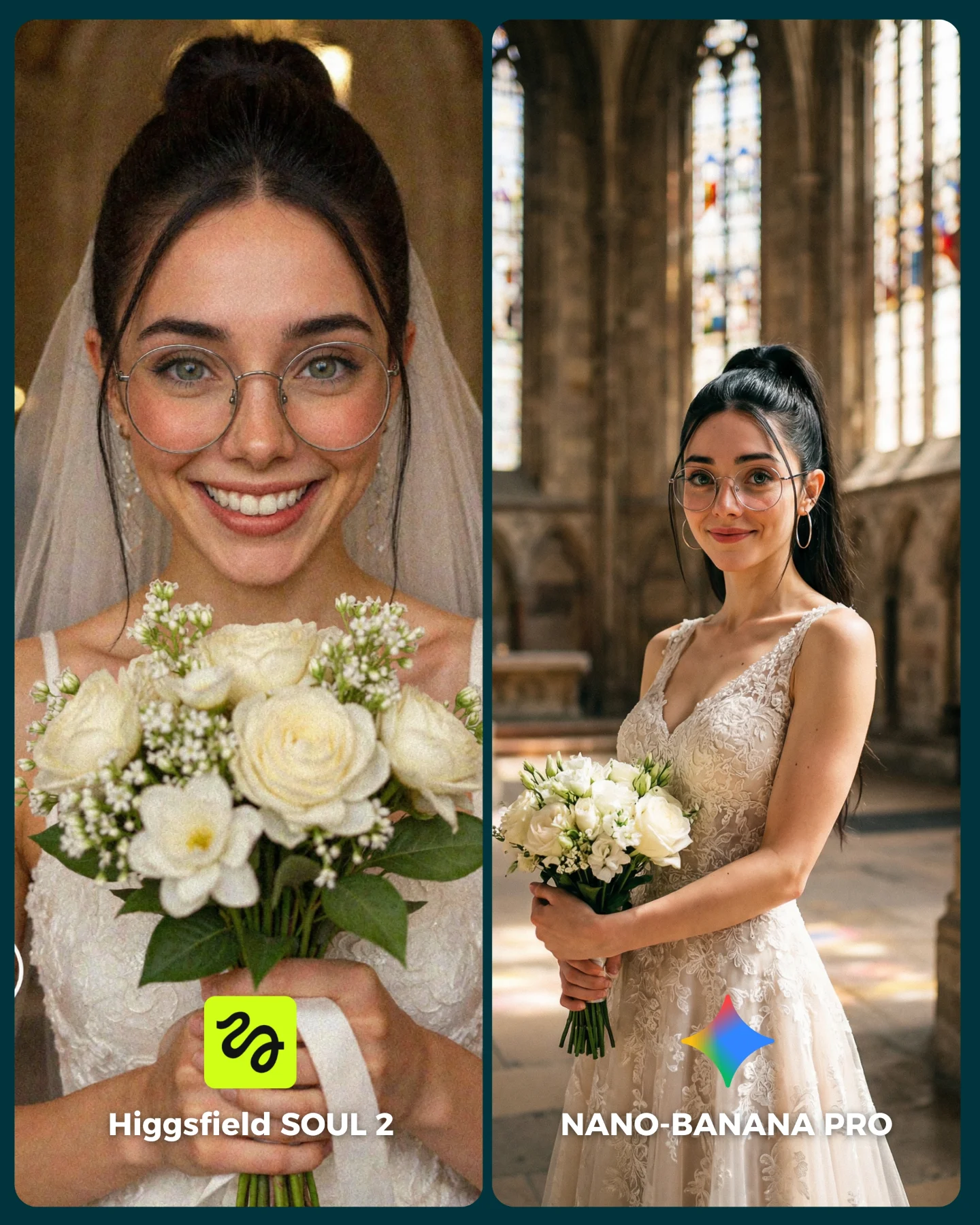
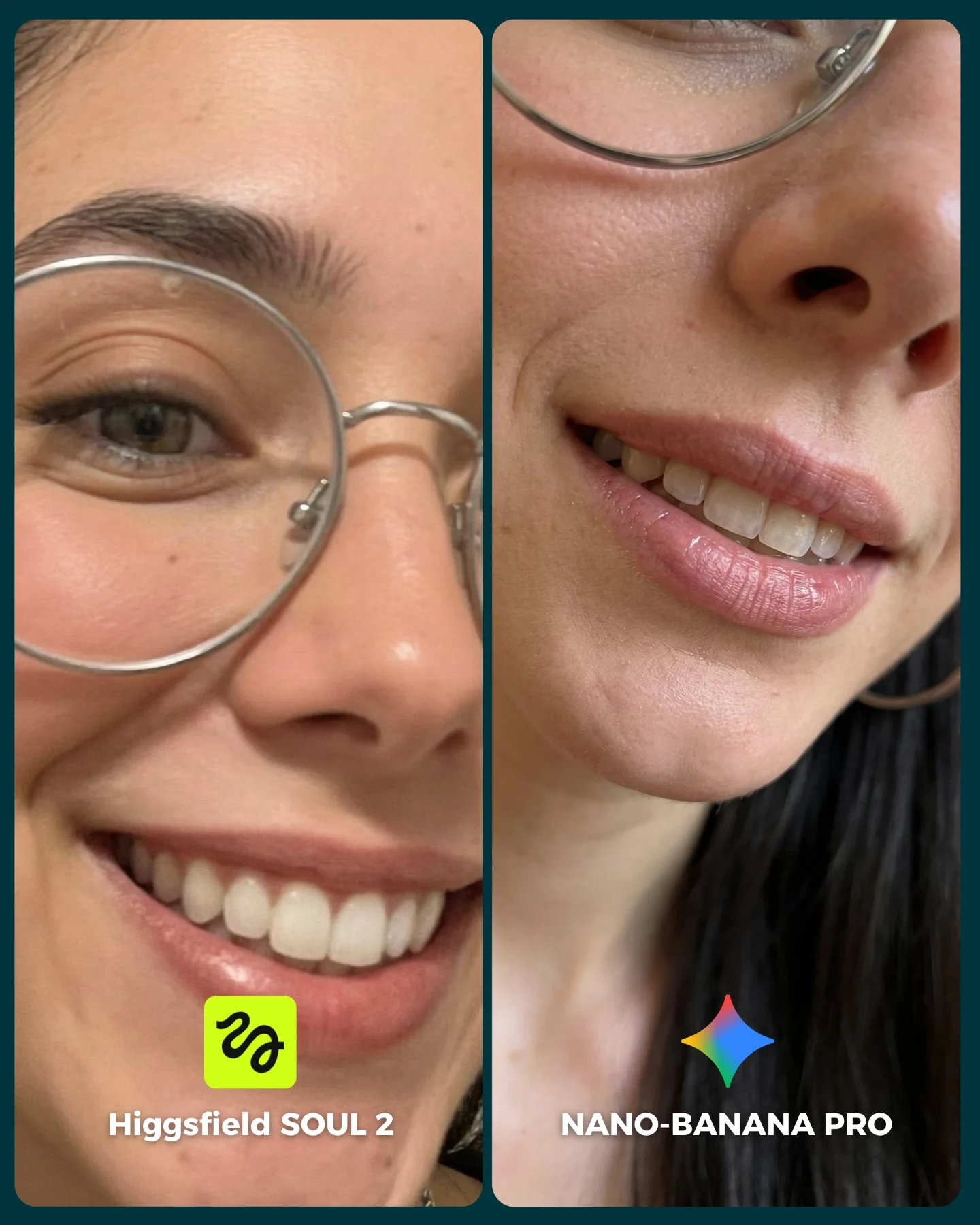
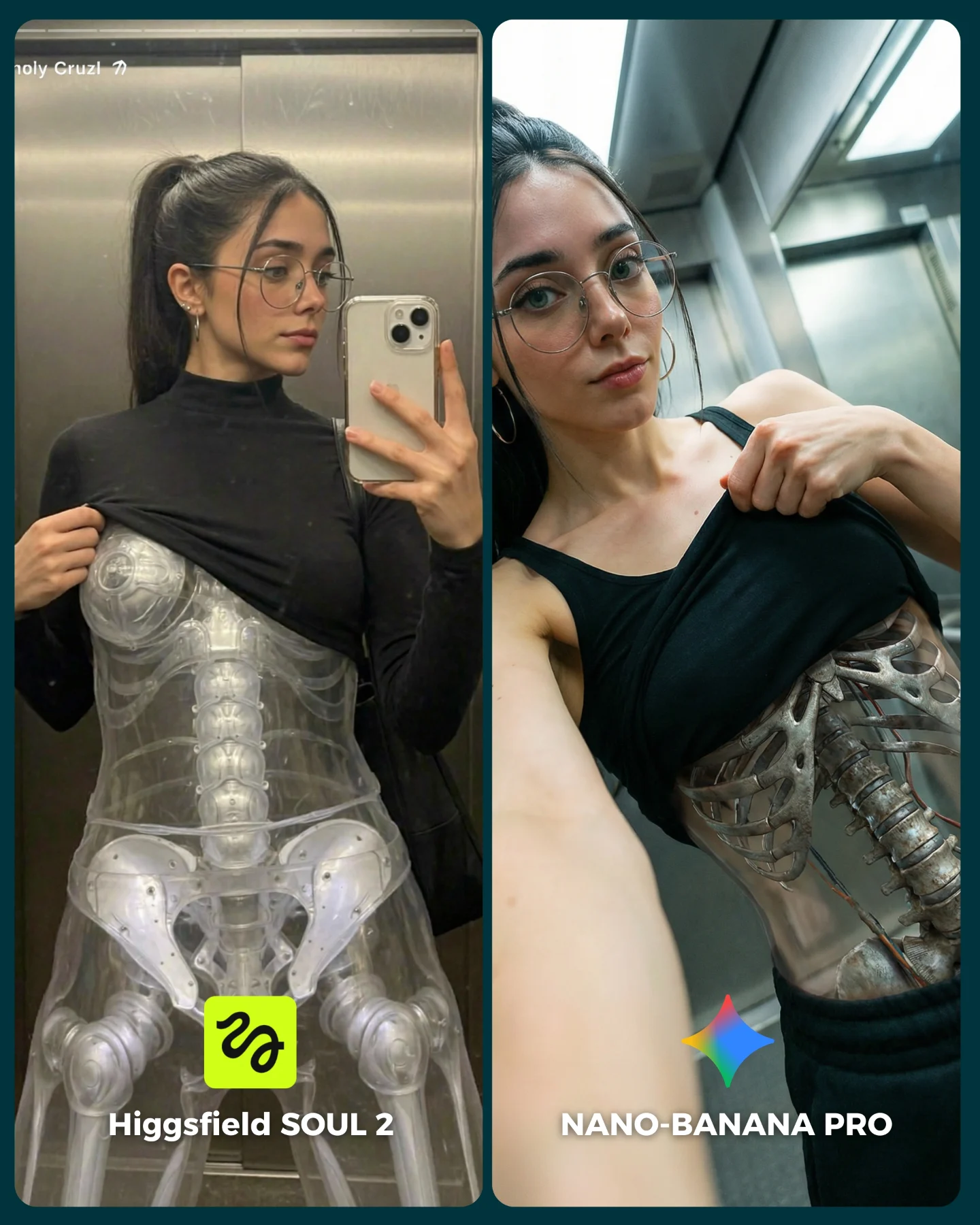
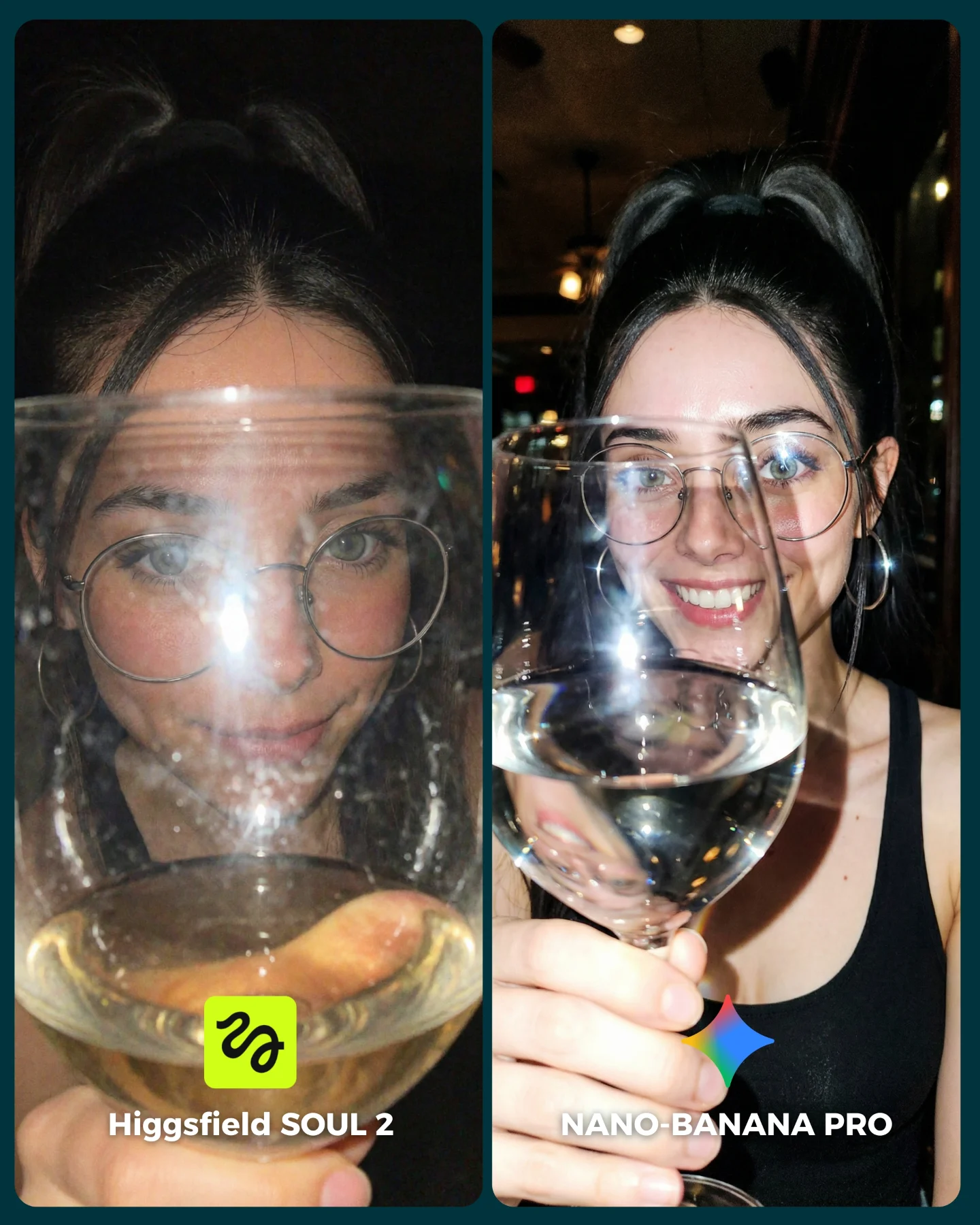
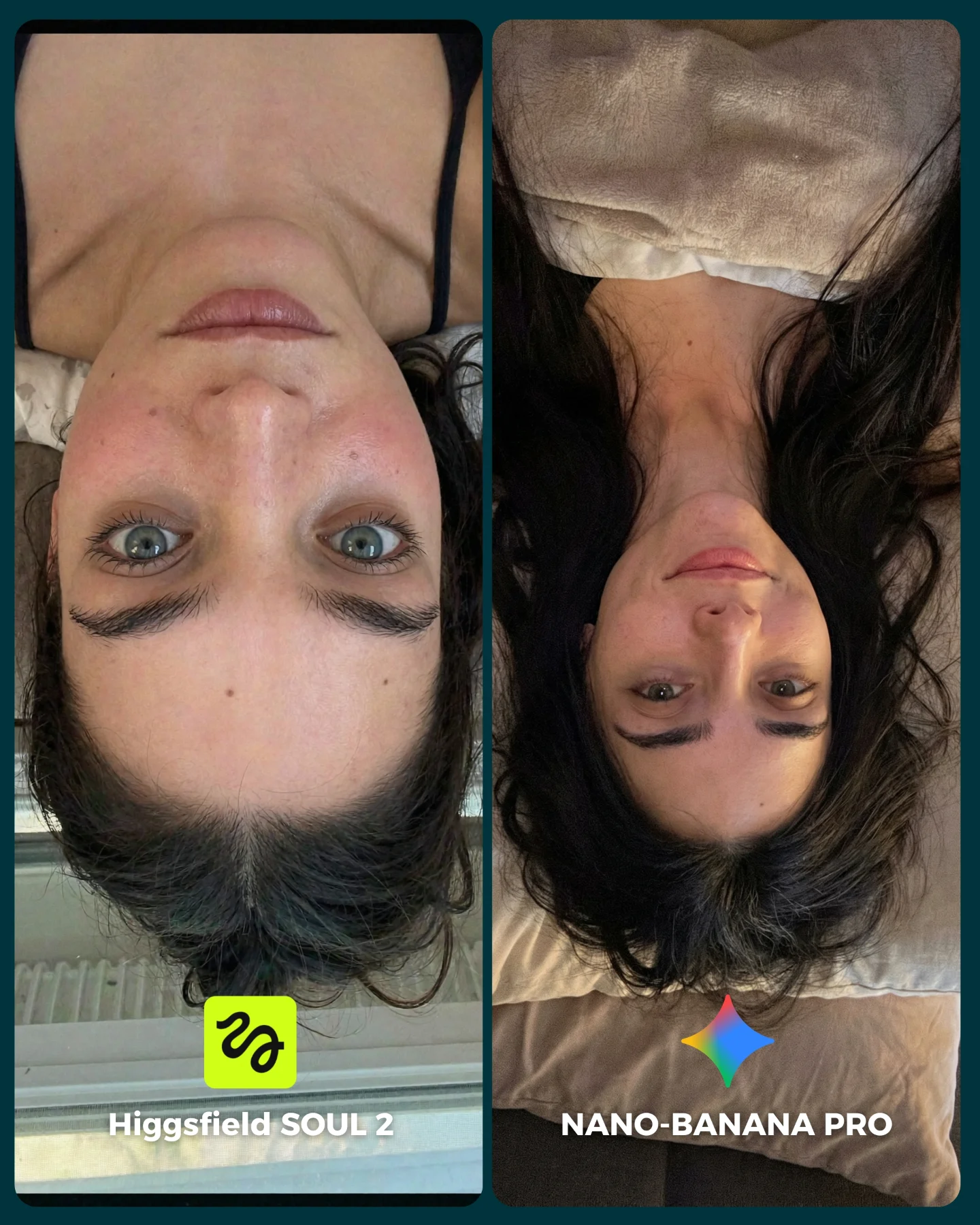
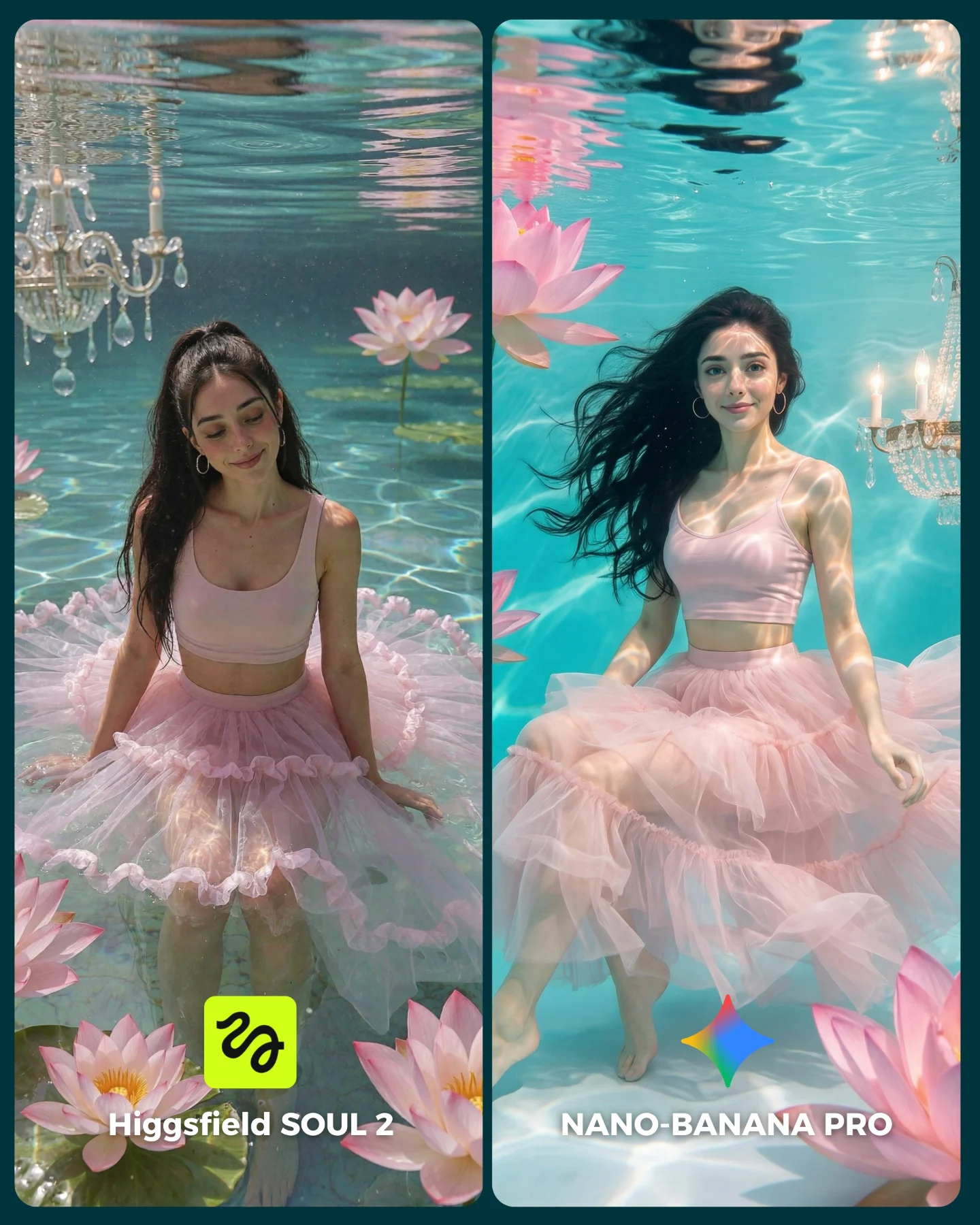
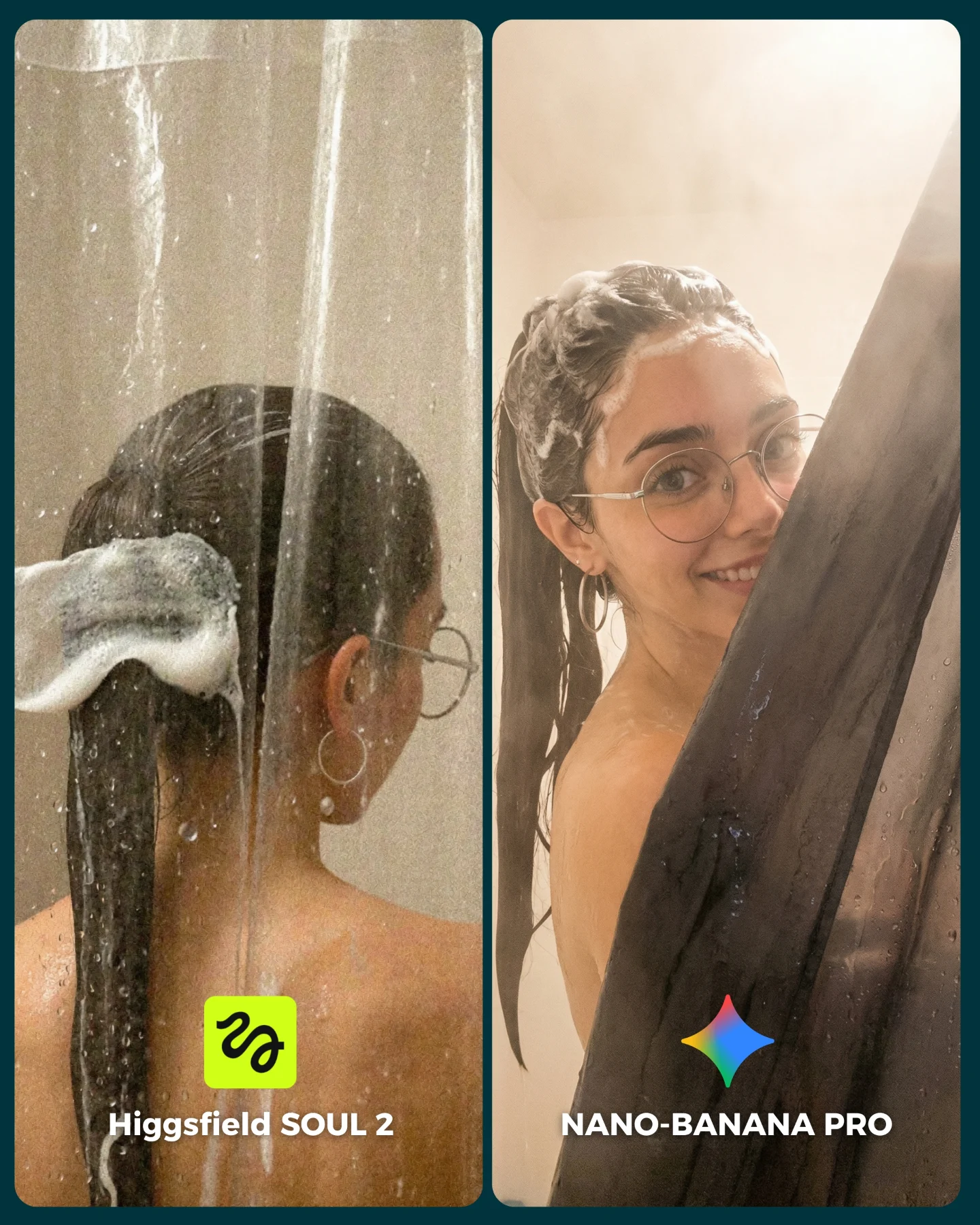
SOUL 2 Vs. Nano Banana Pro 💥
Higgsfield ha lanzado su nuevo generador de imágenes SOUL 2 ⚡ Puedes subirle hasta 80 imágenes de referencia de tu personaje para mantener mejor la constancia 👀
Y para compararlo bien, lo he puesto a prueba junto a Nano Banana Pro que hasta el momento es mi generador de imágenes favorito 💕
La verdad es que hay algunos resultados de SOUL 2 que me han sorprendido bastante... No está nada mal, pero sigo prefiriendo Nano Banana para la mayoría de las ocasiones 😅
Os dejo algunas imágenes que he generado y espero leer vuestras opiniones en comentarios 💌 Y si quieres los prompts de todas las imágenes comenta "ARIA" y te los mando por mensaje!
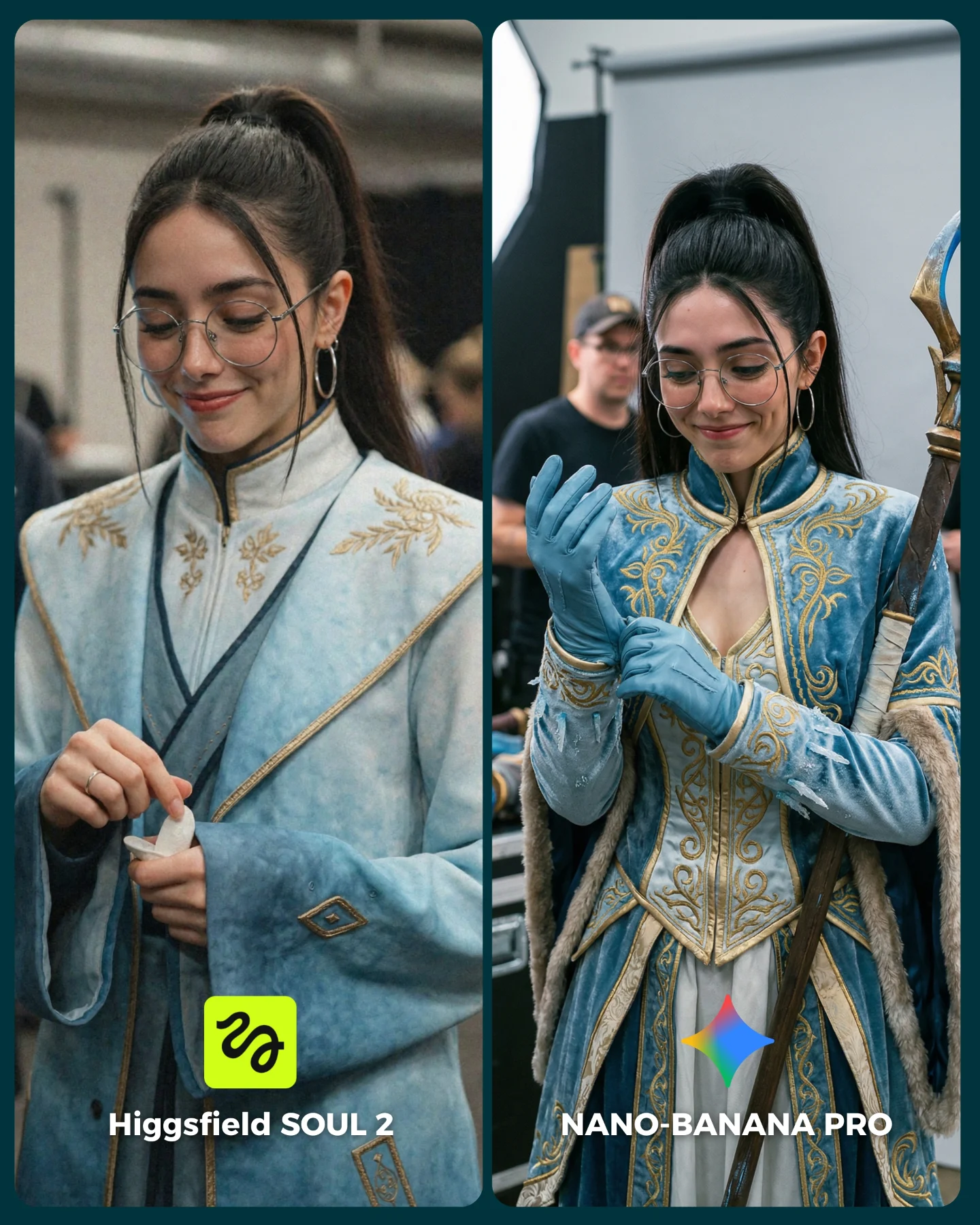
How soy_aria_cruz Made This Fantasy Costume AI Portrait and How to Recreate It
This side-by-side works because it tests something creators actually care about: can a model preserve the same character identity while upgrading costume complexity and still keep the image believable? That is a harder question than “which picture looks prettier.” The glasses, ponytail, face shape, and soft smile all need to survive while the fabric construction, trims, gloves, and prop handling get more demanding.
The image is also smart because it keeps the environment grounded. Instead of dropping the character into a grand fantasy kingdom, both panels live in candid backstage or event-like settings. That removes atmosphere as a crutch. The comparison is forced to stand on garment logic, hand behavior, and identity consistency.
Why This Test Format Works
Costume generation often fails in subtle ways. Models can make an outfit look ornate from a distance, yet collapse when you inspect trim transitions, sleeve logic, glove seams, or how a prop sits in the hand. That is why this comparison is valuable. It does not ask the viewer to judge abstract style. It asks whether the clothing feels built.
The right side wins because it feels more constructed. The costume has clearer hierarchy: fitted bodice, layered detailing, glove interaction, prop integration, and stronger textile believability. The left side still looks good, but it reads more like “costume-inspired clothing.” The right side reads more like an actual fantasy wardrobe worn by a specific character.
Signal
Evidence (from this image)
Mechanism
Replication Action
Stable character identity
The same face, glasses, ponytail, and smile appear in both panels
Identity stability makes costume quality easier to compare
Lock face anchors and signature accessories before comparing outfit realism
Complex garment benchmark
The right panel includes embroidery, fitted structure, gloves, and prop handling
More garment systems expose whether the model understands costume construction
Test with layered outfits, not just flowing robes or simple dresses
Candid backstage context
Both panels feel like event or studio-prep images instead of fantasy posters
Realistic environment prevents spectacle from masking weak costume logic
Use neutral production backgrounds when benchmarking wardrobe realism
Action-based hand detail
The subject is adjusting a glove or handling a small item rather than standing still
Hands interacting with wardrobe reveal realism quickly
Include one small practical action such as adjusting gloves, fastening a clasp, or holding a prop
Best Use Cases And Transfers
This format is strongest for creators comparing models, testing character consistency, or teaching how to prompt costume-rich scenes without losing realism. It works for cosplay creators, fantasy world-builders, and AI educators who want examples that feel relevant to actual generation problems.
Best for costume realism benchmarks: it tests embroidery, structure, and prop logic at once. Change the genre, but keep the clothing complexity deliberate.
Best for character-consistency posts: the same face must survive across very different garment densities. Change the outfit, not the identity anchors.
Best for discussion-driven comparison posts: viewers can easily argue which side feels more premium. Change the styling challenge only if the variables remain controlled.
Best for prompt breakdown content: this kind of image naturally opens a discussion about trim, tailoring, and backstage realism.
It is less ideal for dreamy moodboards or pure concept art showcases. This post is better when treated as an evaluation surface than as an immersive narrative world.
Three Transfer Recipes
Royal gown comparison. Keep: same character, same backstage context, same A/B layout. Change: blue fantasy costume to embroidered court gown with structured sleeves and jewelry. Slot template: {same face anchors} {same candid context} {ornate wardrobe benchmark} {A/B model labels}
Sci-fi armor comparison. Keep: matched portrait framing and identity continuity. Change: gold embroidery to plated tech details, gloves to gauntlets, staff to energy weapon prop. Slot template: {same character} {future costume complexity} {practical hand interaction} {side-by-side realism test}
Historical hanfu comparison. Keep: robe-vs-structured upgrade logic. Change: fantasy armor dress to layered historical costume with brocade trim, sash, and hair ornaments. Slot template: {controlled portrait layout} {traditional costume detail} {event-context realism} {model comparison}
Aesthetic Read
The most effective aesthetic choice here is restraint in expression. The subject is not acting out a fantasy role. She is simply smiling downward and adjusting something. That lets the wardrobe carry the comparison. If the pose were more theatrical, the image would drift toward character acting instead of costume evaluation.
The pale-blue and gold palette also matters. It is detailed enough to be aspirational but still narrow enough to read cleanly in split-screen. That color control helps the viewer focus on trim quality, silhouette, and realism rather than being distracted by too many styling signals at once.
Observed
Why It Matters
How To Recreate
Same face and hairstyle across both panels
Supports true model comparison instead of comparing different characters
Keep identity anchors identical before increasing wardrobe complexity
Pale-blue and gold costume language
Makes the outfit feel premium without overwhelming the frame
Use one restrained palette and push detail through texture and trim
Glove-adjusting and prop-holding gestures
Creates realism through interaction, not just appearance
Write one hand task into the prompt to stress garment and finger accuracy
Neutral backstage background
Keeps the test practical and believable
Use crew, stands, or event blur instead of cinematic fantasy scenery
Prompt Technique Breakdown
To build useful wardrobe comparisons, the prompt must separate three things clearly: identity anchors, costume complexity, and environment realism. If those get mixed together, the viewer cannot tell whether a better result came from the model or from looser art direction. The best comparisons keep one character steady and vary only the execution quality.
Prompt chunk
What it controls
Swap ideas (EN, 2-3 options)
same woman with glasses, ponytail, and hoop earrings in both panels
right panel more intricate with gloves and prop, left panel simpler robe version
Comparison direction
“baseline vs premium”; “simple vs layered”; “soft vs constructed”
indoor event or studio-prep background with blurred people and equipment
Context realism
“convention hallway”; “wardrobe fitting room”; “photo set prep area”
small downward smile and practical hand adjustments
Natural behavior
“fastening a clasp”; “holding a charm”; “adjusting sleeve cuff”
bottom model labels and clean split-panel layout
Readability as benchmark content
“minimal A/B footer”; “small logo markers”; “clean carousel title strips”
How I Would Iterate It
Baseline lock: the split layout, the character identity anchors, and the difference in garment complexity between left and right. Those three decisions define the usefulness of the post. Once they are stable, the rest is refinement.
Run 1: solve the costume silhouettes and make sure the left and right versions clearly belong to the same character.
Run 2: refine hand actions so gloves, sleeves, props, and fingers all behave naturally.
Run 3: improve trim, embroidery, and fabric hierarchy, especially on the more premium side.
Run 4: tune the candid background realism with subtle crew blur, backdrop edges, and event texture.
Quick remix checklist
One stable identity
One escalating wardrobe challenge
One practical hand interaction
One grounded event context
One obvious reason the audience can pick a winner
The larger lesson is simple: good model comparisons are not about spectacle. They are about constraint. This image works because it forces the models to solve the same person in the same context while handling different levels of costume difficulty. That makes the comparison worth trusting.