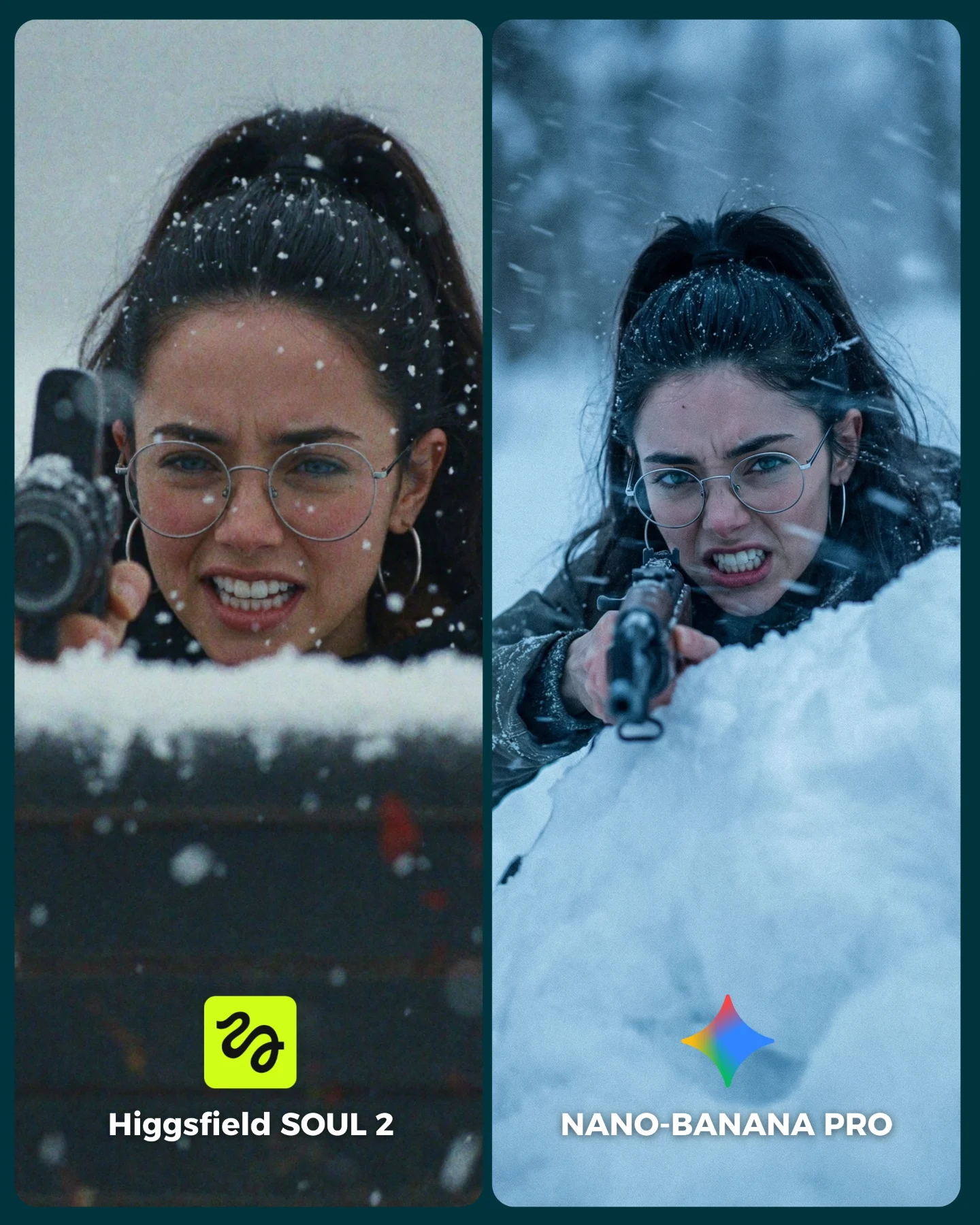
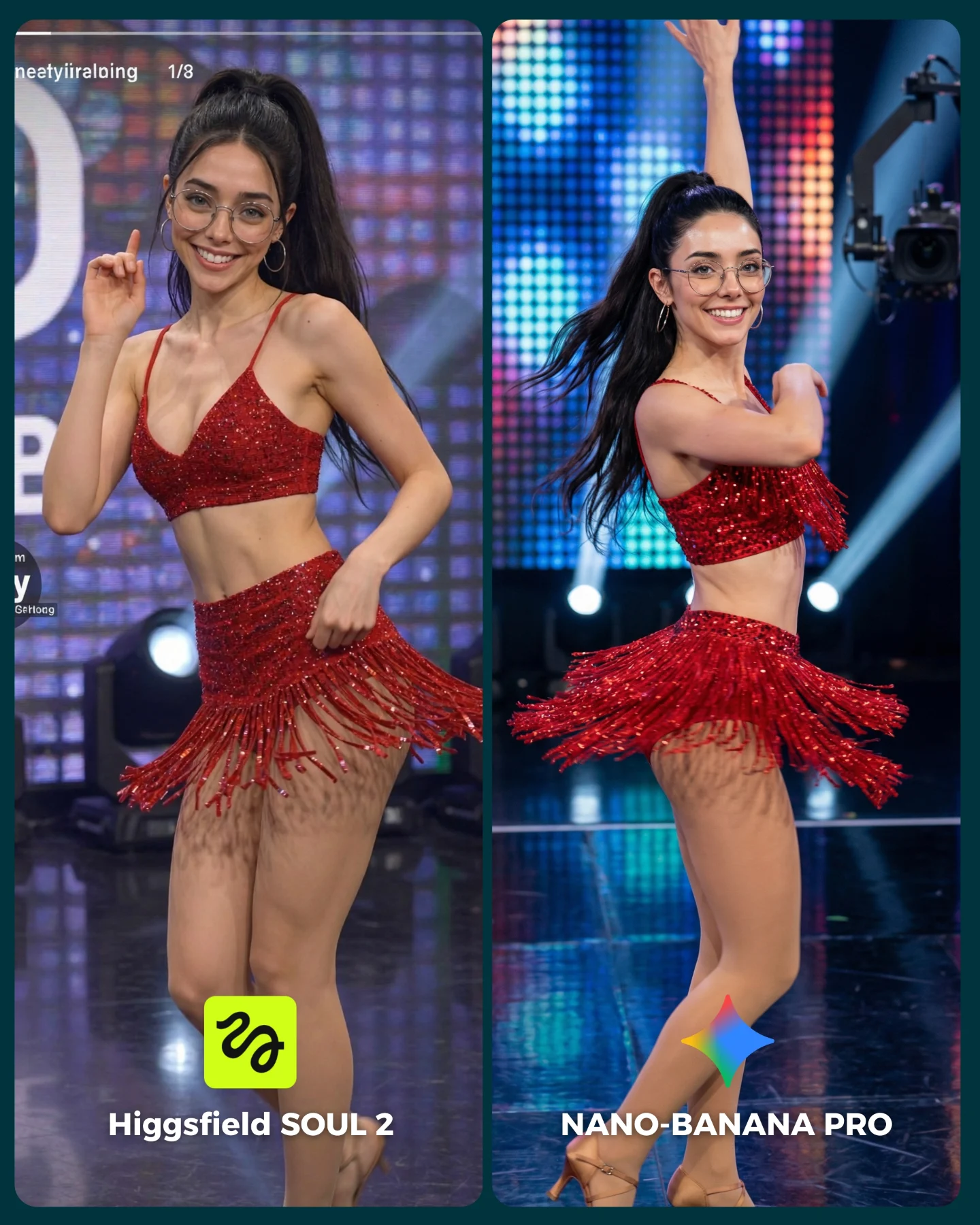
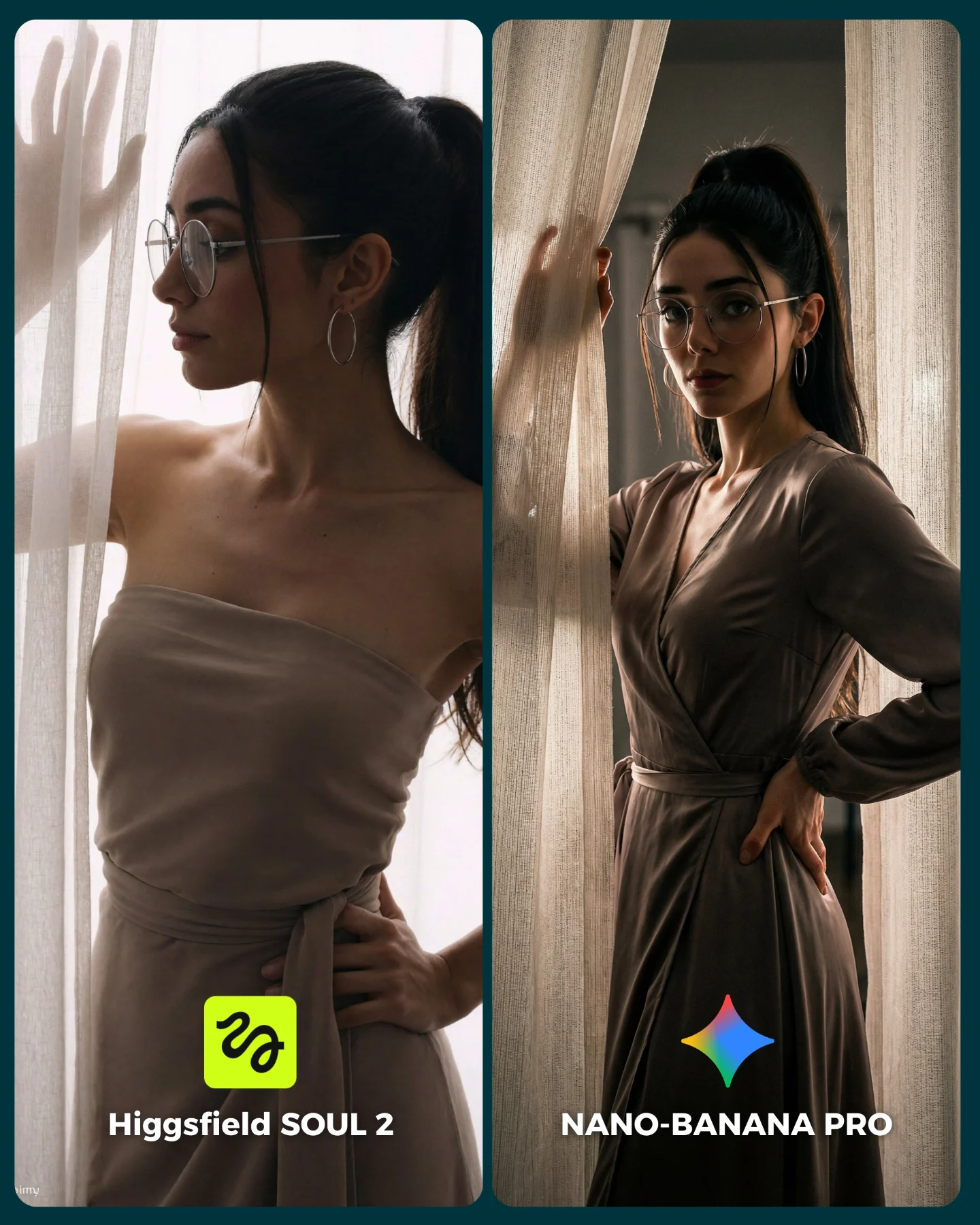
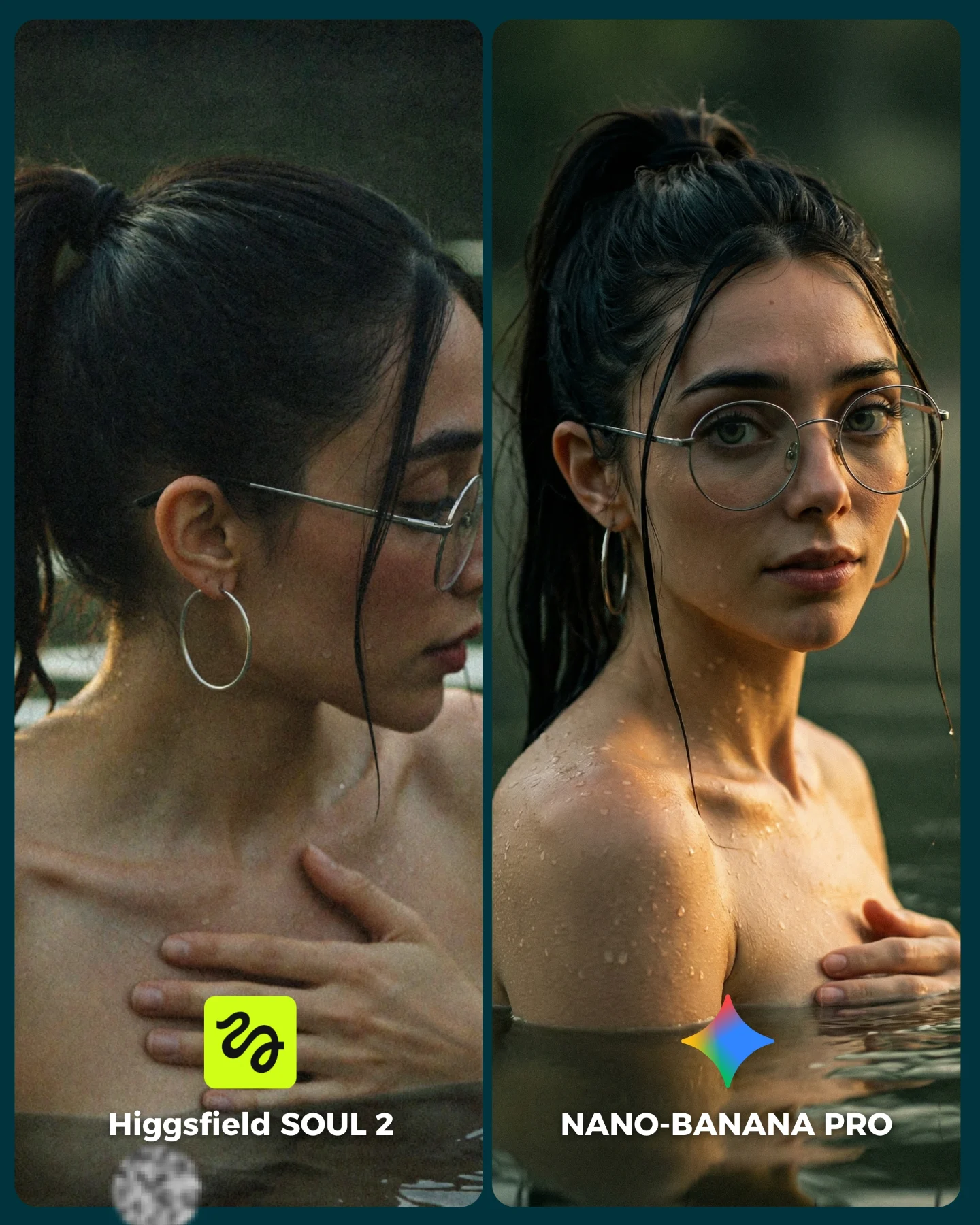
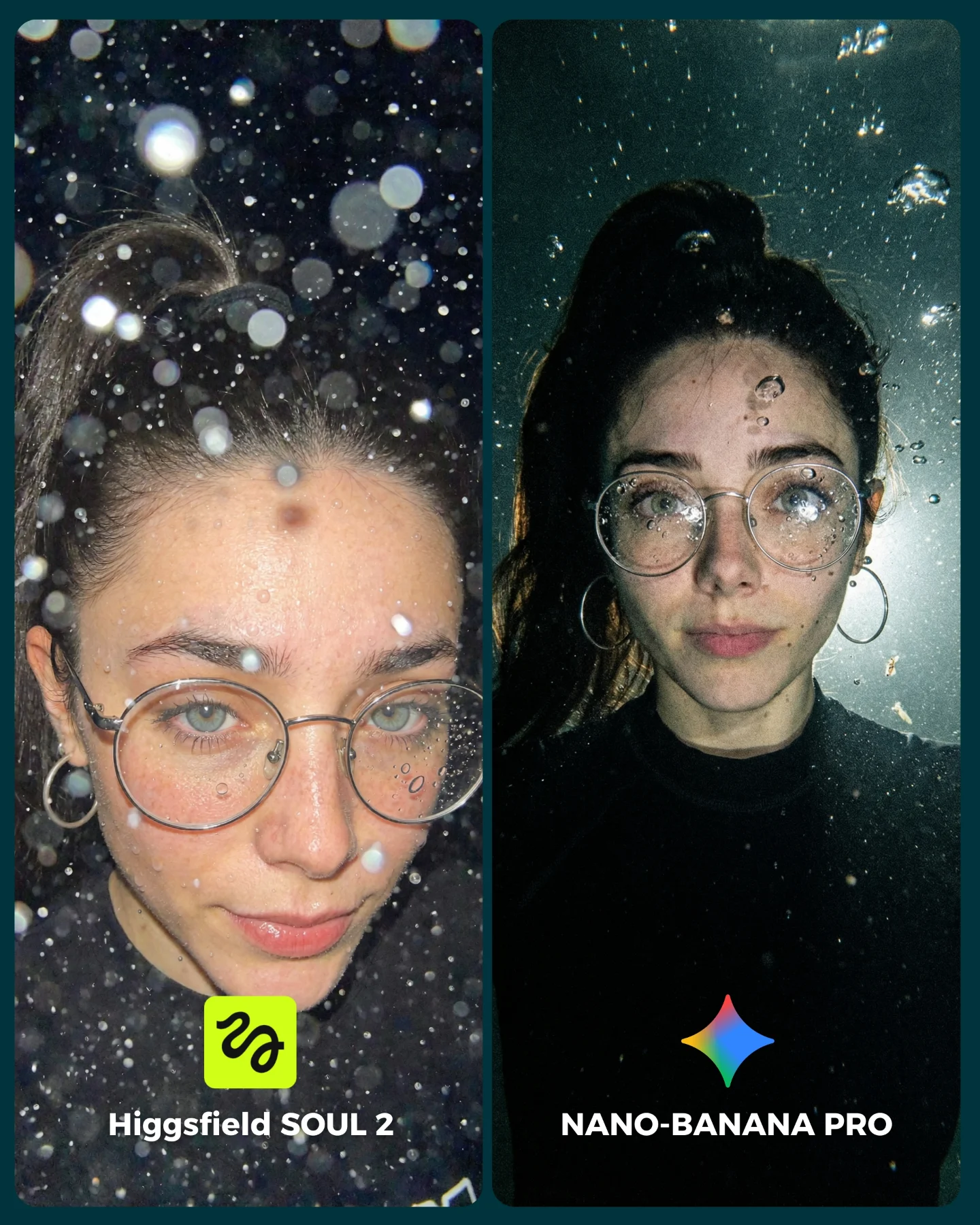
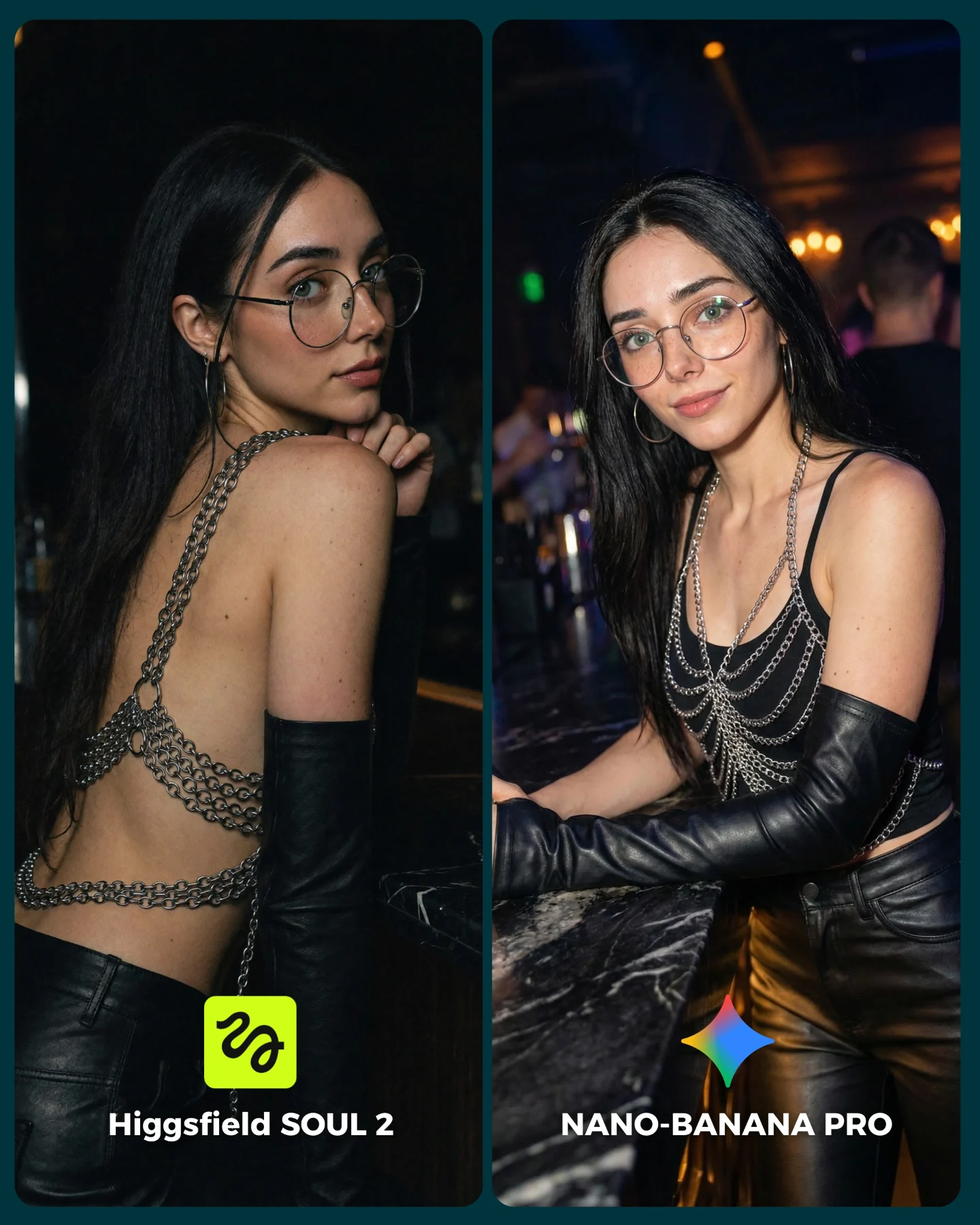
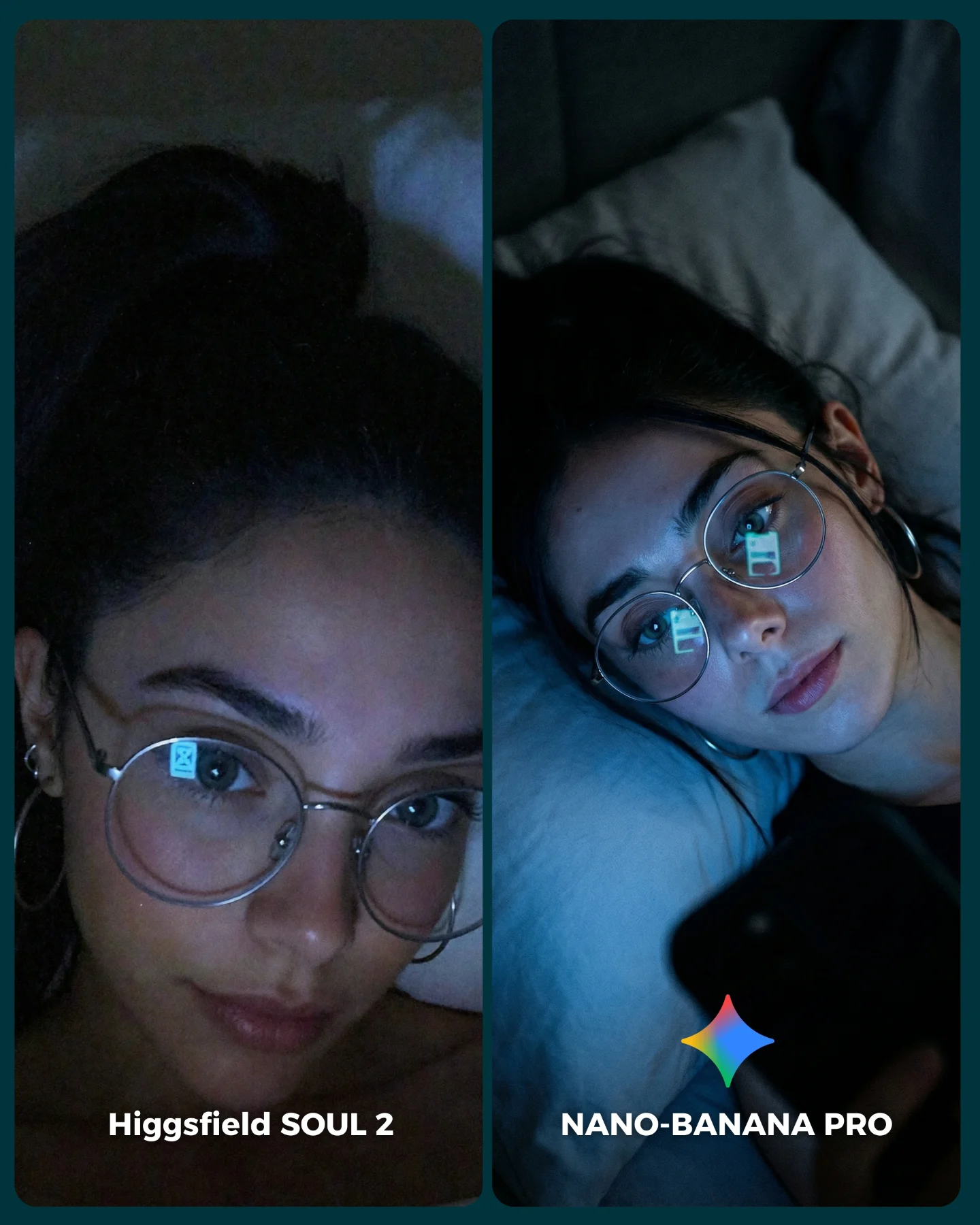
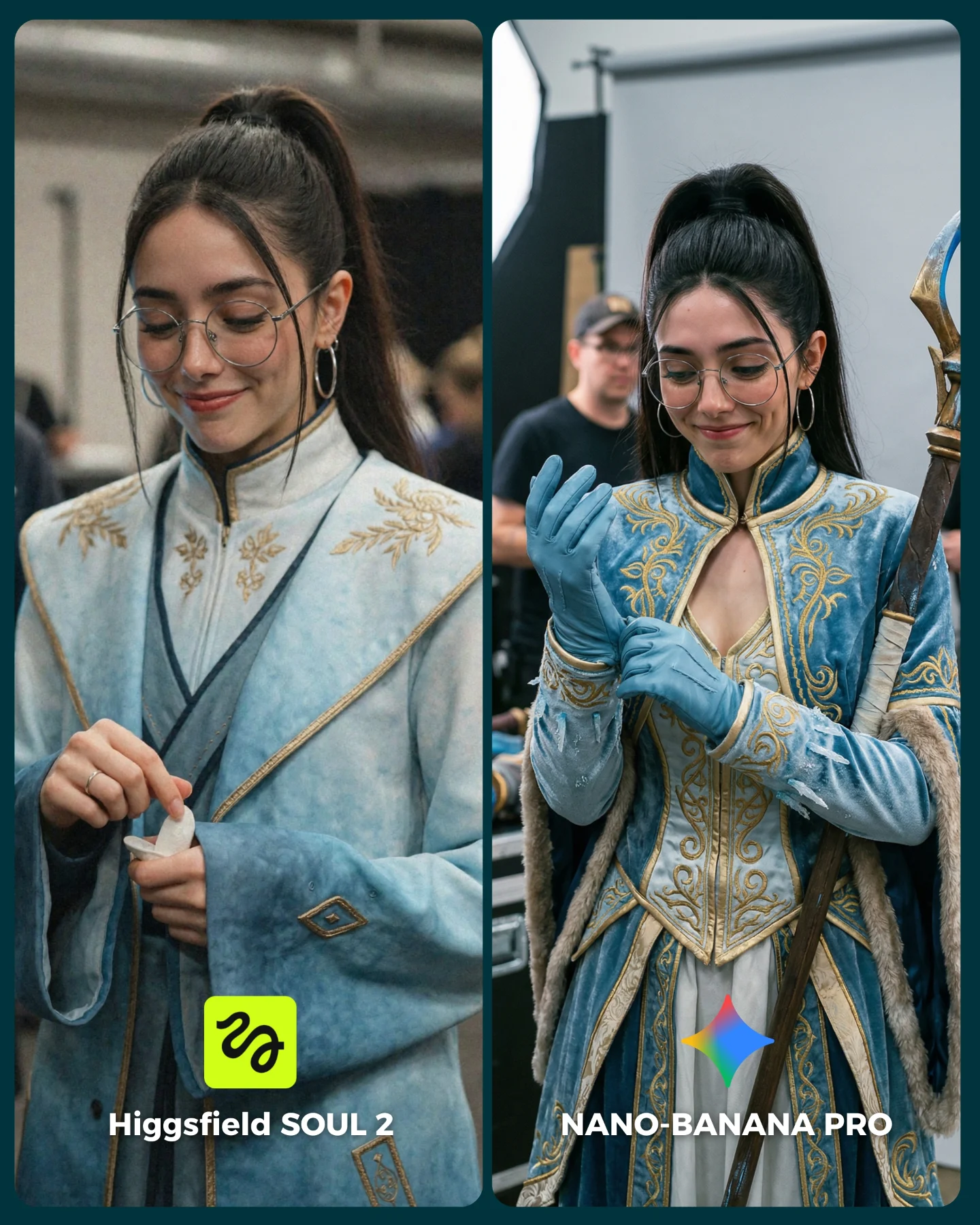
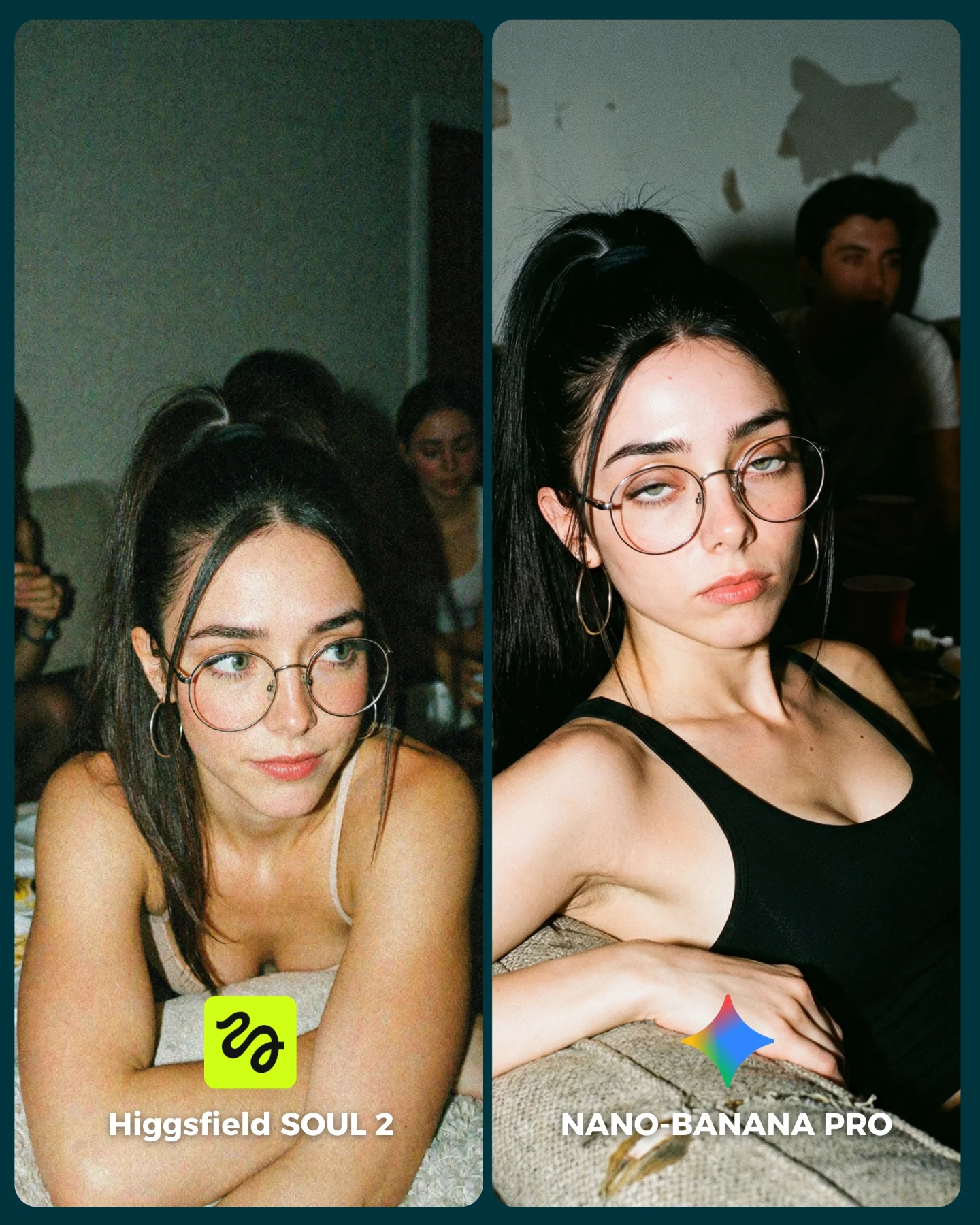
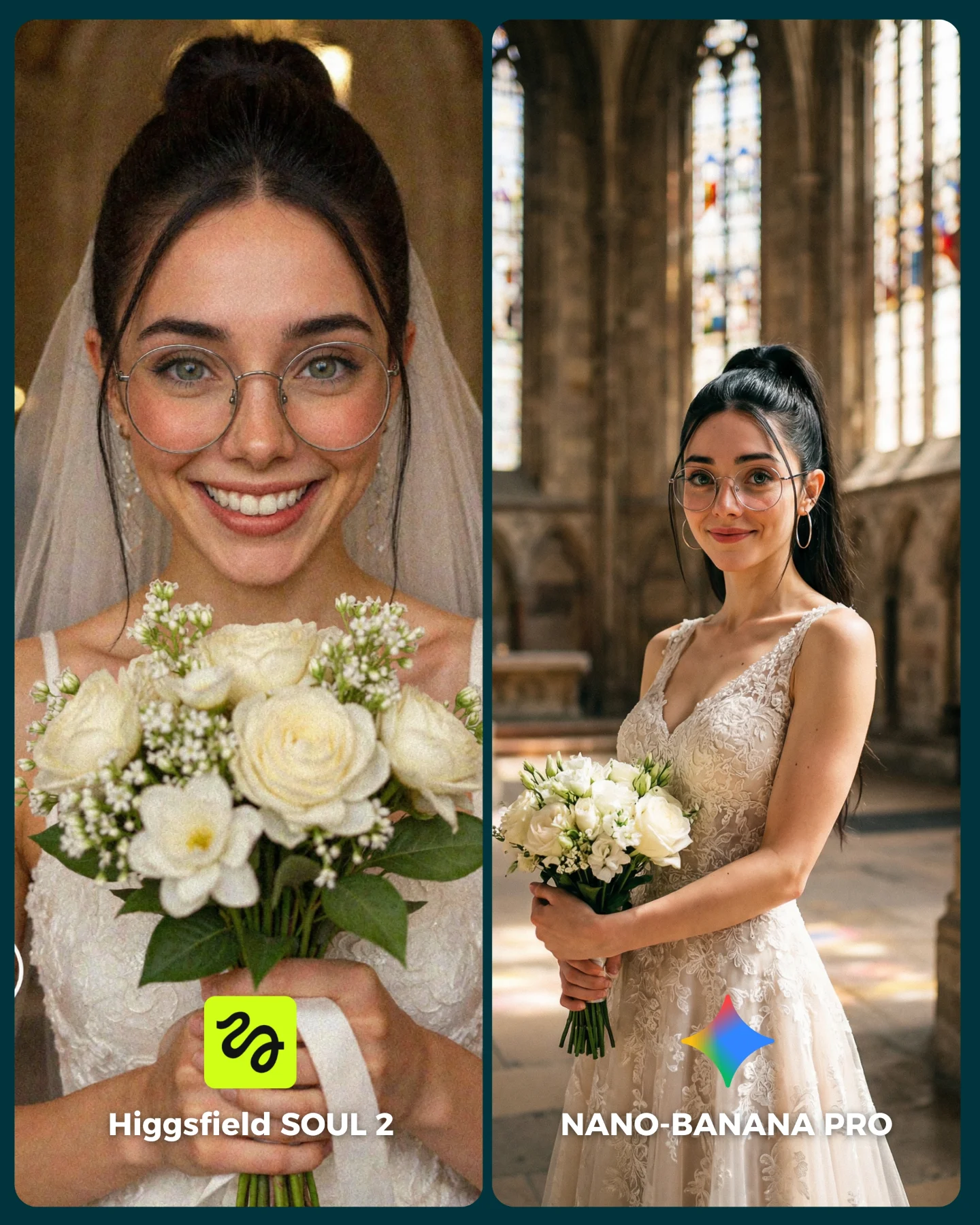
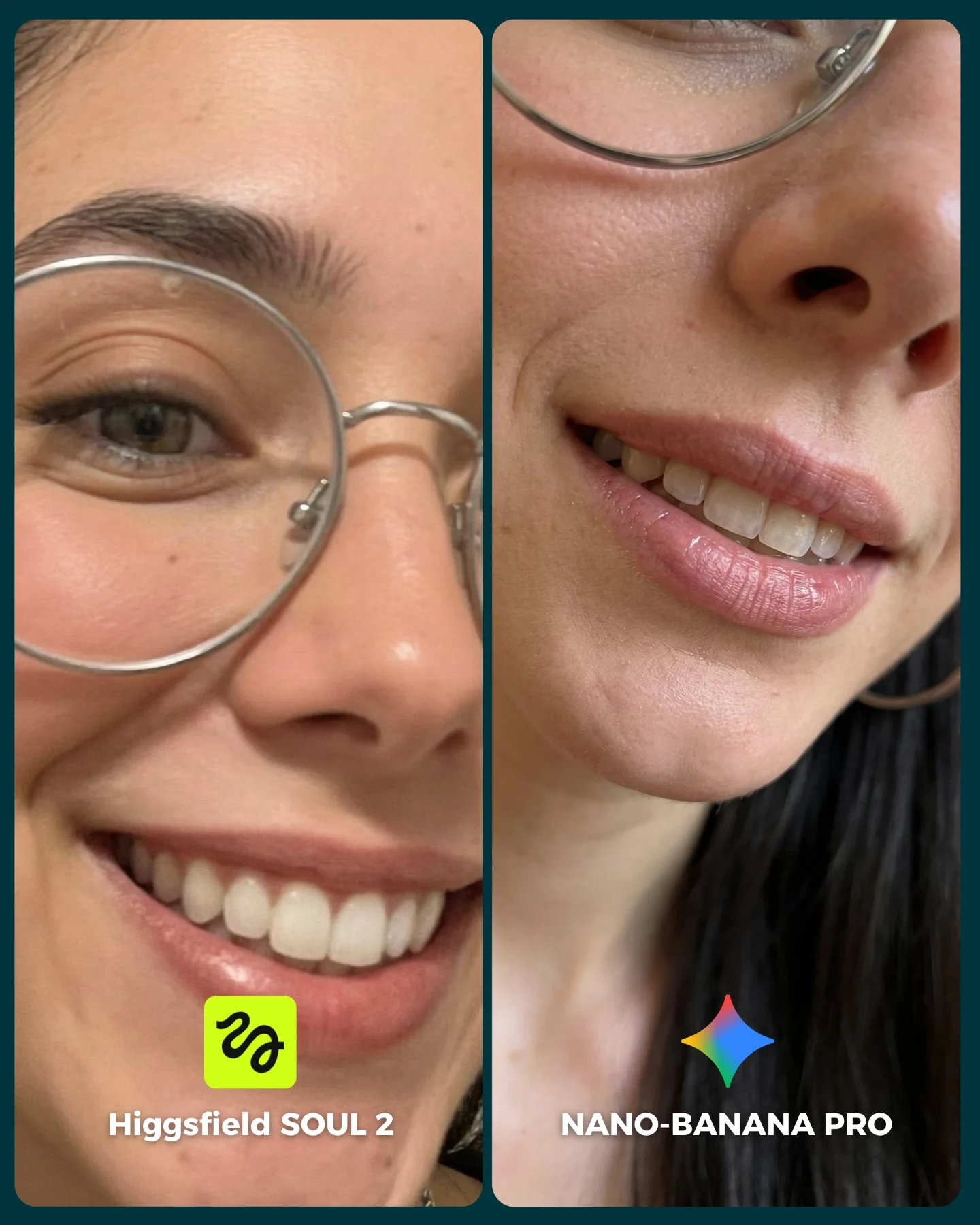
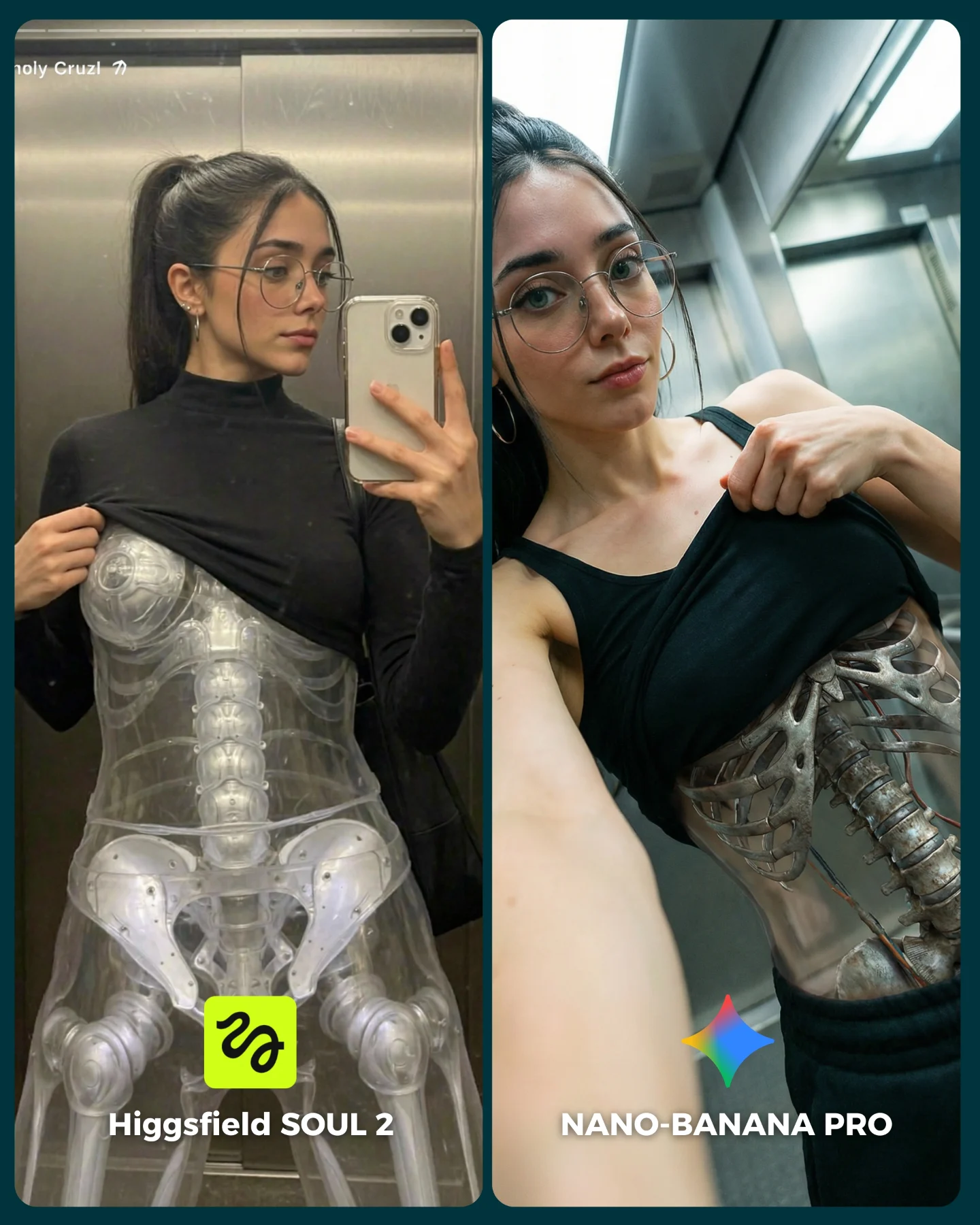
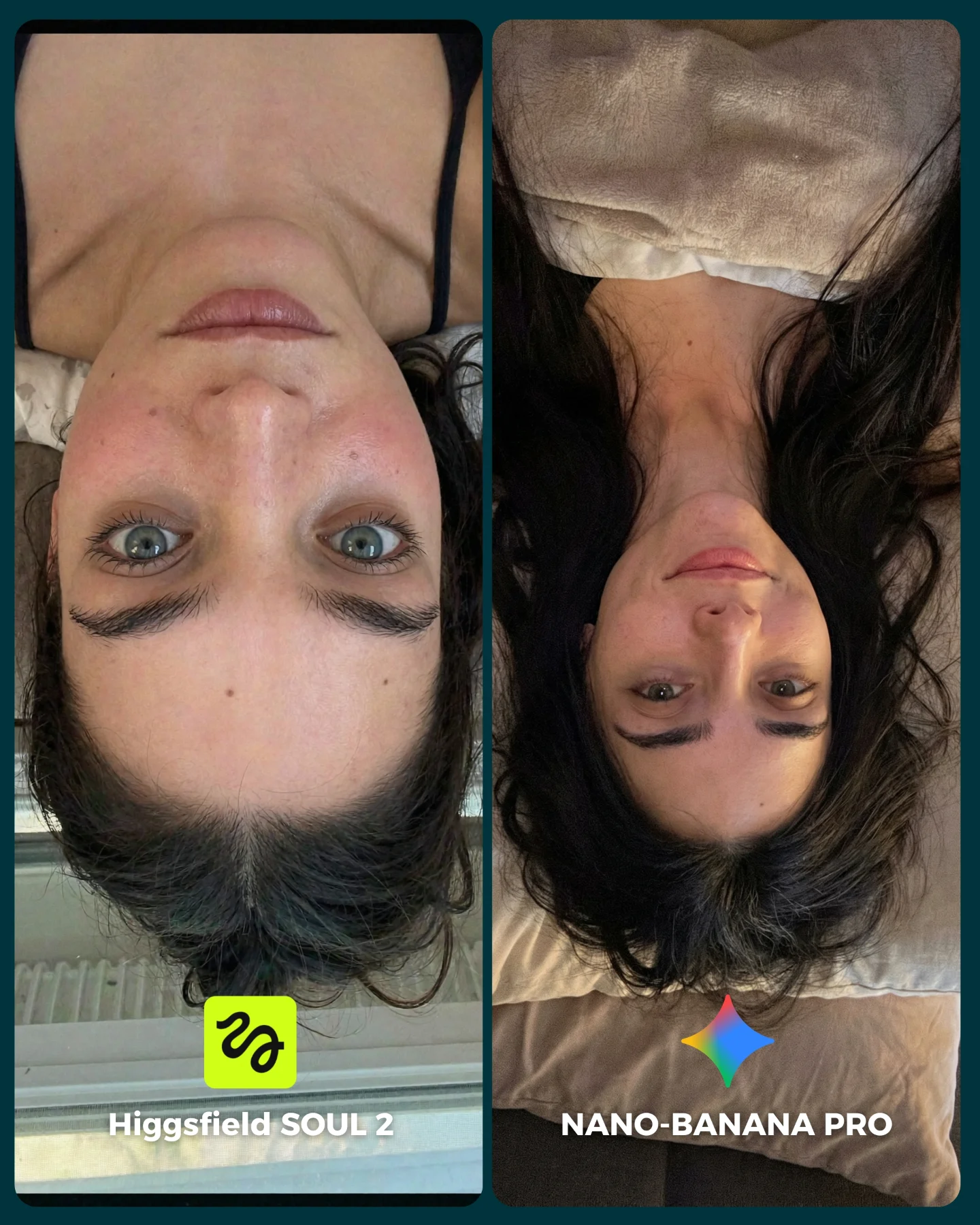
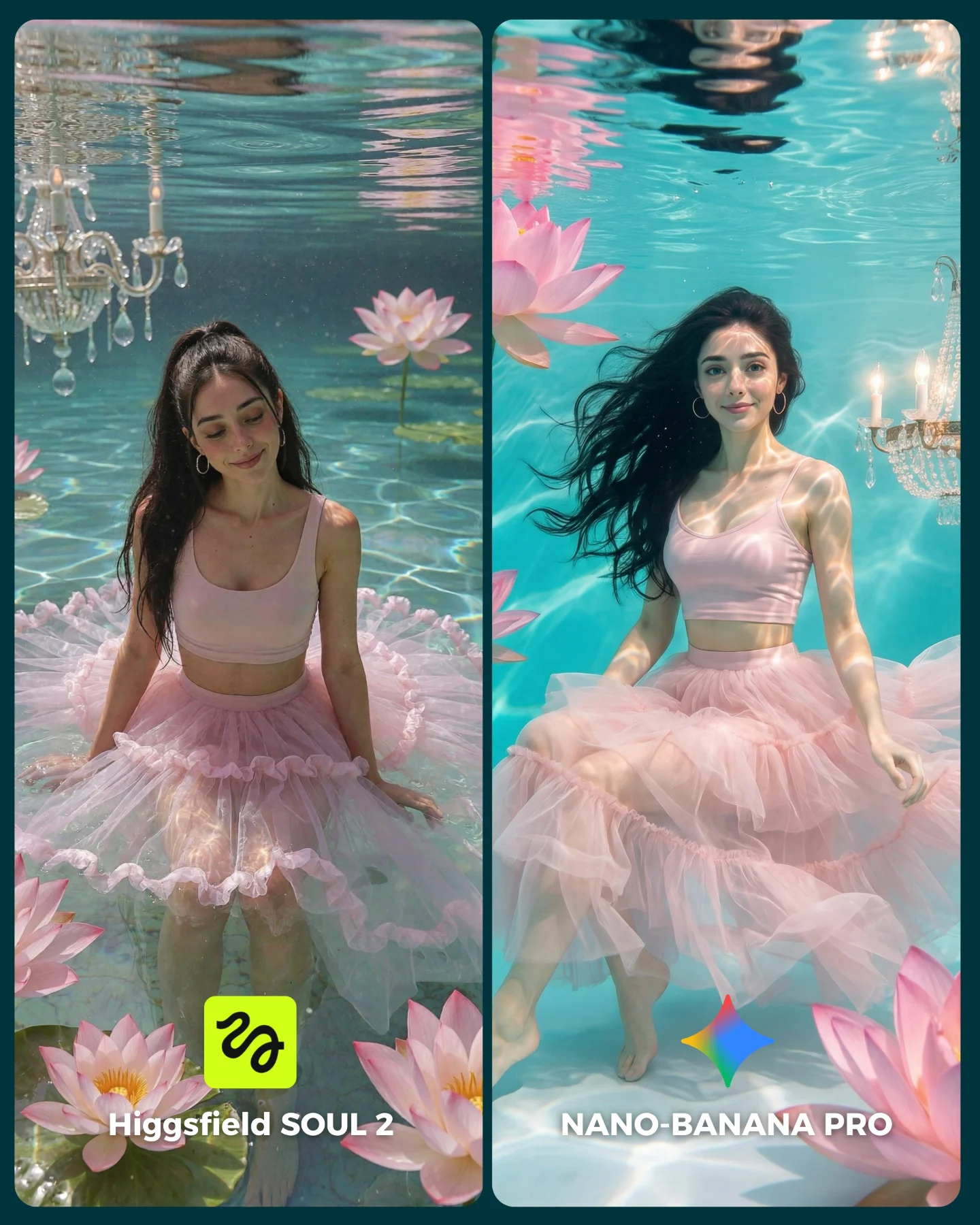
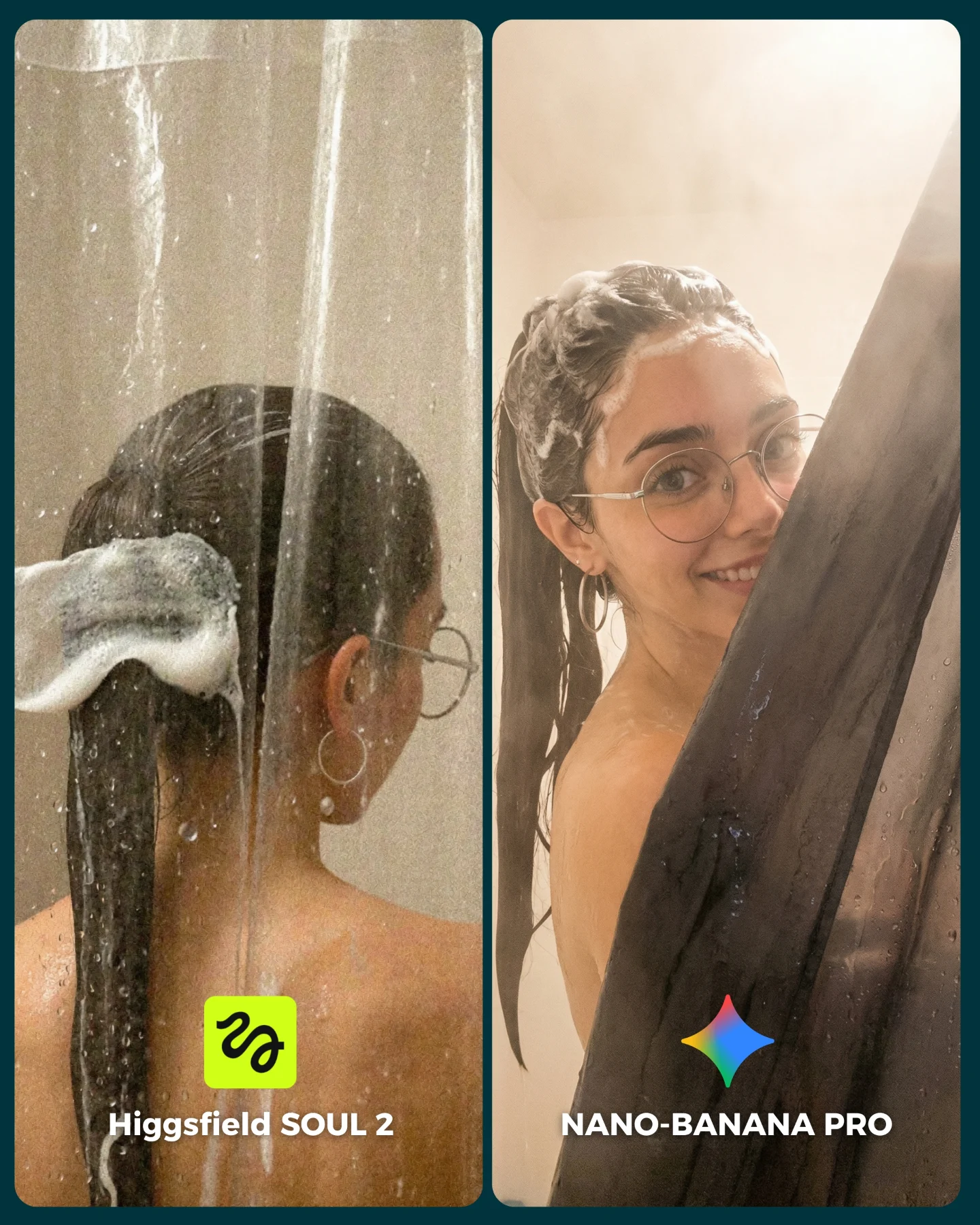
SOUL 2 Vs. Nano Banana Pro 💥
Higgsfield ha lanzado su nuevo generador de imágenes SOUL 2 ⚡ Puedes subirle hasta 80 imágenes de referencia de tu personaje para mantener mejor la constancia 👀
Y para compararlo bien, lo he puesto a prueba junto a Nano Banana Pro que hasta el momento es mi generador de imágenes favorito 💕
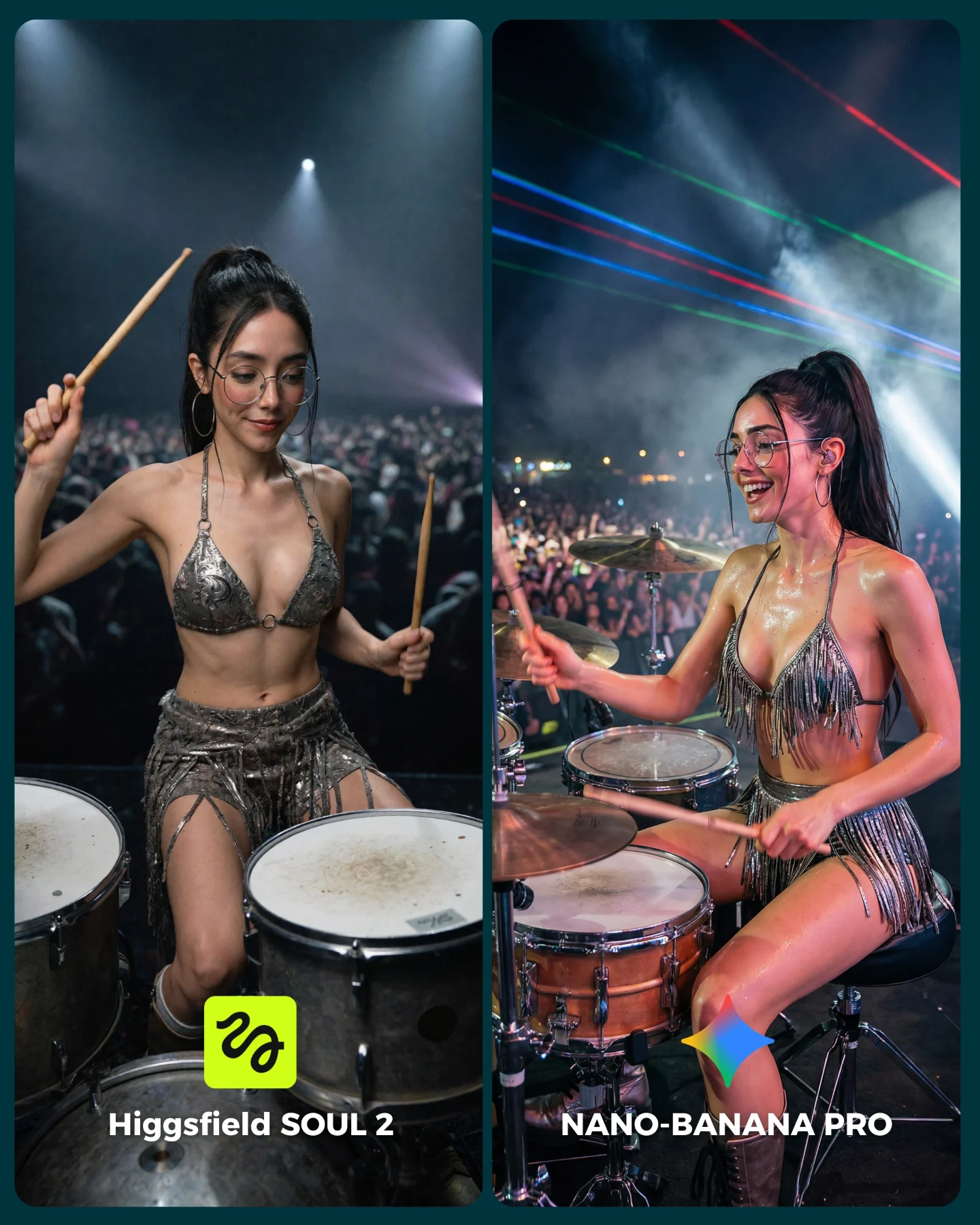
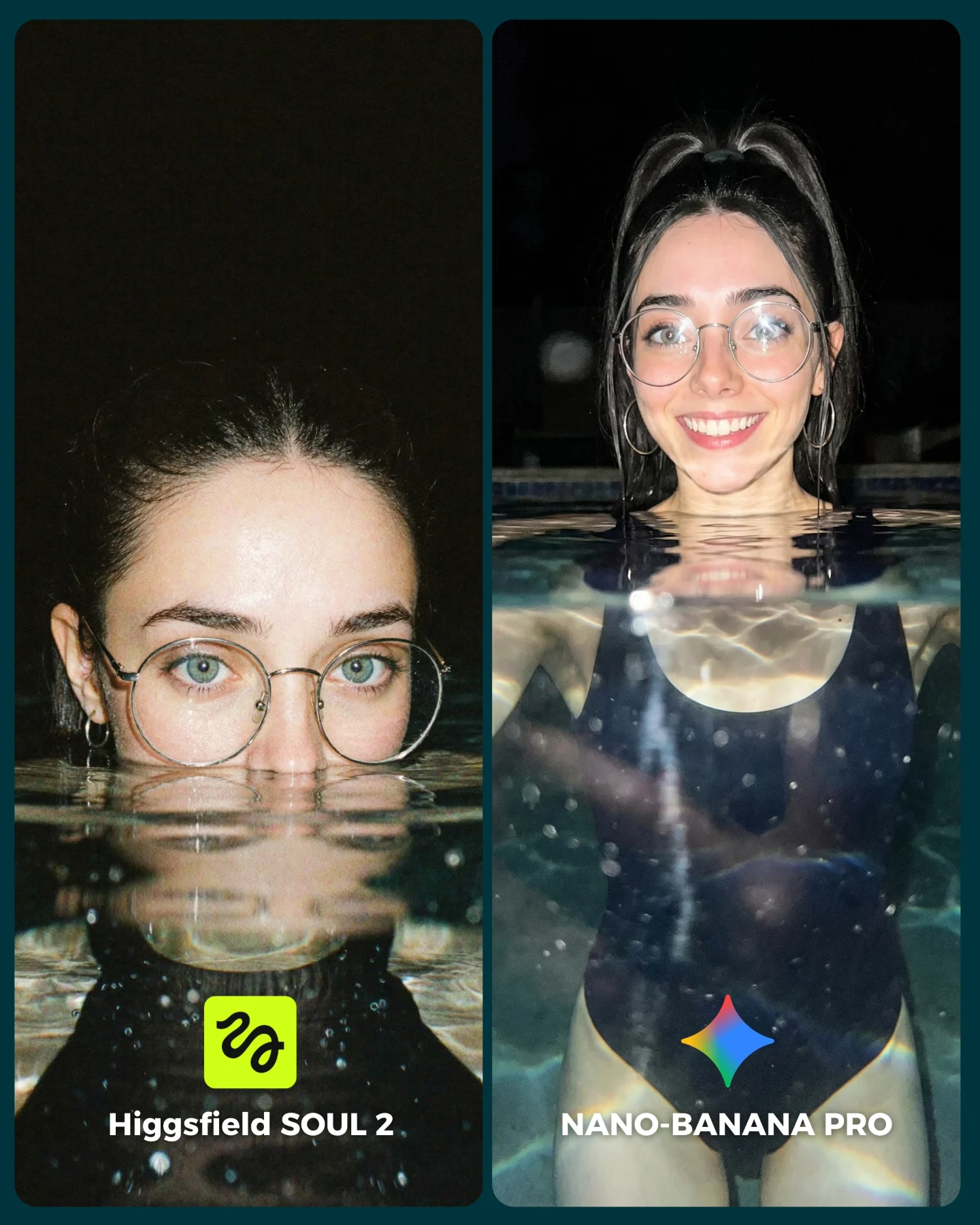
La verdad es que hay algunos resultados de SOUL 2 que me han sorprendido bastante... No está nada mal, pero sigo prefiriendo Nano Banana para la mayoría de las ocasiones 😅
Os dejo algunas imágenes que he generado y espero leer vuestras opiniones en comentarios 💌 Y si quieres los prompts de todas las imágenes comenta "ARIA" y te los mando por mensaje!
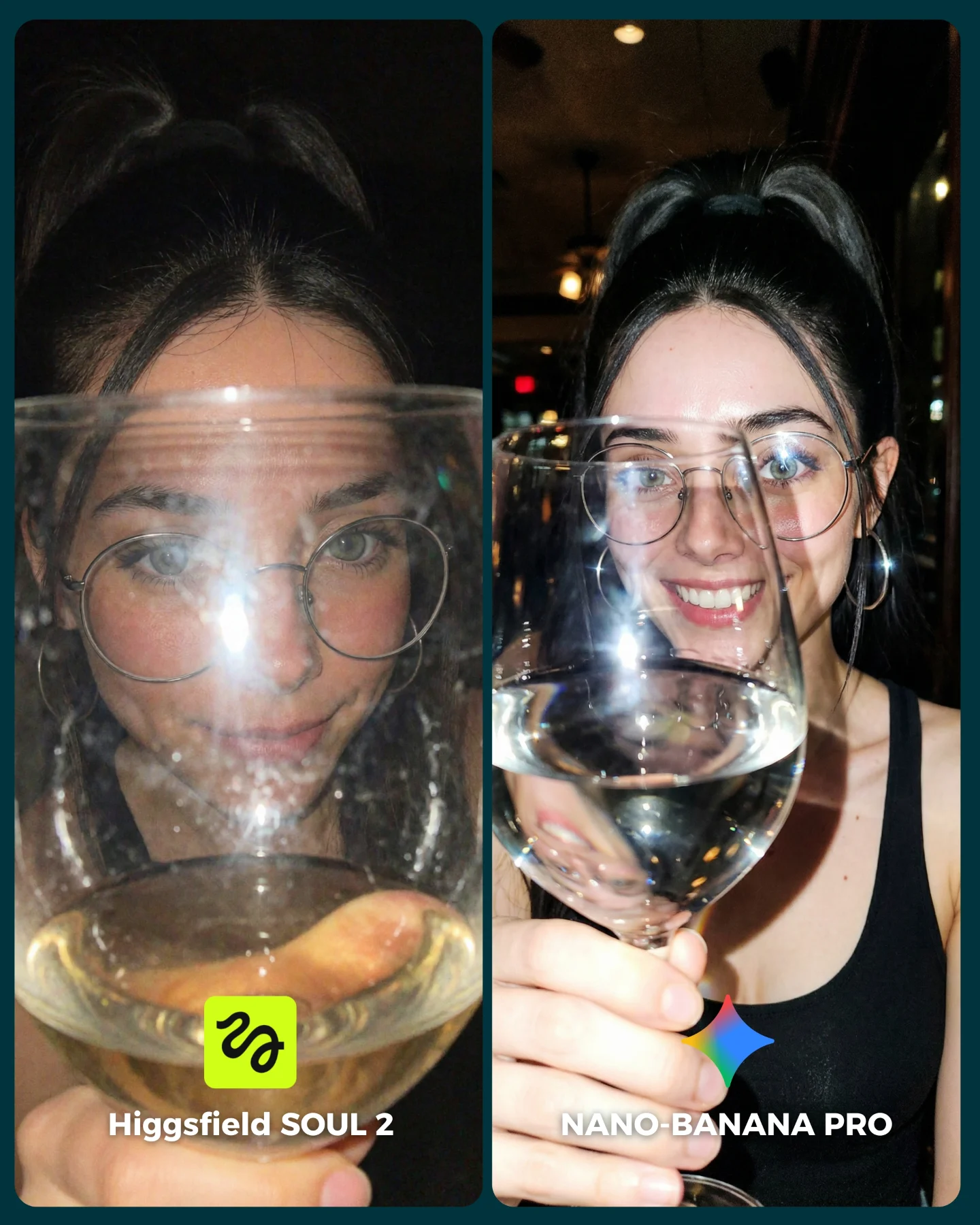
This image is a much smarter benchmark than it first appears. On the surface, it looks like a nightlife selfie with a wine glass. In practice, it is testing several hard rendering problems at once: transparent glass, liquid refraction, reflections on glasses, skin under direct flash, and hand anatomy holding a delicate object close to the lens. That is exactly why this kind of frame is so useful for creators comparing image models. One simple prop, used correctly, creates a high-information test.
The scene also works because it stays socially native. It feels like a real moment from dinner or drinks, not a synthetic benchmark diagram. That matters. Creator content about image quality spreads further when the frame still looks like something a person would actually post. This image does that by keeping the setup intimate, direct, and casually glamorous.
How soy_aria_cruz Compared SOUL 2 vs Nano Banana Pro and What to Recreate
Transparent objects are difficult for image generators because they require multiple layers of believable physics at the same time: shape, reflection, refraction, liquid level, and background distortion. When that transparent object is also held in front of a face, the challenge becomes even sharper. The audience can immediately see whether the face still looks coherent through the curved glass and whether the reflections feel earned or pasted on.
Signal
Evidence (from this image)
Mechanism
Replication Action
Transparent-object stress
The wine glass sits directly in front of the face and lens.
Glass distortion and refraction expose model weaknesses quickly.
Use one large transparent foreground object instead of many small props.
Flash realism test
Bright specular highlights appear on skin, eyeglasses, and the drink.
Strong direct light reveals whether materials respond in a physically plausible way.
Benchmark under direct flash or phone-light conditions, not only under soft studio light.
Identity retention under distortion
The same woman must remain recognizable despite overlaps from the glass and reflections.
Good models preserve facial coherence even when optics become messy.
Keep the hero face consistent while letting the glass distort only what should be distorted.
Best-fit uses and transfer logic
This format is ideal for realism comparisons, nightlife portrait prompt packs, object-interaction benchmarks, and creator content that wants to compare models through lifestyle situations rather than through lab-like test scenes. It also transfers well to coffee mugs, cocktail glasses, perfume bottles, mirrors, and other reflective transparent objects.
Best fit: model-vs-model realism tests. Why it fits: glass and flash expose quality gaps fast. What to change: keep the same face, crop, and object position while changing only the renderer.
Best fit: prompt education about transparency. Why it fits: the image provides an immediate visual lesson in how hard glass is to render well. What to change: vary only the object type or ambient light.
Best fit: nightlife portrait content. Why it fits: the scene is naturally social and attractive even outside a benchmark context. What to change: adjust the venue mood, but keep the foreground object as the main optical challenge.
Not ideal: outdoor daytime lifestyle content. Reason: bright ambient light removes much of the flash-and-reflection tension that makes this image valuable.
Not ideal: product catalog shots. Reason: the image is about interaction and mood, not clean isolated merchandising.
Transfer recipe one: keep the close flash portrait and transparent object overlap; change the wine glass to a martini glass; slot template: {same face} {flash nightlife mood} {transparent foreground drink} {A/B realism test}. Transfer recipe two: keep the same portrait logic; change the object to an espresso cup with reflective spoon; slot template: {same subject} {intimate cafe scene} {foreground object} {controlled comparison}. Transfer recipe three: keep the hand-and-object challenge; change the object to a perfume bottle; slot template: {close portrait} {reflective transparent item} {same hero identity} {left vs right render}.
Aesthetic read
The strongest aesthetic choice is proximity. Everything is very close: the glass to the lens, the face to the frame, the flash to the subject. That closeness makes the scene feel personal and immediate. It also makes every rendering mistake easier to spot, which is why the frame functions well as both content and comparison.
The second strong choice is the limited palette. The image mostly lives in black, skin tone, silver, and warm highlights from the drink and background lights. That restraint prevents the scene from becoming visually noisy. In a benchmark image, that matters. Too many colors can hide flaws. A cleaner palette reveals them.
Observed
Why it matters for recreation
Large wine glass dominating the lower-middle foreground
This is the main optical challenge and the key visual hook.
Round eyeglasses catching their own reflections behind the glass
Multiple reflective layers make the image an excellent realism test.
Direct flash or strong frontal light
Hard highlights make surface behavior easy to evaluate.
Minimal dark background with warm points of light
The background stays quiet so the comparison focuses on the subject and glass.
Same woman rendered in both panels
Identity lock keeps the evaluation fair and readable.
Prompt technique breakdown
To recreate this image well, start from the object interaction, not from the portrait. If you only prompt “woman with wine glass,” you will get a generic restaurant photo. The real structure is: split-screen benchmark, same subject, large glass near lens, direct flash, dim venue, and then left-right realism differentiation.
same woman with glasses holding a large wine glass close to the camera
Identity lock plus optical challenge
same face behind a glass; repeated portrait with foreground drink; identical heroine with transparent prop
dark bar background with warm bokeh
Venue mood and subject isolation
dim restaurant interior; moody lounge background; warm nightlife ambience
flash highlights on the glass, liquid, and eyeglass lenses
Material behavior and lighting challenge
hard flash reflections; bright specular nightlife lighting; phone-flash realism
left flatter, right more dimensional and realistic
The core A/B quality difference
synthetic vs photoreal; harsher render vs natural render; flatter output vs richer realism
Execution playbook
Lock the split-screen, the same woman, and the foreground wine glass position before touching anything else. Those are your invariants. First run: get the crop and glass overlap correct. Second run: refine only the reflections and liquid surface. Third run: refine only the hand and stem realism. Fourth run: refine only the difference between the left and right panel treatment.
Baseline: lock close crop, same subject, same glass placement, and dark venue.
Iteration 2: change only glass reflections, refraction, and liquid clarity.
Iteration 3: change only fingers, grip, and stem handling.
Iteration 4: change only the synthetic-vs-real separation between left and right.
This workflow matters because transparent-object tests stop being useful when pose, lighting, and crop are changing at the same time. Stability keeps the benchmark honest.