How soy_aria_cruz Made This Fairy Style Comparison AI Art - and How to Recreate It
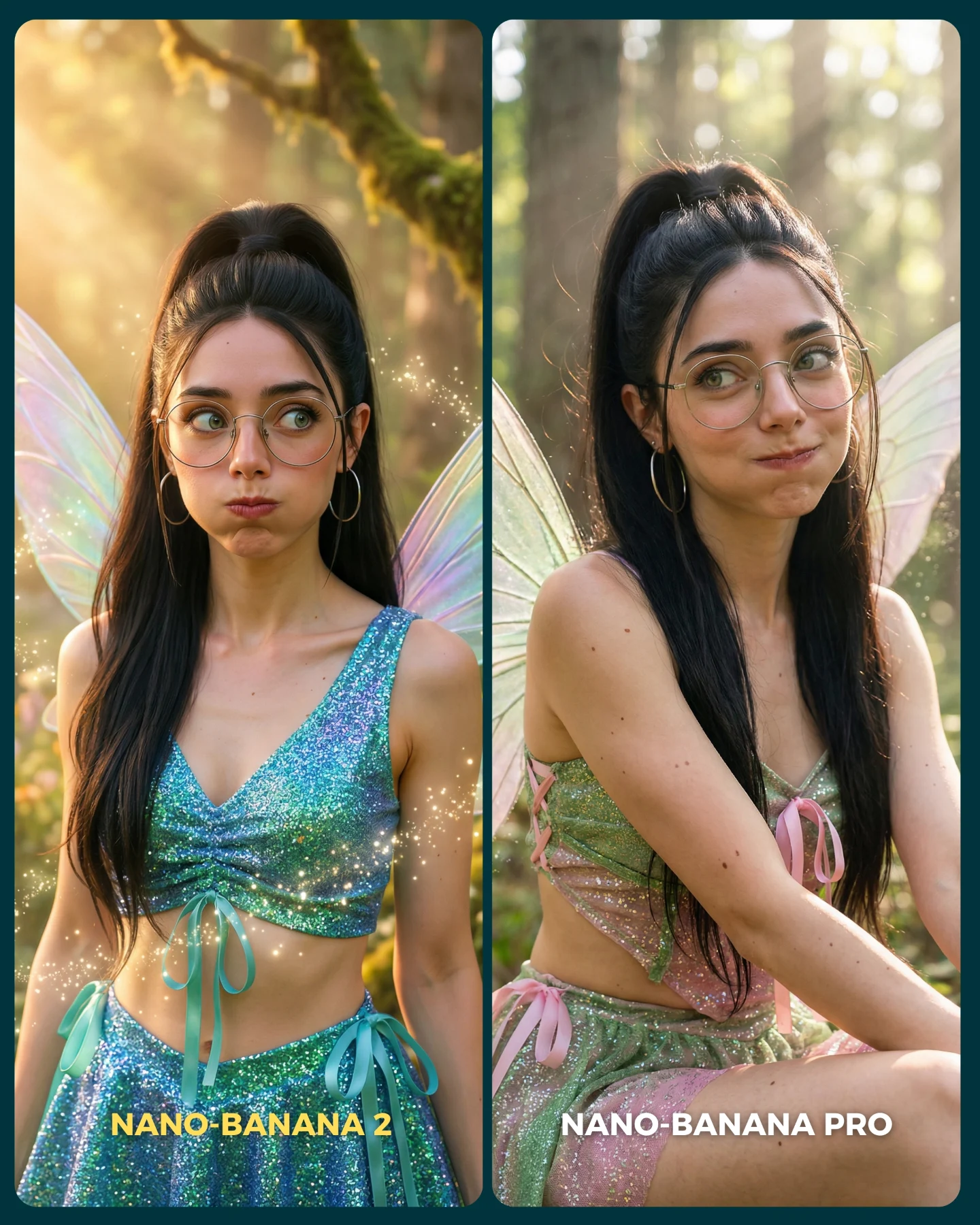
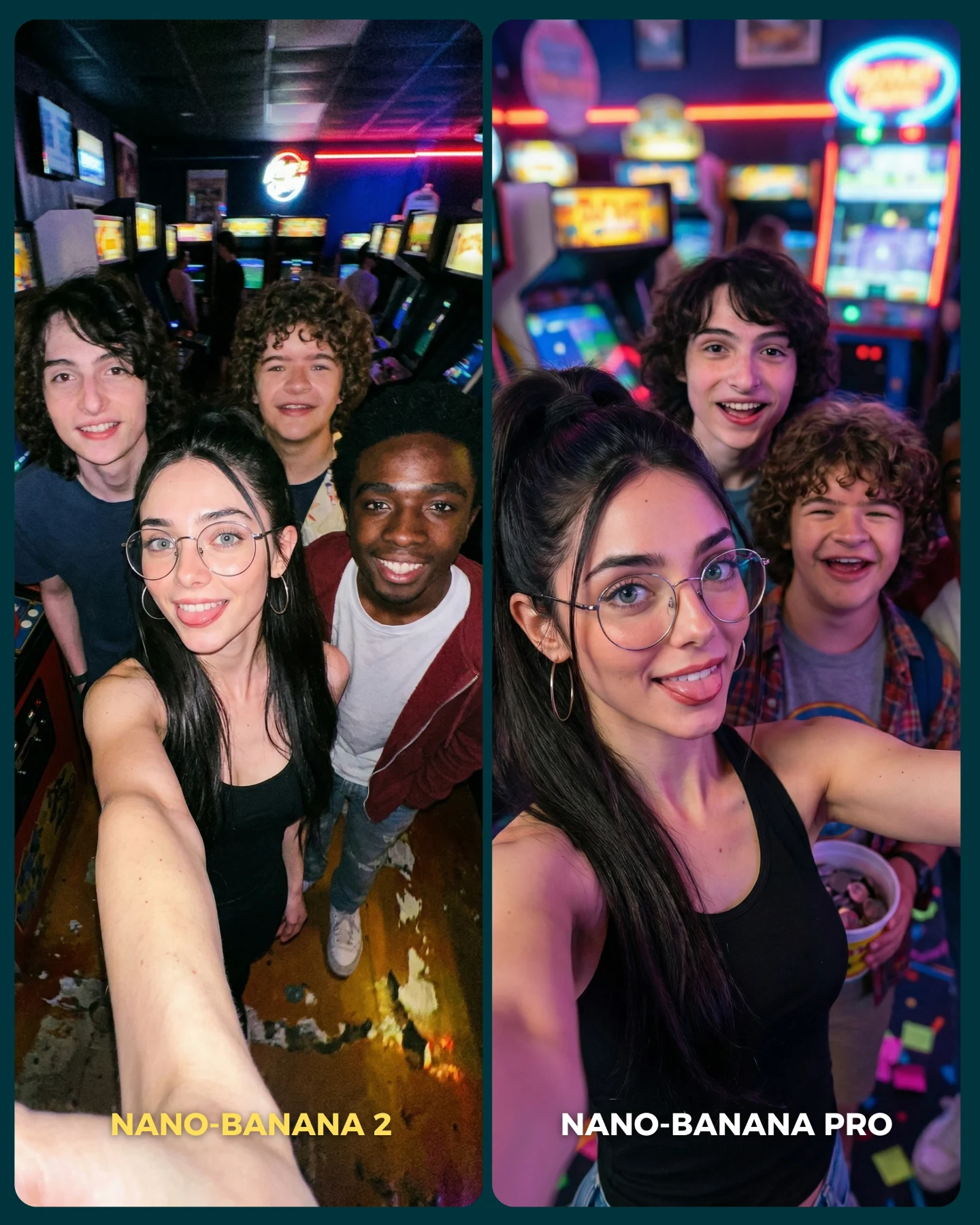
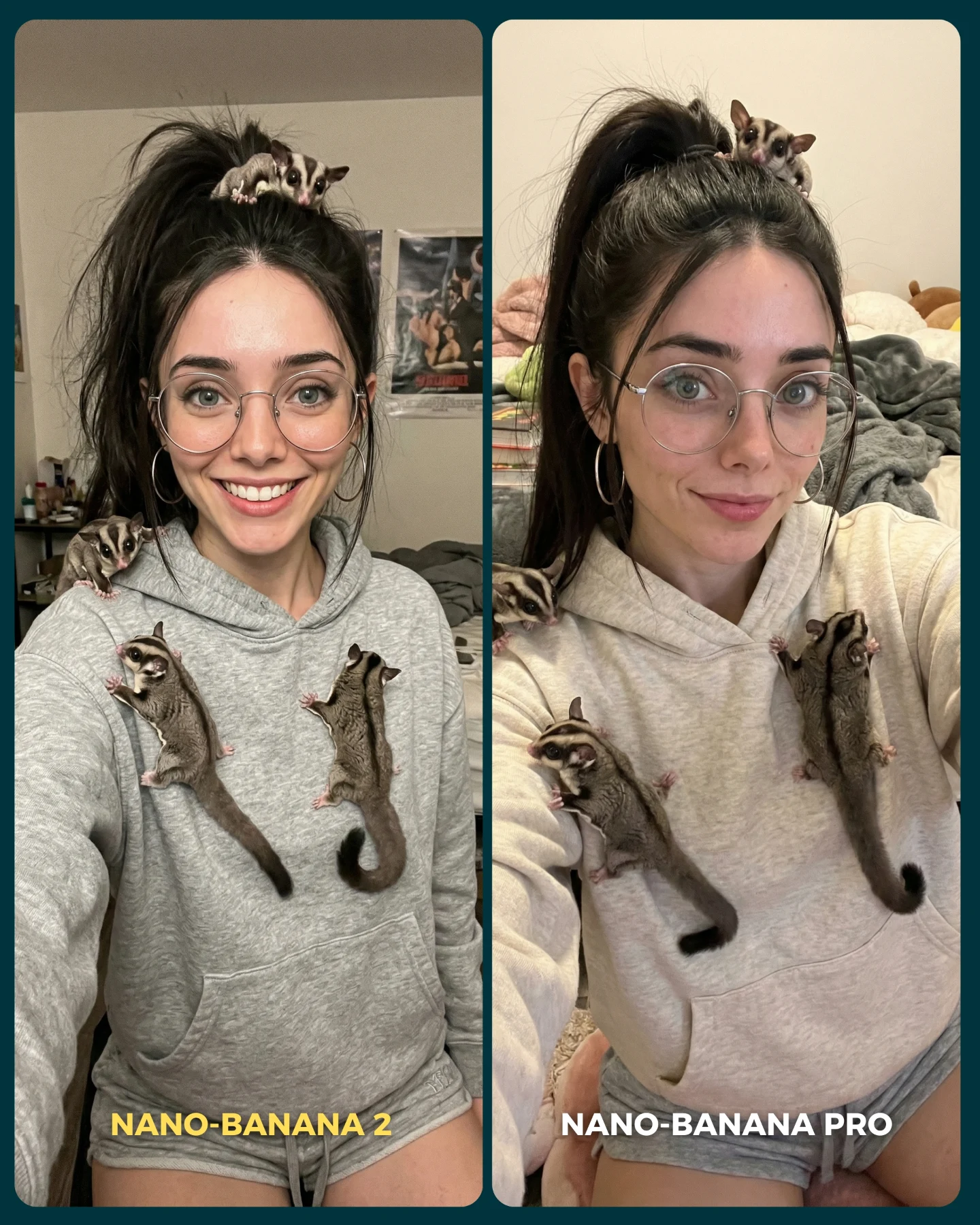
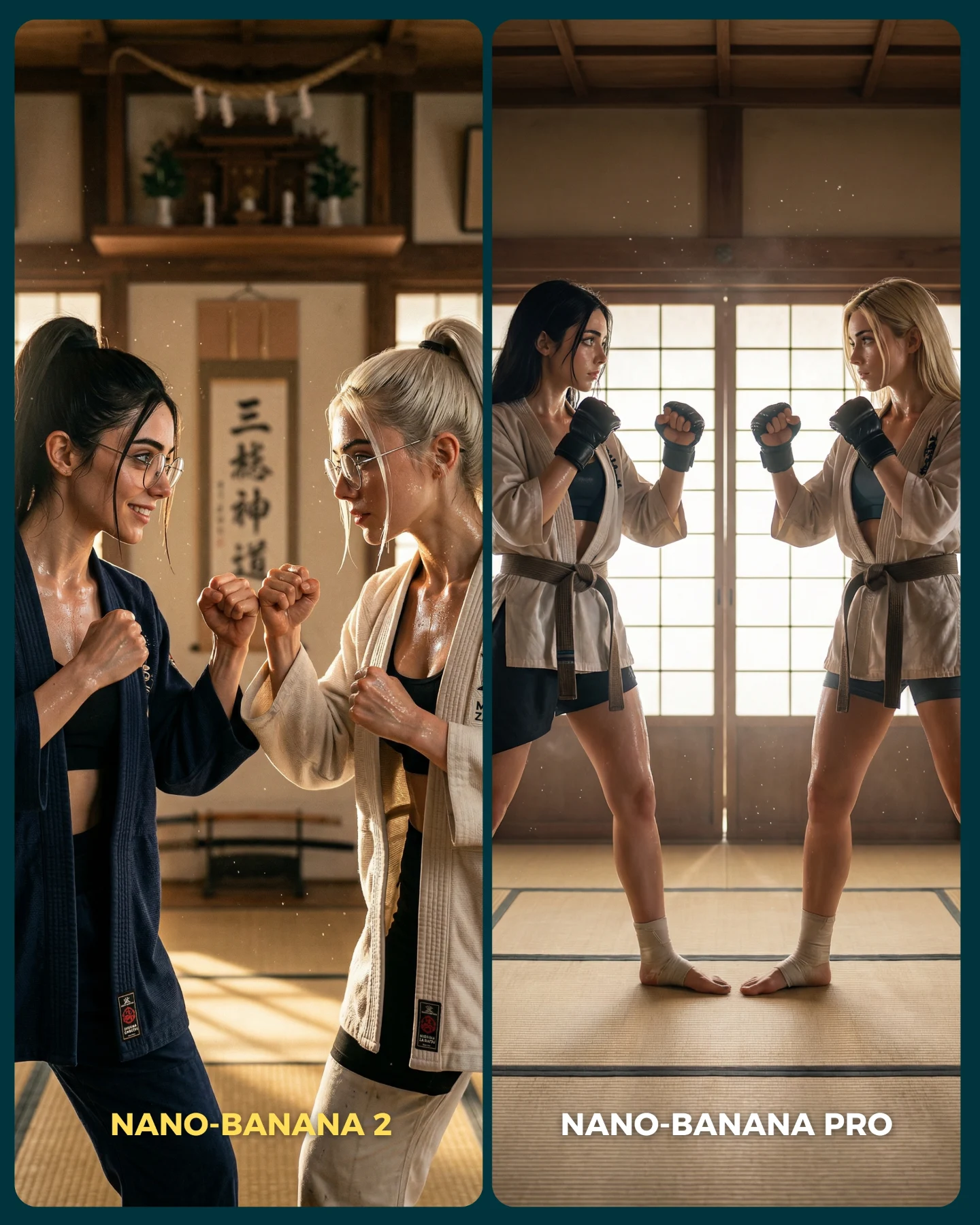
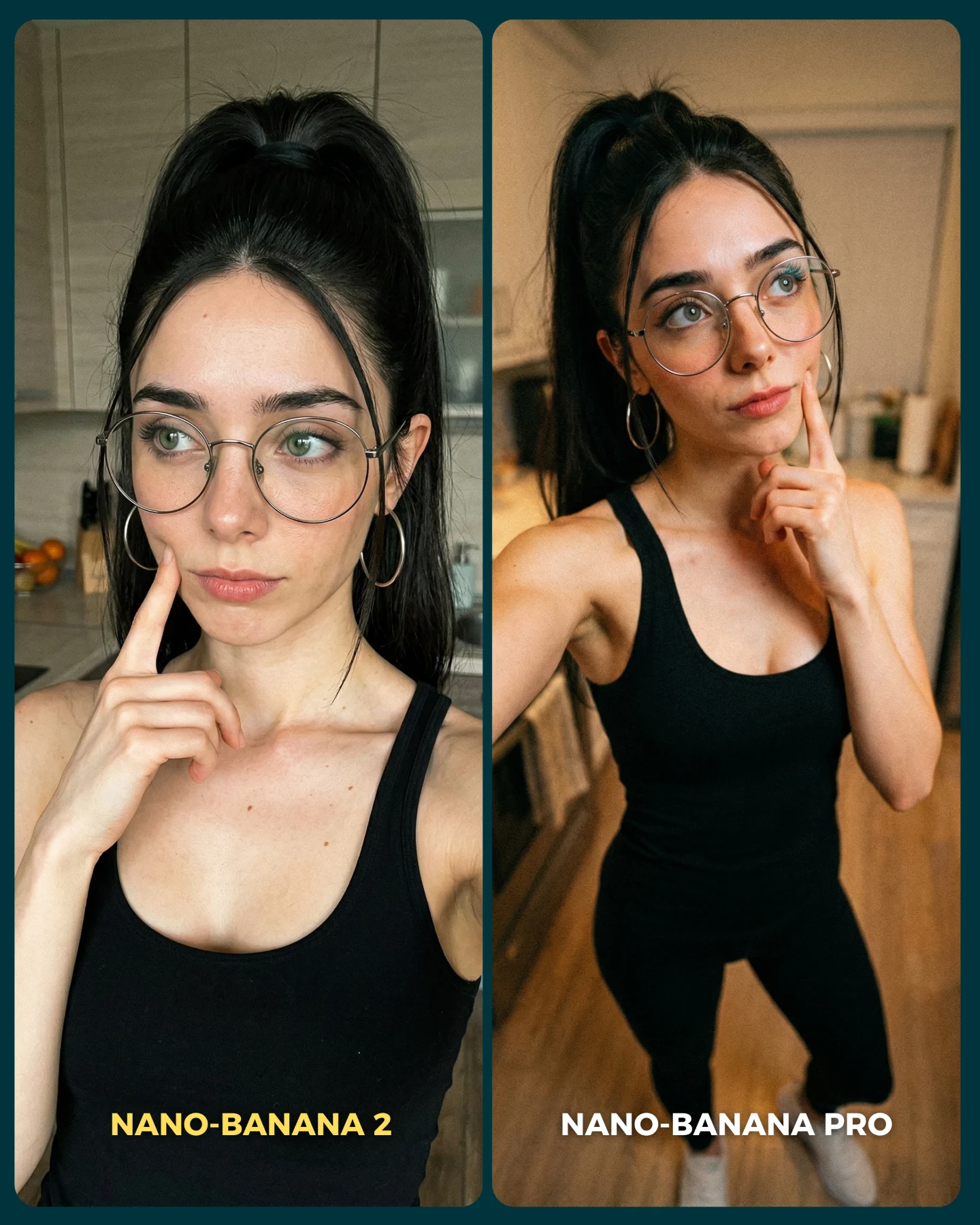
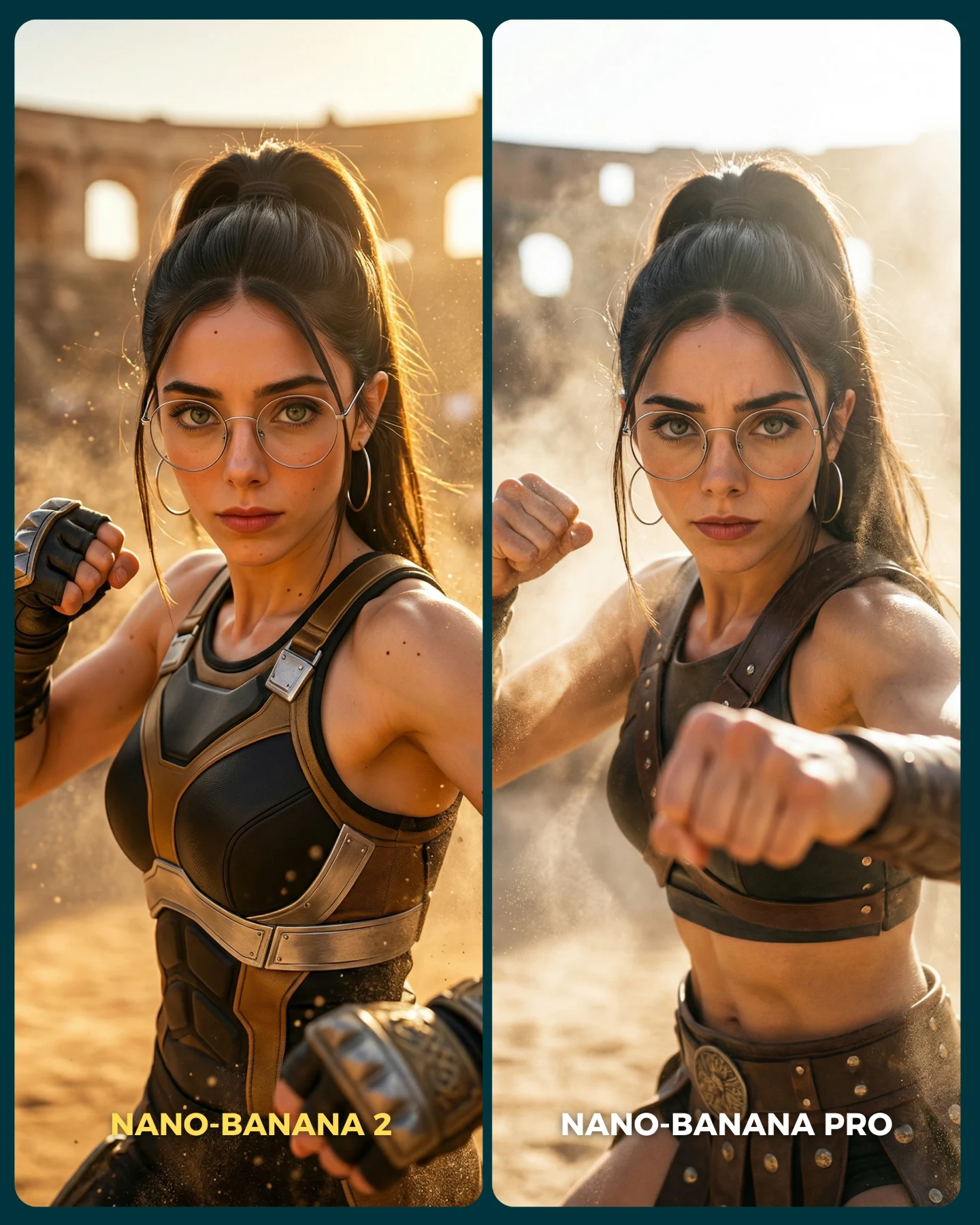
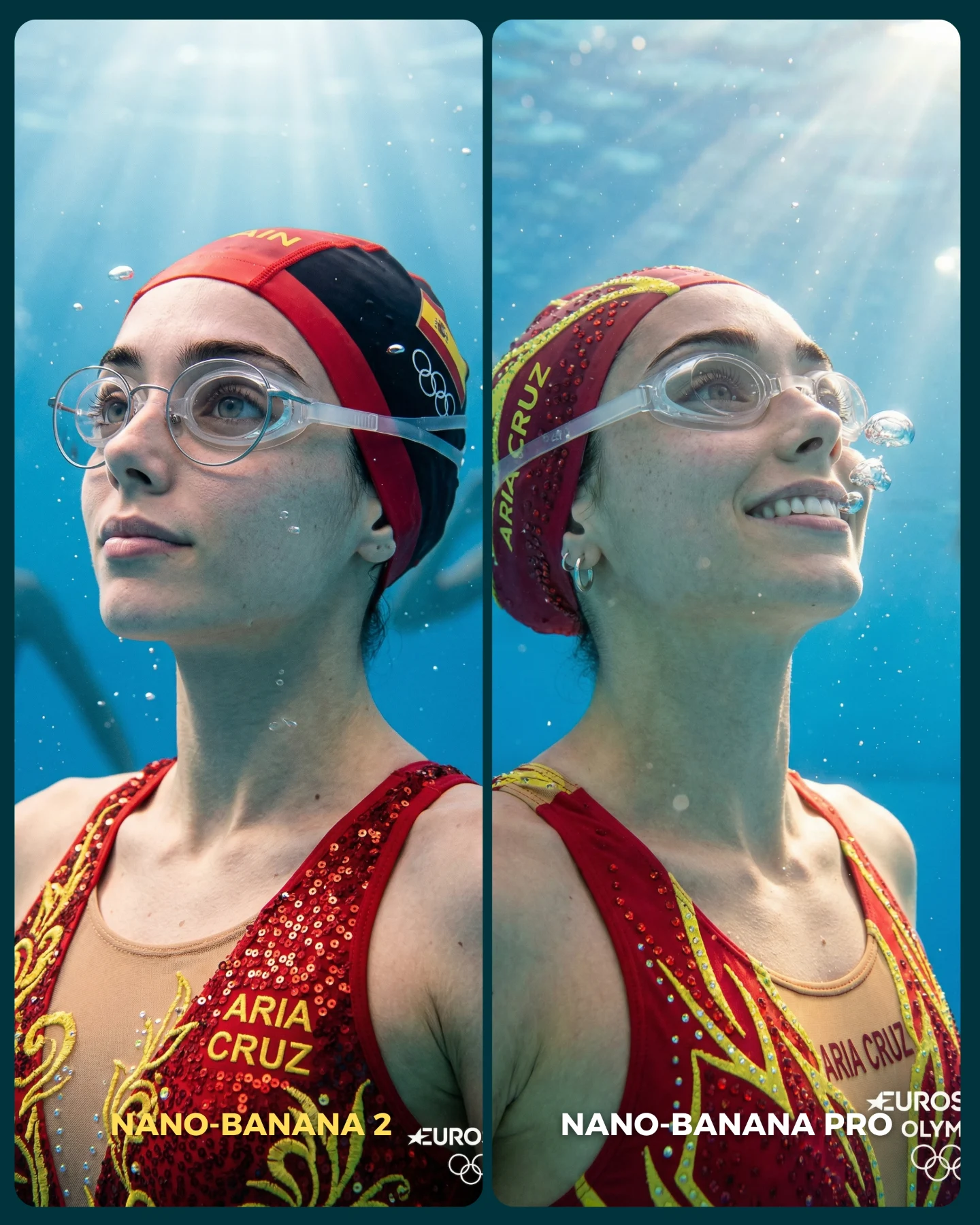
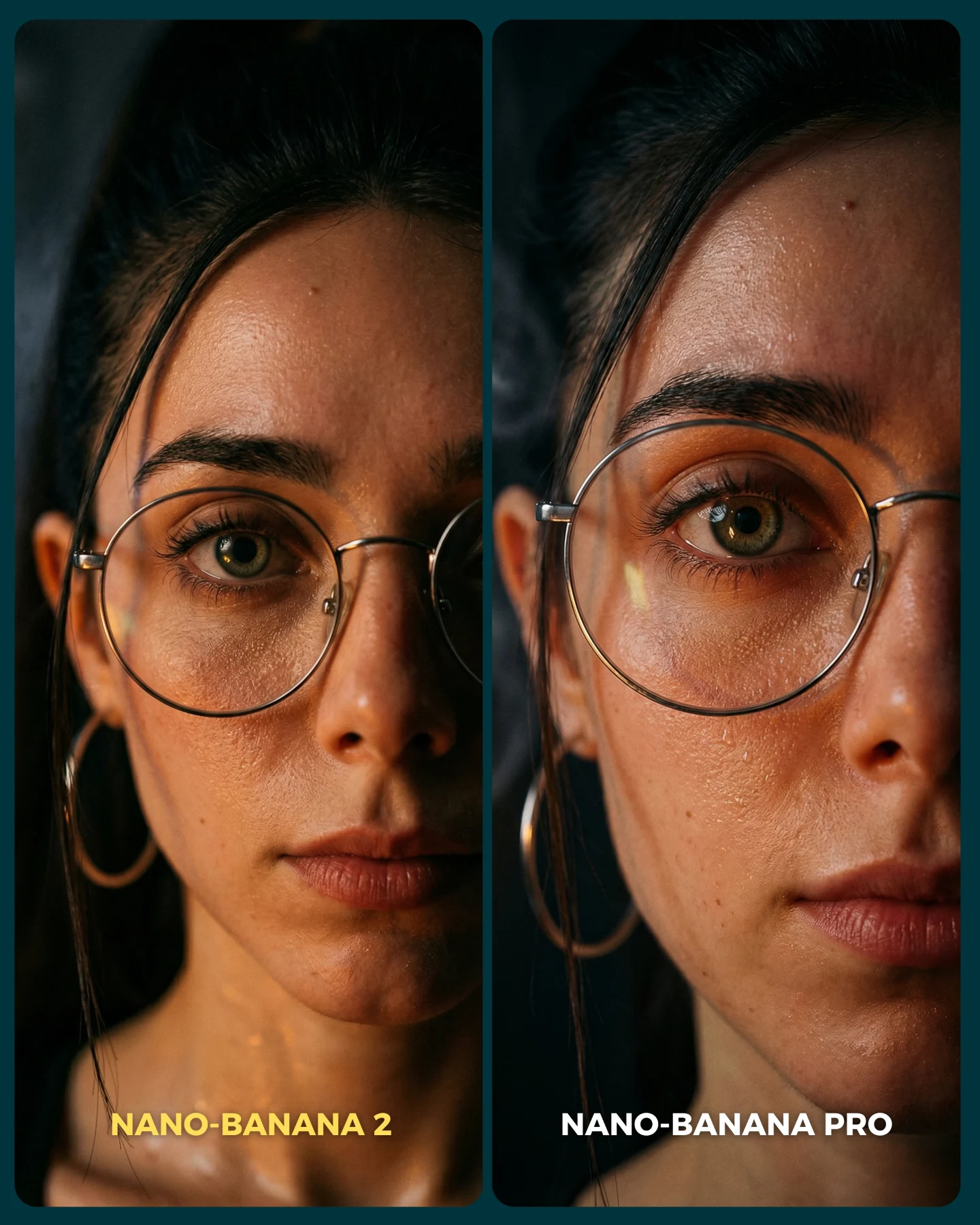
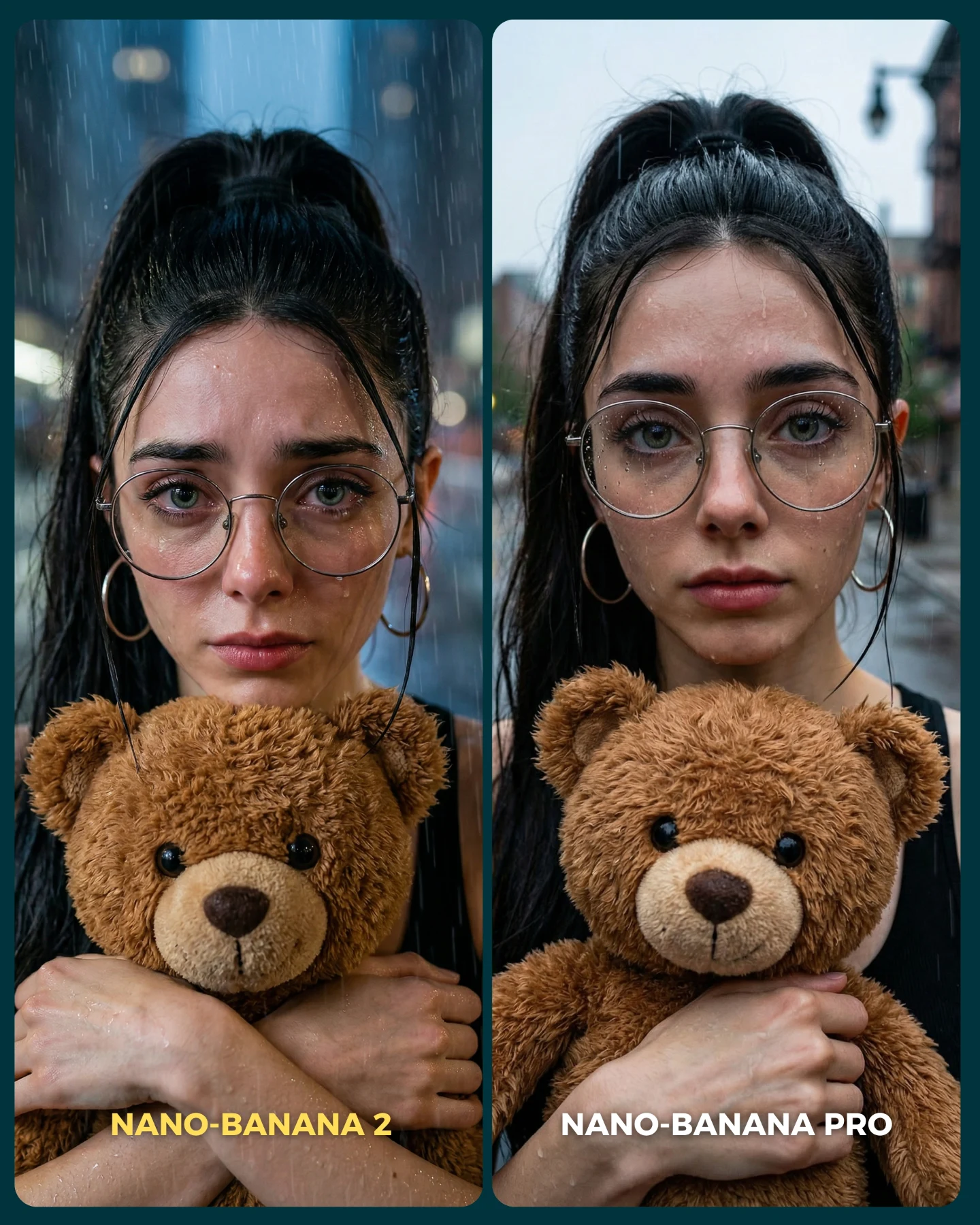
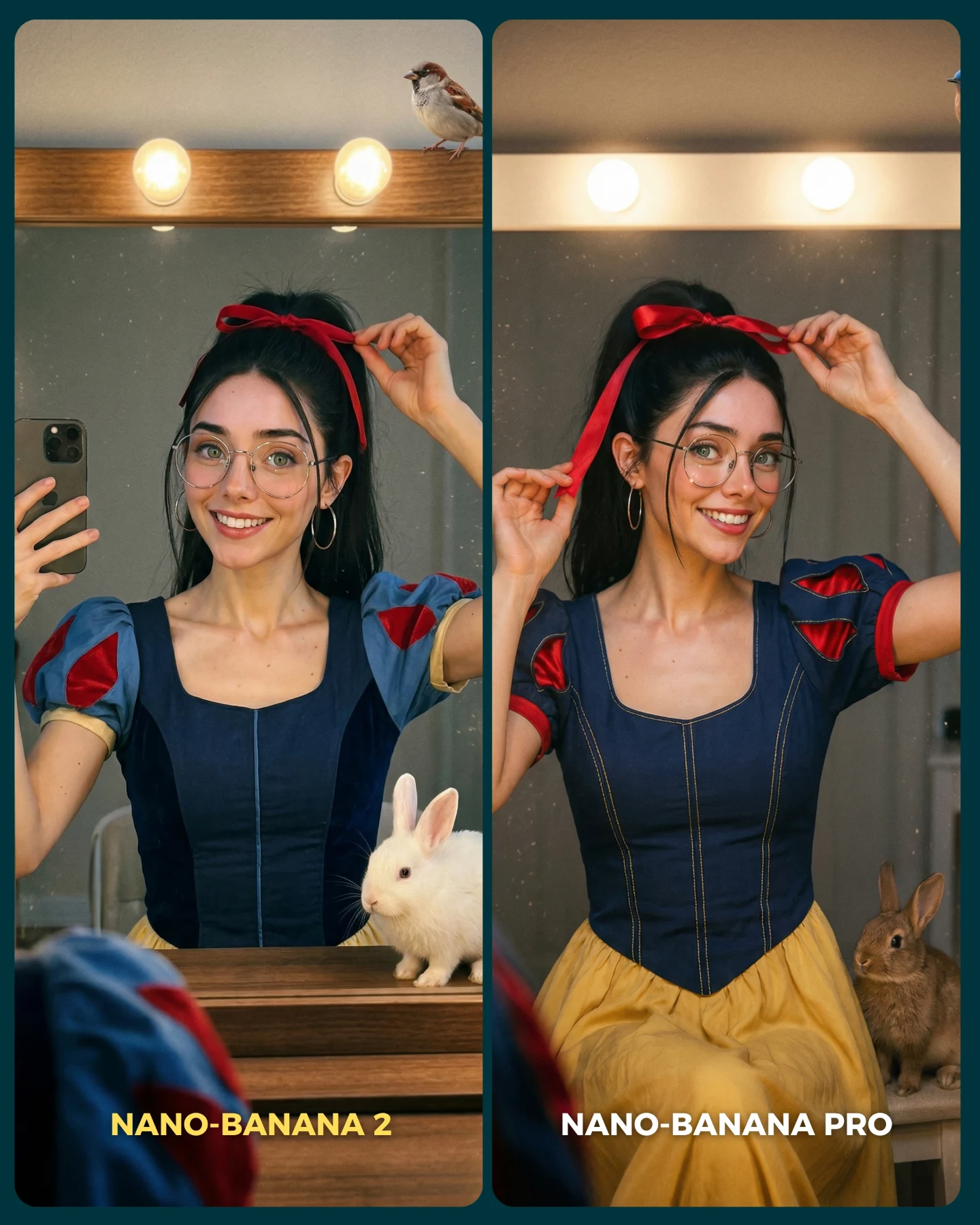
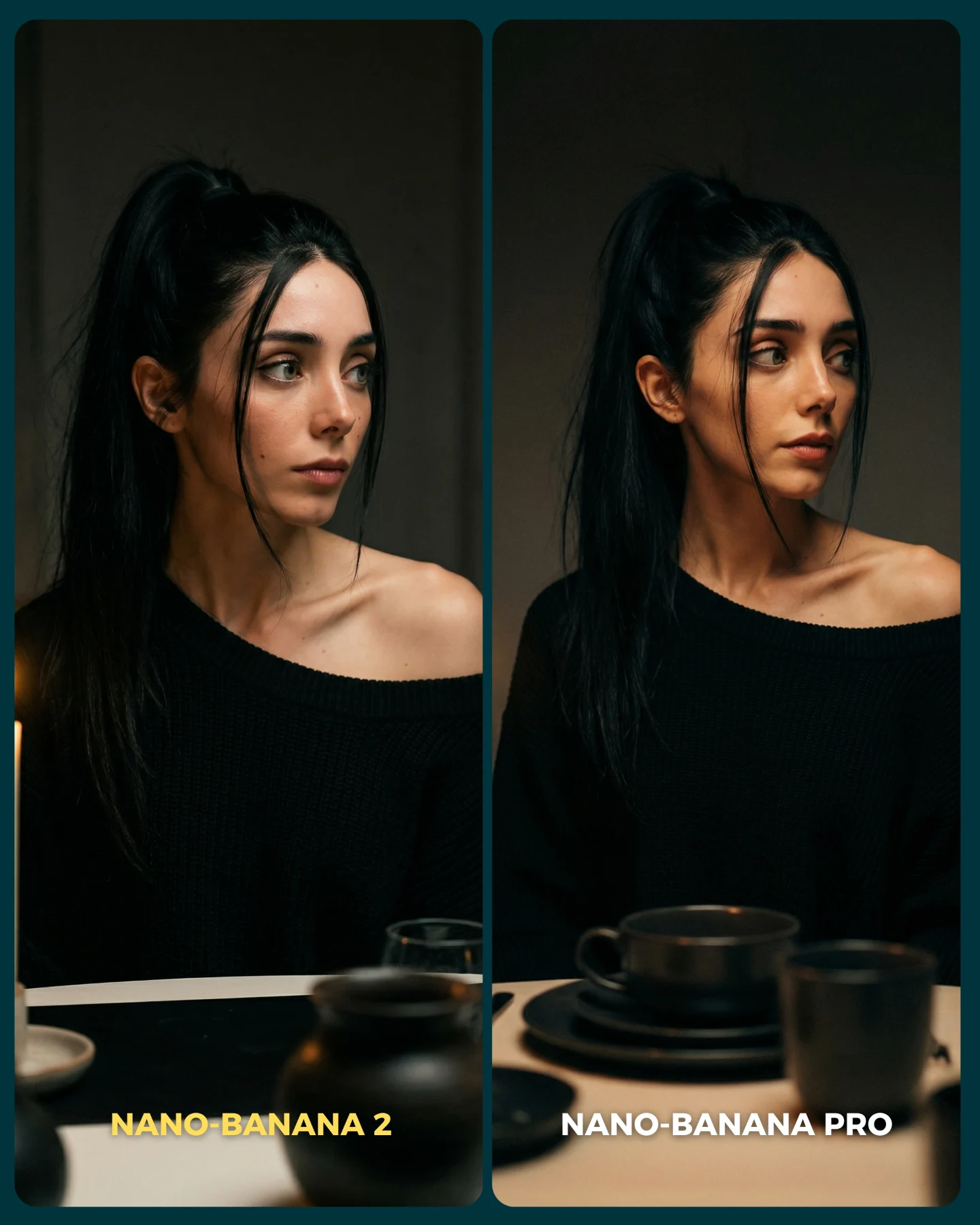
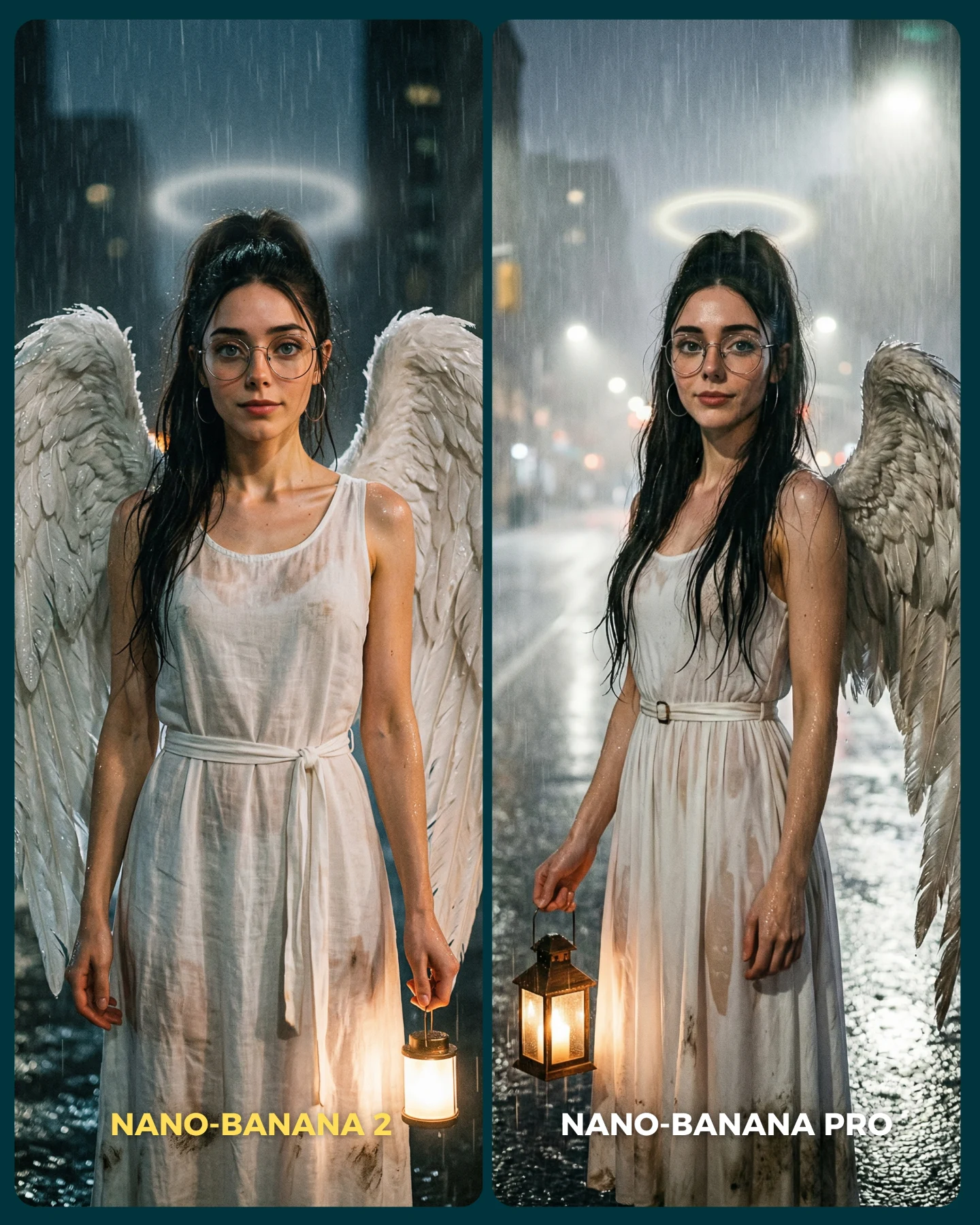
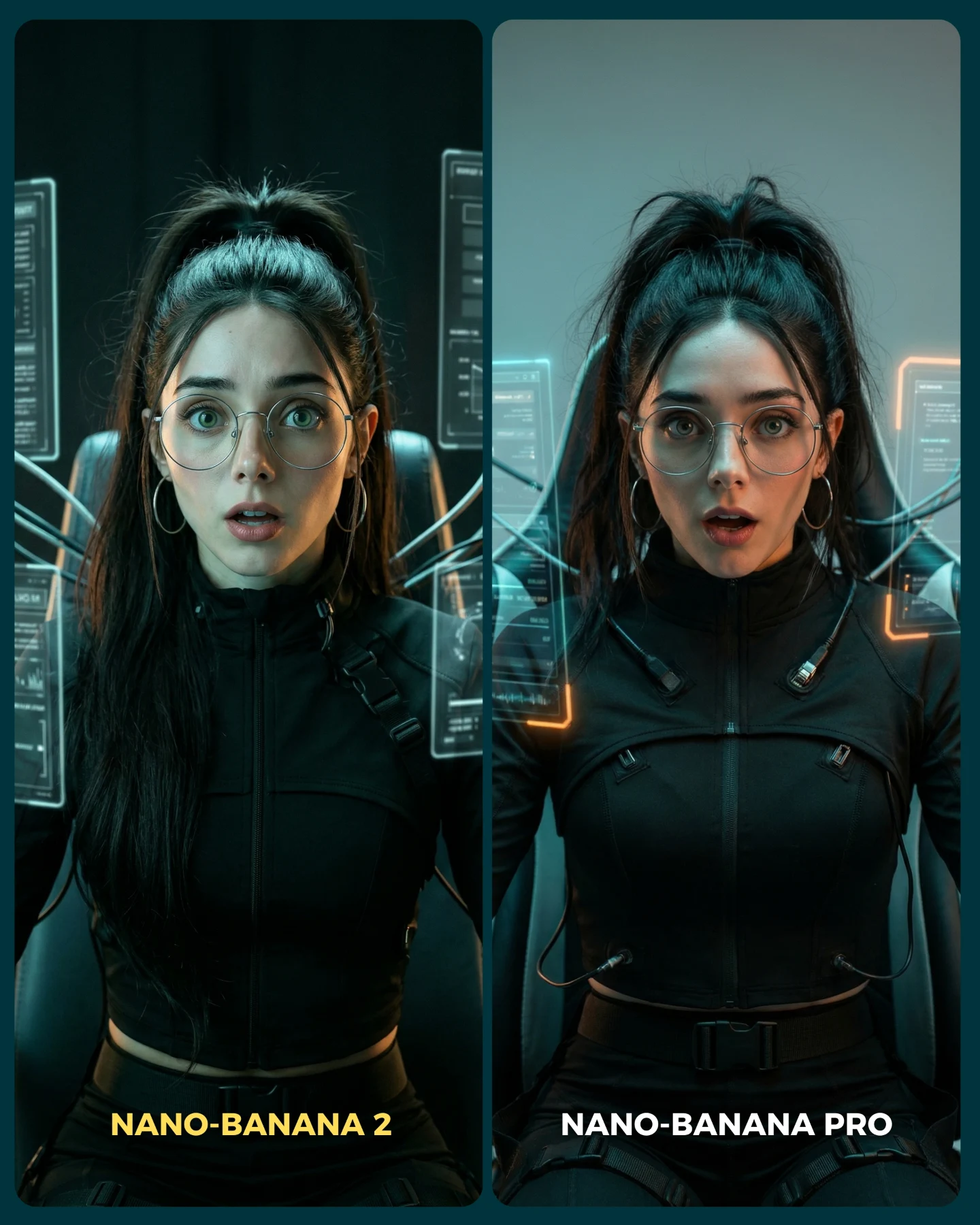
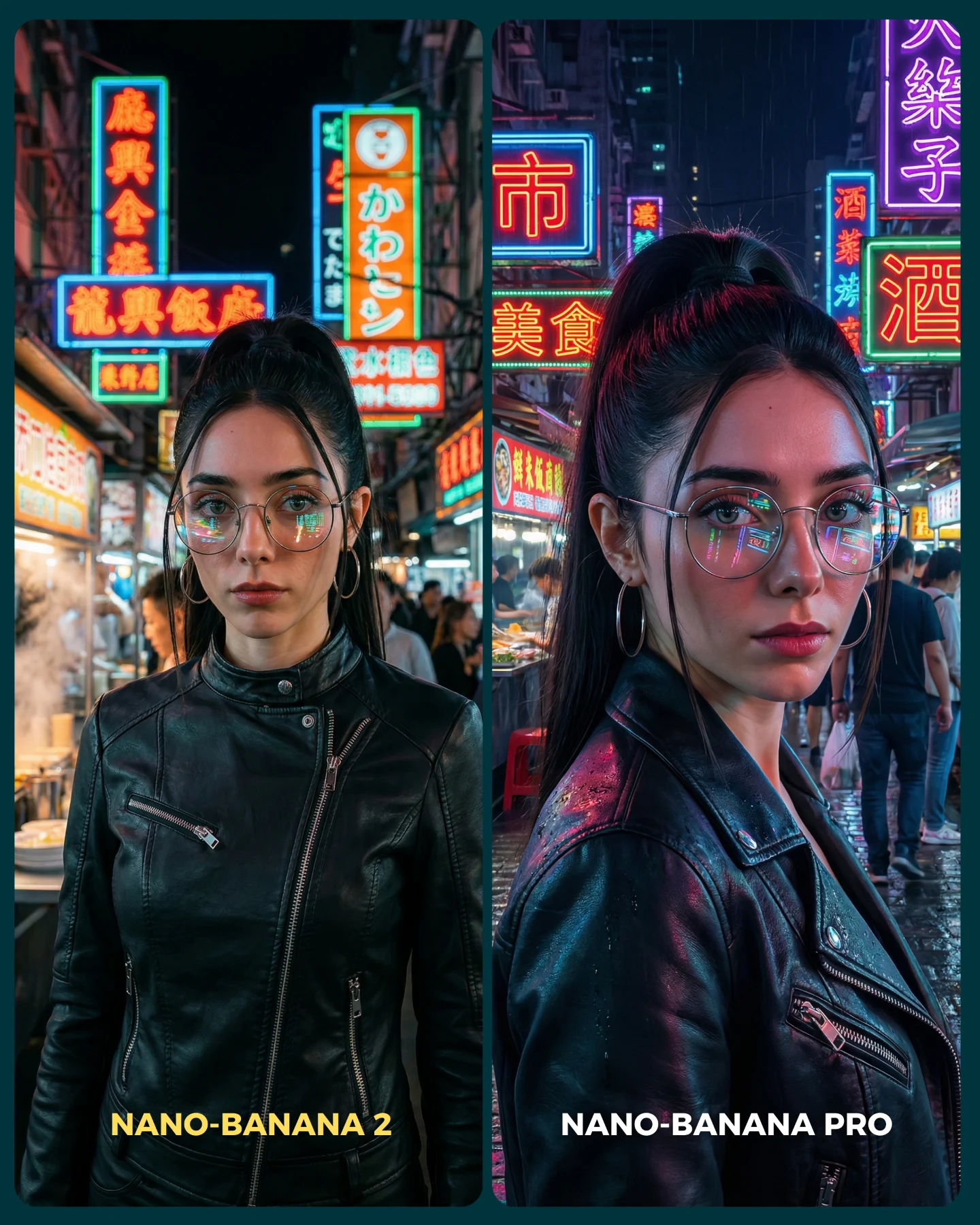
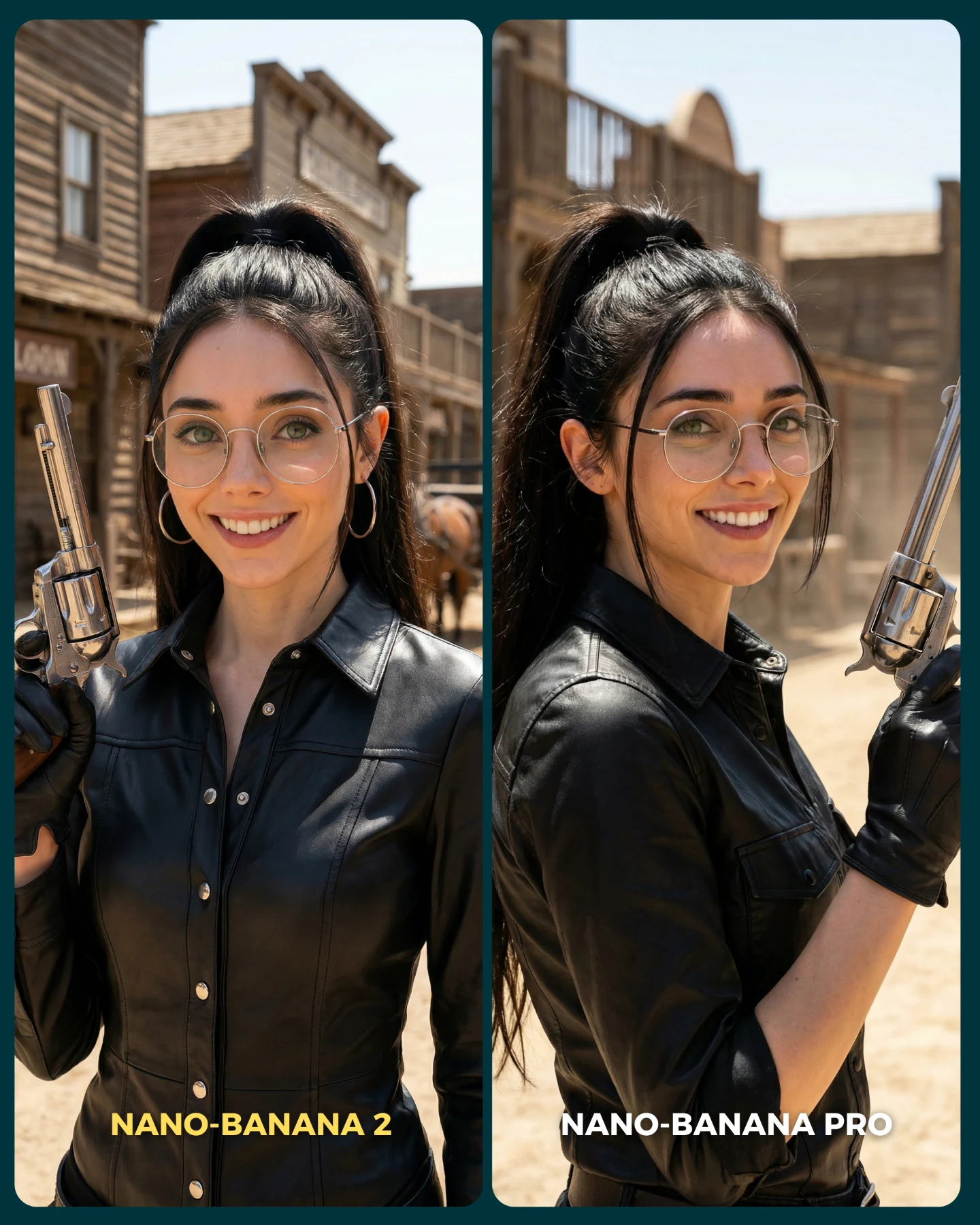
This image succeeds because it does not ask viewers to read a technical review first. It visualizes the difference. The same AI influencer character appears on both sides with the same core identity markers: ponytail, glasses, hoop earrings, puffed cheeks, fairy wings, soft forest setting. But the rendering quality changes. That is what makes the post useful. It turns an abstract model debate into something the audience can judge instantly.
The caption explains that this is a Nano Banana 2 versus Nano Banana Pro test, specifically using images that were hard for the older workflow to make feel realistic. That setup is smart. If you want to compare two image generators, you should not test them on easy beauty portraits alone. You should test them on edge cases where realism usually breaks. Fairy styling is one of those edge cases because it combines fantasy wardrobe, glowing particles, wings, soft skin, and delicate facial consistency all at once.
Why the Comparison Feels Clear
The first strength is identity locking. Both sides clearly represent the same character. That matters because many model comparisons accidentally compare style and identity at the same time, which makes the result noisy. Here, the identity anchors are stable enough that viewers can focus on what actually changed: realism, facial coherence, skin rendering, wing integration, and overall believability.
The second strength is the diptych design. The split-screen layout with bottom labels removes friction. People do not need a long explanation to know which result belongs to which model. That is important for social posts, where comparison content fails when the viewer has to work too hard. This post is legible in under two seconds, which is exactly what comparison creatives need.
| Signal | Evidence (from this image) | Mechanism | Replication Action |
|---|
| Same character, different renderer | Both panels share the same face, hair, glasses, and expression logic. | The audience can isolate model quality instead of being distracted by identity drift. | Lock 4-5 character anchors before changing the model or style setting. |
| Immediate comparison layout | Two vertical panels with clear labels at the bottom. | The visual verdict becomes fast and easy to discuss. | Use a clean side-by-side card with unmistakable left-right labeling. |
| Hard-mode fantasy realism test | Fairy wings, glitter outfits, forest glow, and subtle face realism must all coexist. | Fantasy elements expose weak realism and texture handling quickly. | Benchmark models on scenes that combine magical styling with close facial detail. |
What Actually Makes One Side Feel Better
The key difference is not only sparkle amount. It is credibility distribution. On the more synthetic side, the glitter, glow, and outfit styling may look eye-catching, but the overall image can feel a little more “generated” because every surface is trying to impress at once. On the more successful side, the rendering gives more room to skin, posture, and expression to feel natural. That is usually what viewers mean when they say something looks more realistic.
For creators, this is a useful lesson. Better image generation is often not about adding more fantasy detail. It is about knowing which details to quiet down so the character still feels human inside the fantasy. That balance is exactly why the Pro side is easier to trust visually.
Where This Format Fits Best
This format is ideal for benchmark posts, prompt-library marketing, AI tool comparisons, and creator pages that want to teach people how to evaluate image quality. It also works well when the creator has a recognizable recurring character. Without a recurring face, the comparison becomes less meaningful.
- Model-vs-model comparison posts: perfect fit because the left-right structure makes differences discussable.
- Prompt education content: strong fit because creators can point to which prompt blocks remained constant and which variables changed.
- AI influencer brand building: useful because it demonstrates the same character surviving multiple render styles.
- Community engagement posts: effective because viewers naturally want to vote on which side looks better.
This is less useful for cinematic storytelling or mood-first content. The point here is diagnostic clarity, not emotional immersion.
Three Transfer Recipes
| Transfer | Keep | Change | Slot Template (EN) |
|---|
| Mermaid comparison version | Same identity anchors, split layout, hard fantasy realism benchmark. | Swap wings for wet hair, scales, and underwater glow cues. | {two-panel comparison} {same influencer identity} {fantasy realism benchmark} {clear left-right labels} |
| Cyberpunk comparison version | Diptych card, same face, controlled renderer difference. | Replace fairy styling with neon techwear, holograms, and reflective surfaces. | {split benchmark card} {consistent character anchors} {cyberpunk styling} {model A vs model B mood} |
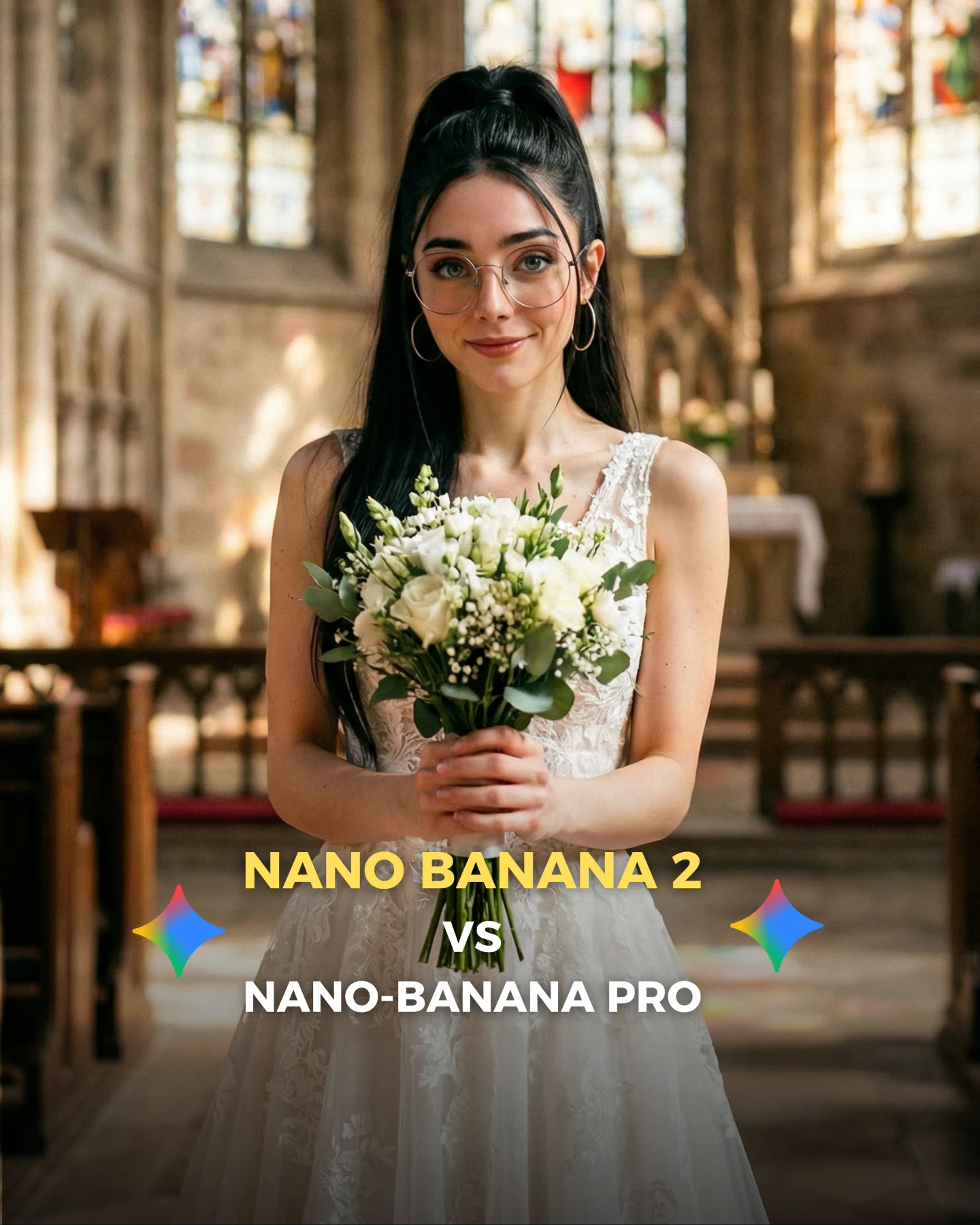
| Wedding-editorial comparison version | Identity consistency, visible labels, side-by-side readability. | Use bridal fabrics, soft makeup realism, and hair detail instead of magical wings. | {side-by-side portrait test} {same subject} {bridal realism challenge} {clean benchmark layout} |
Aesthetic Read
The image is visually strong because both sides share a common visual language: warm forest bokeh, light sparkle, soft fantasy femininity, and a tightly framed portrait. That shared language prevents the comparison from becoming chaotic. Then the differences are introduced through texture behavior. The left side leans more heavily into glossy glitter and overt magical shine. The right side relaxes the effect and lets skin, posture, and expression carry more of the image.
The color split also helps. Turquoise on one side and pink-green on the other makes the two outputs distinct without breaking the impression that they belong to the same fairy universe. This is a good benchmark design principle: change enough to make the outputs identifiable, but not so much that the test becomes unfair.
| Observed | Recreate |
|---|
| Same facial identity across both panels | Lock hair, glasses, earrings, expression, and head shape before comparing models. |
| Rounded split-card layout with bottom labels | Present comparisons in a format that viewers can decode instantly on mobile. |
| Fantasy wardrobe plus forest bokeh | Use an edge-case theme that stresses realism while remaining attractive. |
| Style difference expressed through texture realism, not completely different scenes | Keep the setting similar so the model delta stays interpretable. |
Prompt Technique Breakdown
The easiest way to ruin a benchmark image is to let too many variables move at once. This kind of comparison needs prompt discipline.
| Prompt chunk | What it controls | Swap ideas (EN, 2–3 options) |
|---|
| same woman with ponytail, glasses, hoop earrings, puffed cheeks | Locks character identity so the model comparison stays meaningful. | same freckles and braid; same bob haircut and glasses; same lip shape and eyes |
| two-panel comparison card with labels | Creates instant left-right readability and debate-friendly structure. | before-after diptych; model A vs B benchmark card; split portrait comparison |
| fairy wings, glitter outfit, warm enchanted forest | Defines the hard fantasy realism challenge. | mermaid glamour; angelic garden look; magical princess bokeh setup |
| left more synthetic, right more naturalistic | Controls the core benchmark contrast. | left oversharpened right soft-real; left glossy right grounded; left stylized right believable |
| bottom text labels naming each render | Ensures the comparison is understandable without external explanation. | tool name labels; version name captions; benchmark side tags |
Remix Steps
Start by freezing the character. Then freeze the scene. Only after those two are stable should you change the model, sampler, or rendering method. If identity and environment shift at the same time, the comparison loses value.
- Run 1: lock the same character anchors across both panels.
- Run 2: lock the same forest mood, wings, and approximate framing.
- Run 3: vary only the generation method or model version to reveal realism differences.
- Run 4: add labels and final card design so viewers can judge the result immediately.
The bigger takeaway is simple: comparison content works best when it is both beautiful and fair. This image does that by keeping the fairy concept attractive while still making the quality gap visible enough for viewers to form an opinion fast.